Core service
Multi-perspective virtual staging
The same sofa, in the same place, from every camera angle — staging that survives a buyer flipping between photos.
A Studio Service, ordered on the frames you pick and priced per image.
What it does
What Multi-Perspective Staging does.
Buyers flip back and forth between photos of the same room. If the staging changes between frames — a sofa that moves, a rug that vanishes — the illusion collapses and the whole gallery loses trust.
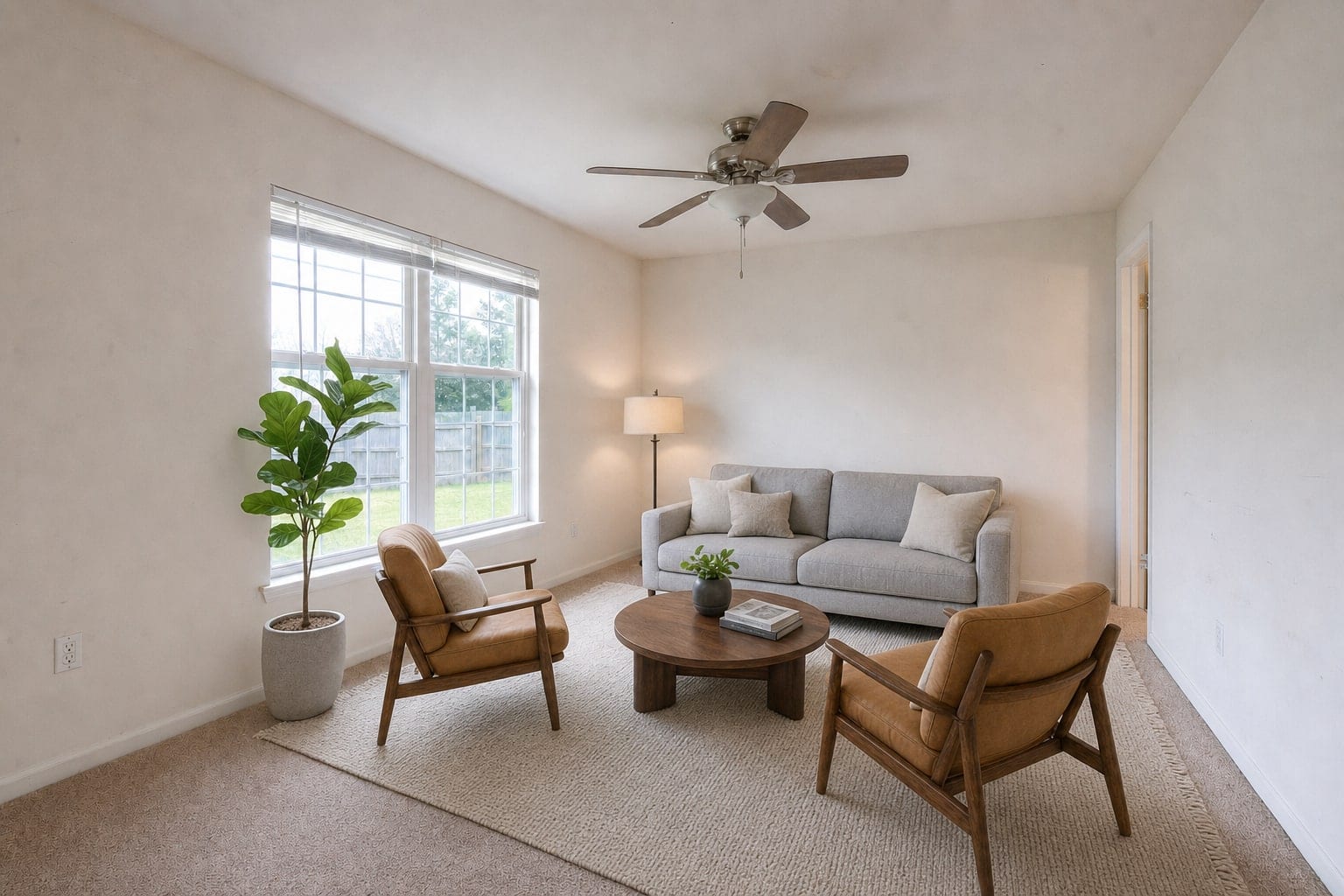
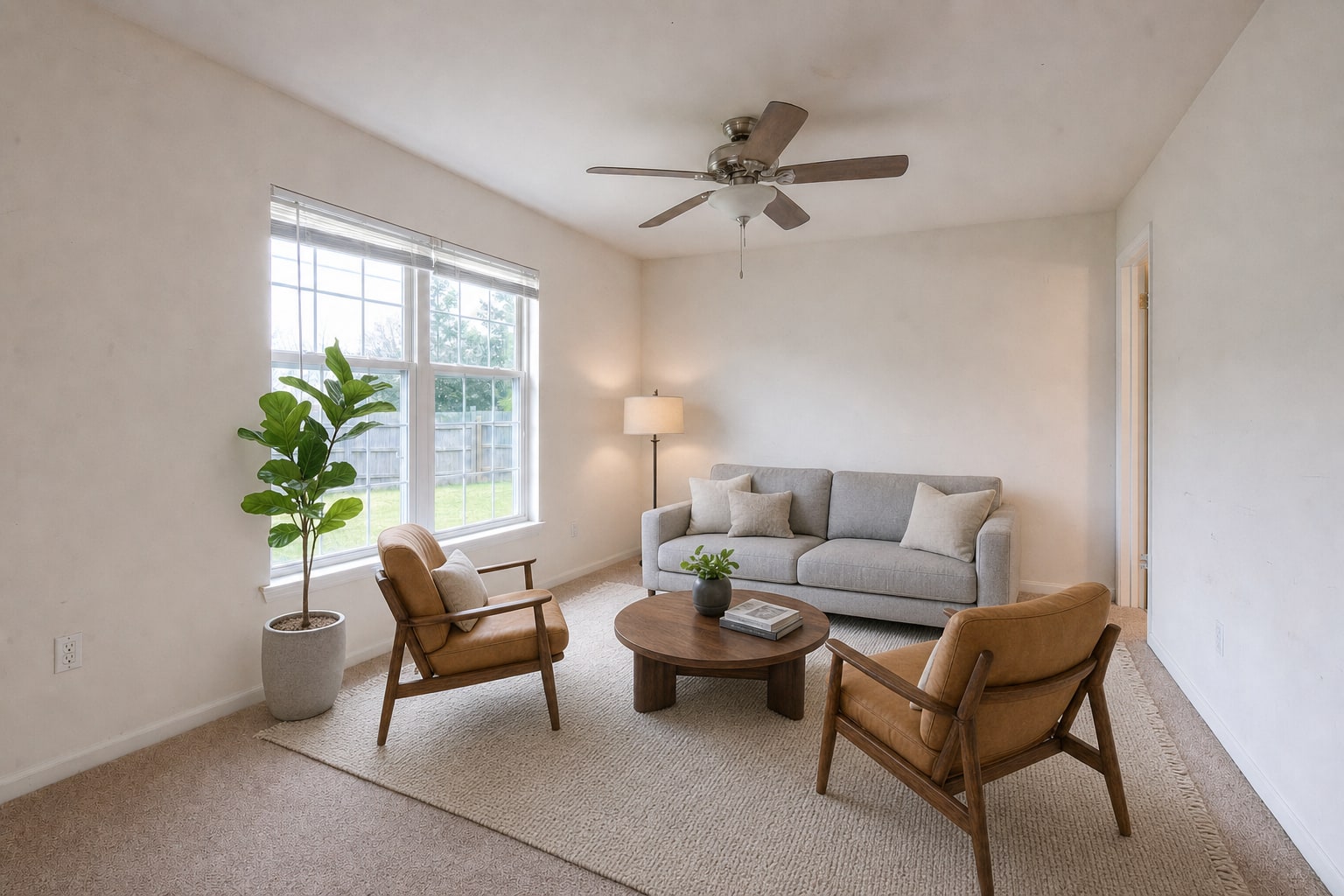
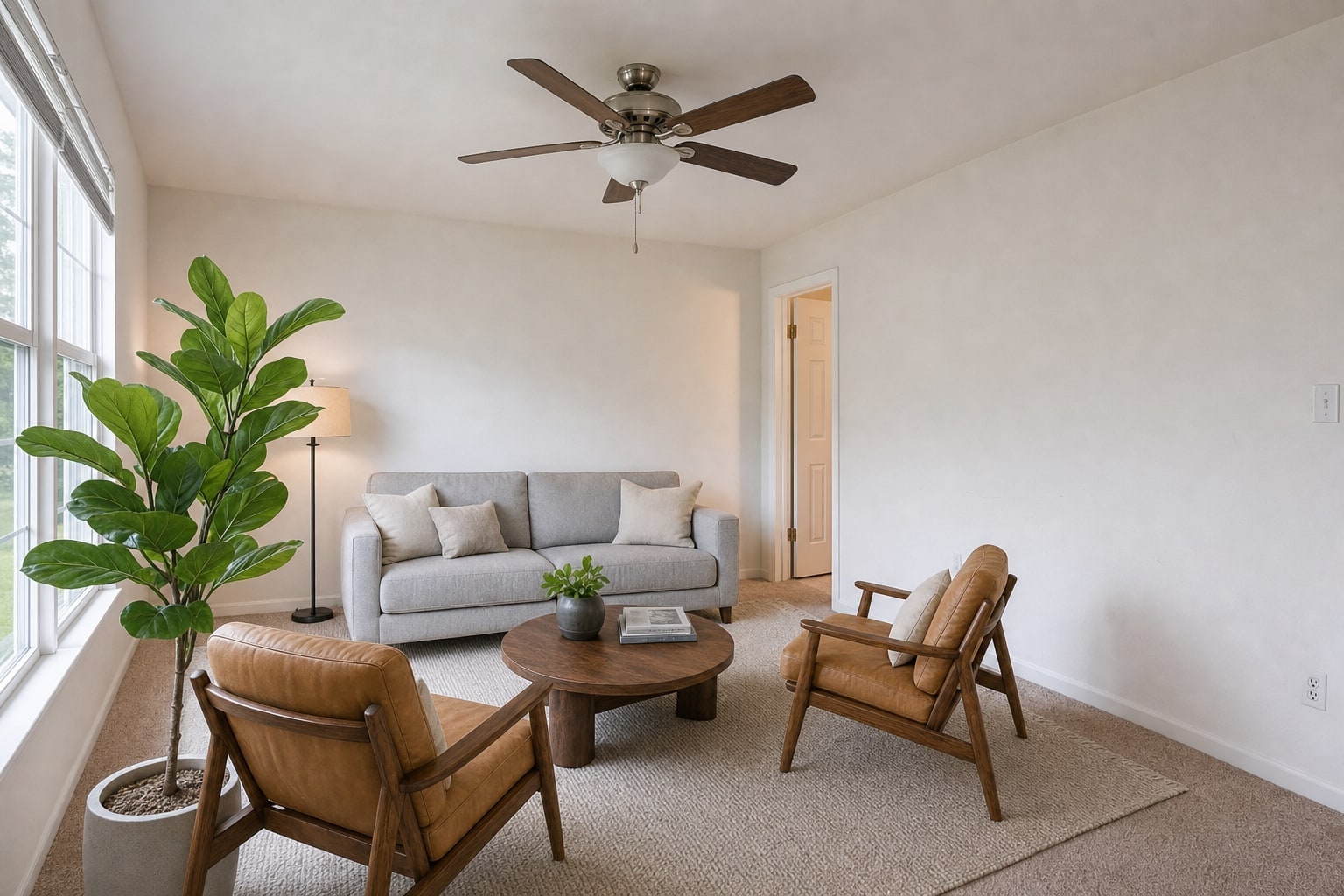
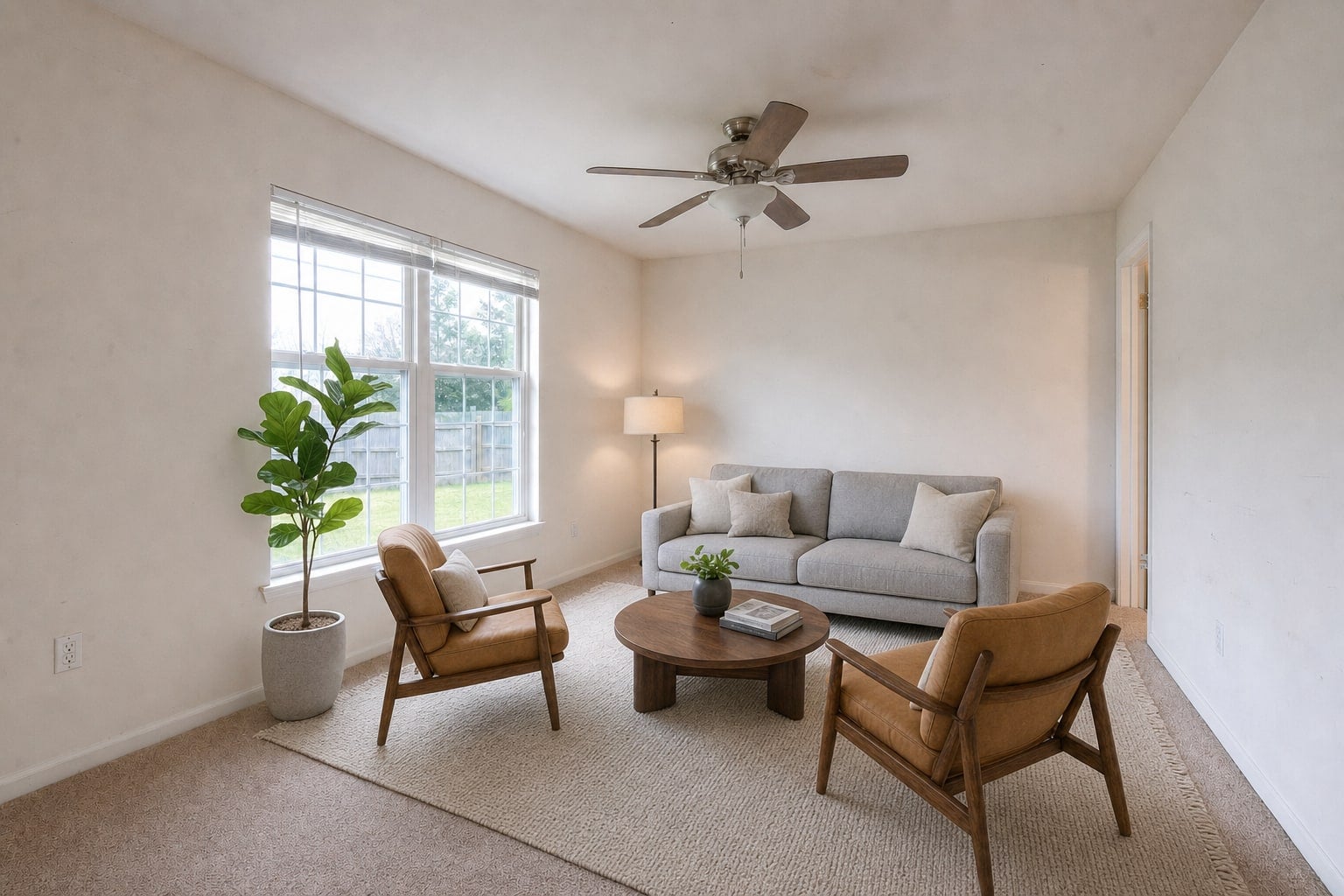
Multi-perspective staging places one furniture layout in the room and renders it correctly from each of your camera angles. It's the difference between staged photos and a staged room.
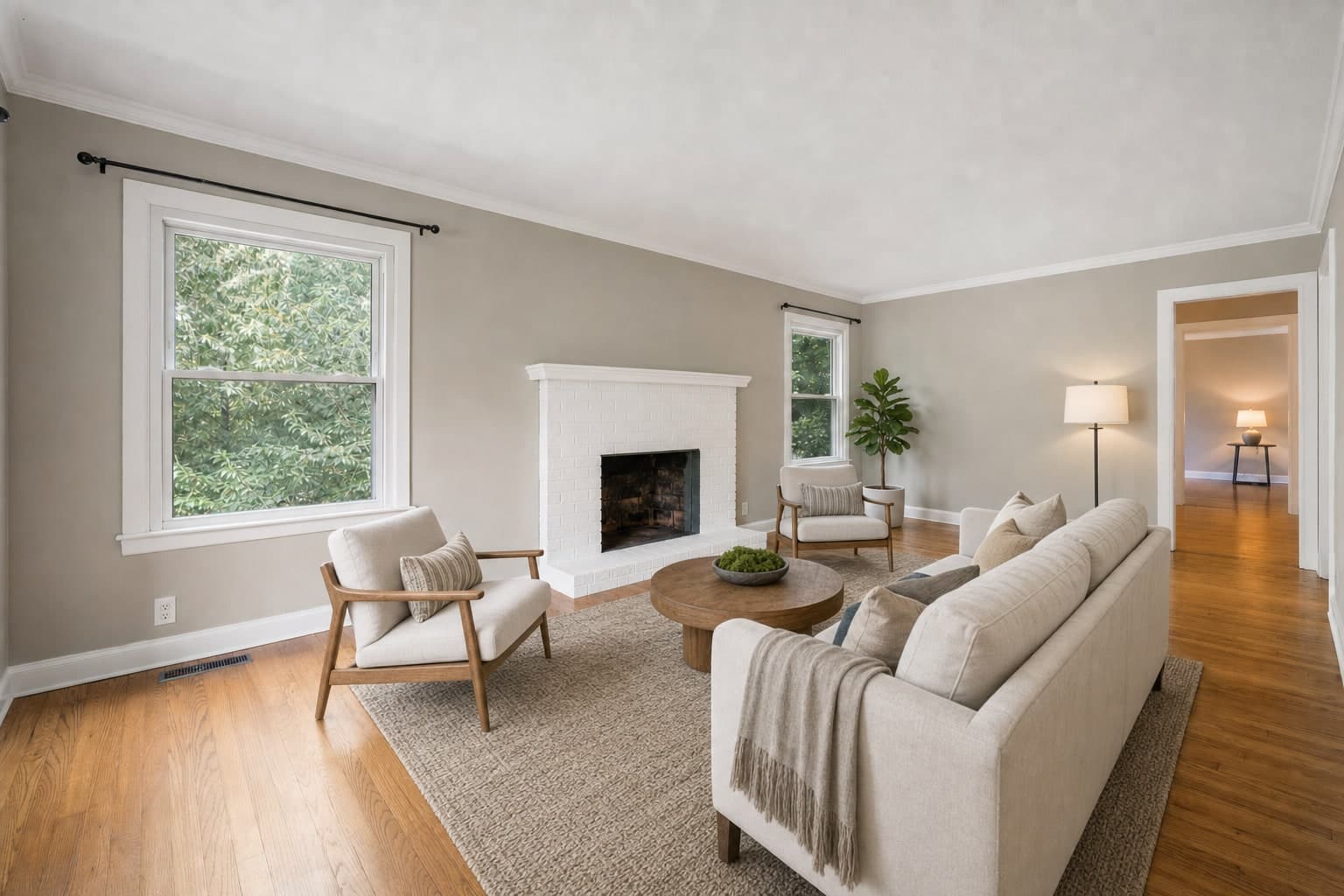
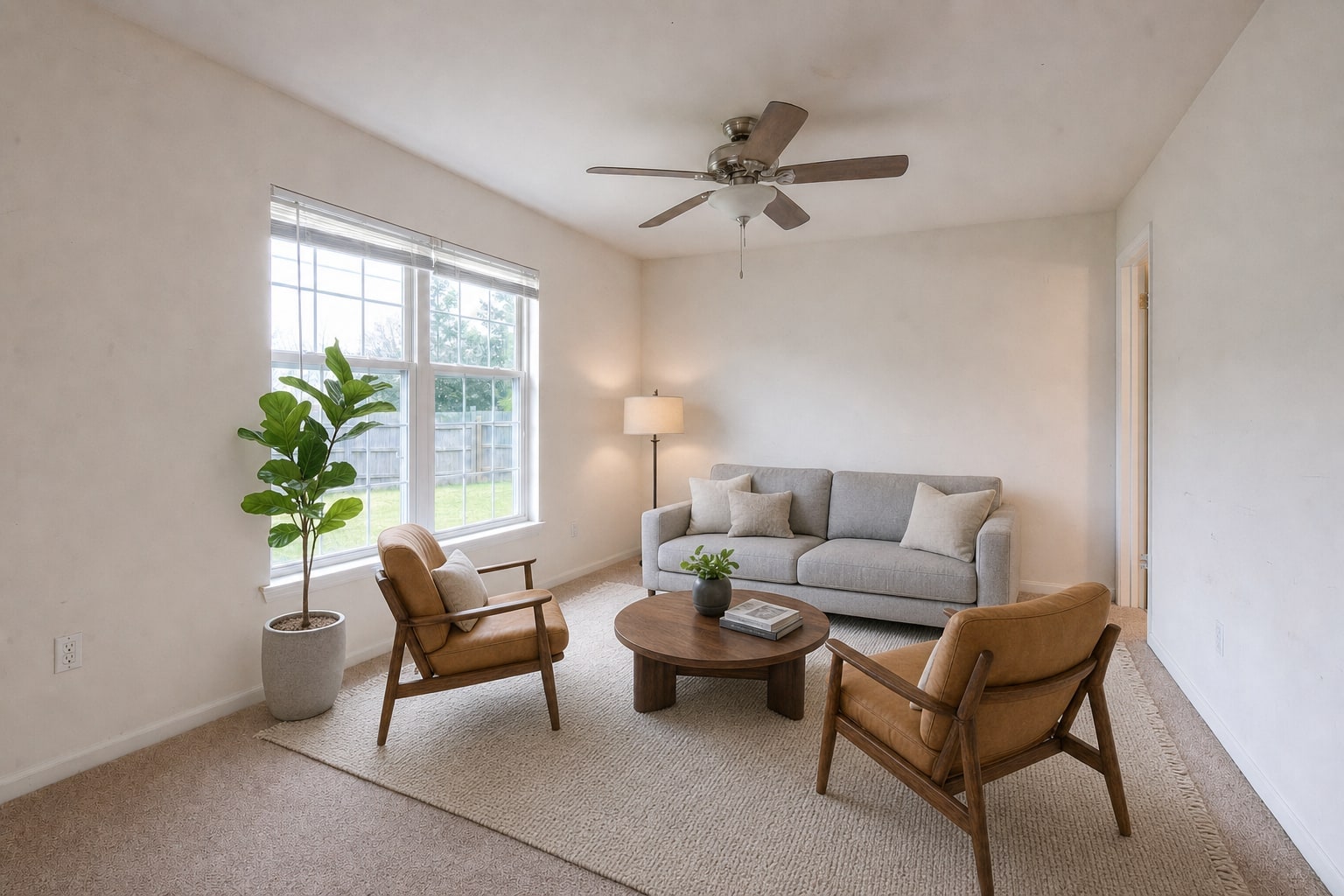
 Angle 1, same staging
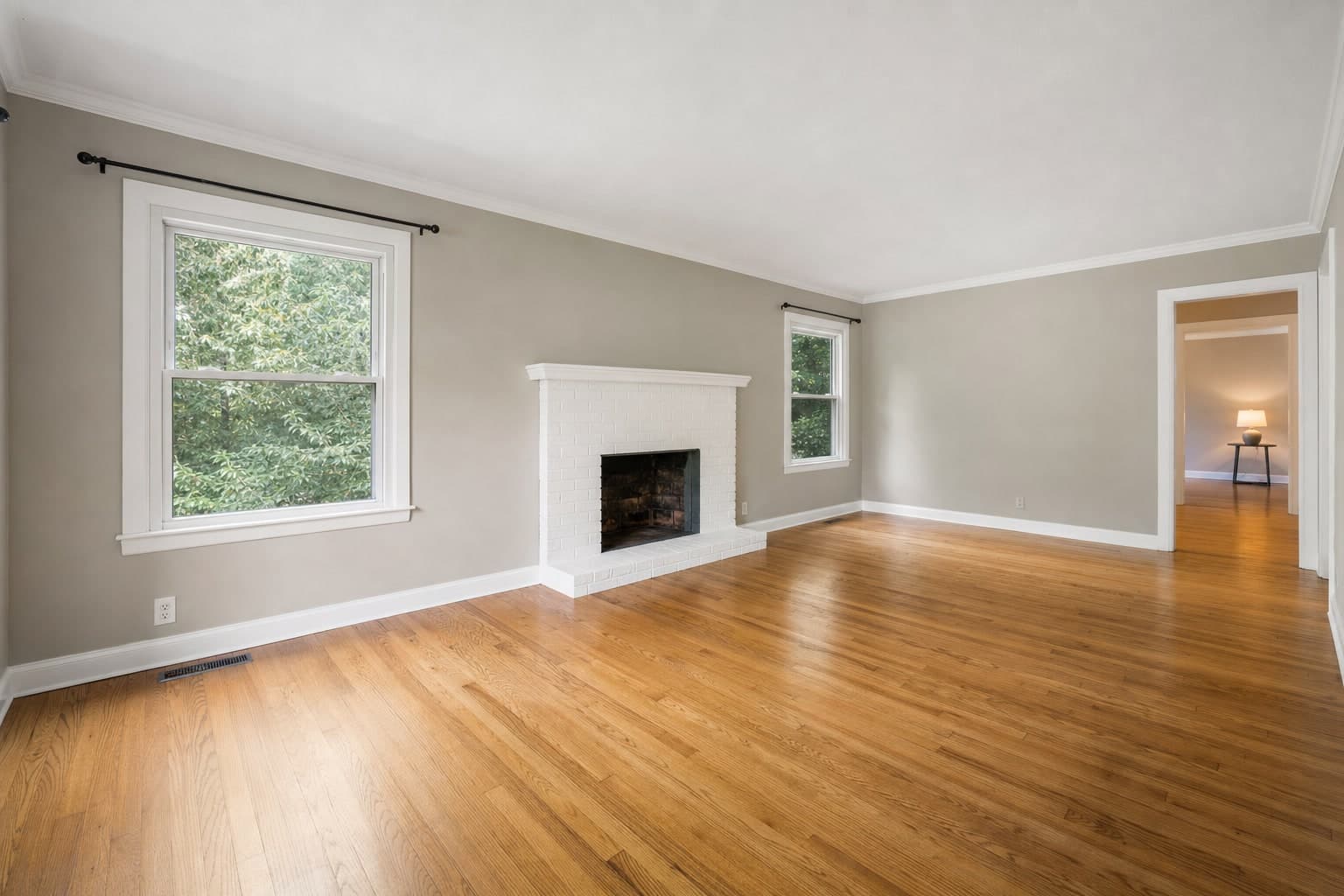
 Angle 2, same staging
Studio — Multi-Perspective Staging
One layout. Two cameras.
- Upload all angles of the room
- We stage the room once
- The matched set, back
The case
Why it’s worth it.
- 81%
of recent buyers who searched online rated listing photos “very useful”, the highest of any website feature.
NAR, Home Buyers and Sellers Generational Trends (2026)- 78%
of sellers are more likely to hire an agent who offers high-resolution photography.
Zillow, Consumer Housing Trends Report for Agents (2025)
Consistency buyers can't catch out
Every angle shows the same layout, so flipping between photos reinforces the room instead of exposing the edit.
Made for open floor plans
Big connected spaces need multiple angles to read at all — this is how you stage them believably.
One design decision
Pick the style once; the layout carries across the set instead of being re-imagined per frame.
Same disclosure, stronger story
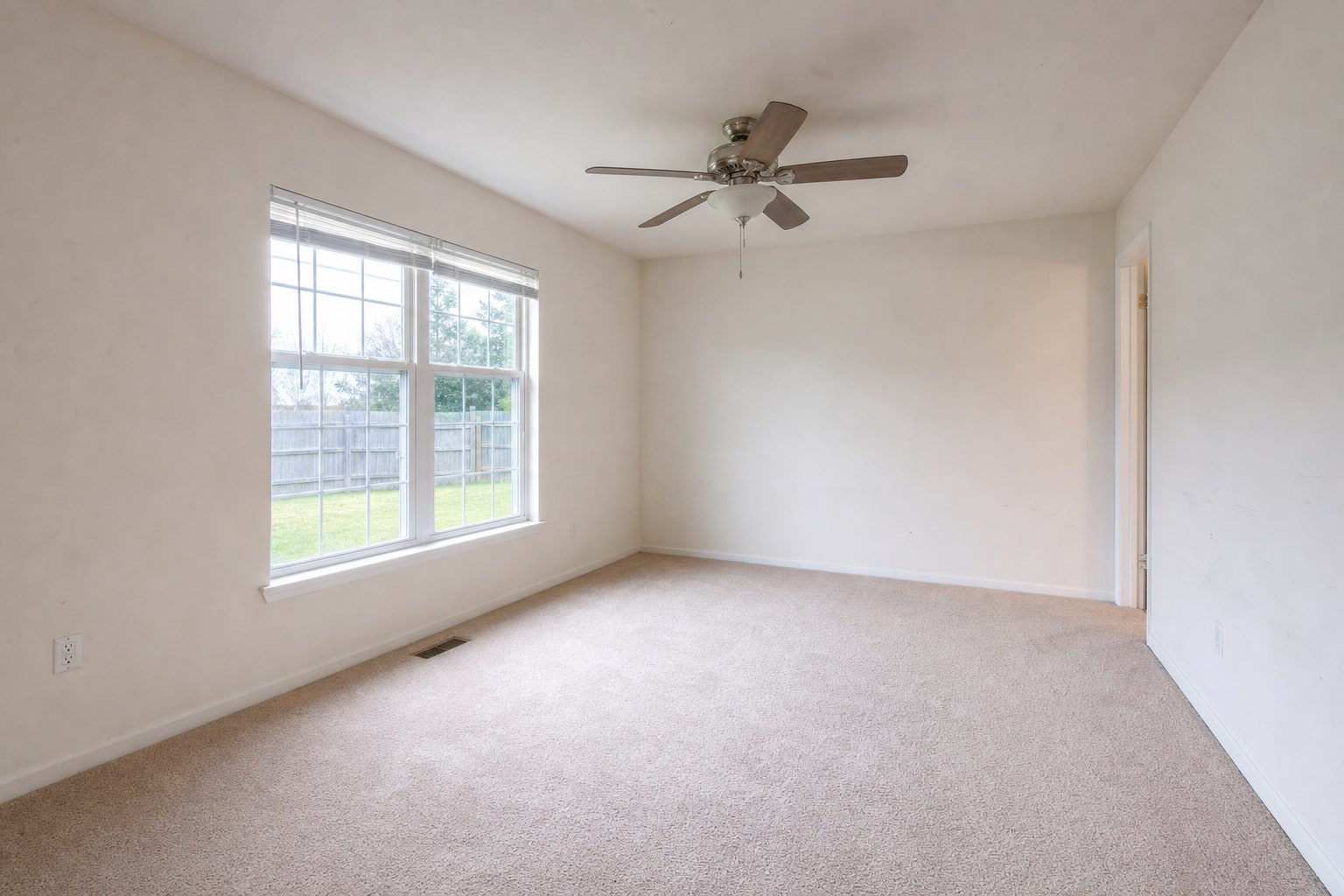
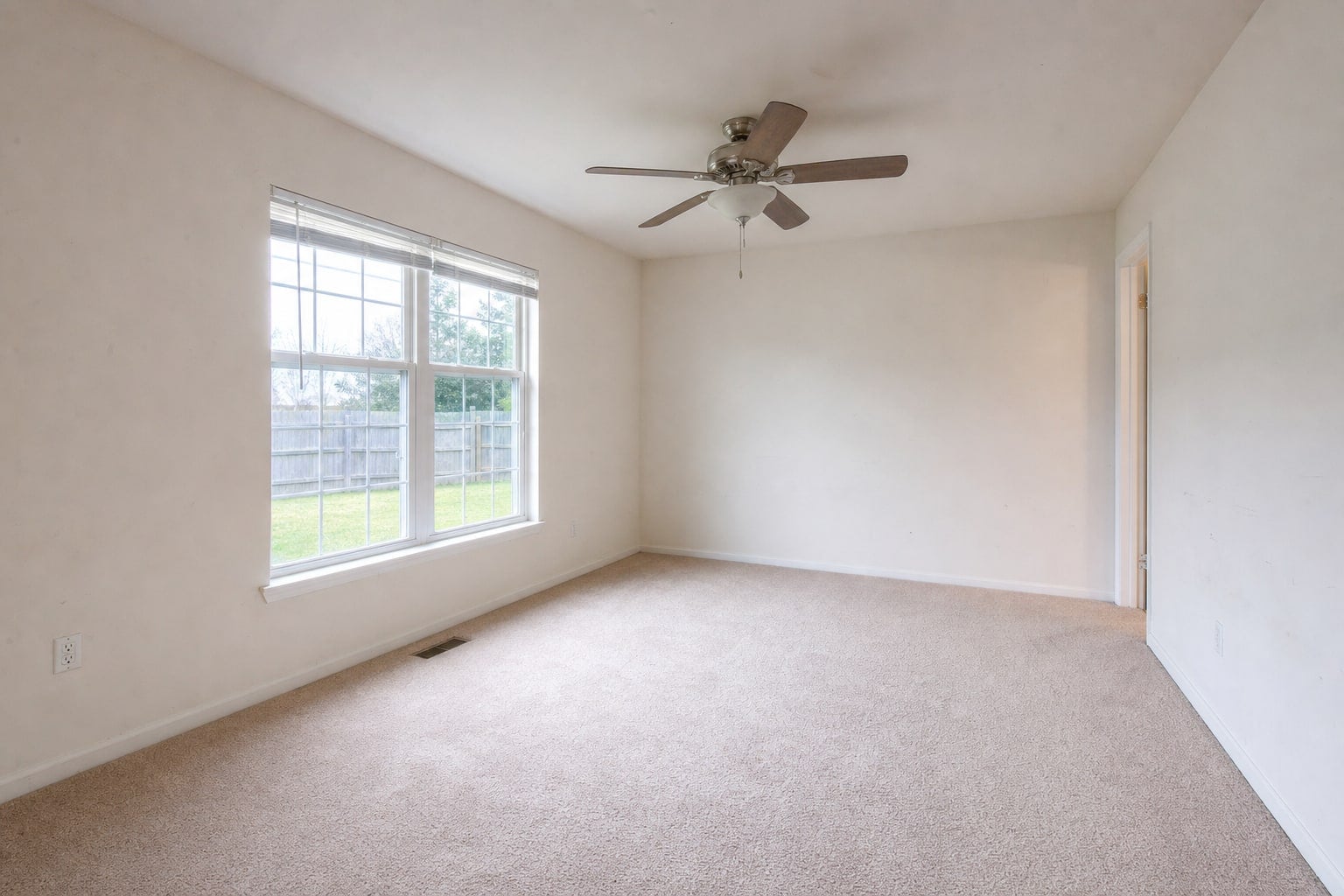
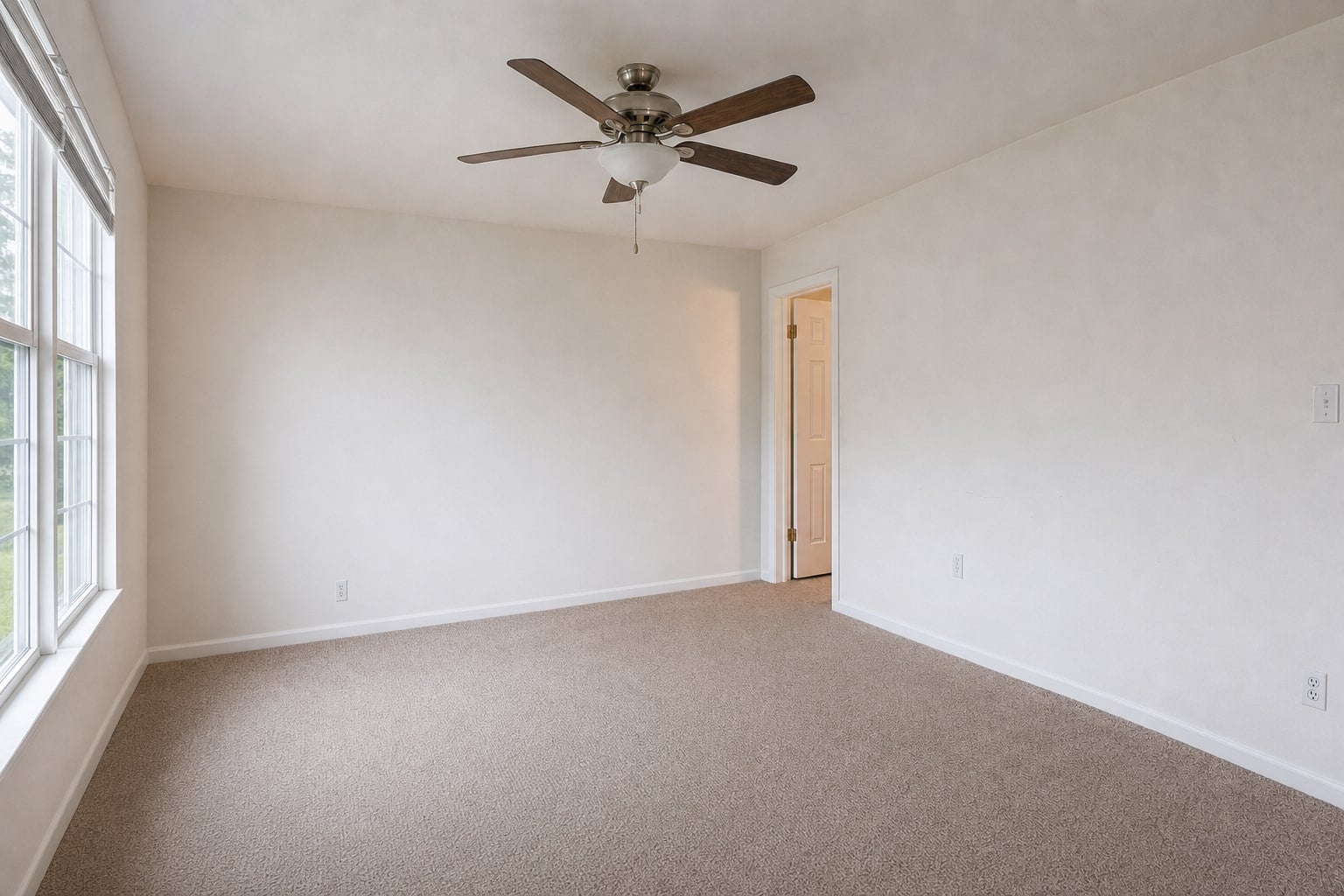
Originals included for every angle, so the disclosed before/after tells one coherent story.
How it works
From upload to delivered.
- 1
Upload all angles of the room
Two to four frames of the same space, shot from your usual positions.
- 2
We stage the room once
One furniture layout, rendered per angle with consistent placement.
- 3
The matched set, back
Every angle plus originals — one room, one layout, one story.
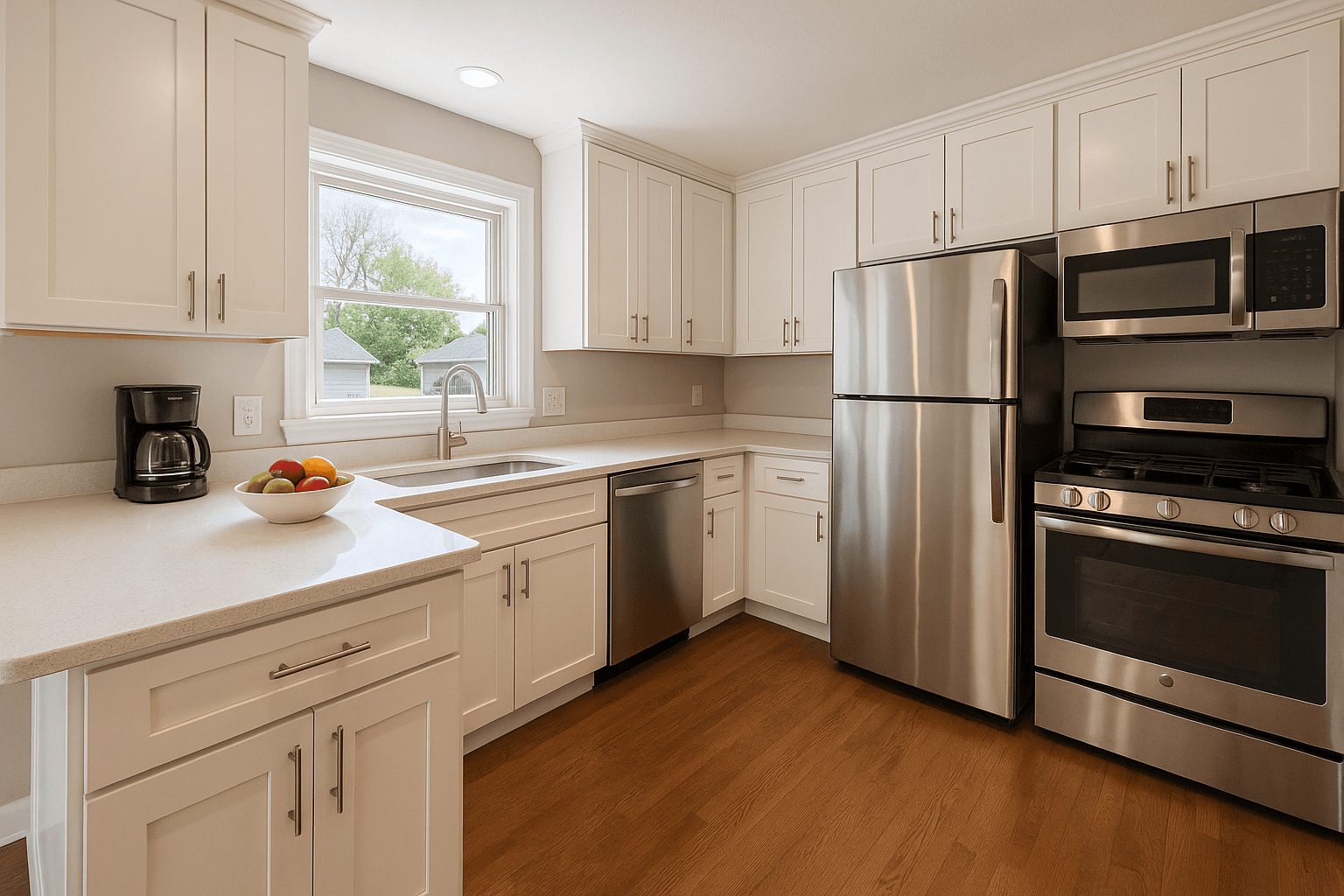
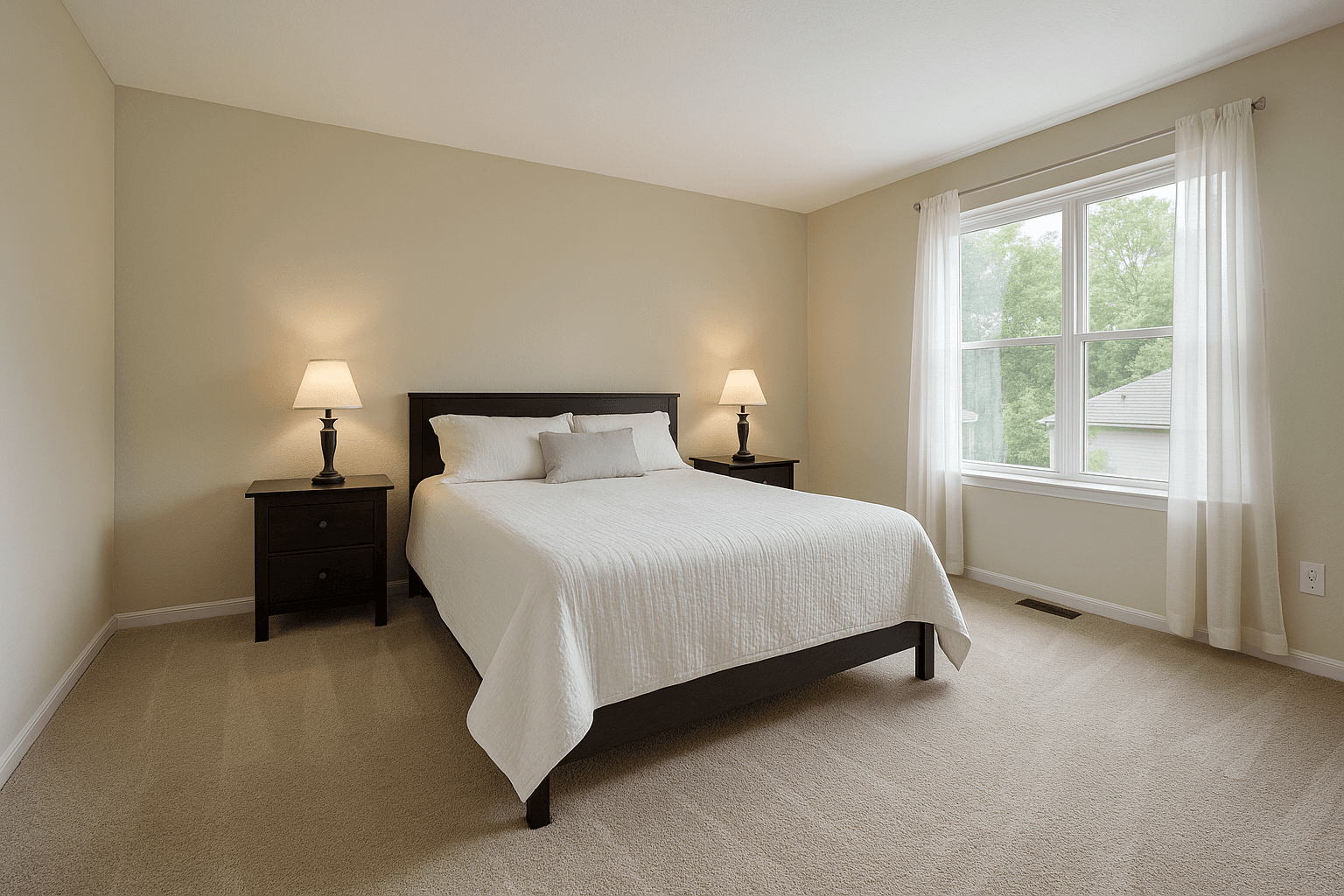
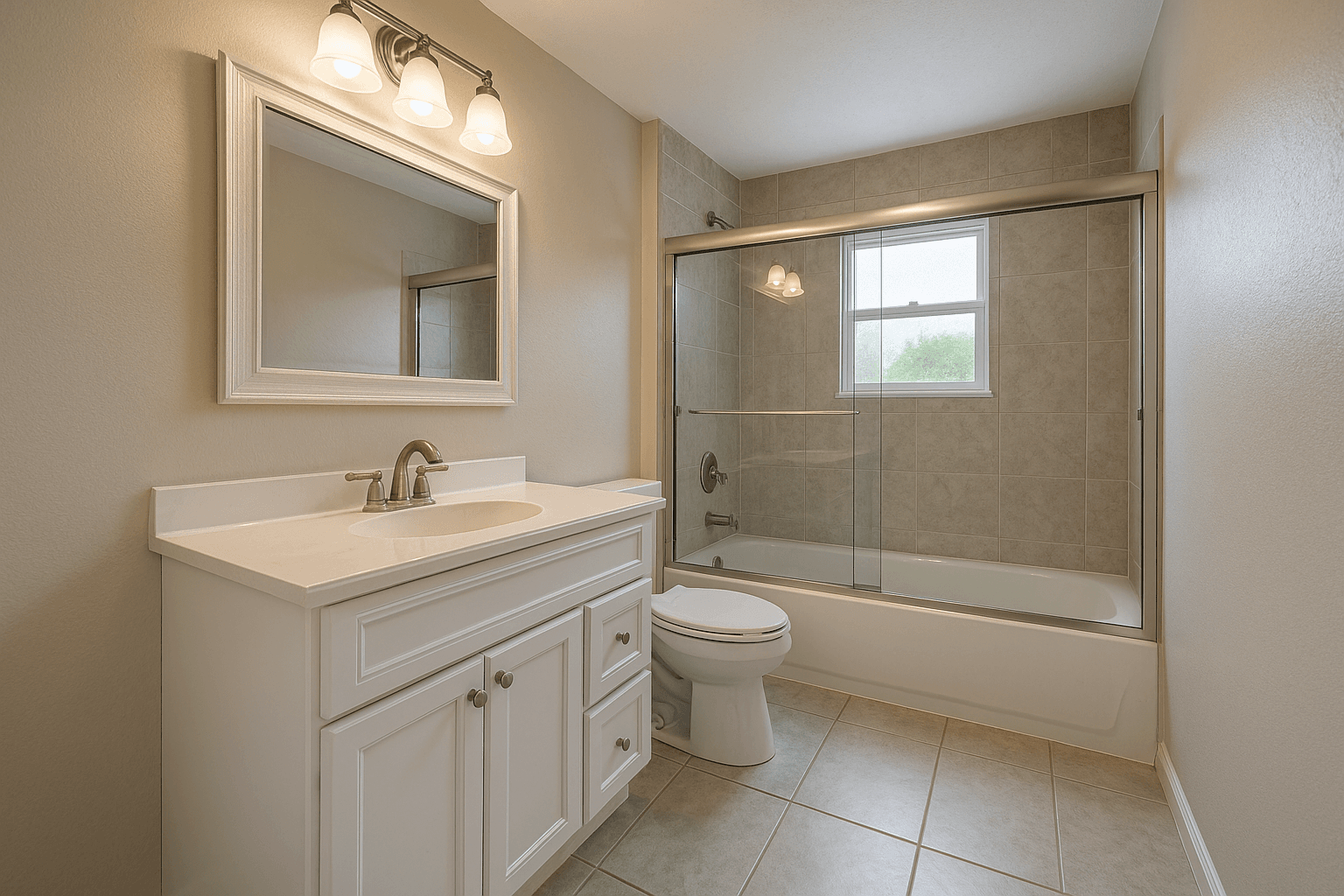
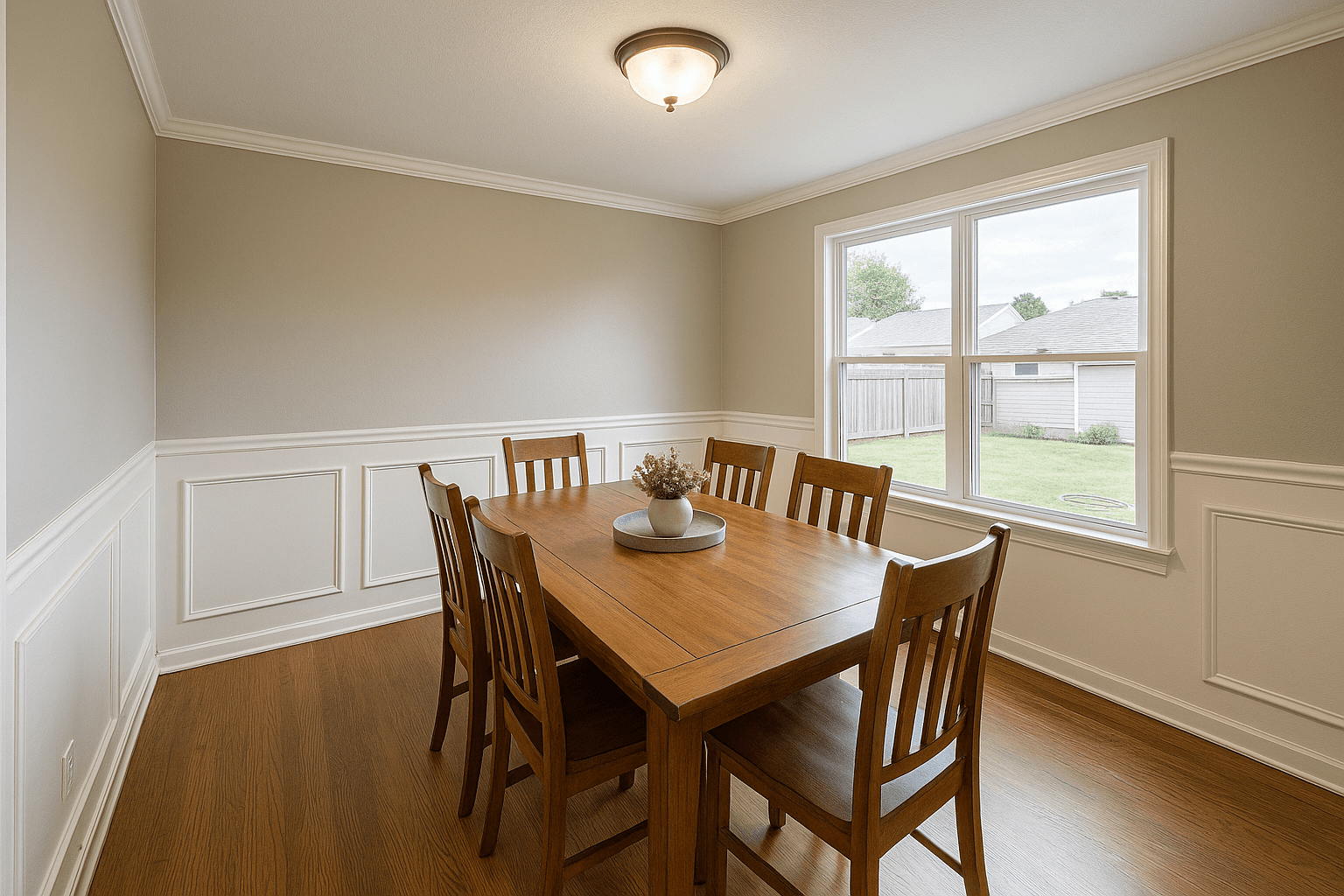
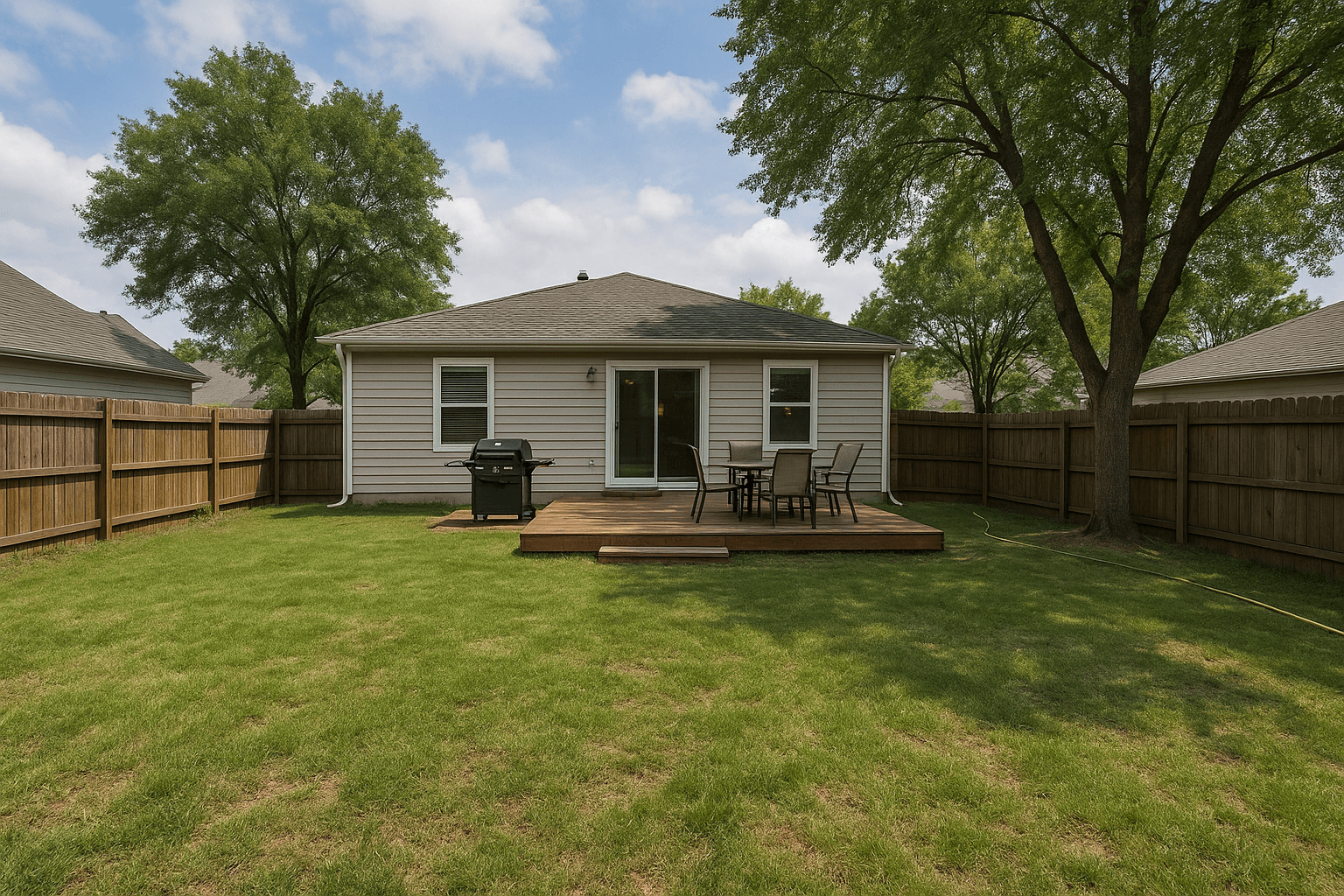
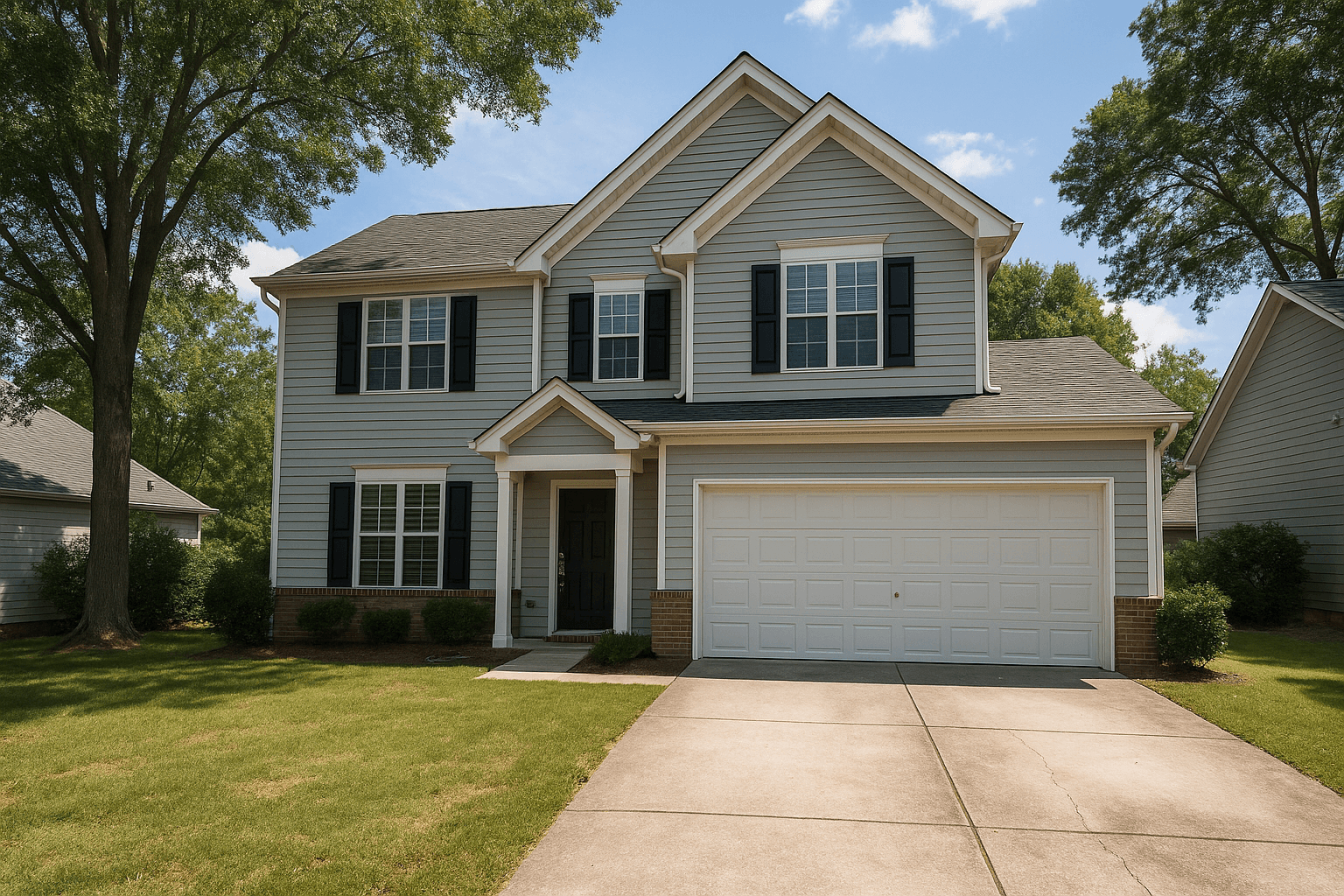
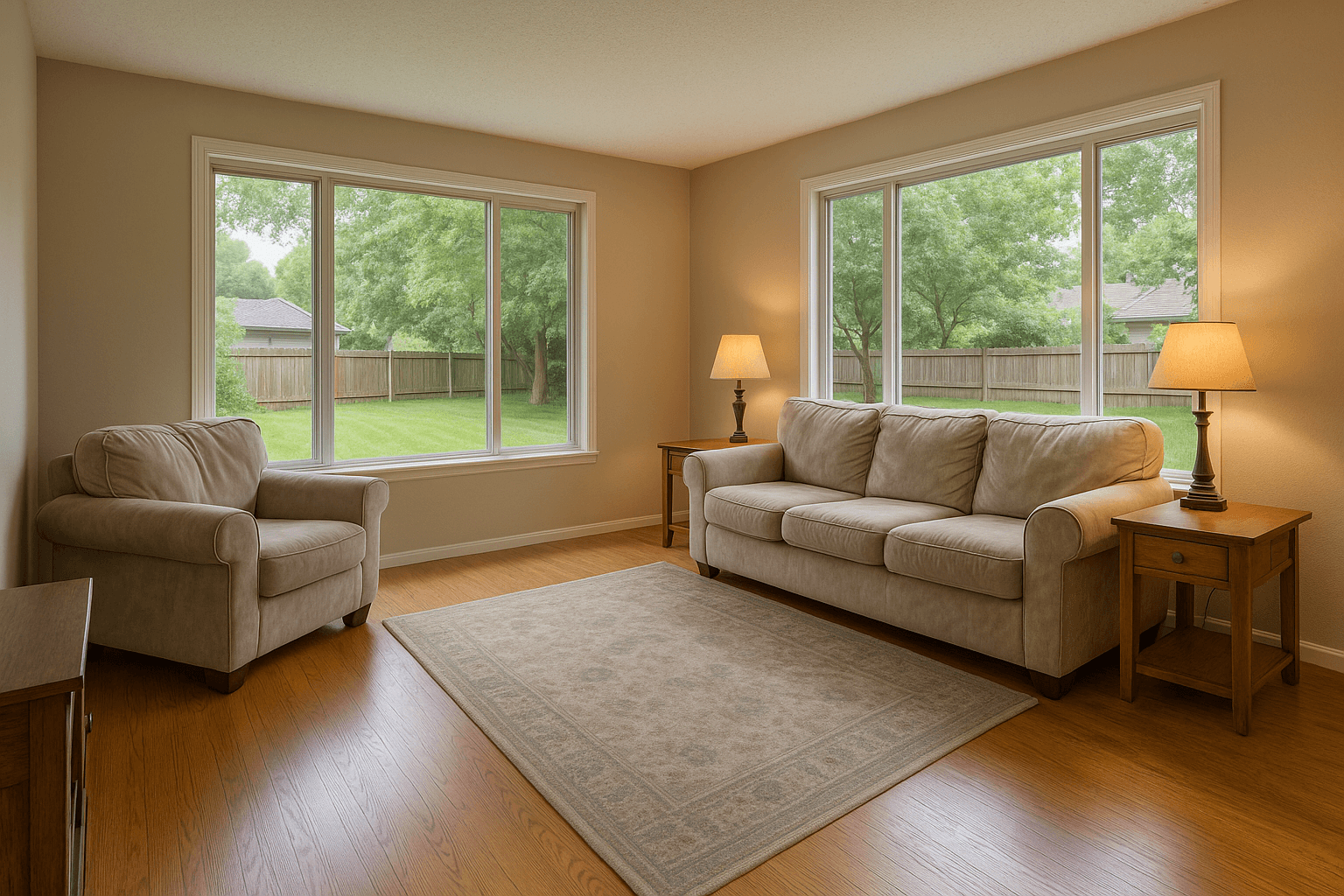
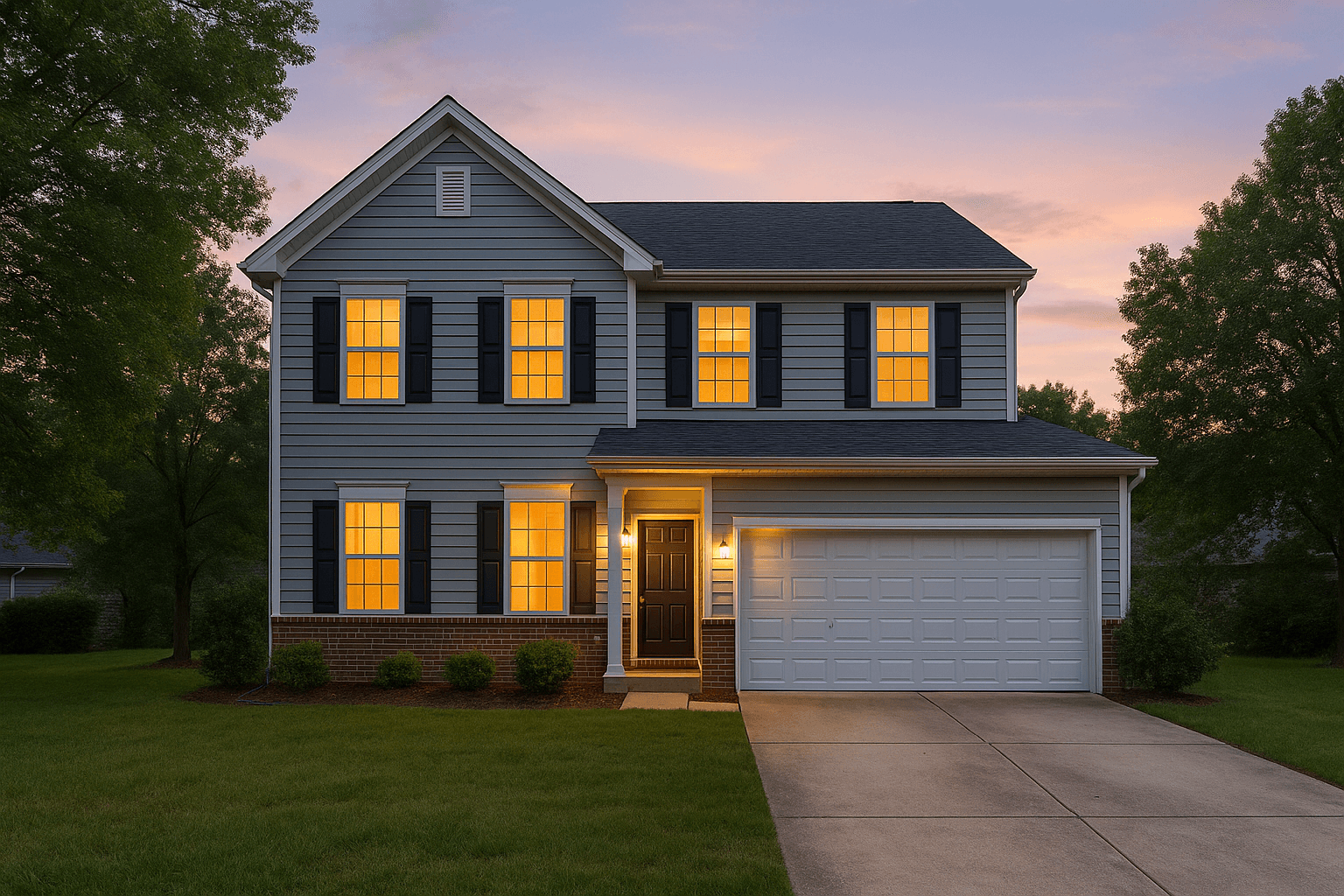
The Studio pipeline
Questions
Good questions.
How is this different from regular virtual staging?
Regular staging treats each photo independently, which is fine for one frame per room. Multi-perspective stages the room once and keeps furniture placement consistent across every camera angle — essential when a listing shows the same space from several viewpoints.
How many angles can you match?
Two to four angles of the same room is the sweet spot. Upload them together in one order so the pipeline treats them as one space.
Does it cost per room or per photo?
Per photo — a three-angle room is three images. Current rates live on the pricing page.
Pairs well with.
Run Multi-Perspective Stagingon your own listing.
Studio runs every Service in the catalog on the frames you pick. Create an account and put it to work on your next shoot.