Core service
HDR photo merge for real estate
Bright rooms, visible window views, true color — merged from the raw brackets you already shoot on every listing.
A Studio Service, ordered on the frames you pick and priced per image.
What it does
What HDR Merge does.
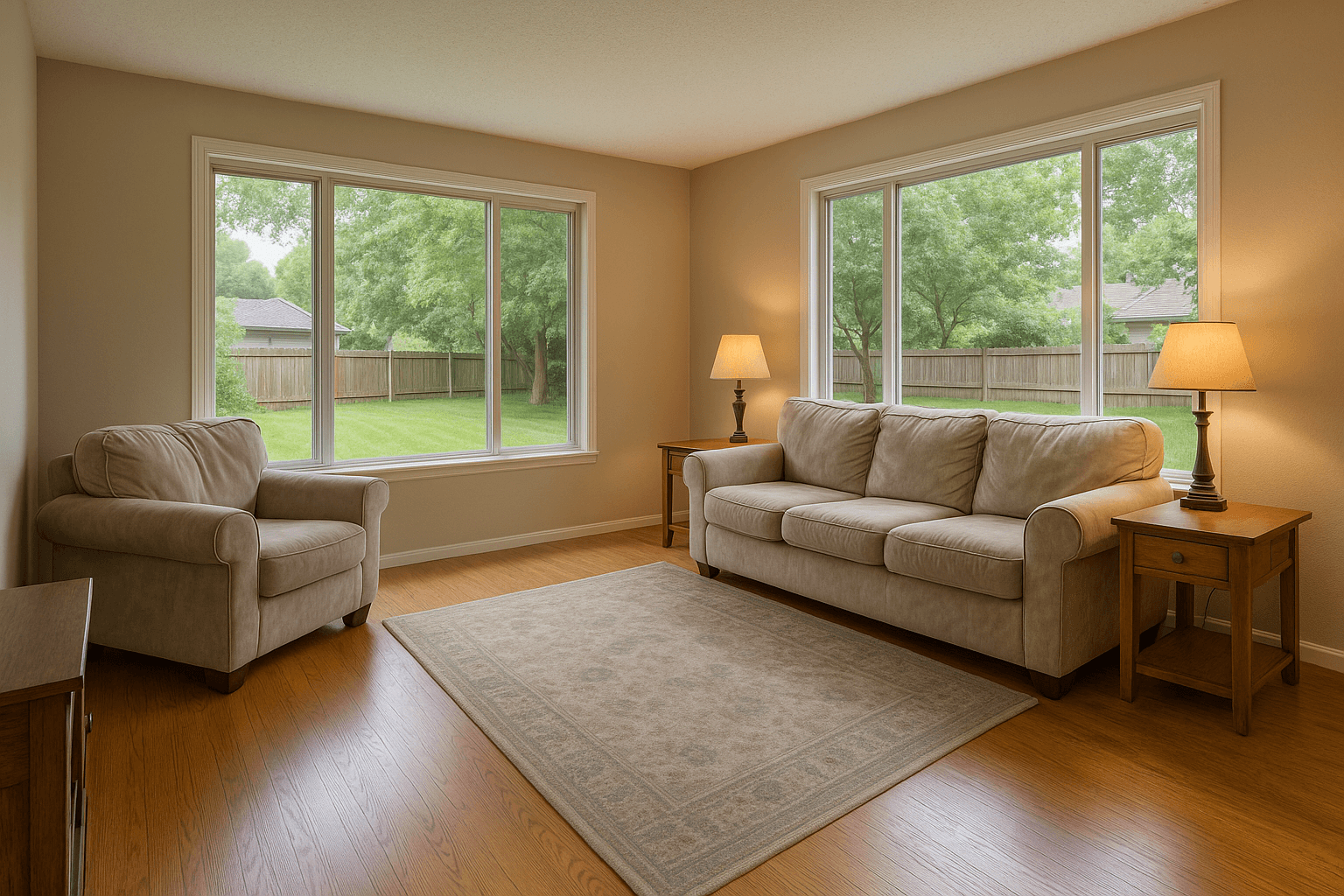
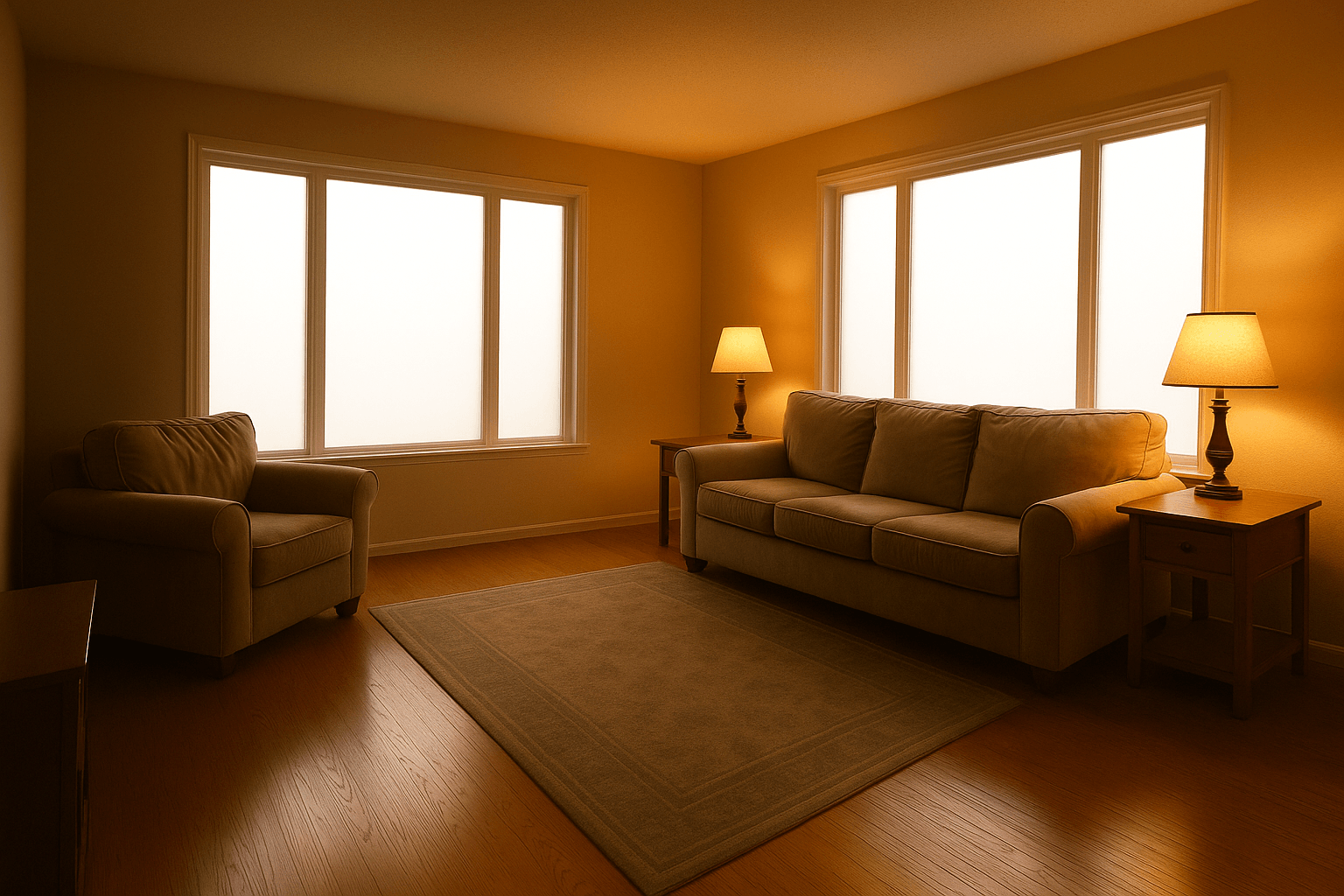
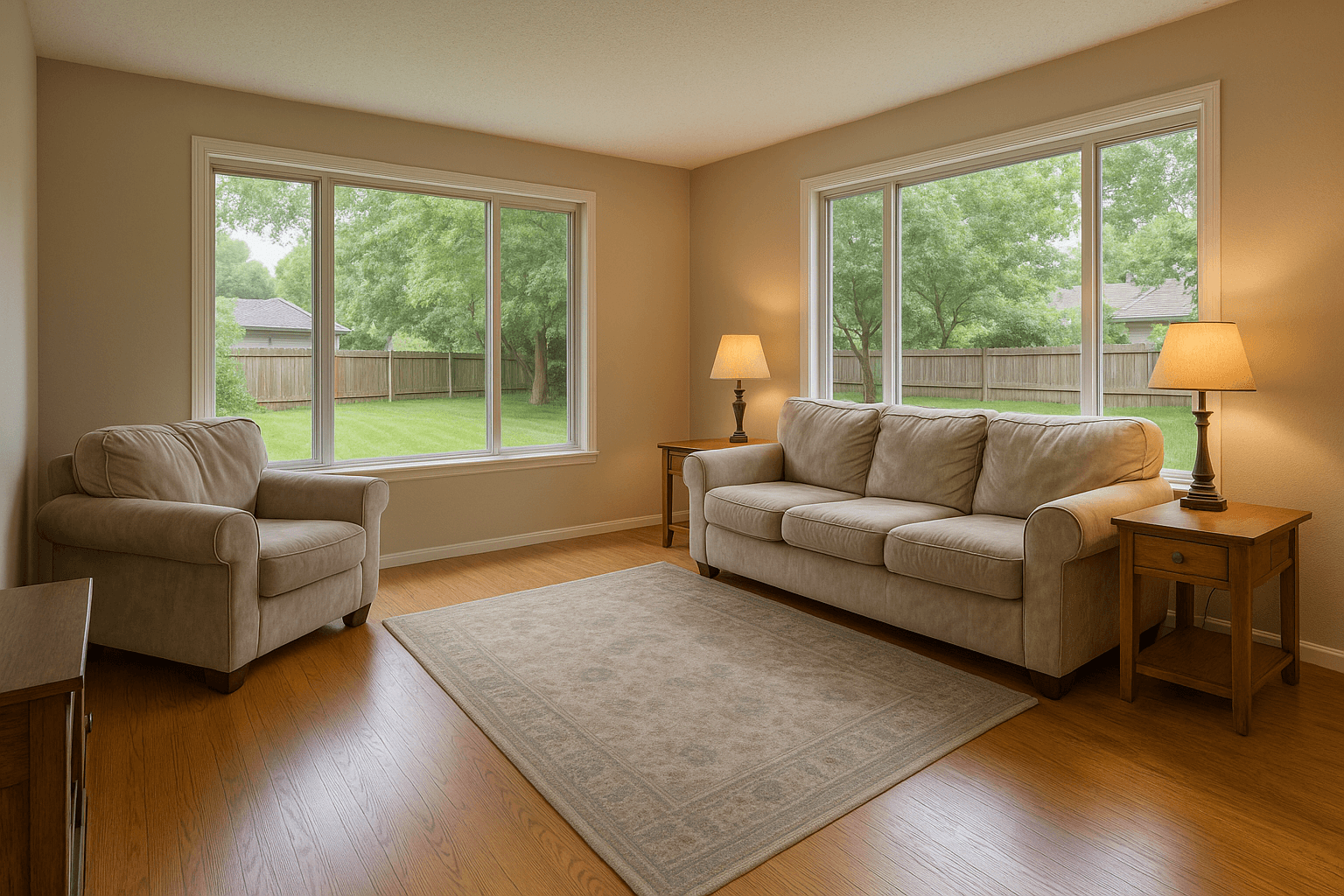
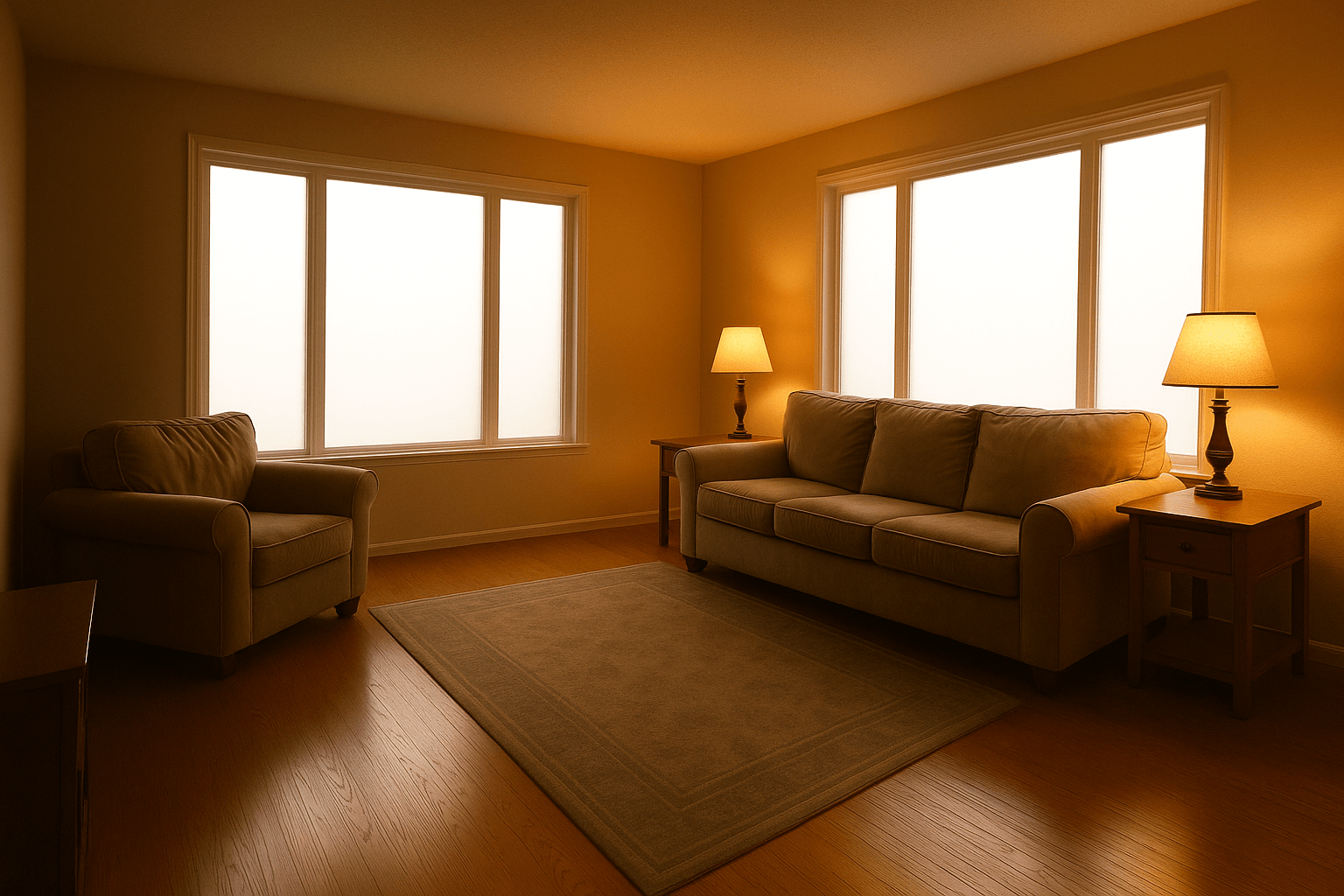
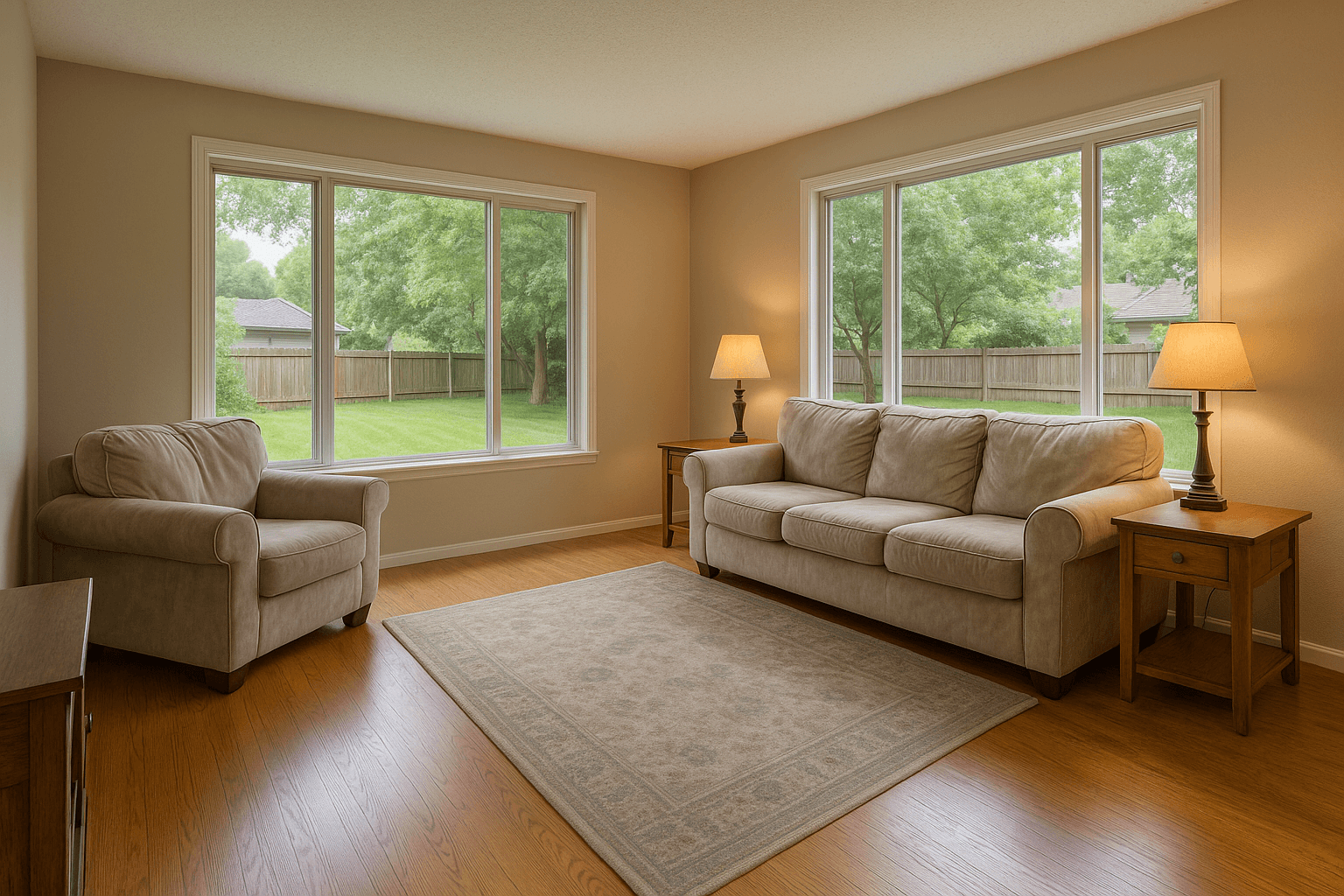
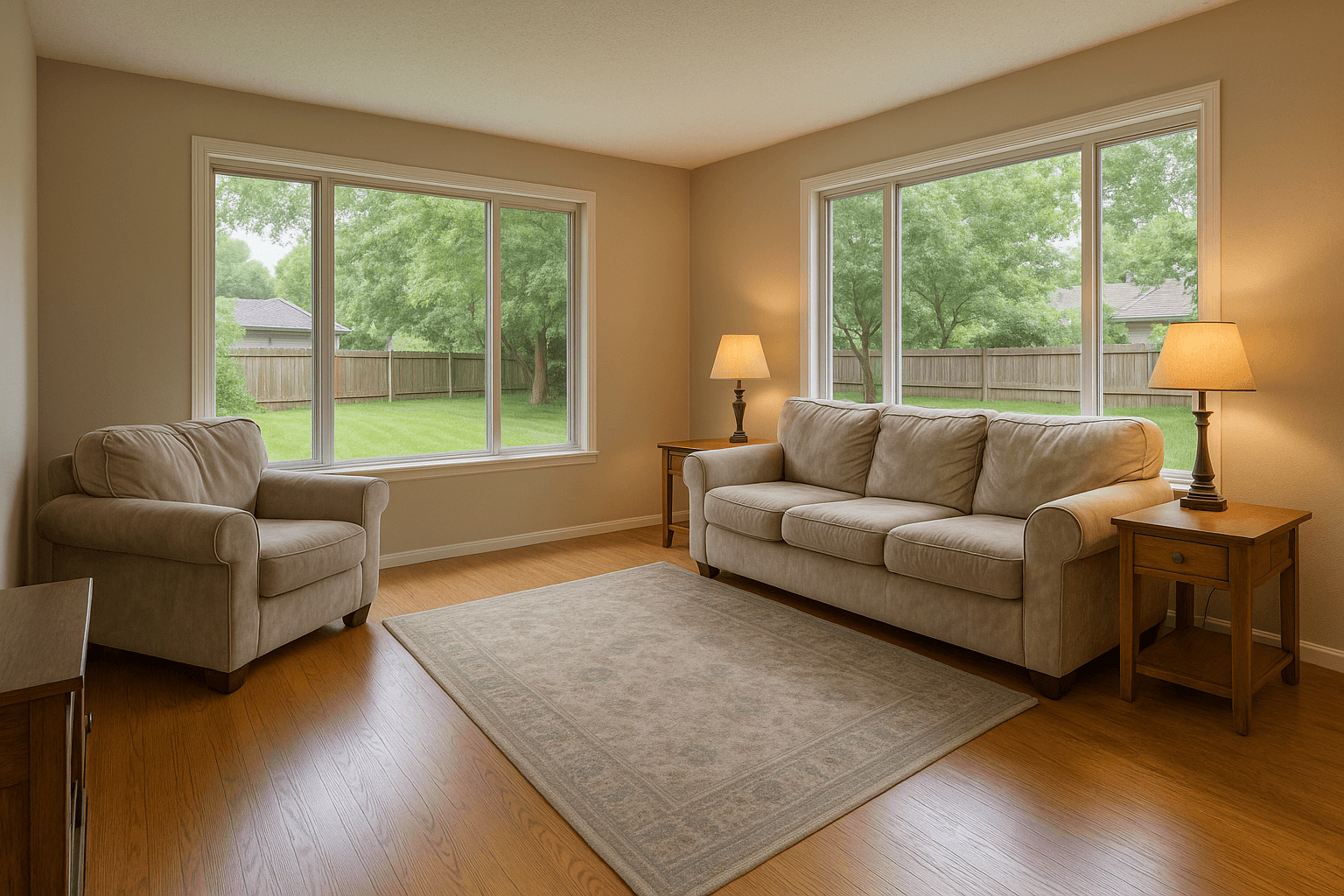
A camera can't expose a bright window and a dim room in one frame — so listing photographers shoot brackets: the same composition at several exposures. HDR merge blends them, taking each part of the scene from the exposure that captured it best.
The merge handles tone mapping, color correction, vertical correction, and sharpening in one pass, tuned specifically for interiors — with TV-screen blackout and photographer clean-up applied automatically. The standard: a room that looks like the one you stood in, not the crunchy, haloed HDR of a decade ago.
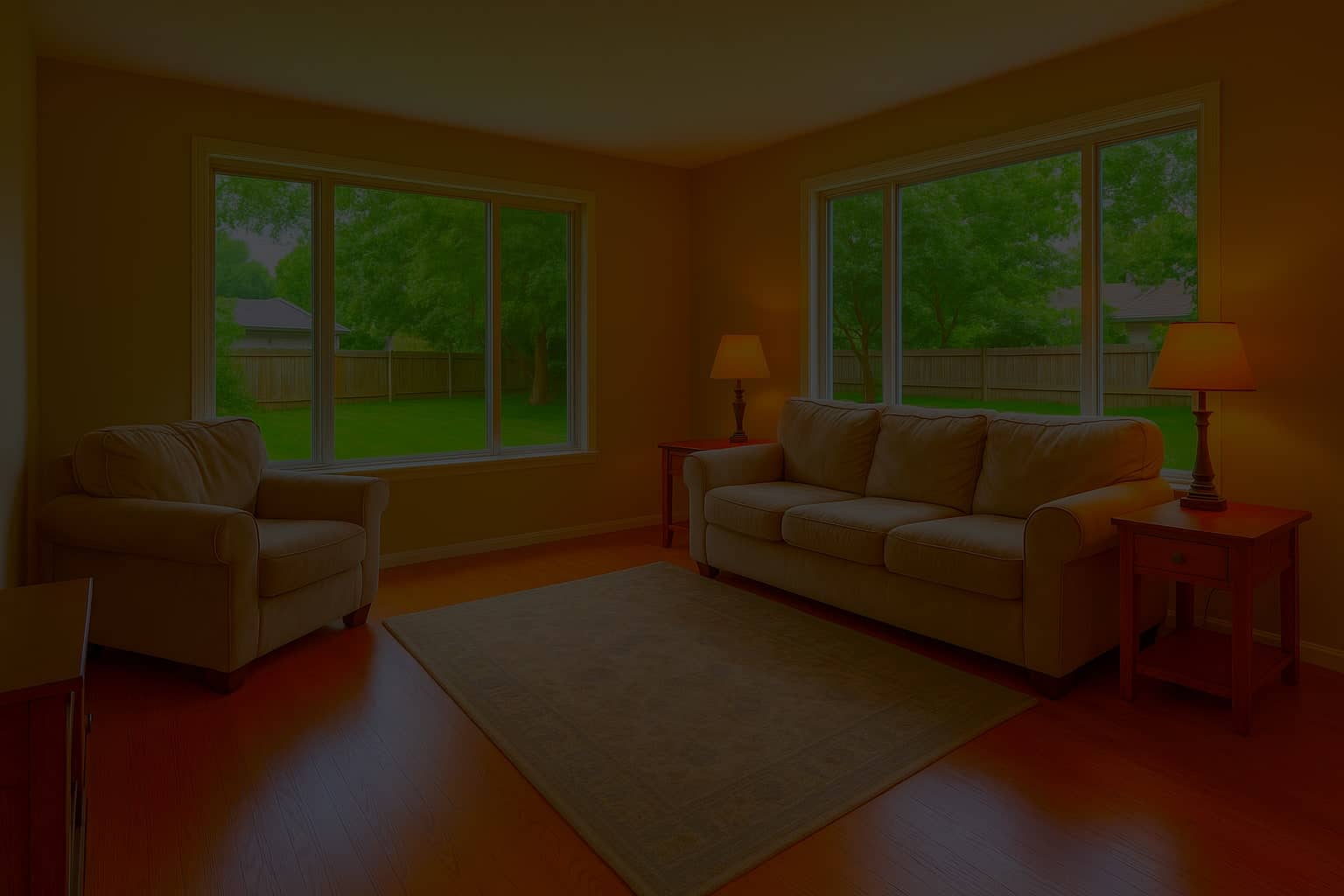
 -2 EV
-2 EV -1 EV
-1 EV 0 EV
0 EV +1 EV
+1 EV +2 EV
+2 EVFive brackets, one upload
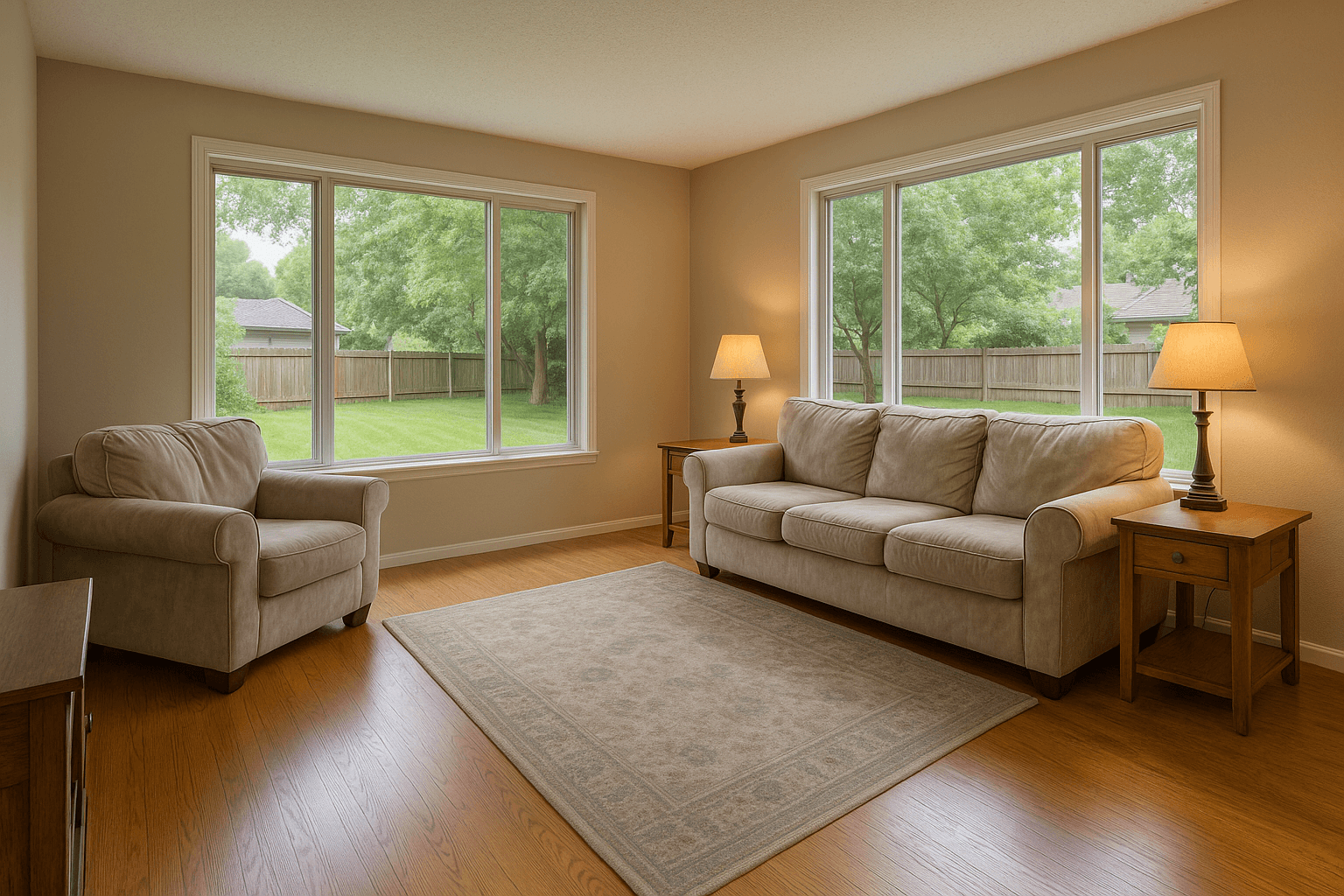 Merged result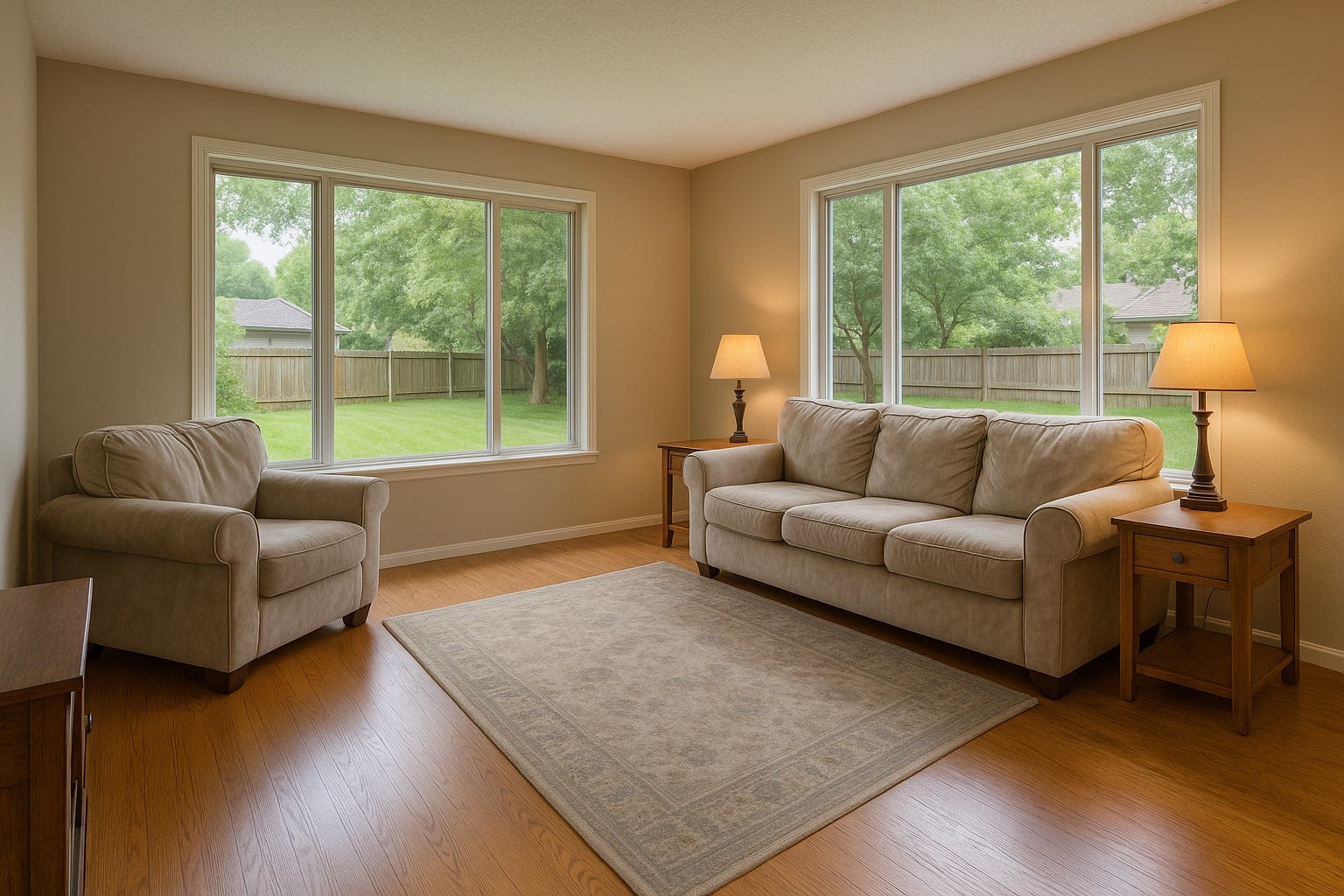
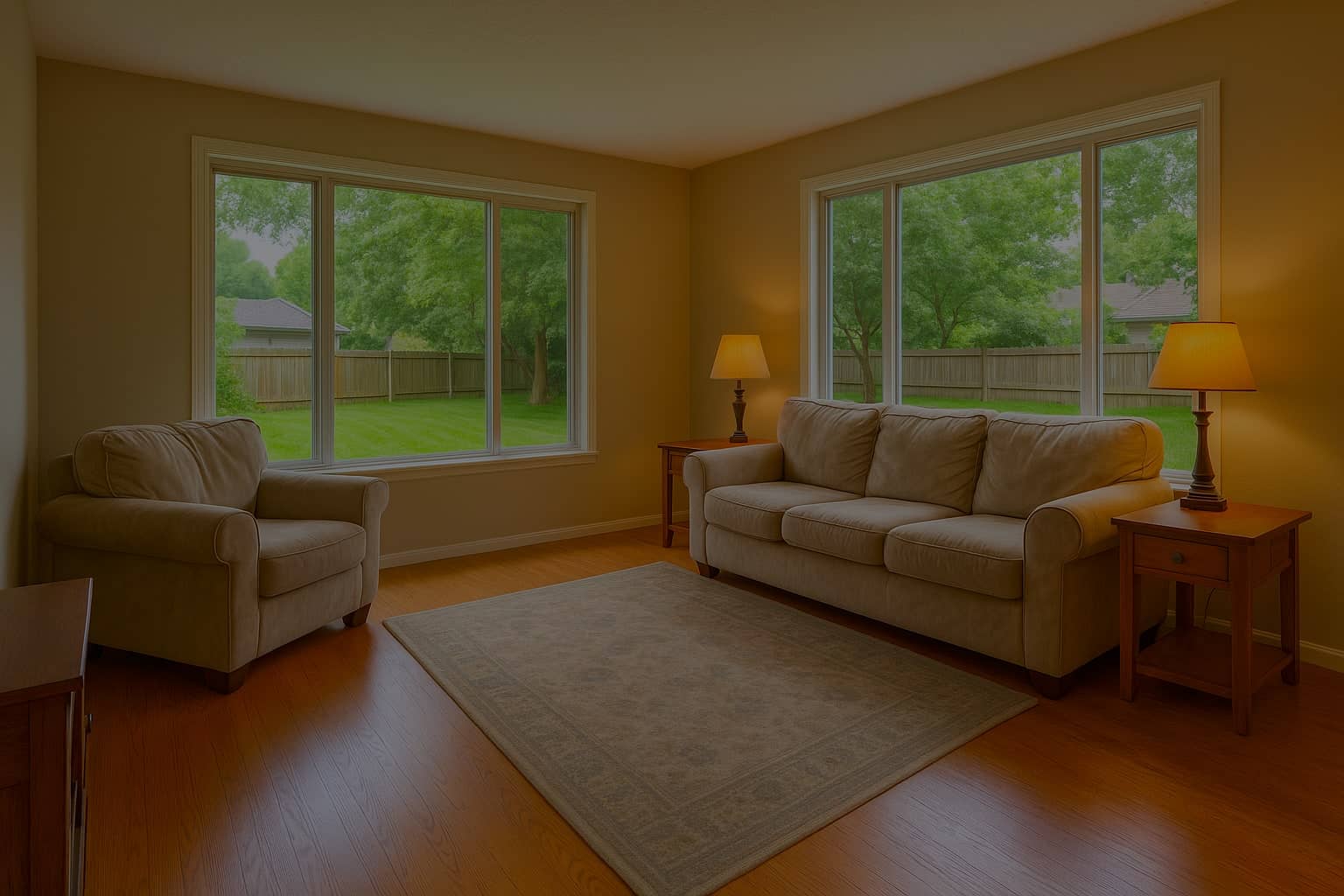
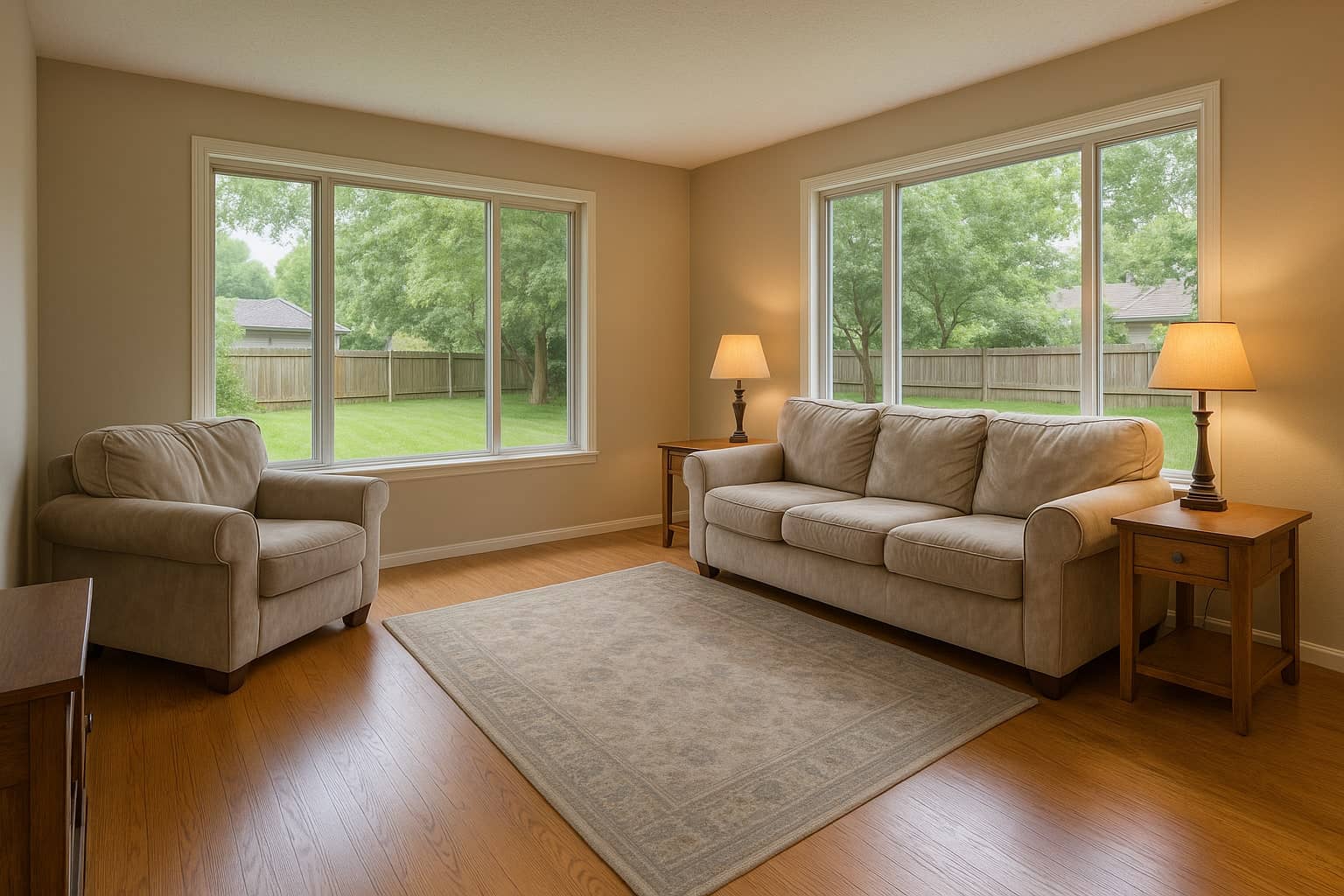
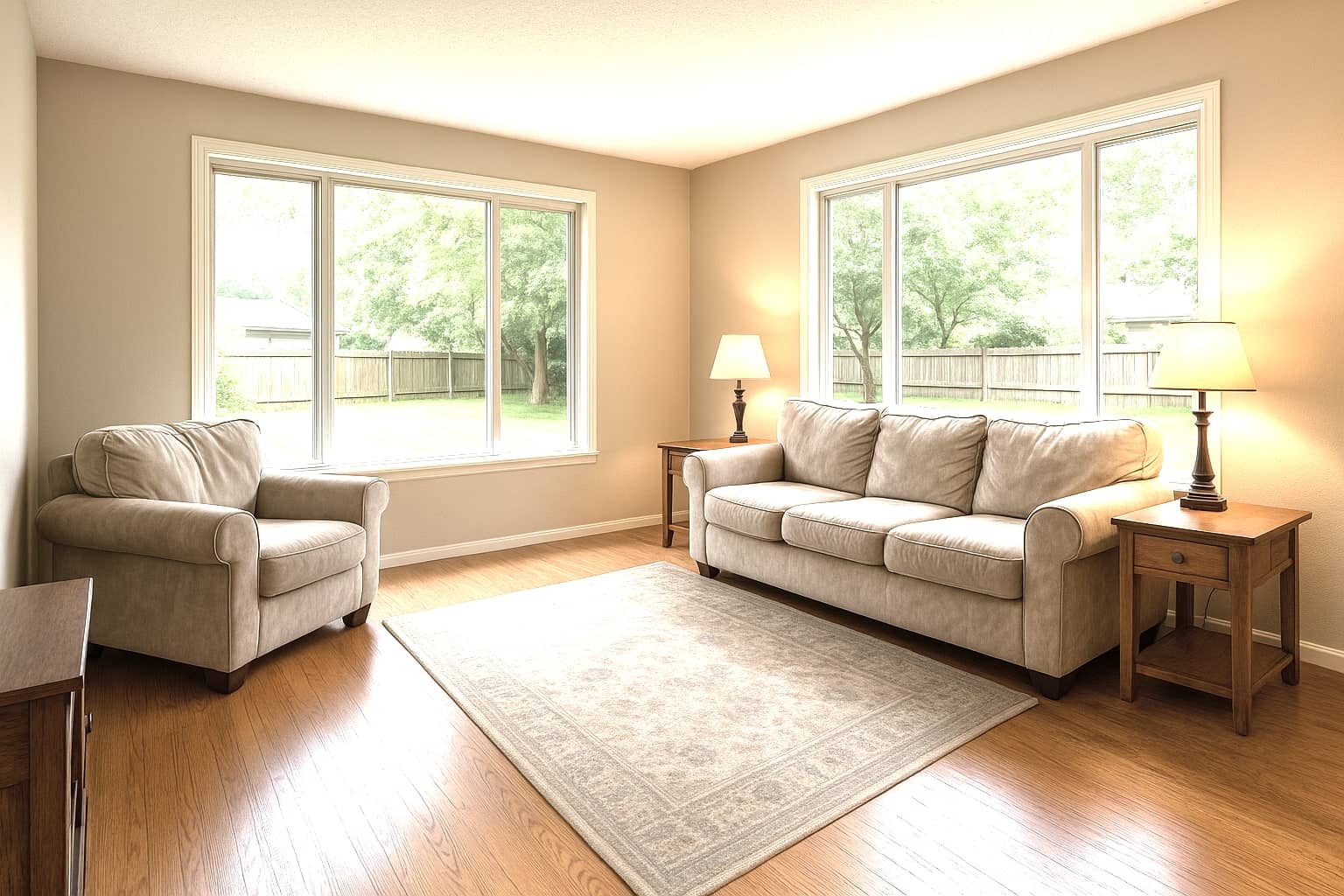
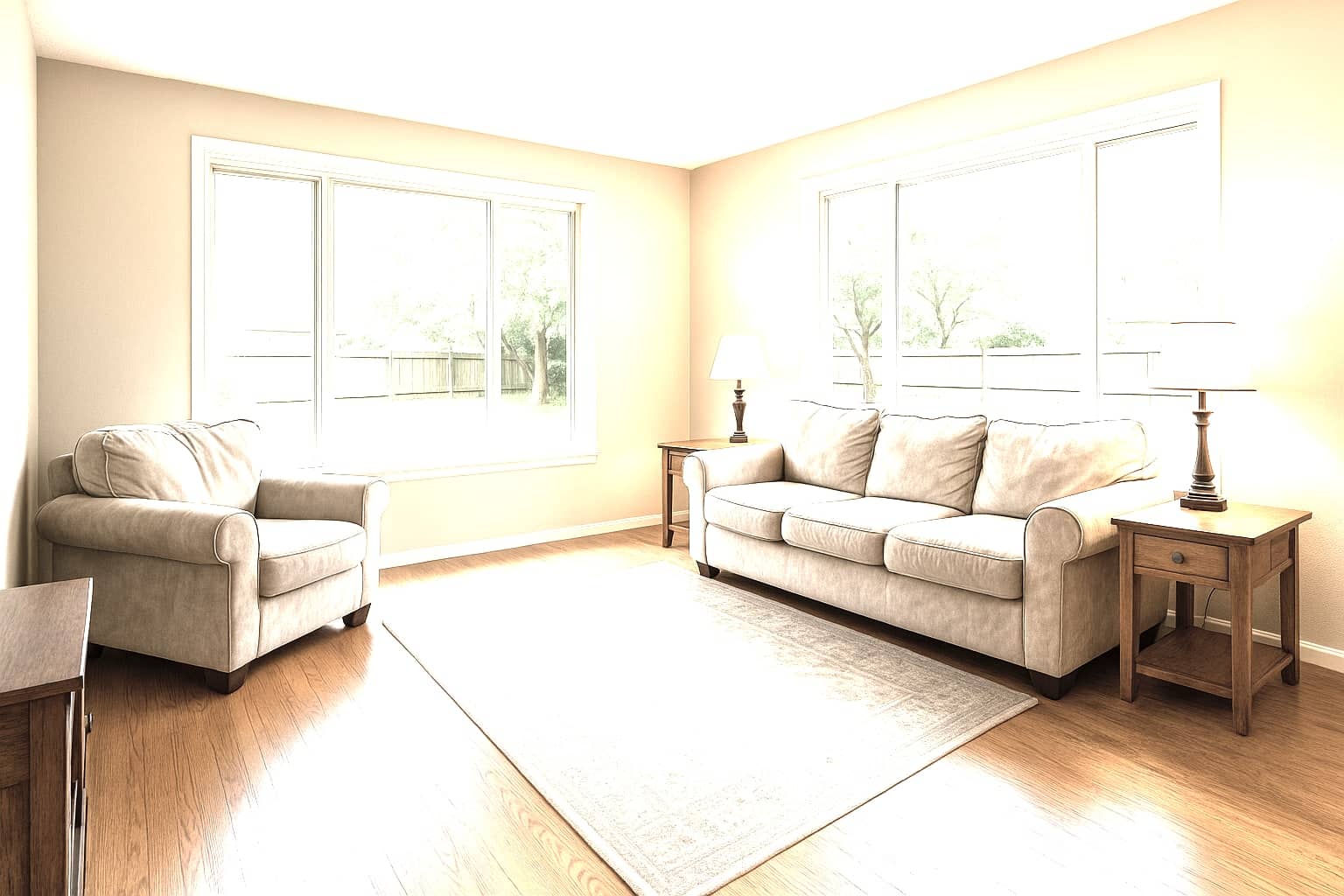
Studio — HDR Merge
Five exposures become one.
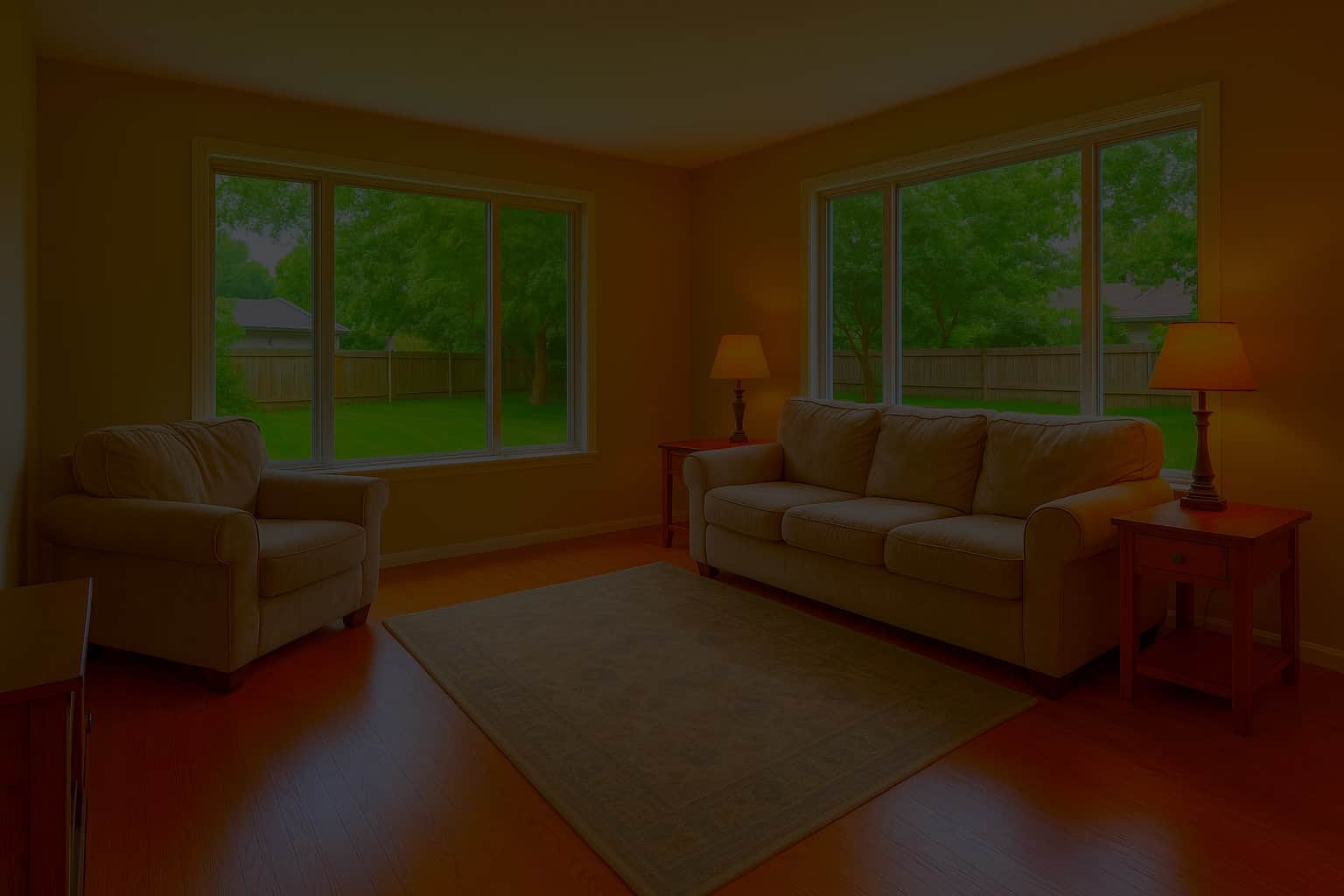
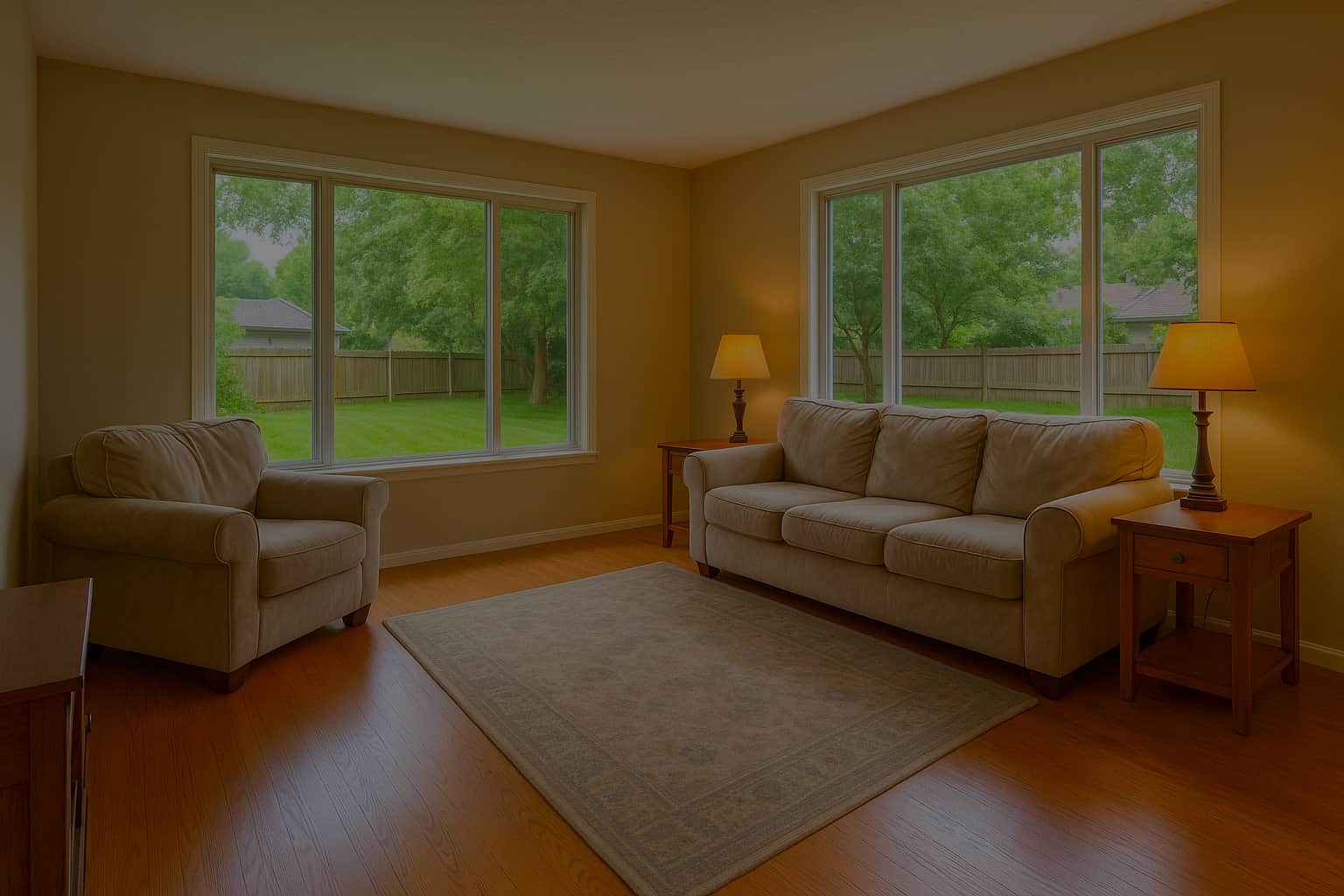
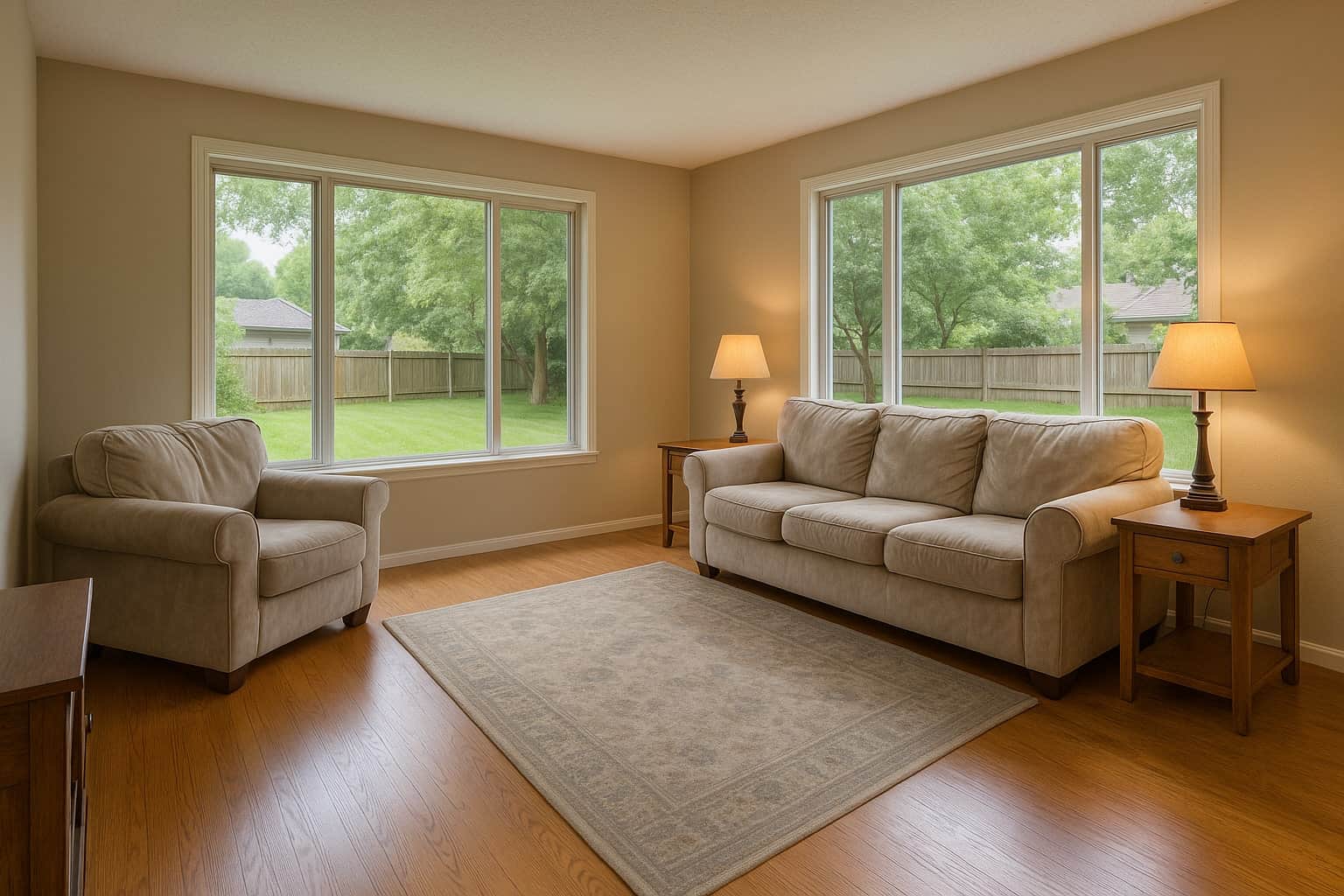
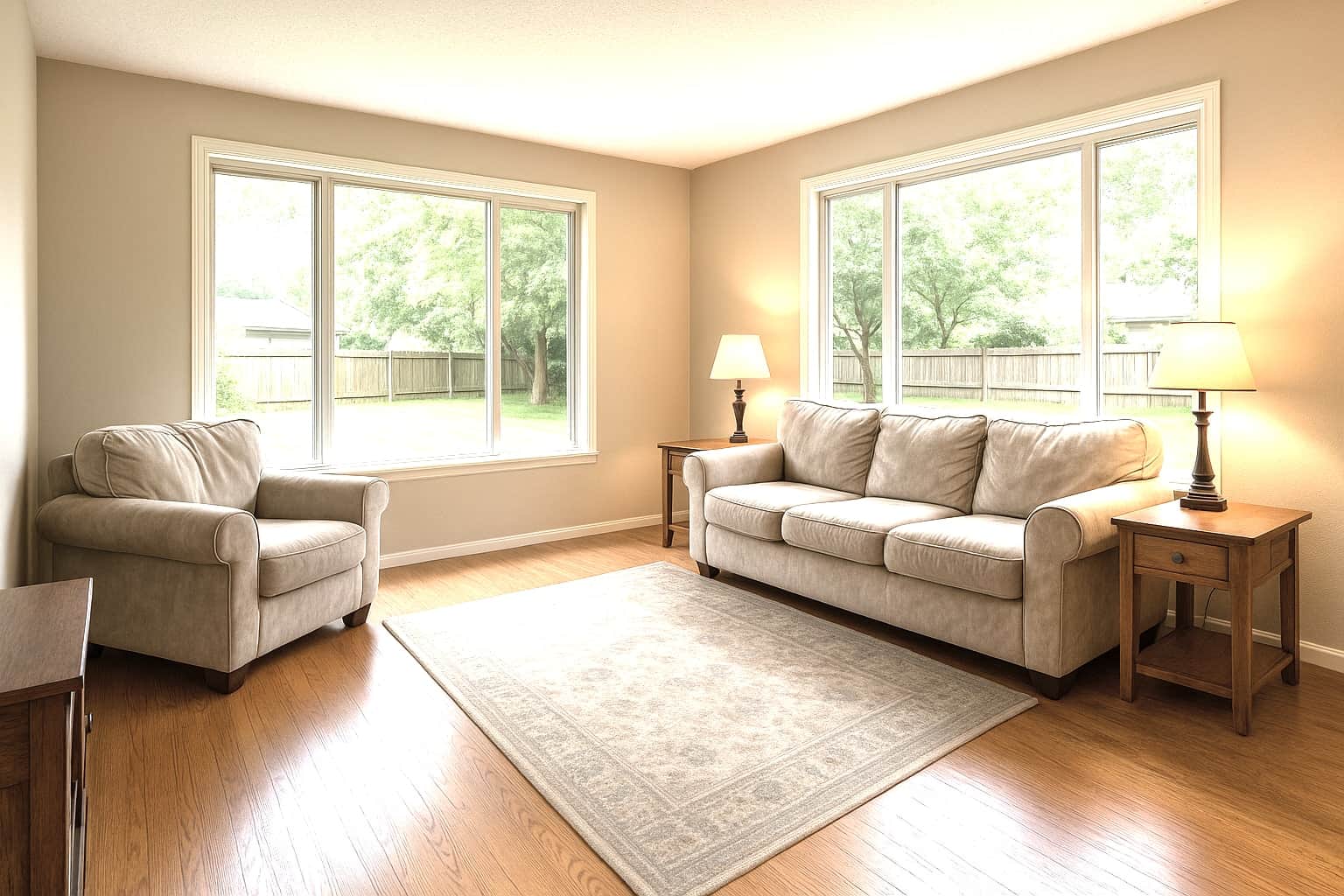
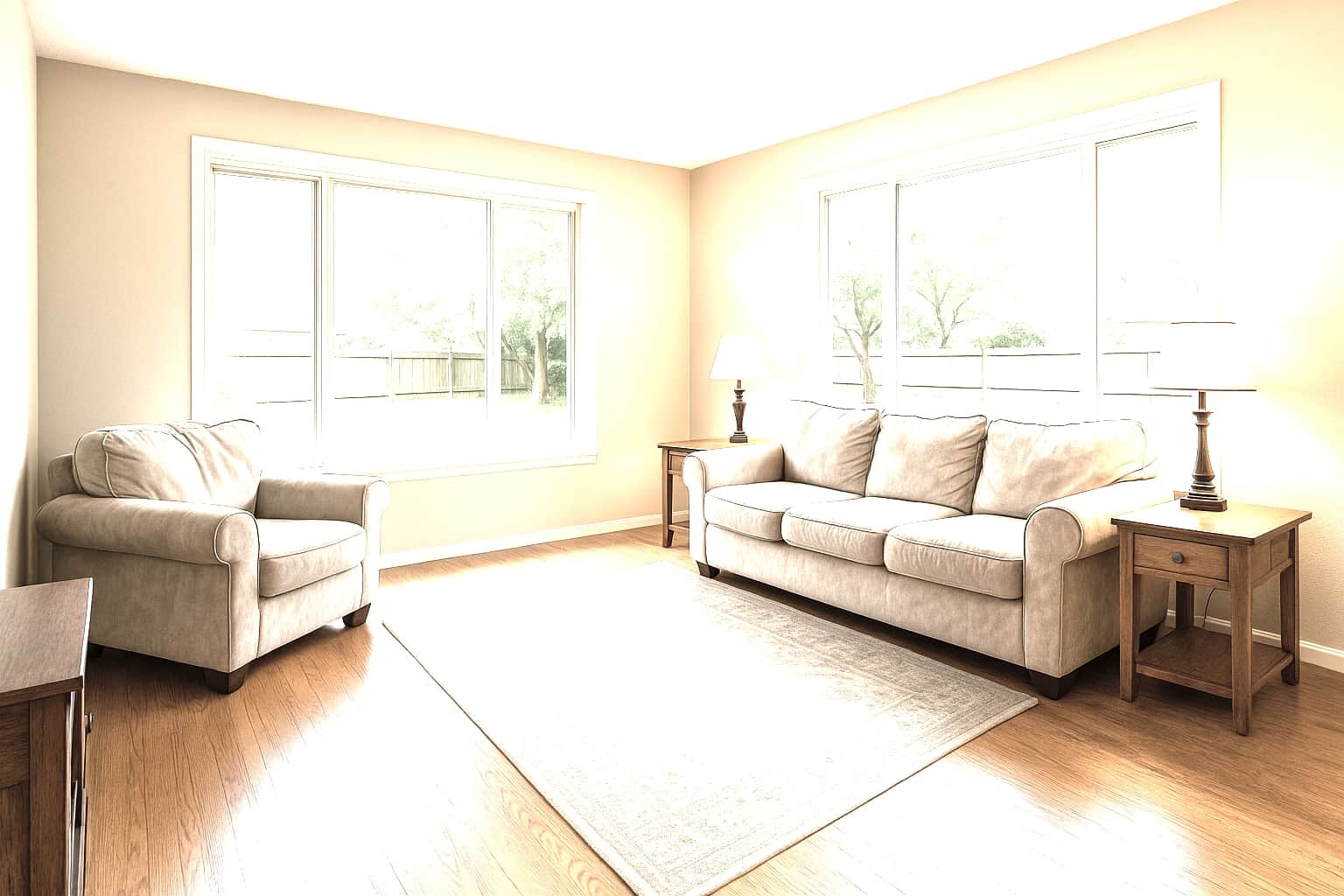
5 exposures, −2 EV to +2 EV
The planned passes
- Upload your brackets
- The pipeline merges & corrects
- Full-resolution files back
The case
Why it’s worth it.
- 81%
of recent buyers who searched online rated listing photos “very useful”, the highest of any website feature.
NAR, Home Buyers and Sellers Generational Trends (2026)- 78%
of sellers are more likely to hire an agent who offers high-resolution photography.
Zillow, Consumer Housing Trends Report for Agents (2025)
The window view survives
Yards, skylines, and trees stay visible instead of blowing out to white — often the very thing the listing is selling.
One consistent look per shoot
Every room in the order is processed to the same standard, so the gallery reads as one professional set, not a patchwork.
Clean-up comes built in
Screen blackout, fireplace relight, and photographer/camera removal run automatically with the merge — no extra line items.
No editing seat to buy
No Photomatix, no Lightroom, no overnight outsourcing — the merge is built into the workspace you already book and deliver from.
How it works
From upload to delivered.
- 1
Upload your brackets
Drag in the whole shoot — brackets will be grouped automatically from EXIF data.
- 2
The pipeline merges & corrects
Exposure blending, color, verticals, sharpening, and built-in clean-up in one pass.
- 3
Full-resolution files back
Results land in your dashboard and inbox, ready for the listing.
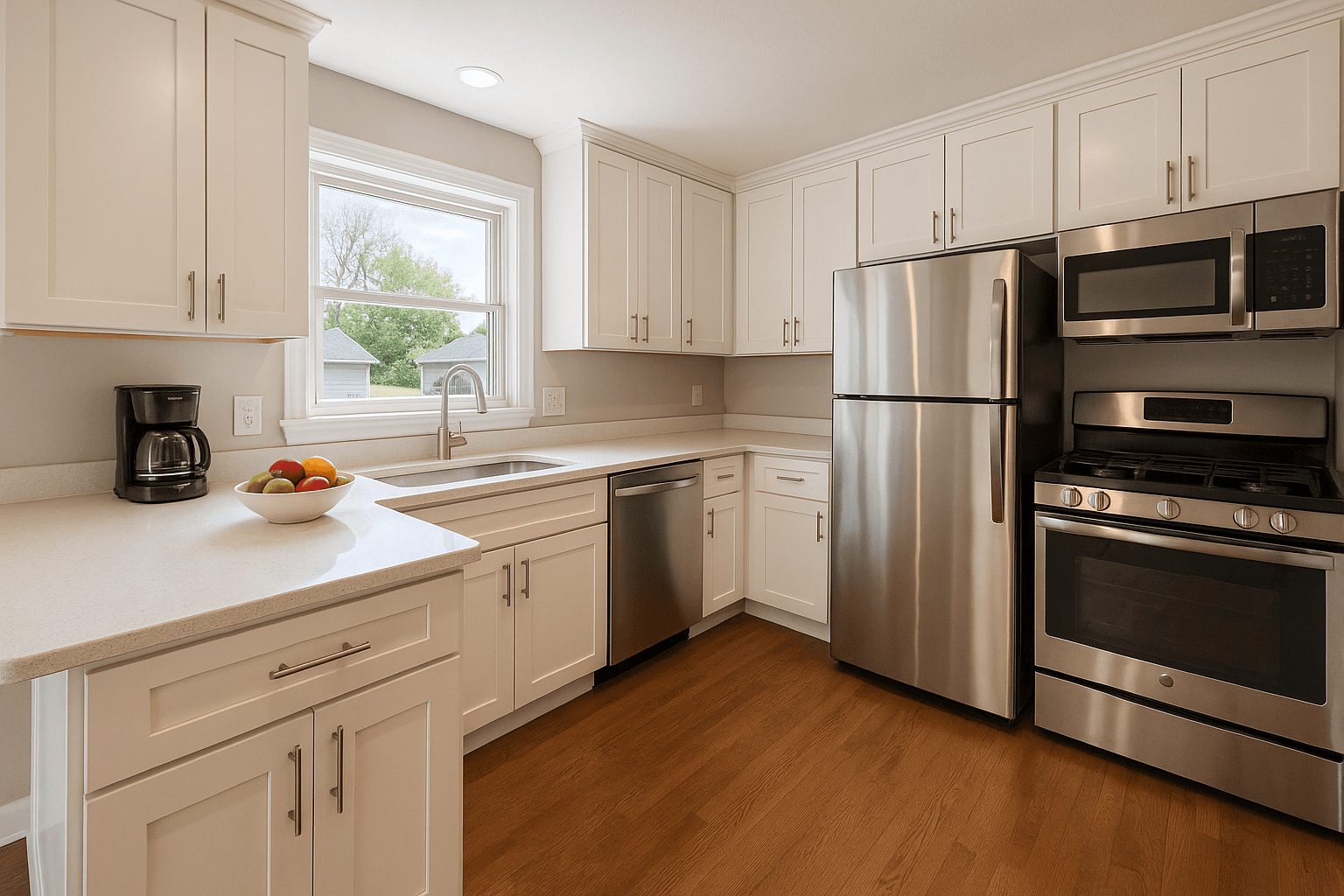
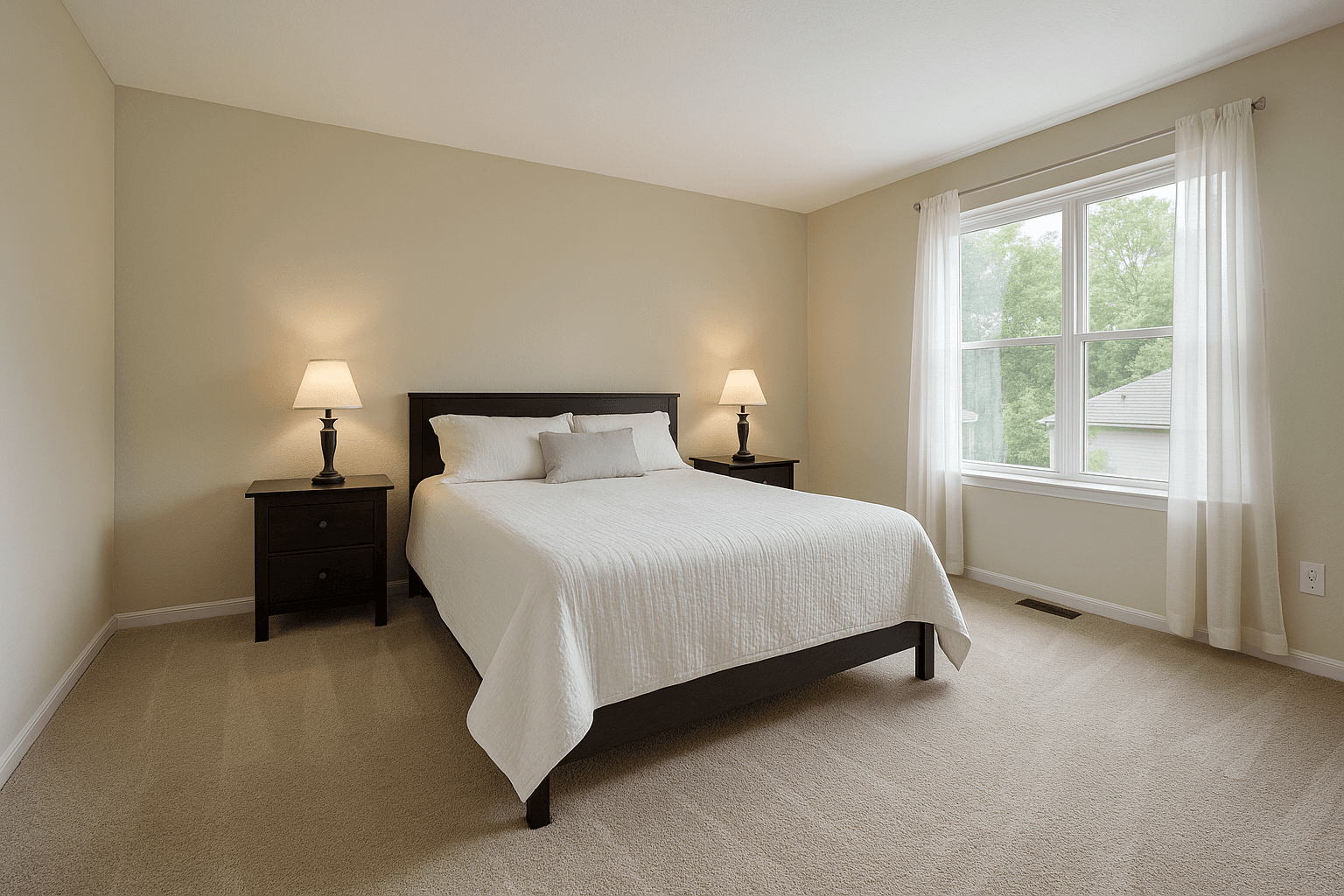
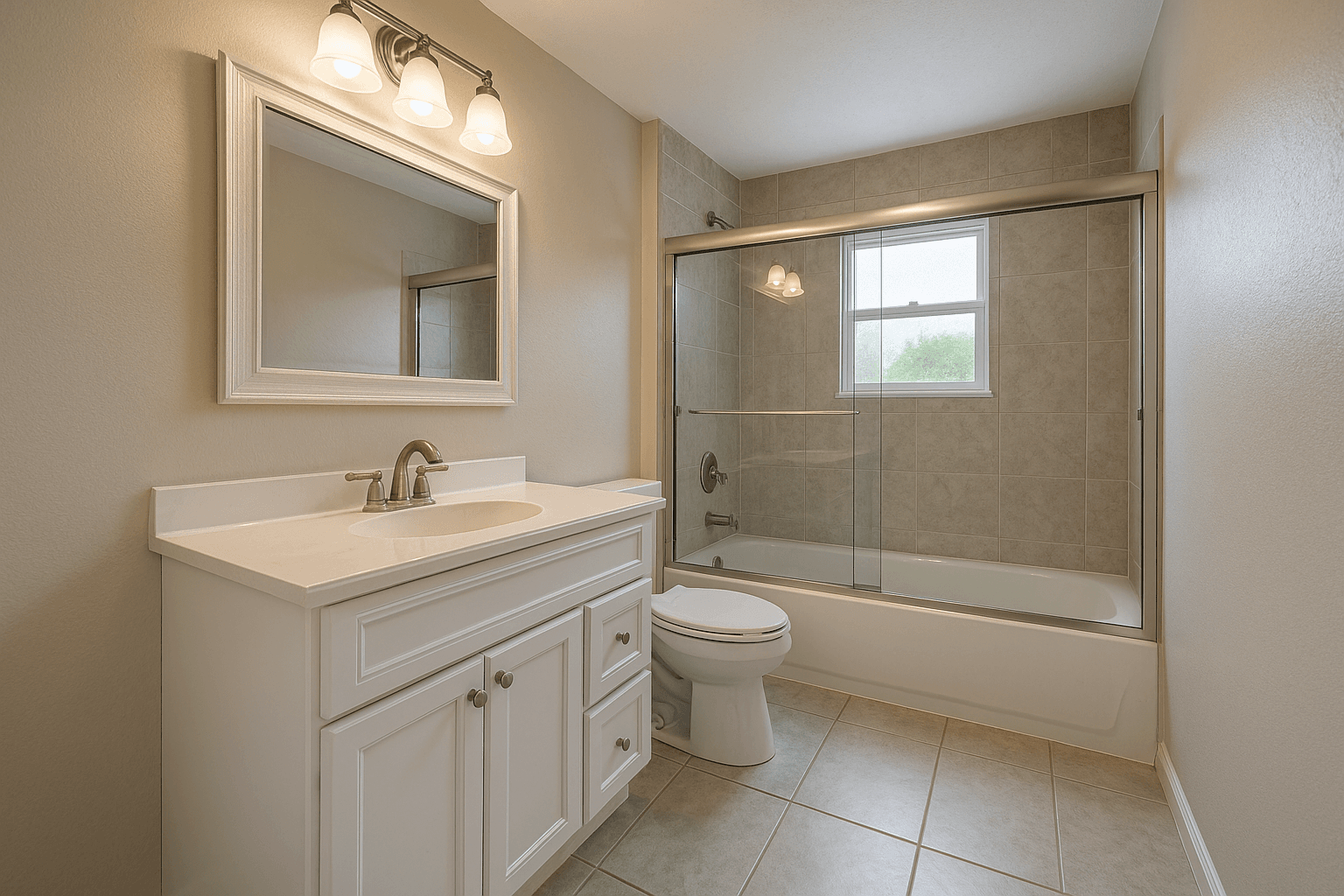
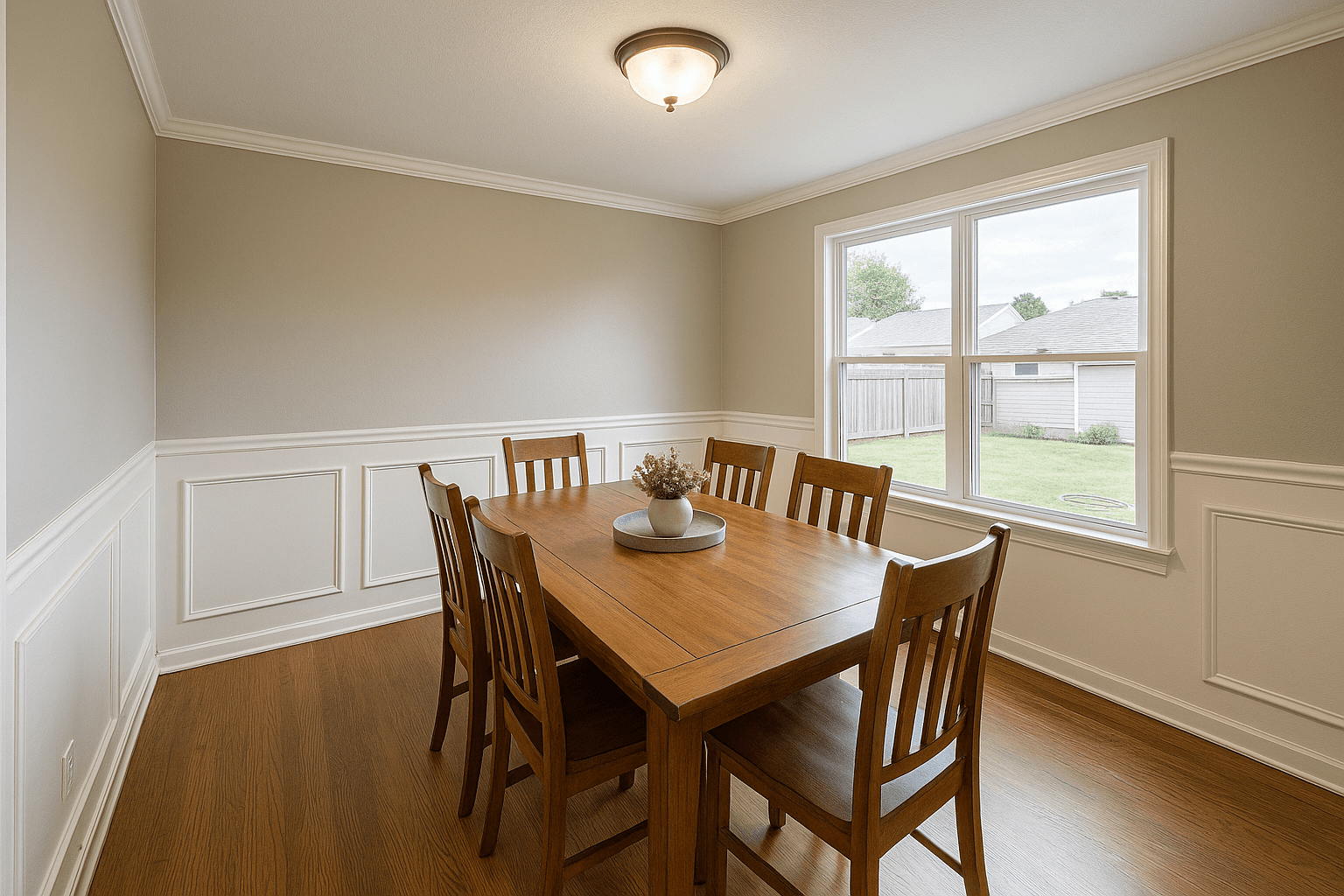
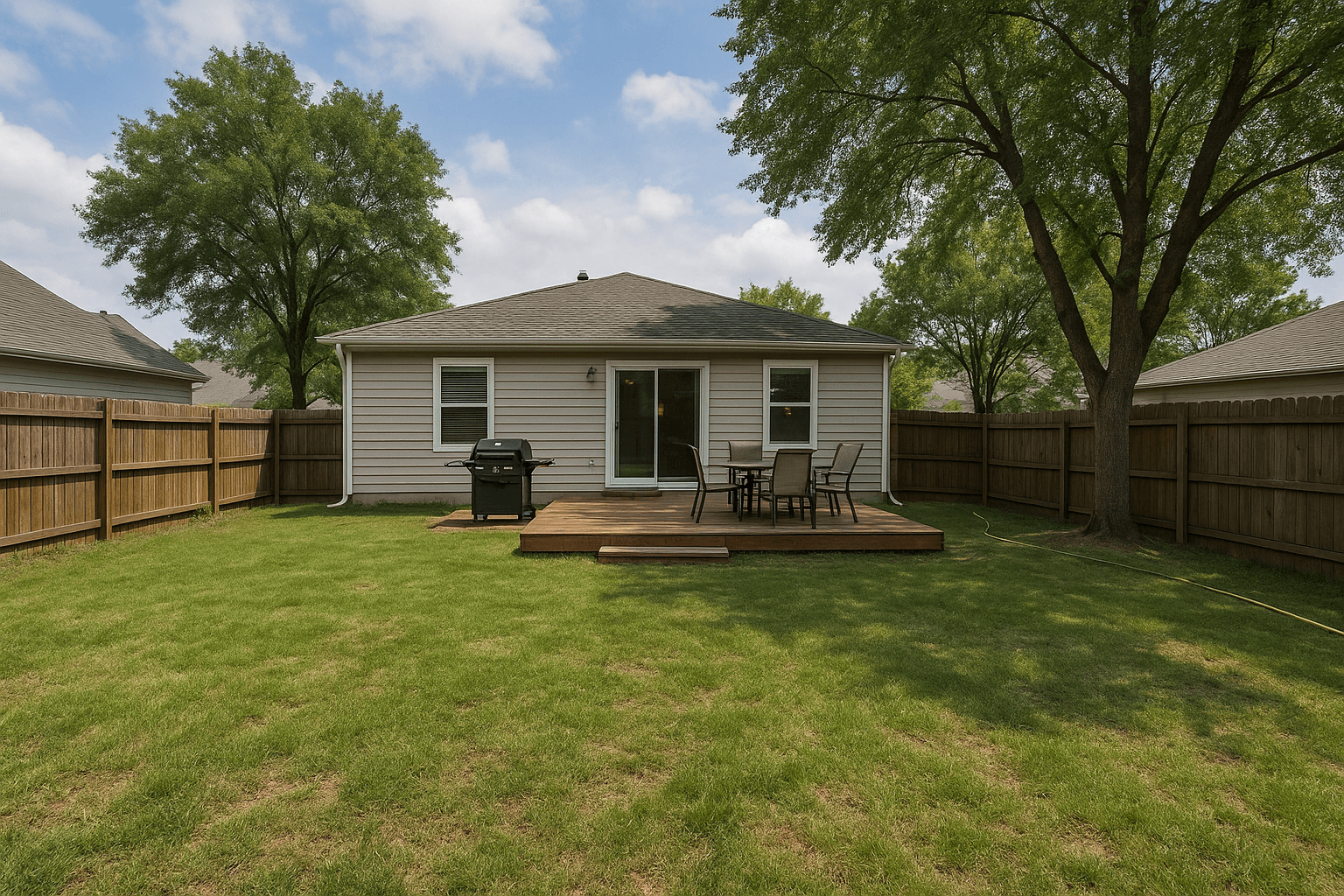
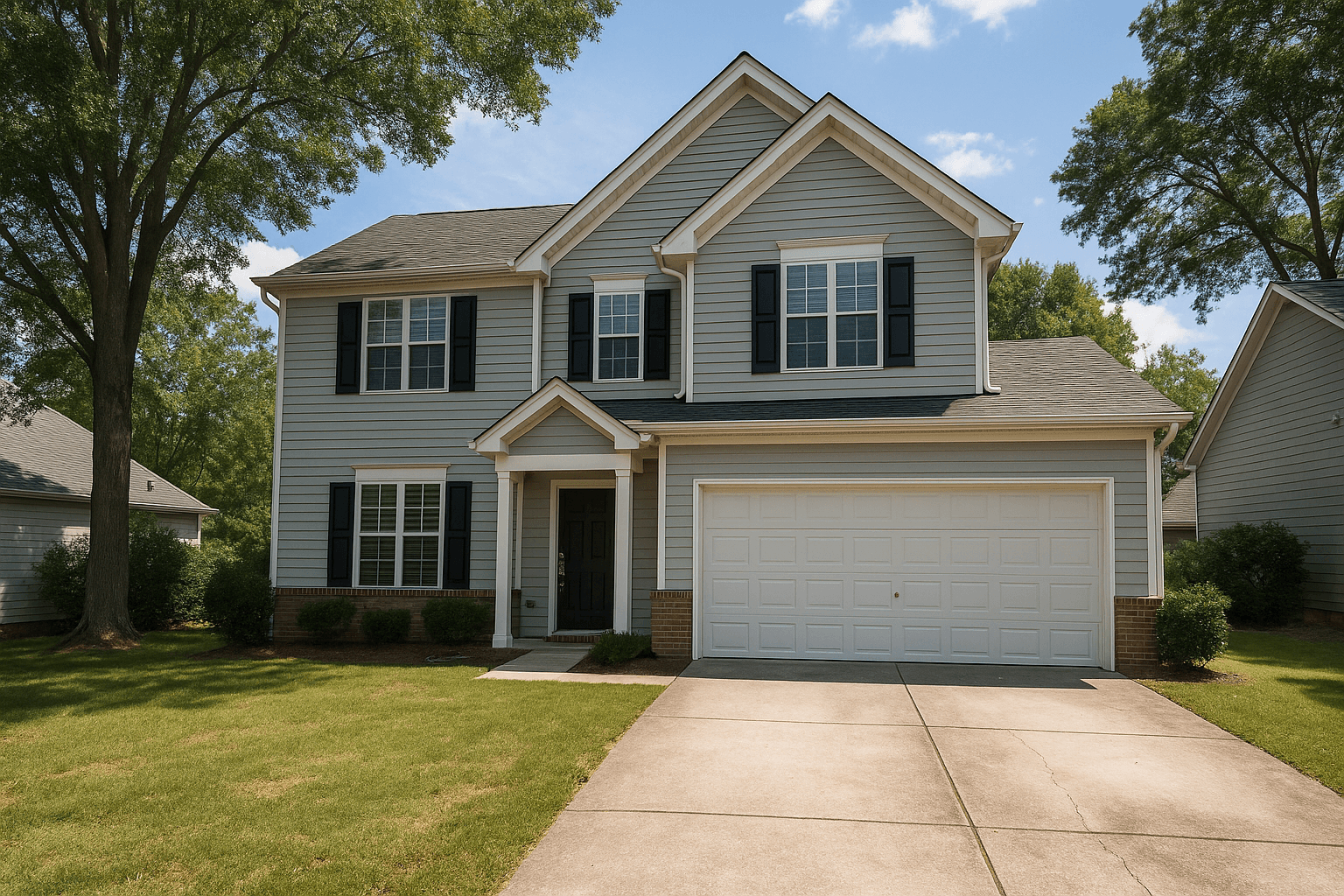
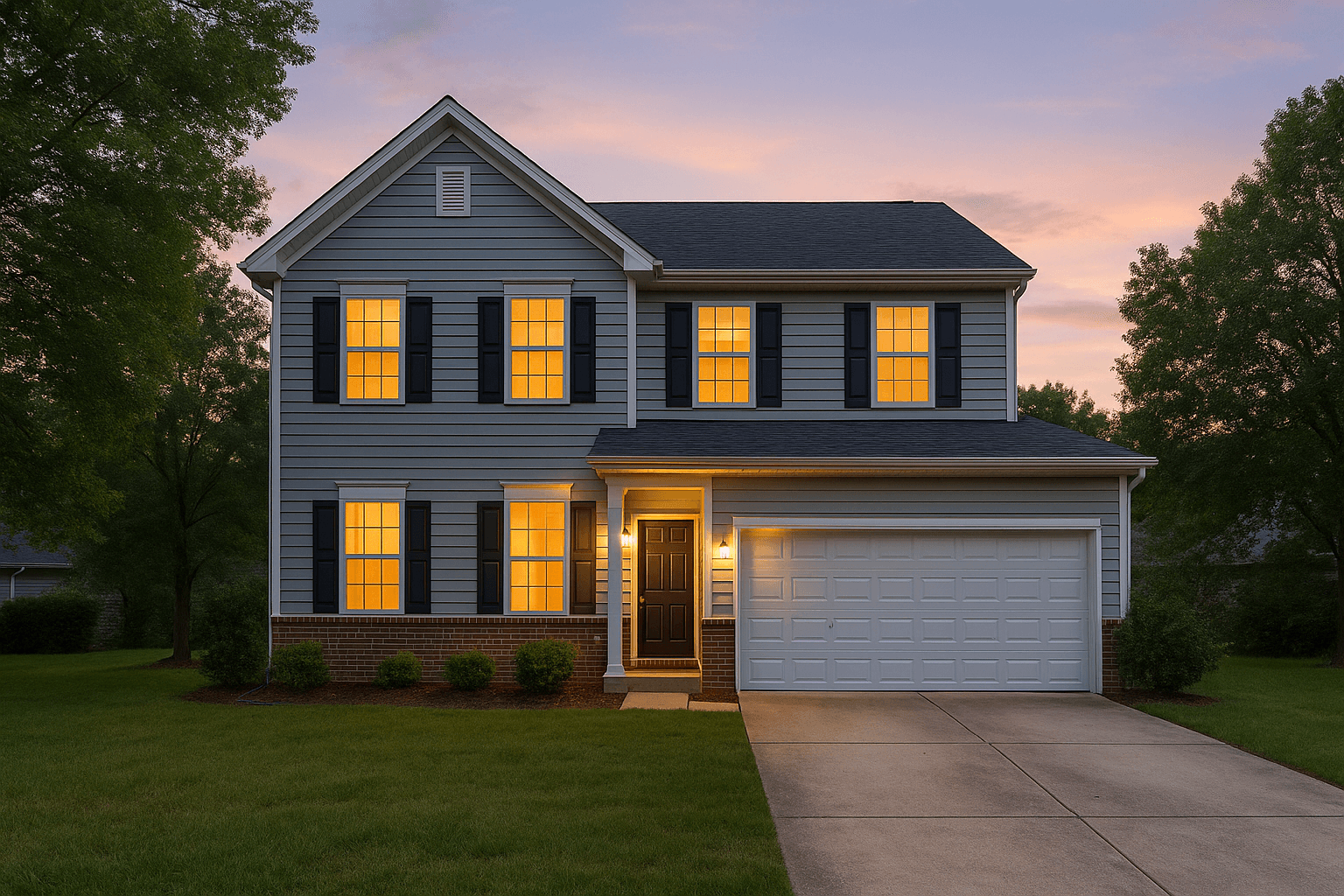
The Studio pipeline
Questions
Good questions.
How many brackets should I shoot?
Three to five exposures per composition works well — enough range to hold the window view and open the shadows. Brackets are auto-grouped by EXIF data, so you won't need to sort anything.
Will it look like over-processed HDR?
No. The pipeline is tuned for natural interiors: clean whites, realistic contrast, and no glow around window frames. The goal is that nobody can tell an edit happened.
What formats can I upload?
RAW, JPEG, TIFF, and PNG — drag in the shoot as it came off the card.
Pairs well with.
Run HDR Mergeon your own listing.
Studio runs every Service in the catalog on the frames you pick. Create an account and put it to work on your next shoot.