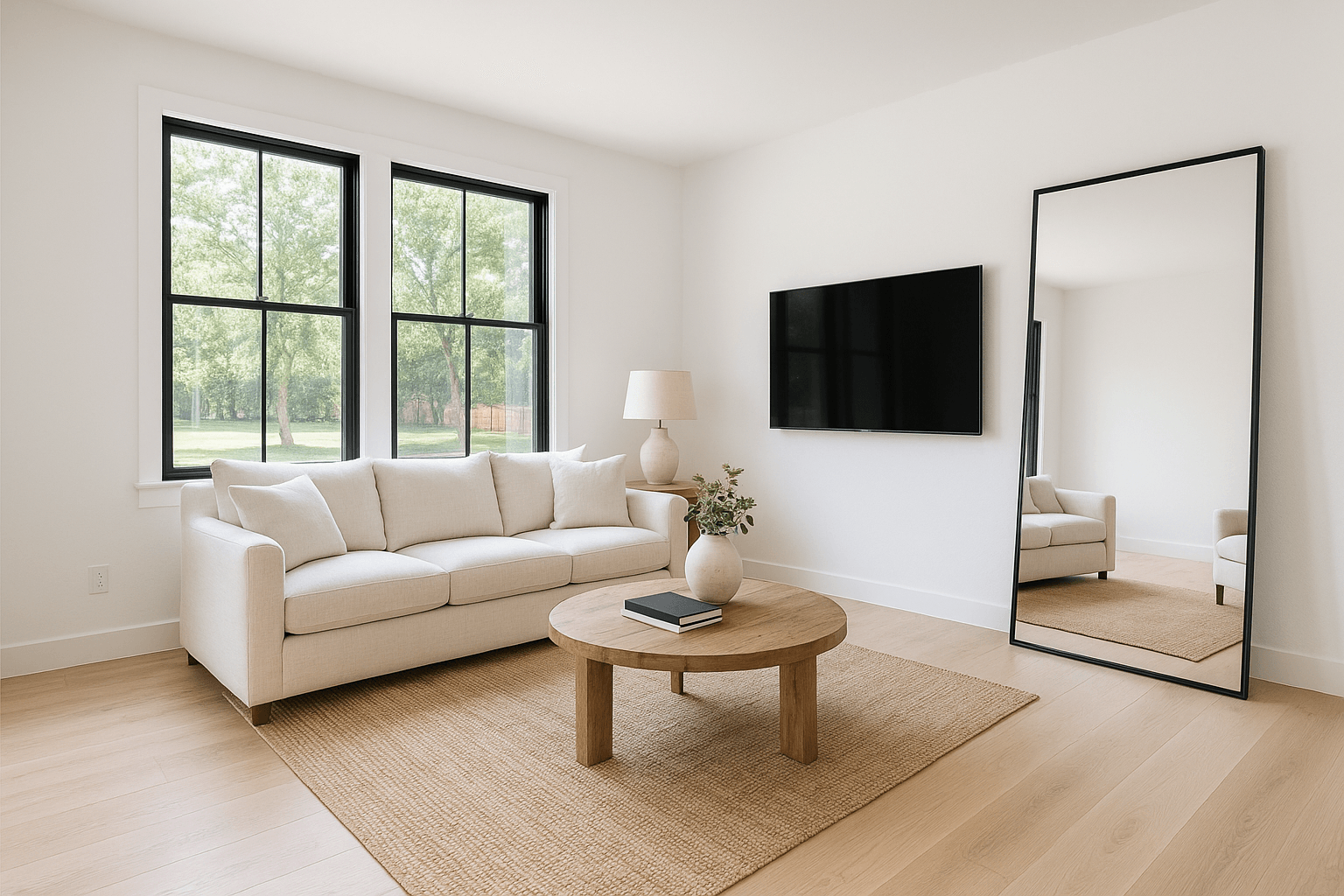
Interior AI tool
TV screen blackout
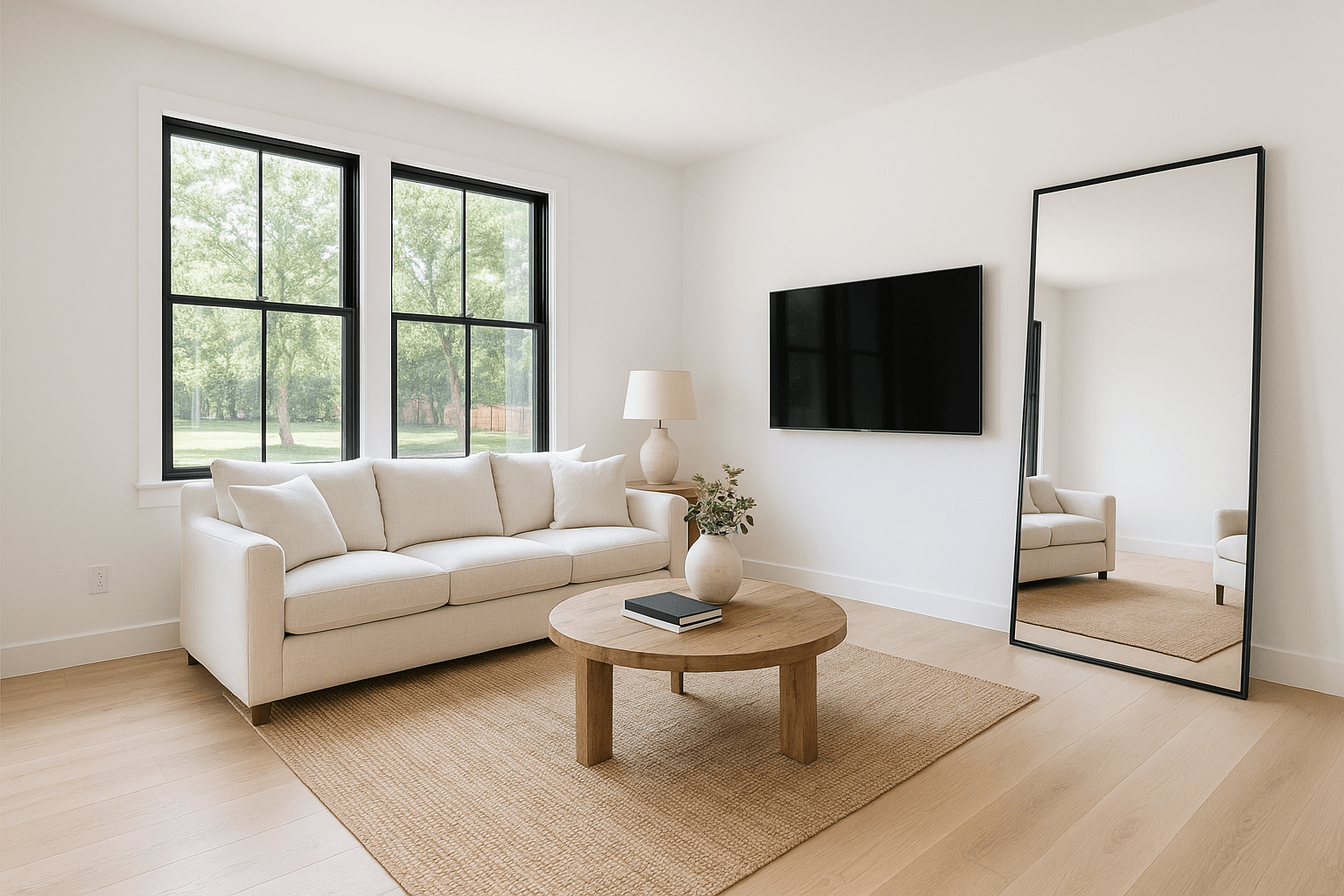
Whatever was playing, whoever was reflected — replaced with a clean, matte black screen.
A Studio tool, metered per use. The cost is shown on the tool before it runs.
What it does
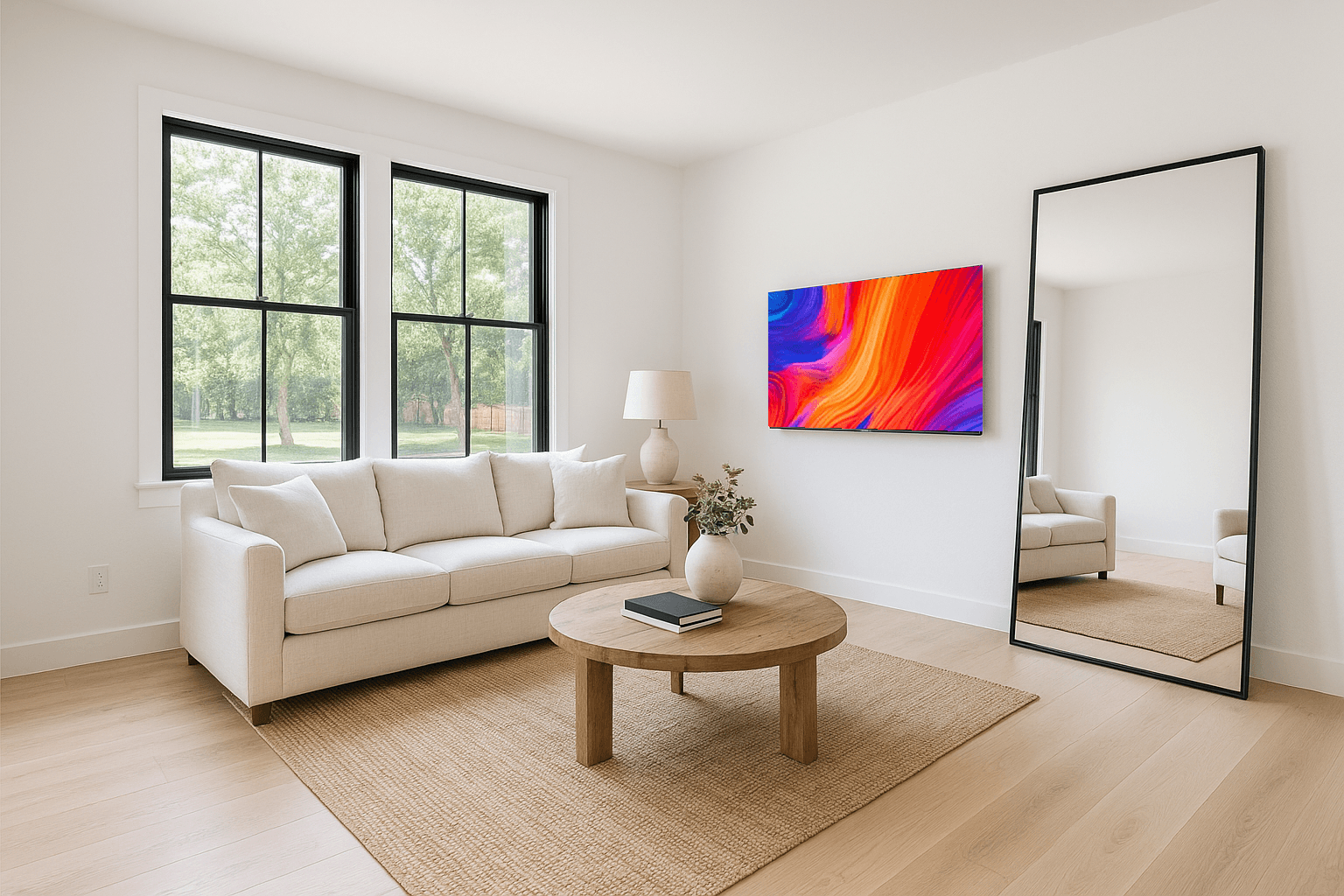
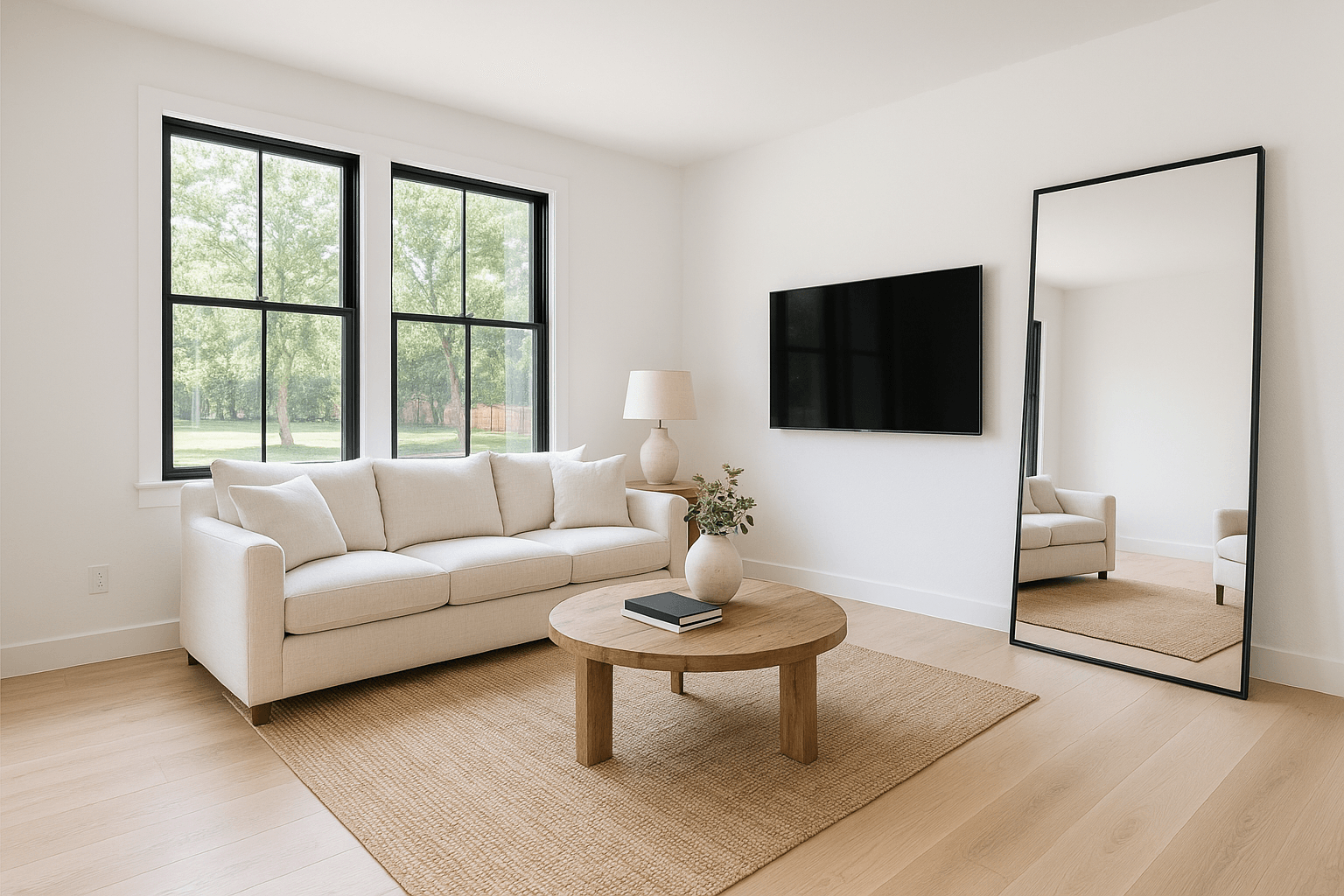
What Blackout TV Screens does.
TVs are a triple hazard in listing photos: the screen reflects the photographer and the flash, glows a distracting blue, or freezes on whatever happened to be playing — none of which belongs in a listing.
Screen blackout replaces every TV and monitor face with a uniform, softly matte black that reads as 'off', keeps the reflection of the room out, and removes the copyright question of broadcast content in your marketing. It runs automatically on HDR Merge orders.
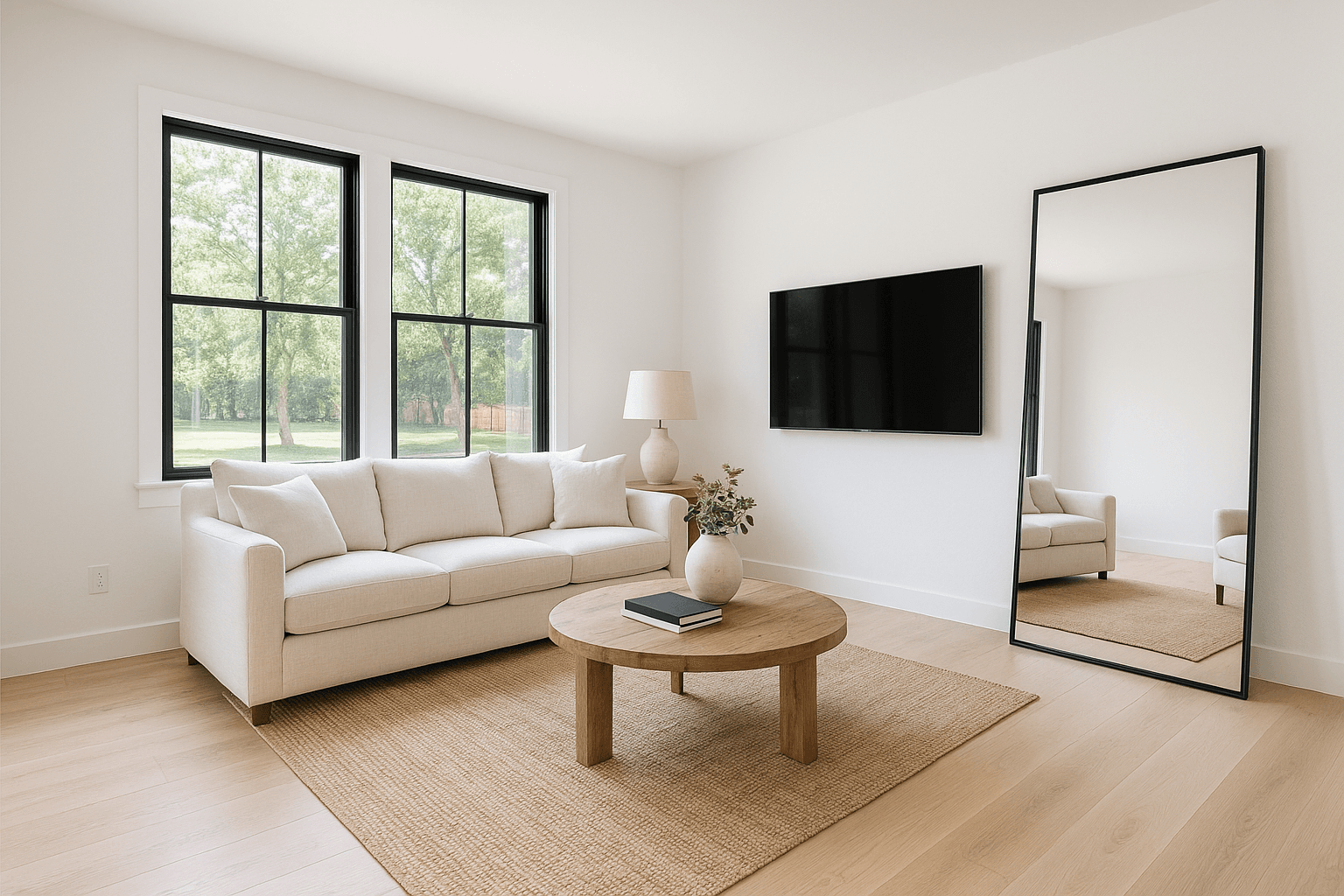
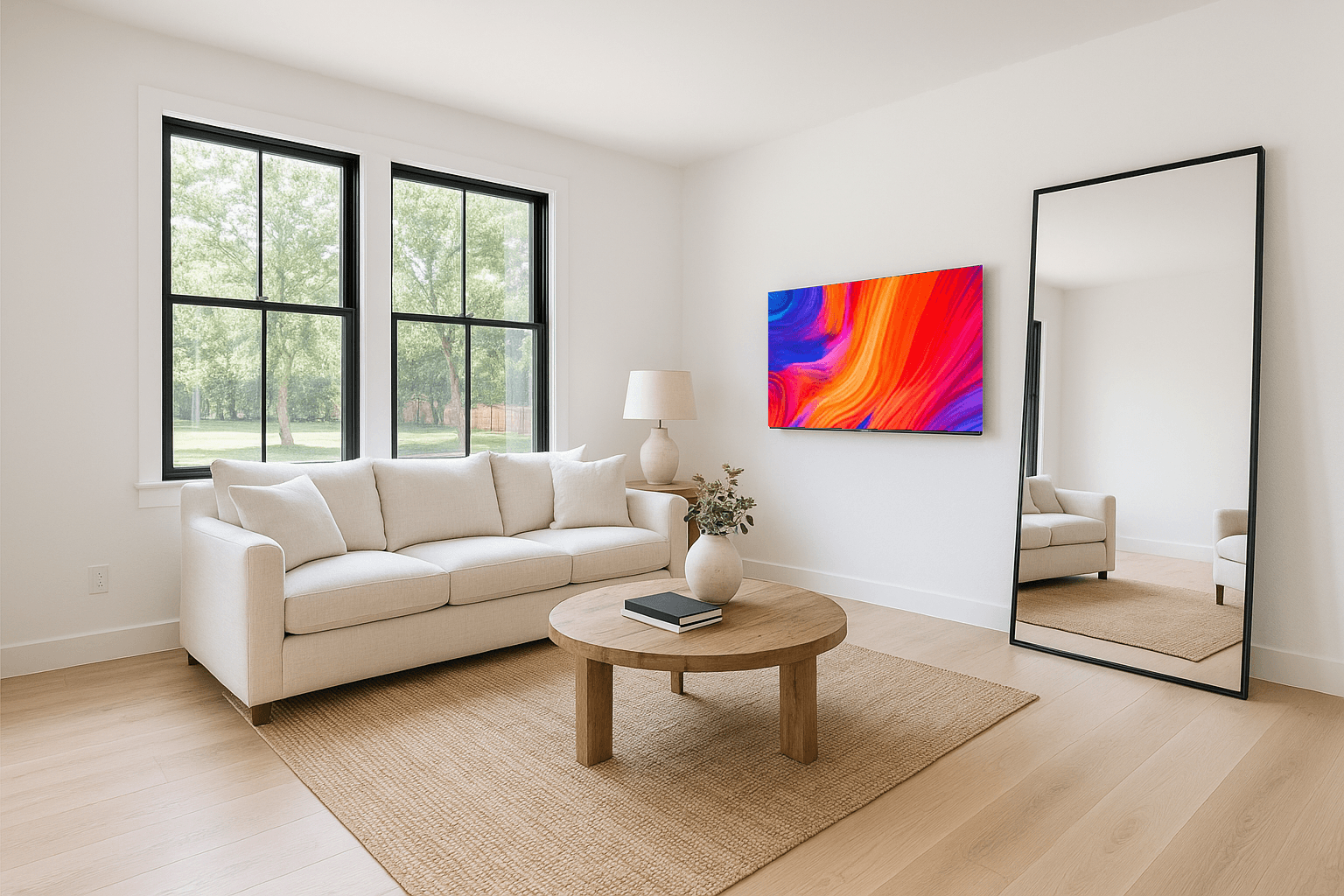
Sample pair — drag to compare
Studio — Blackout TV Screens
Watch the edit happen.
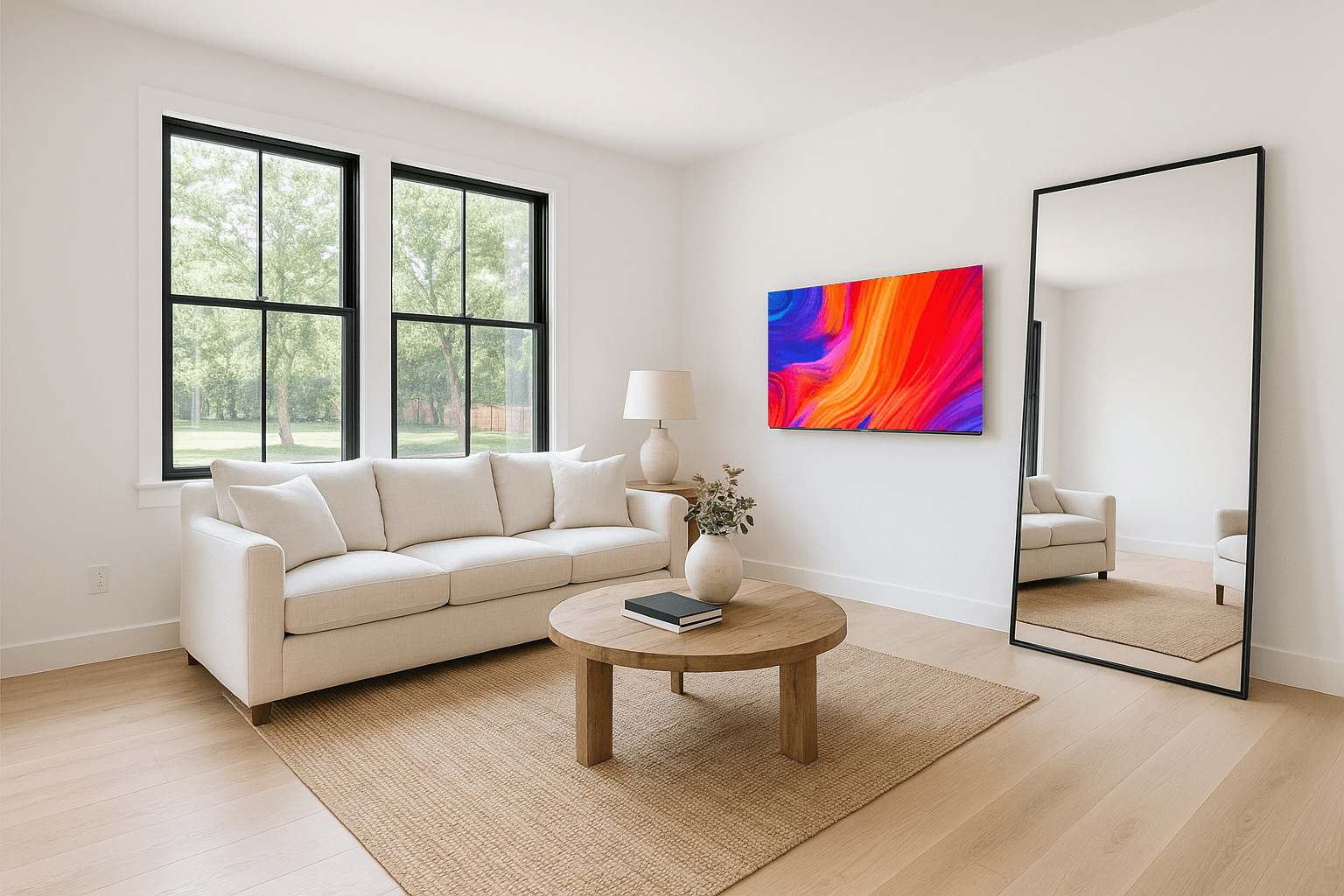
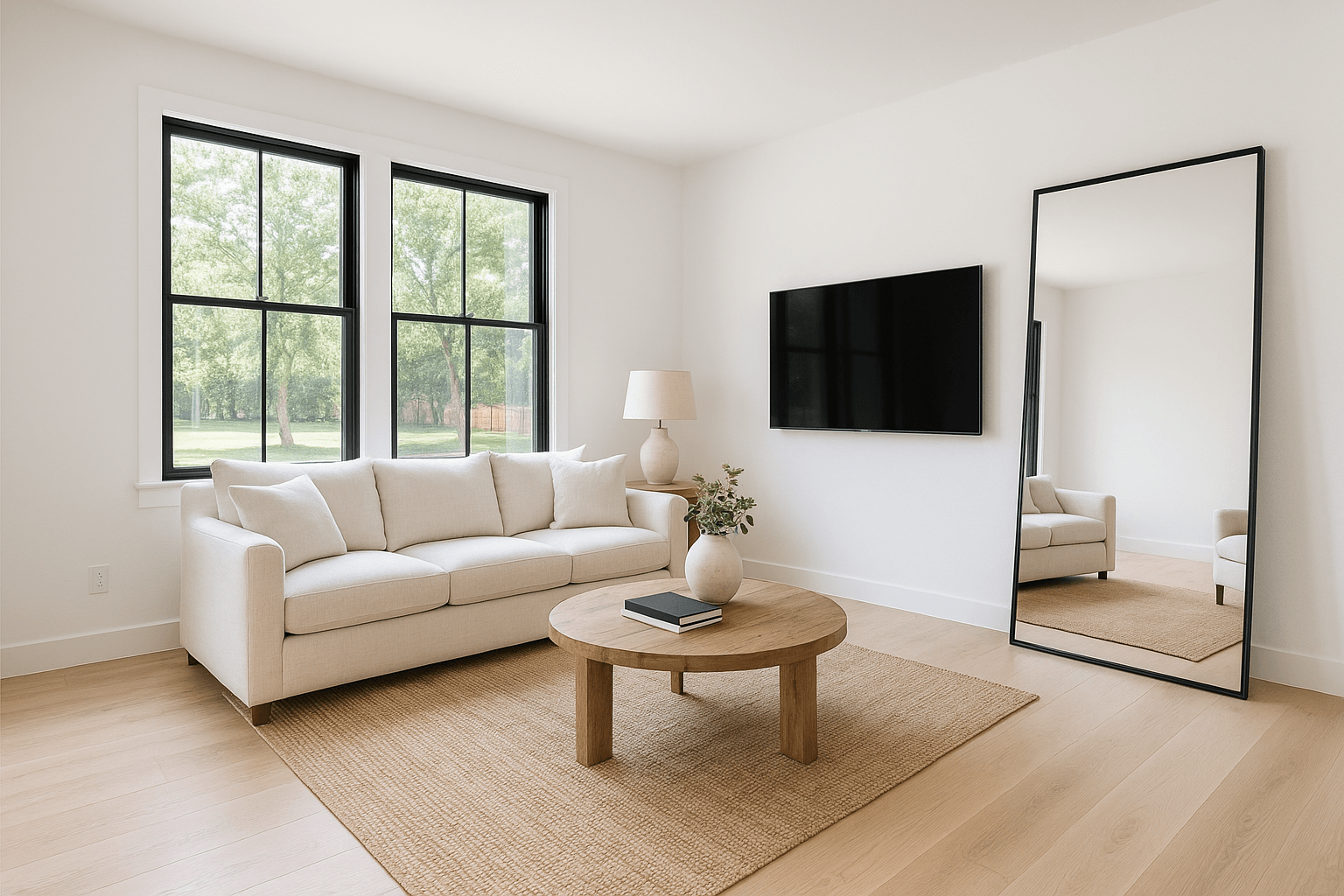
The planned passes
- Upload your shoot
- Screens go matte black
- Back with your merge
The case
Why it’s worth it.
- 81%
of recent buyers who searched online rated listing photos “very useful”, the highest of any website feature.
NAR, Home Buyers and Sellers Generational Trends (2026)- 78%
of sellers are more likely to hire an agent who offers high-resolution photography.
Zillow, Consumer Housing Trends Report for Agents (2025)
No accidental photographer cameos
The most common reflection in a living-room shot is the person taking it. Blacked-out screens end that.
No distracting content
News chyrons, paused games, and screensavers pull the eye — a matte screen returns it to the room.
Consistent across the gallery
Every screen in the shoot gets the same treatment, so the set looks deliberate.
Automatic with HDR
Runs as part of every HDR Merge order — no separate line item to remember.
How it works
From upload to delivered.
- 1
Upload your shoot
No flagging needed — screens are detected in frame.
- 2
Screens go matte black
TVs and monitors get a uniform, natural 'off' state.
- 3
Back with your merge
Delivered as part of the HDR Merge order — no separate line item.
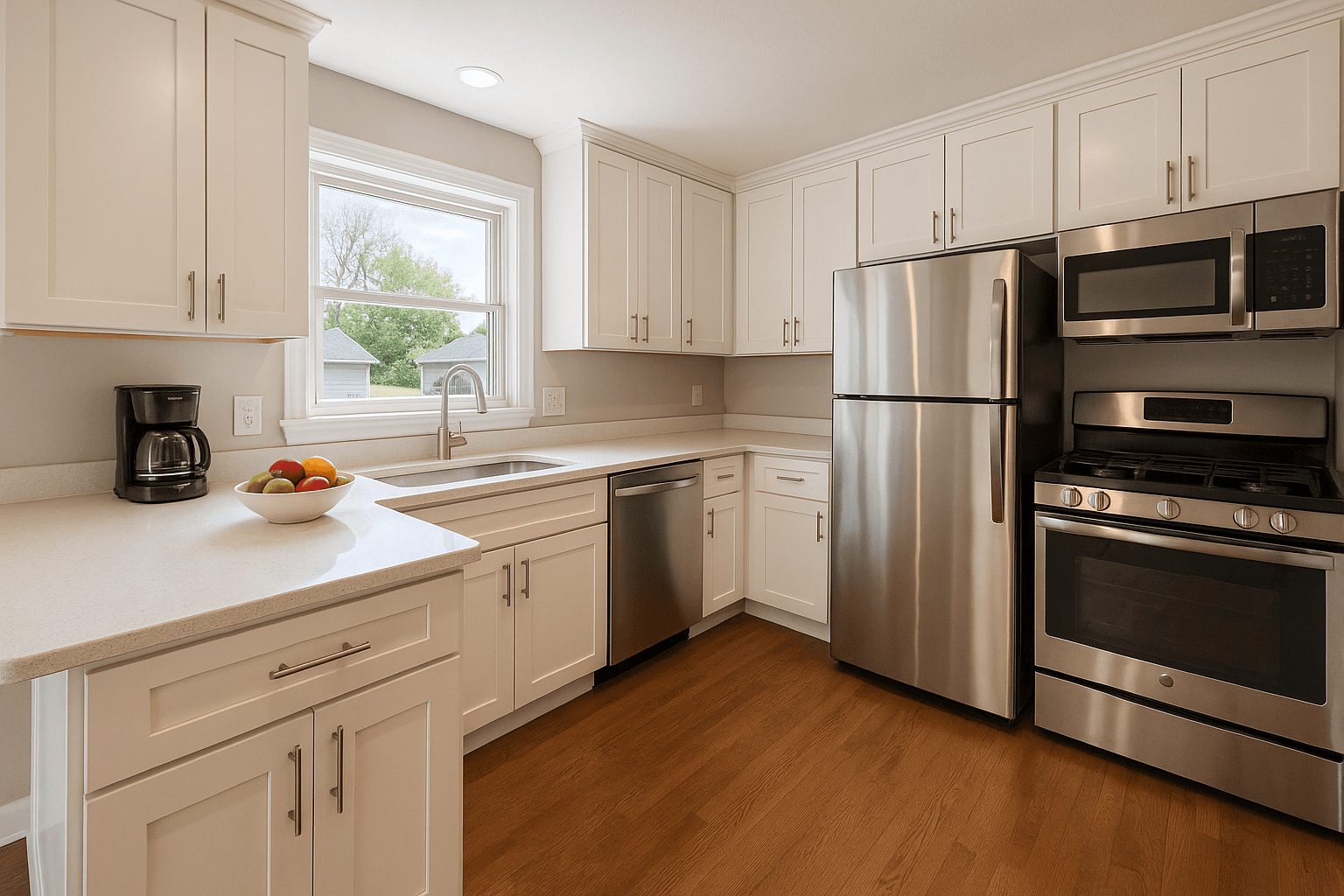
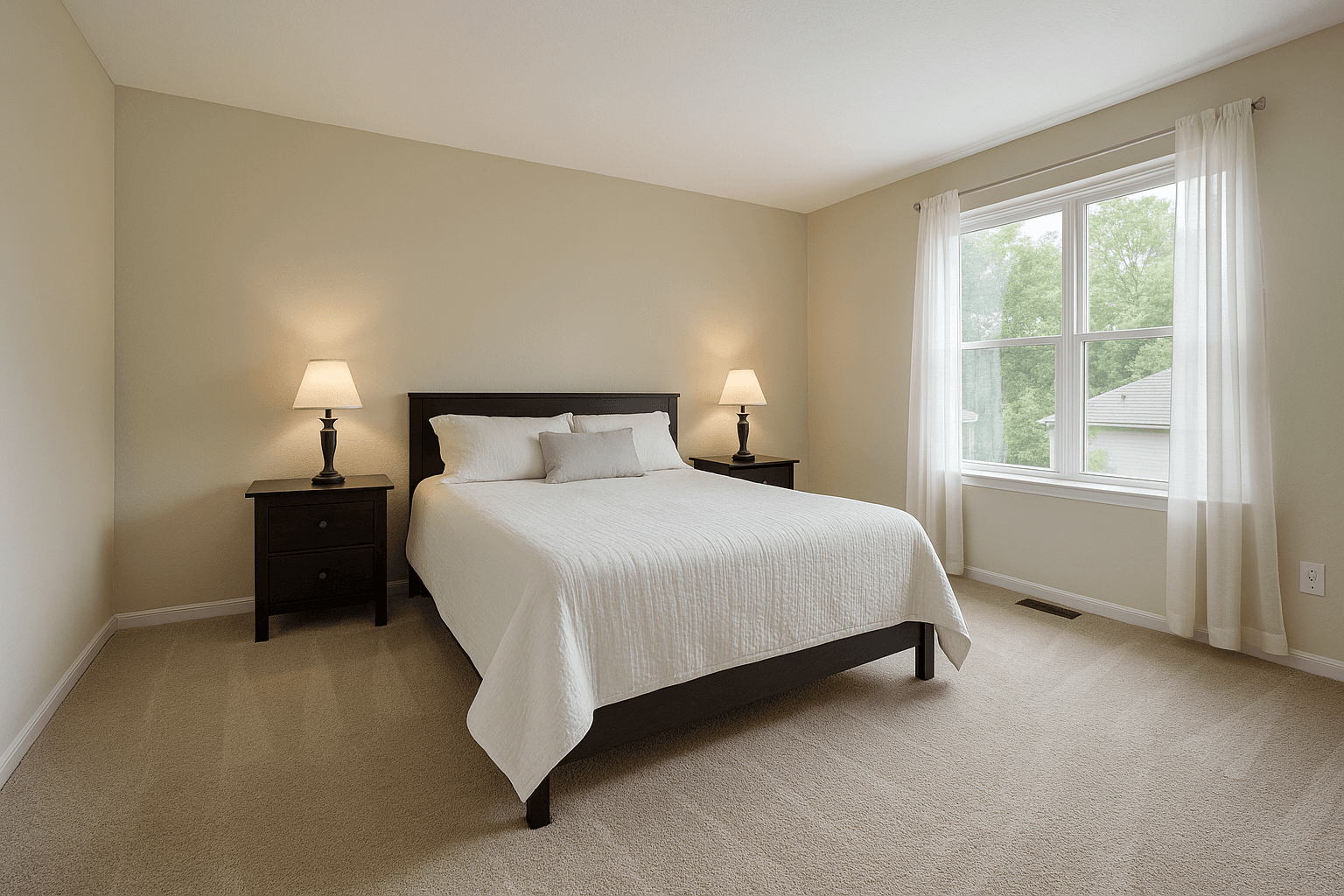
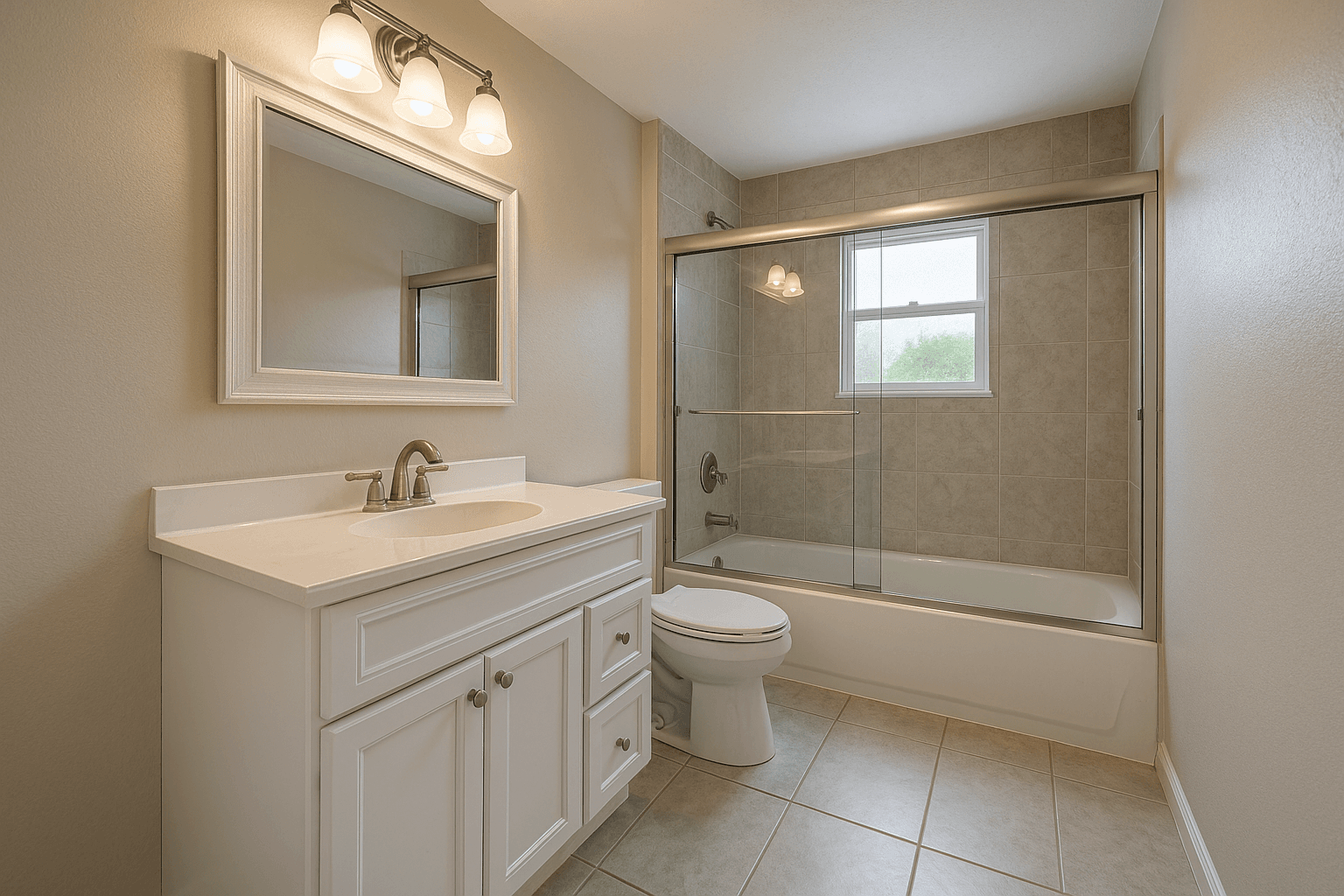
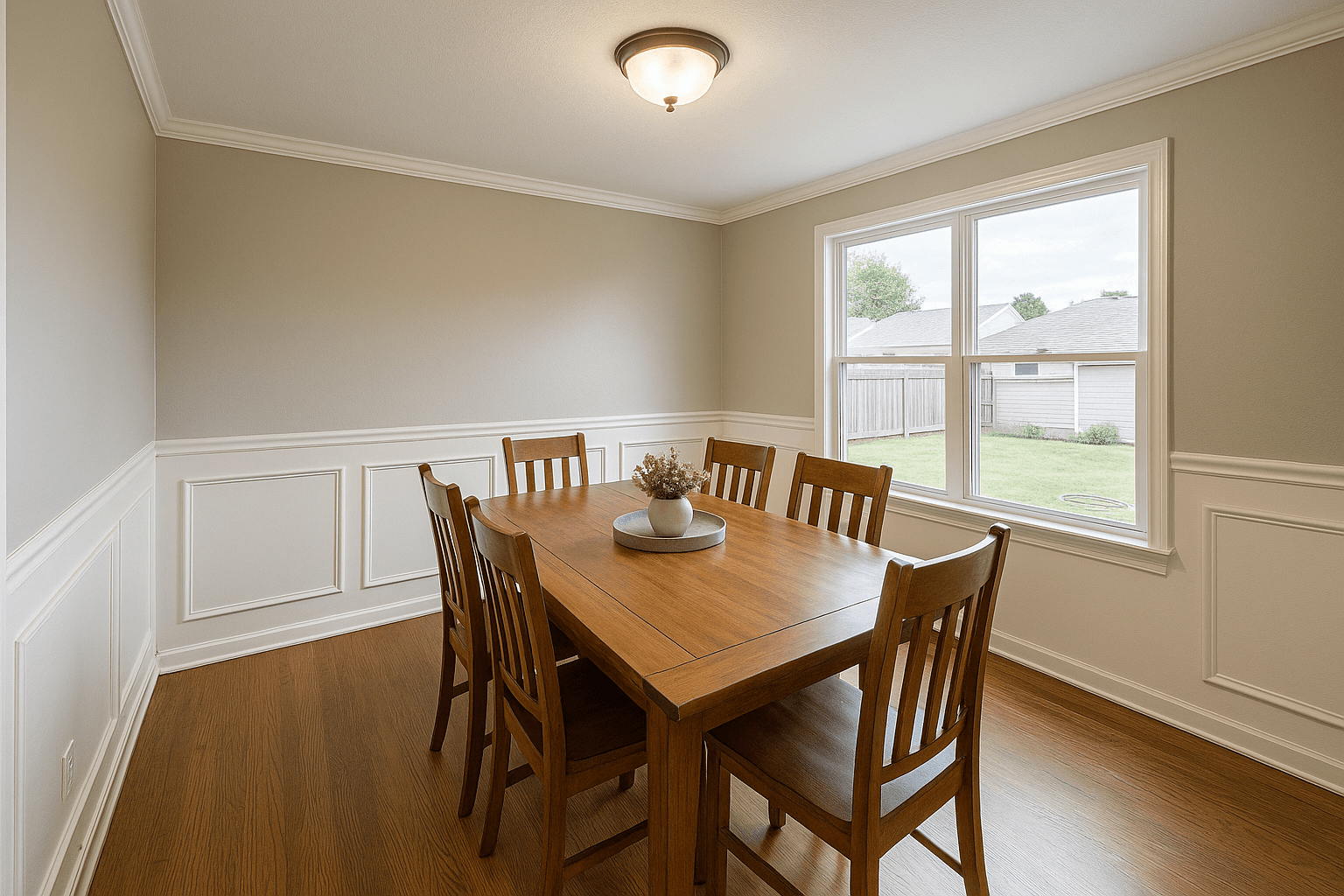
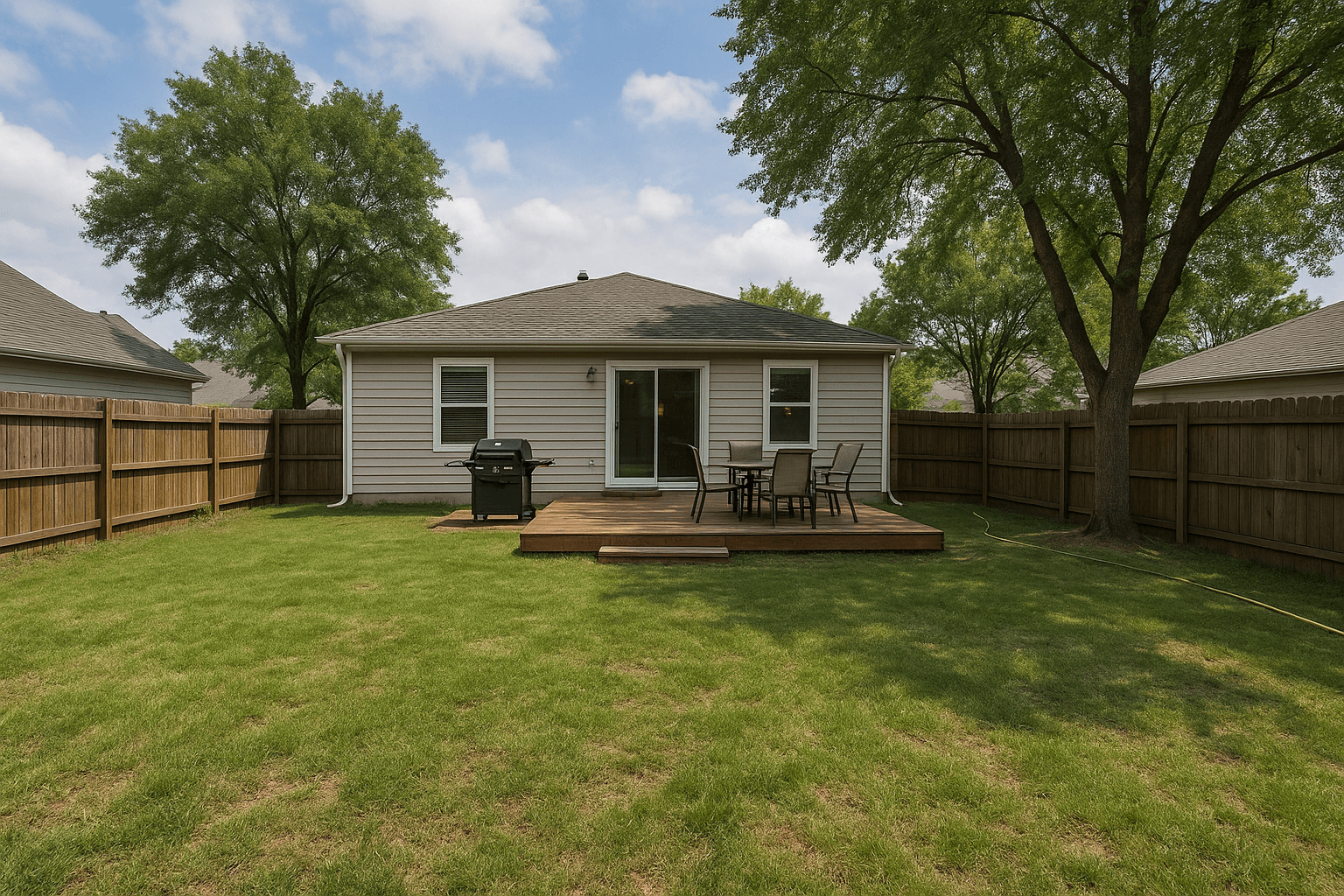
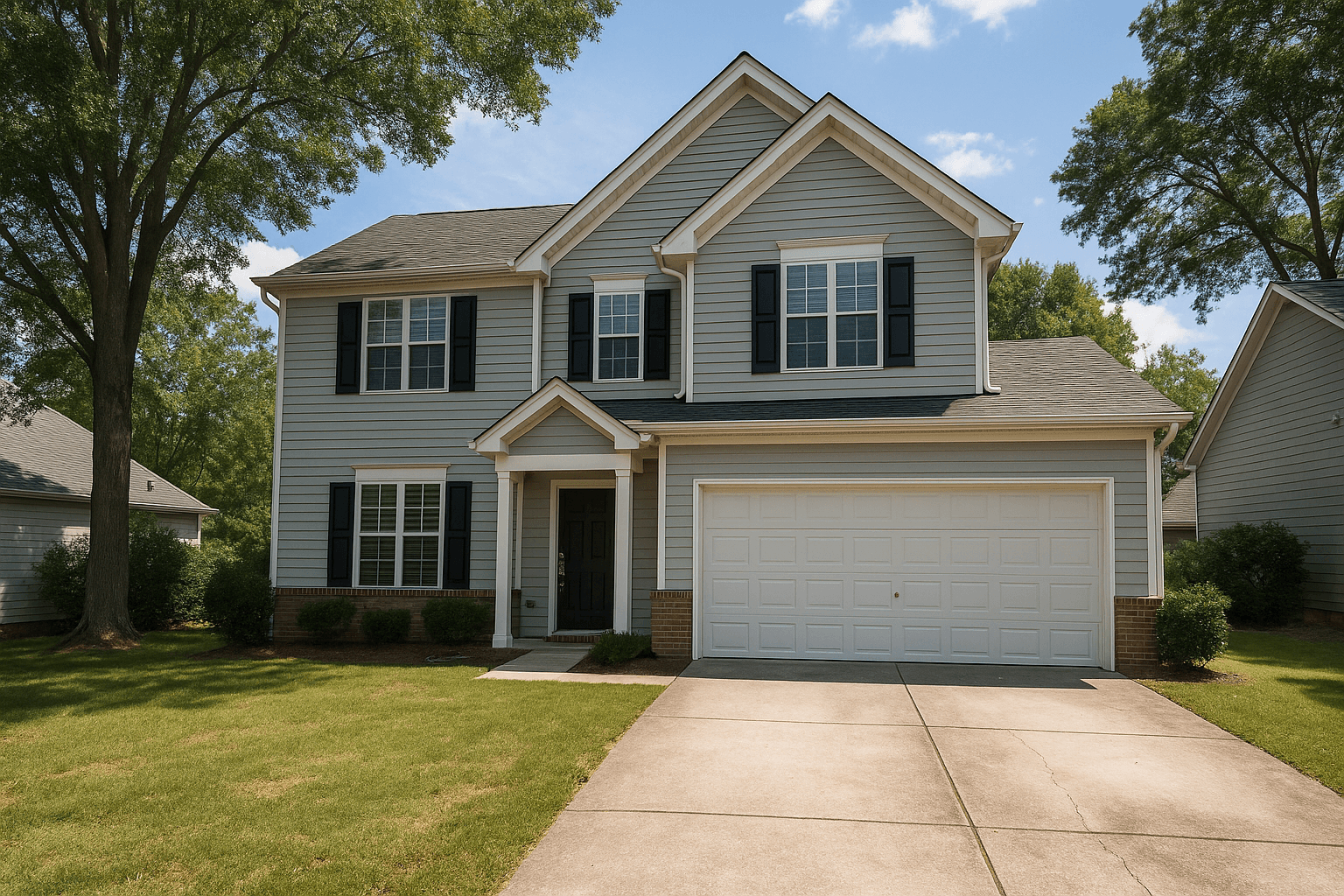
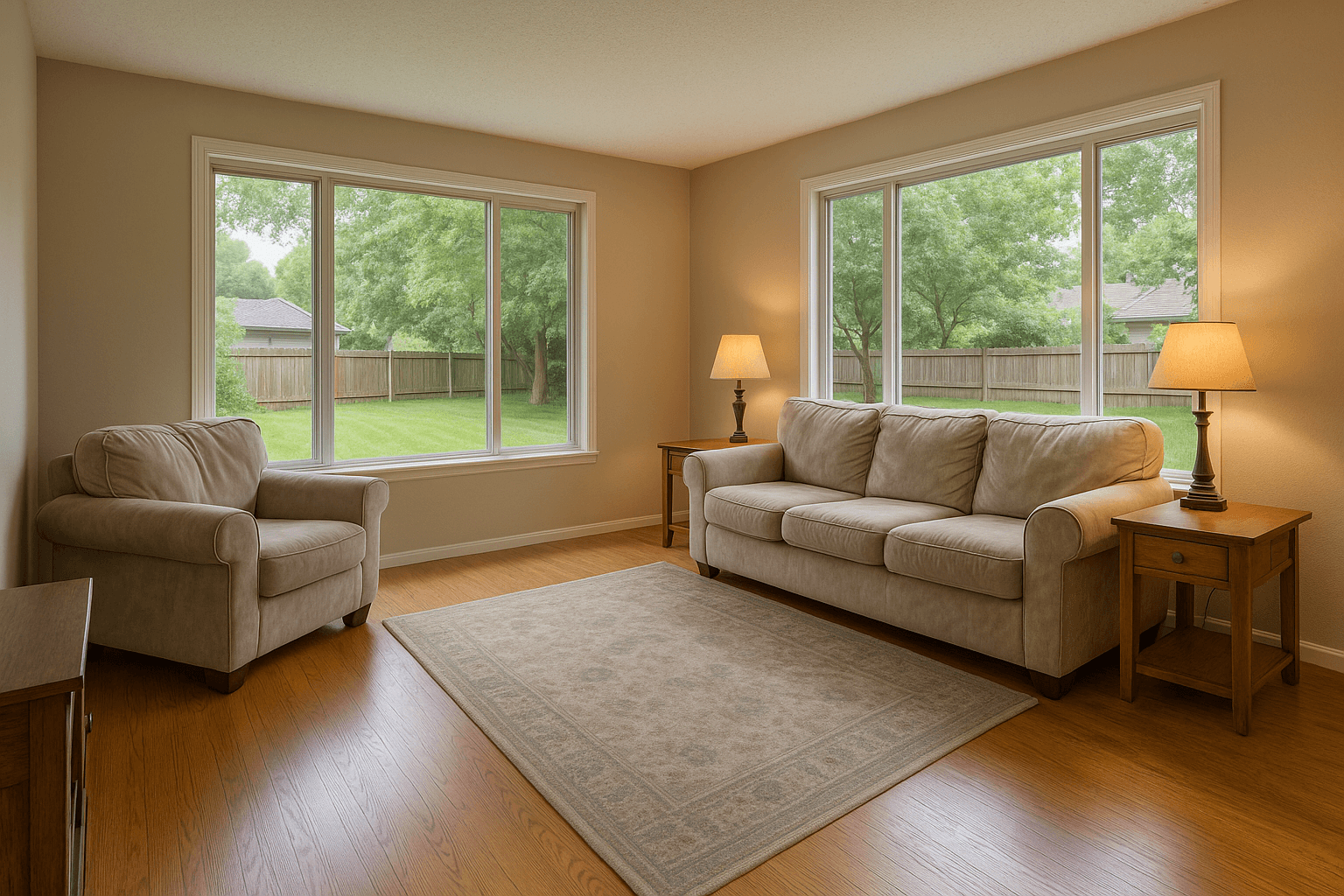
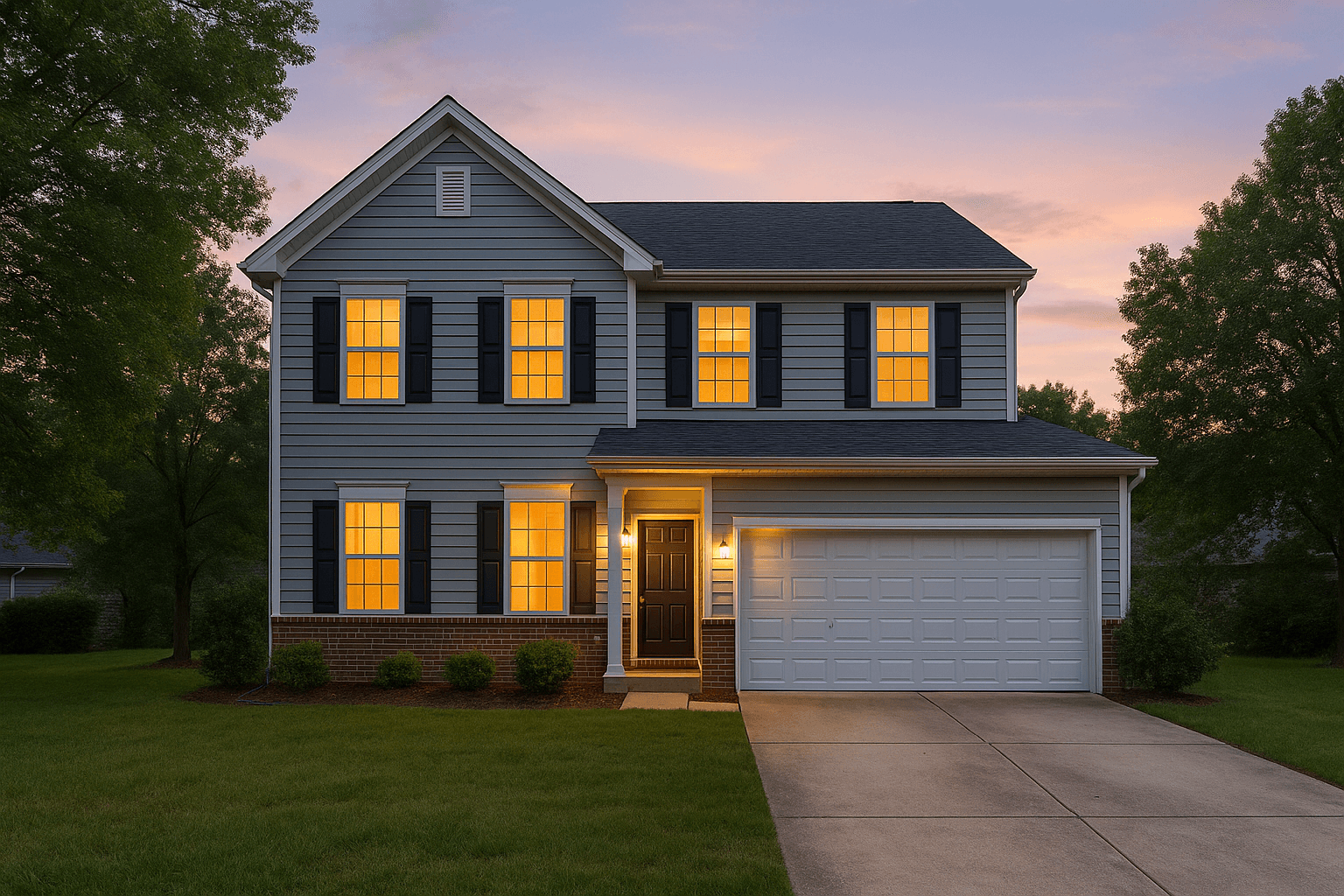
The Studio pipeline
Questions
Good questions.
Why not just turn the TV off before shooting?
Even off, a glossy screen mirrors the room, the windows, and often the photographer. Blackout replaces the glass reflection with a clean matte face that photographs the way an off TV looks in person.
Does it work on computer monitors and projector screens?
Yes — any screen face in frame gets the same treatment.
Is it really included?
Yes — screen blackout runs automatically on HDR Merge orders at no extra charge.
Pairs well with.
Run Blackout TV Screenson your own listing.
Studio runs every tool on the rail. Create an account and put it to work on your next shoot.