MLS photo resizer
Drop in listing photos, pick an MLS preset, and download resized JPEGs one by one or as a zip — resizing happens in your browser, so photos never leave your device.
No signupNo watermarksRuns in your browser
Target output
Long edge
2048 px
Format
JPEG
80% quality
Metadata
Stripped
EXIF and GPS removed
Photos smaller than the target keep their original dimensions — this tool never upscales.
2048 px on the long edge — the safe default that most modern MLS systems store at full quality.
80% is the sweet spot for listing photos — visually identical at a fraction of the file size.
Photos never leave your device
Resizing runs entirely in this browser tab — nothing is uploaded to a server. Re-encoding also strips EXIF metadata, including GPS coordinates, before your photos go public.
How it works
Add up to 60 JPG, PNG, or WebP photos, then pick a target — the 2048 px MLS standard, the 1024 px minimum, Zillow’s display size, or a custom long edge — and set the JPEG quality. Your browser redraws each photo on a canvas at the new dimensions and re-encodes it, showing the exact before-and-after dimensions and file size for every photo as it finishes.
The resizer only scales down. Upscaling adds pixels without adding detail and makes photos look soft, so anything already smaller than the target keeps its original dimensions. It is still re-encoded, which usually shrinks the file and always strips the embedded metadata.
Download photos one at a time, or grab the whole batch as a single zip. Because everything runs client-side through the canvas API, there is no upload step and no queue — a bulk photo resize of a full shoot takes seconds on a modern laptop.
MLS photo size requirements
There is no single national photo spec — every MLS sets its own dimension and file-size rules, so check your MLS’s photo requirements before you batch-upload. That said, the ranges are consistent enough that a 2048 px long edge is a safe default almost everywhere.
1024 × 768
The minimum many MLS systems enforce — photos below it are often rejected outright.
2048 px
The long-edge size most modern MLS systems store and large portals display at full resolution.
5–25 MB
The typical per-photo file cap — some systems sit at the low end, so oversized files fail.
Why oversized photos slow listings down
Straight-from-camera JPEGs are often 6000 px or wider and well over the caps. Upload those and the MLS re-compresses them with settings you don’t control — frequently more aggressively than you would choose. Oversized batches also take longer to upload and to sync out to portals, and a single over-cap file can fail silently and leave a listing short on photos. Resizing photos for the MLS before upload keeps the quality decisions in your hands and makes every upload faster.
EXIF, GPS, and seller privacy
Camera files carry EXIF metadata: capture settings, timestamps, the device’s serial number, and — on phones and GPS-enabled cameras — precise coordinates. Listing photos syndicate from the MLS to hundreds of portals and social feeds, and embedded metadata usually travels with them.
Because this tool re-encodes each photo through a canvas, the output is a clean file with no EXIF at all — GPS coordinates, timestamps, and device data are gone. One honest trade-off: copyright and credit fields are stripped too. Keep your originals archived as the source of truth, and treat the resized copies as upload-ready duplicates.
Questions
What size do photos need to be for the MLS?
It varies by MLS. A common pattern is a 1024 × 768 minimum, storage at up to 2048 px on the long edge, and a per-photo file cap somewhere between 5 and 25 MB. A 2048 px long edge at 80% JPEG quality meets or exceeds spec on most systems — but check your MLS's published photo requirements before a big upload.
Do my photos get uploaded anywhere when I use this tool?
No. Resizing runs entirely in your browser using the canvas API — photos never leave your device, and no account, watermark, or server is involved. Close the tab and nothing persists.
Will resizing reduce my photo quality?
Downscaling to 2048 px keeps more resolution than most portals ever display, and the tool resamples in steps so edges stay clean. At 80% JPEG quality the difference is not visible at listing sizes. It never upscales, so photos are never stretched or softened.
Why does my MLS reject photos for being too large?
Most systems enforce a per-photo file cap, commonly between 5 and 25 MB, and straight-from-camera JPEGs regularly exceed it. Resizing to a 2048 px long edge and re-encoding brings even large camera files comfortably under typical caps.
Does resizing remove EXIF data like GPS location?
Yes. Re-encoding through a canvas writes a brand-new JPEG with no EXIF metadata — GPS coordinates, timestamps, and camera details are all stripped. If you rely on embedded copyright fields, keep your originals; the resized copies are for upload.
Can I use this for Zillow, Realtor.com, or social media?
Yes. The Zillow preset targets the 2048 px long edge that large portals display at full resolution, and the custom option covers any other target — most social platforms are comfortable at 2048 px too.
More free tools
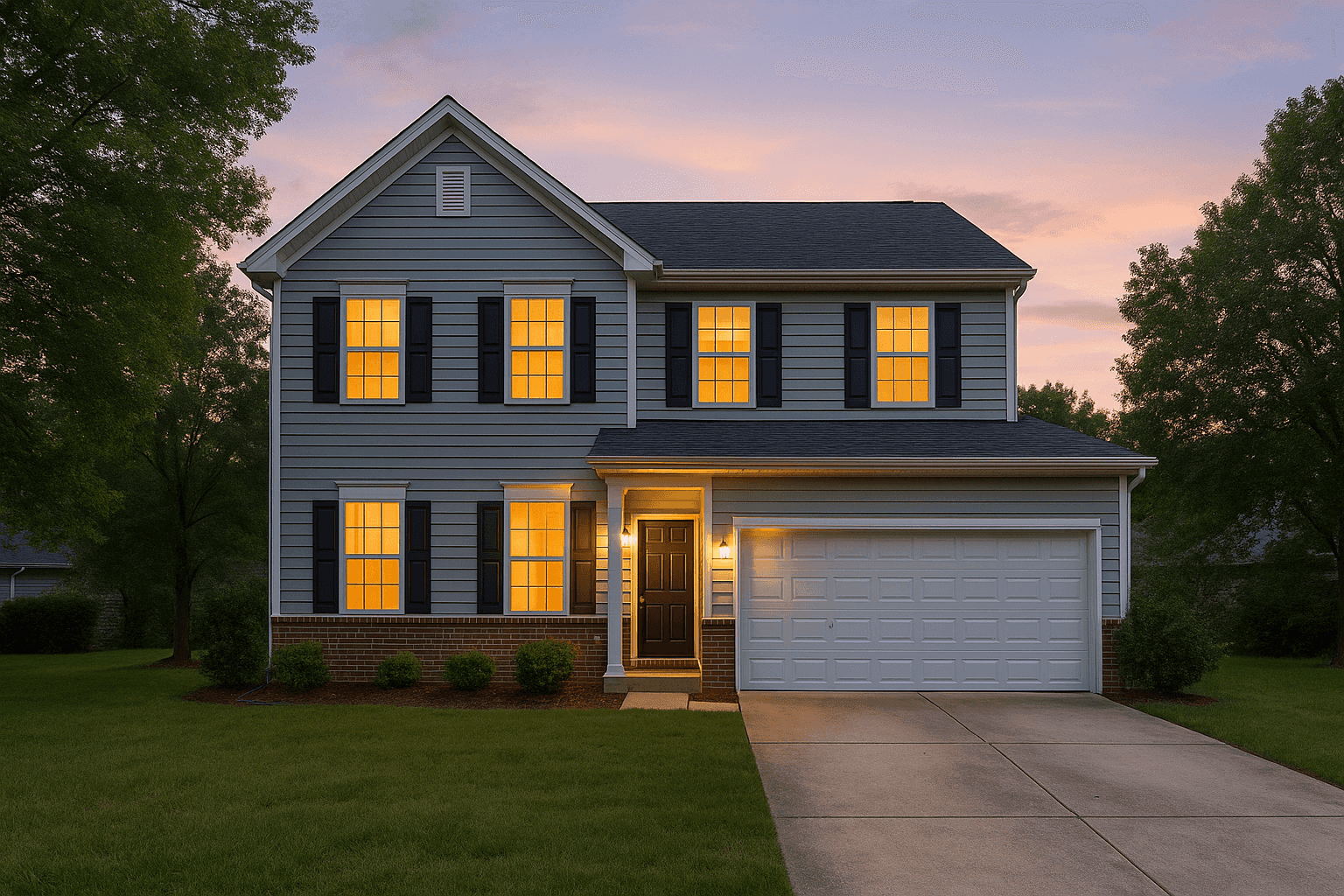
Better Listing Media
Resizing makes them fit. Studio makes them sell.
Studio is Better Listing Media's AI editing catalog — HDR merge, virtual twilight, virtual staging, sky replacement and the full clean-up library, priced per image in credits.
No credit card required