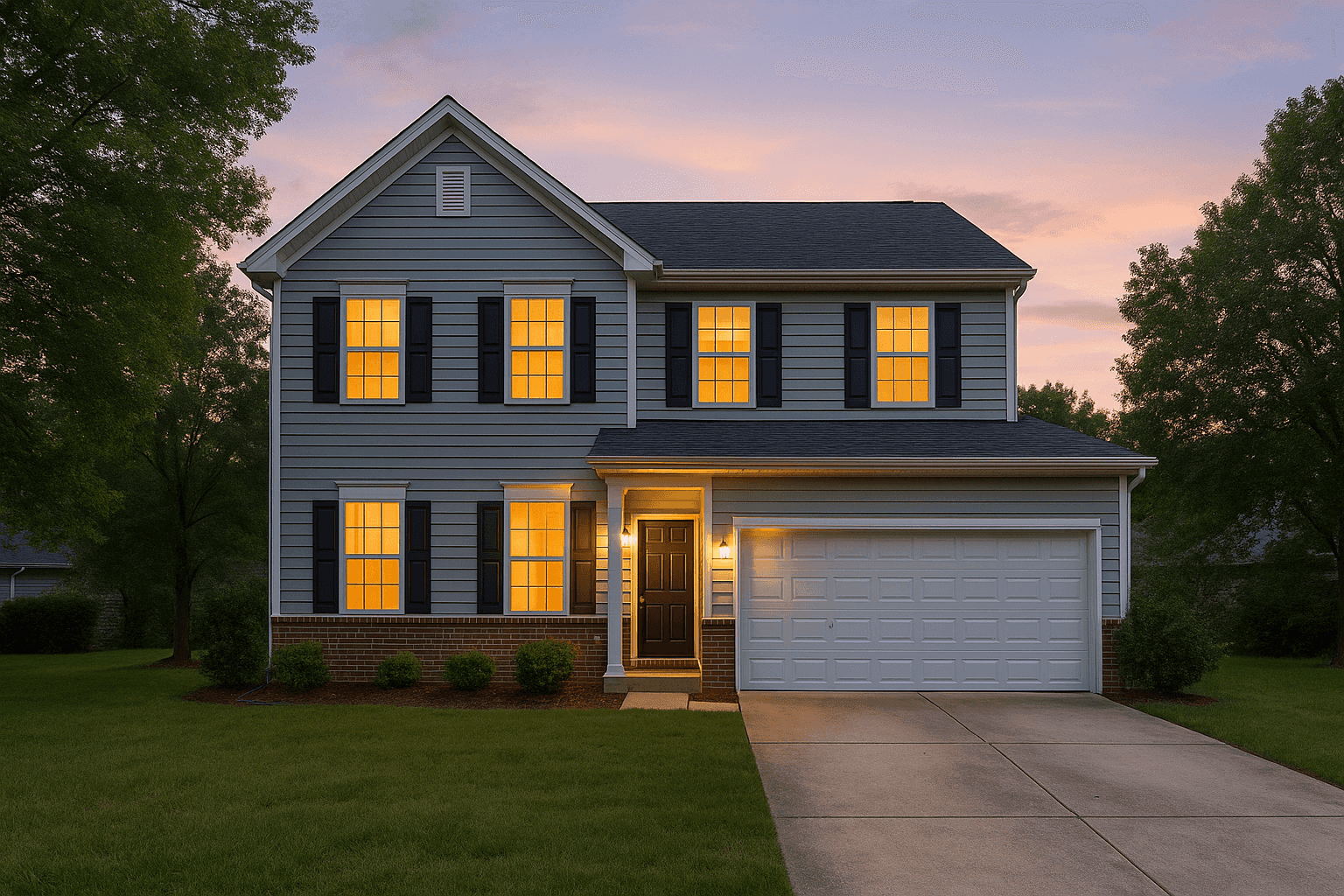
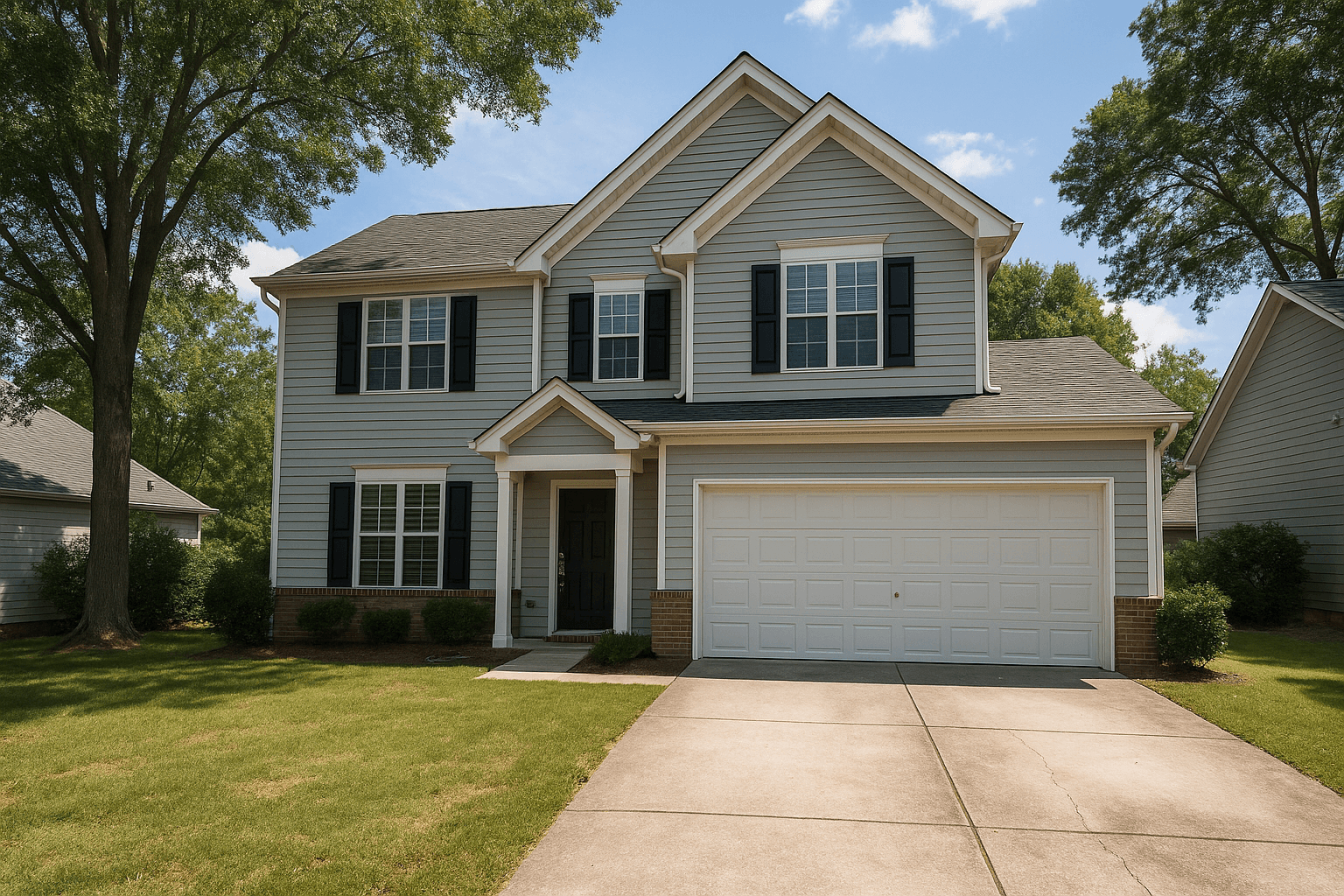
 Front exterior
- Move vehicles off the drivewayReady
- Roll trash cans out of sightReady
- Close the garage doorReady
- Mow and edge the front lawnReady
For agents & photographers — pre-photography prep
Photo-Ready sends your seller a private prep link before the shoot. They walk the home with their phone, and every room gets its own specific to-do list — so the house is ready before the camera comes out.
Live in the workspace todayIncluded with the Workspace · sellers need no account.
The walkthrough
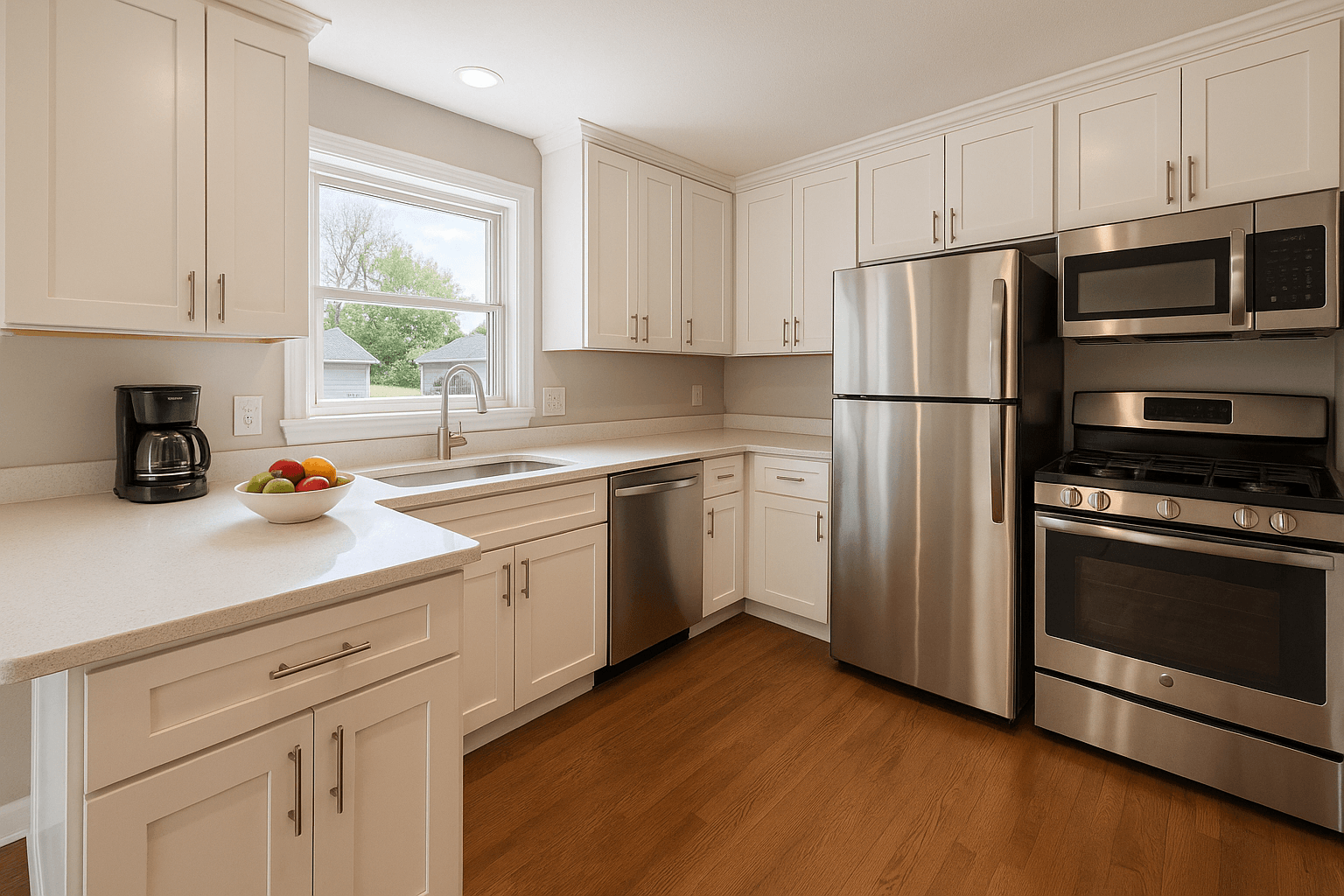
Five scenes, one house — and every task written for this property, not a template.
Front exterior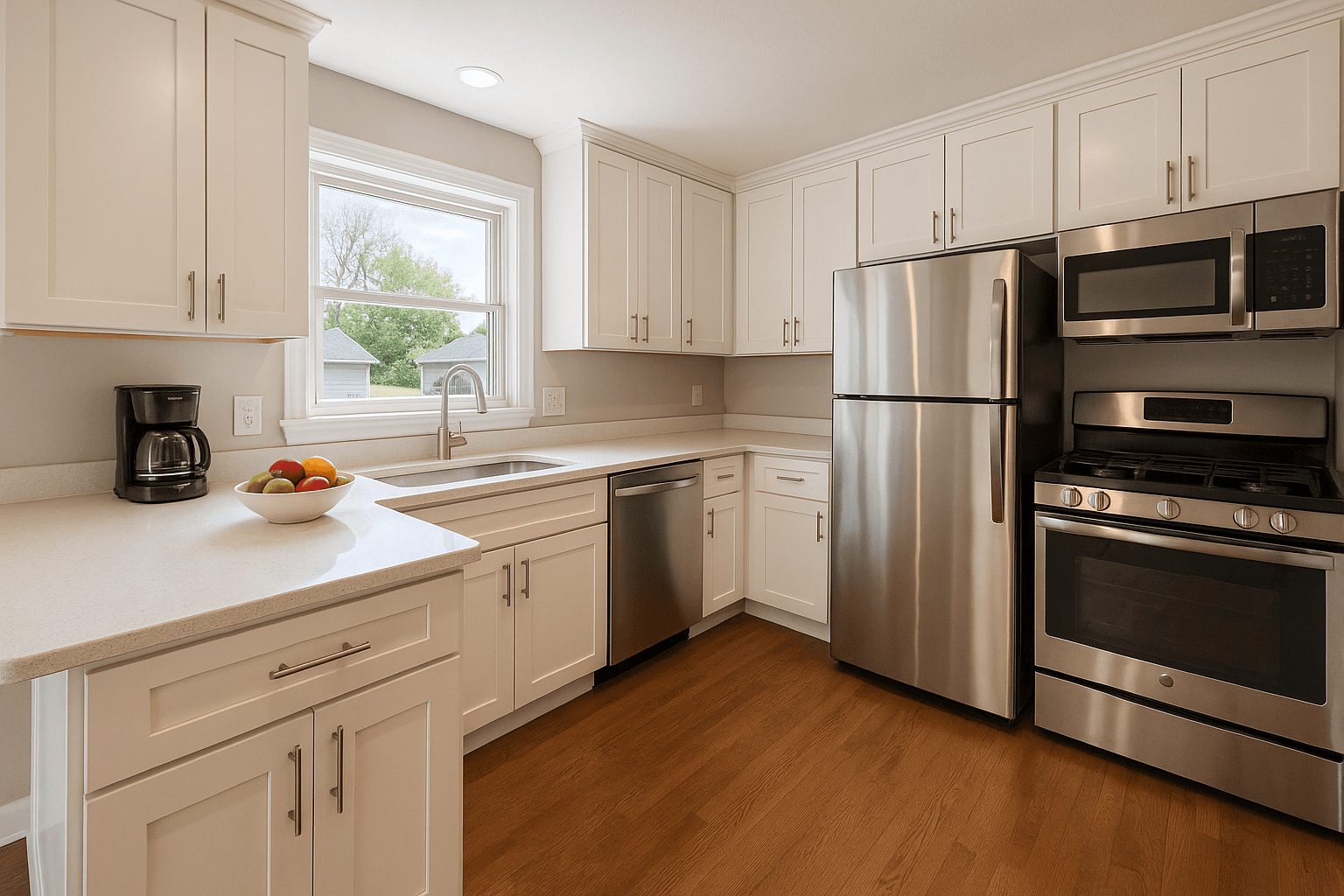 Kitchen
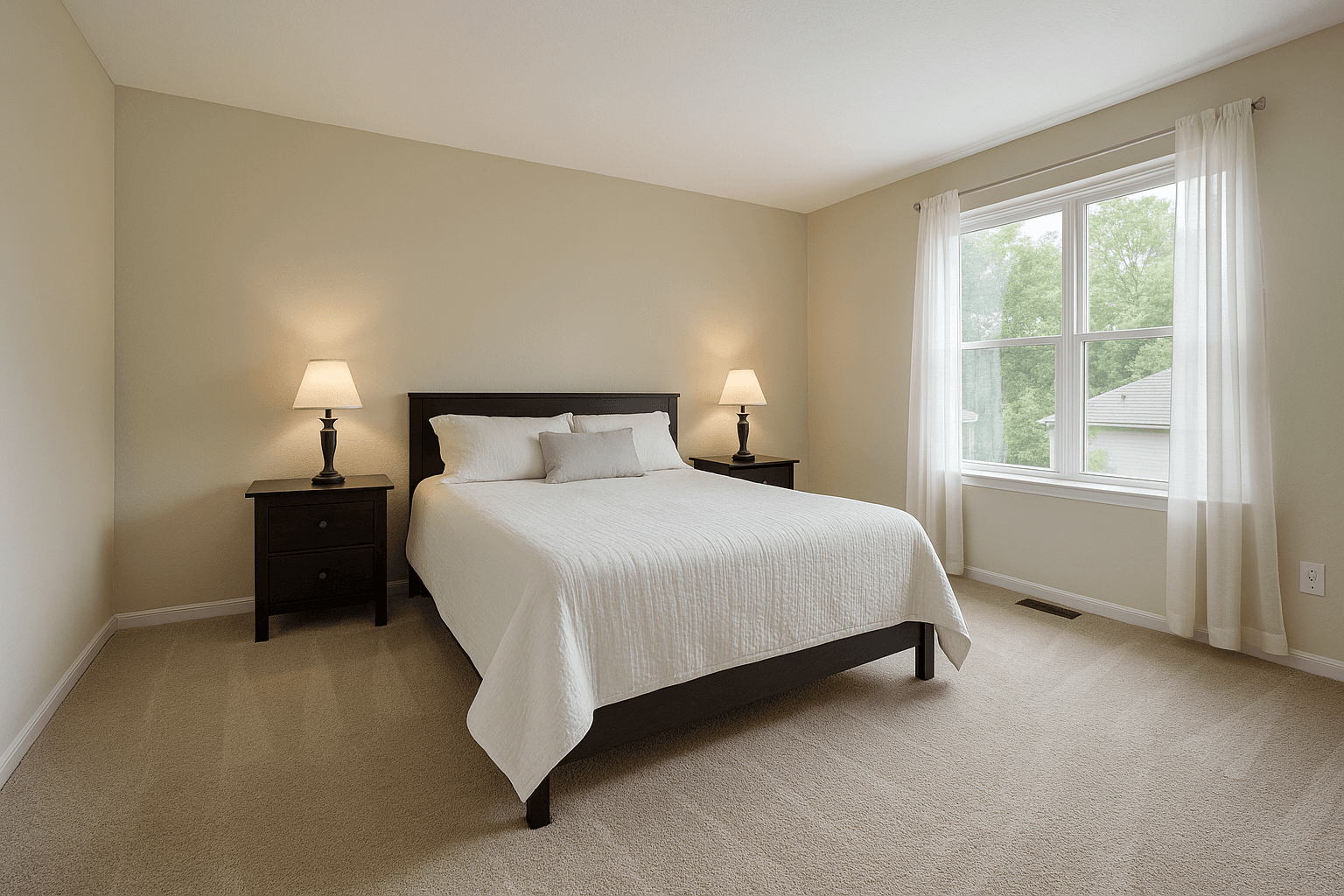 Primary bedroom
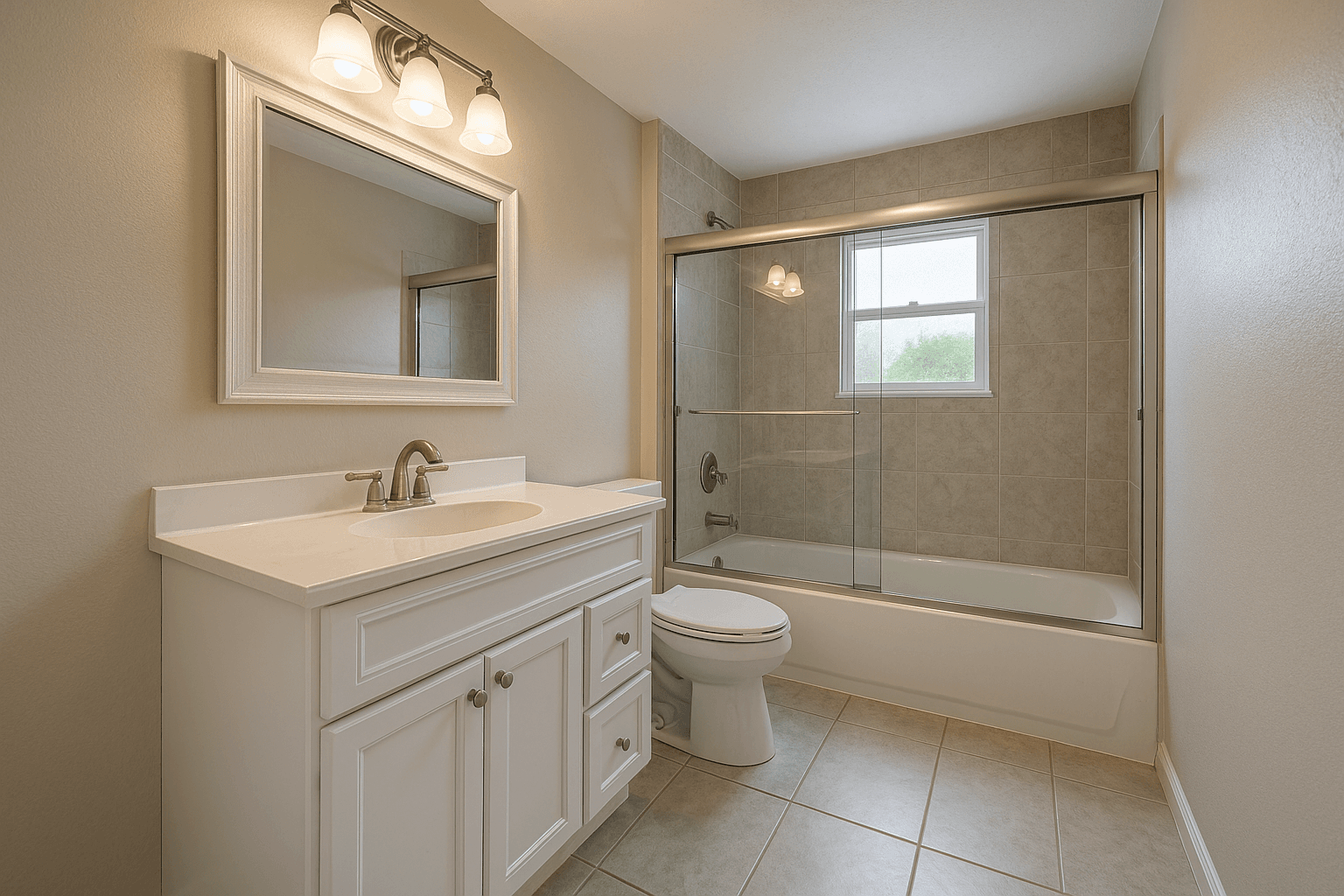 Bathroom
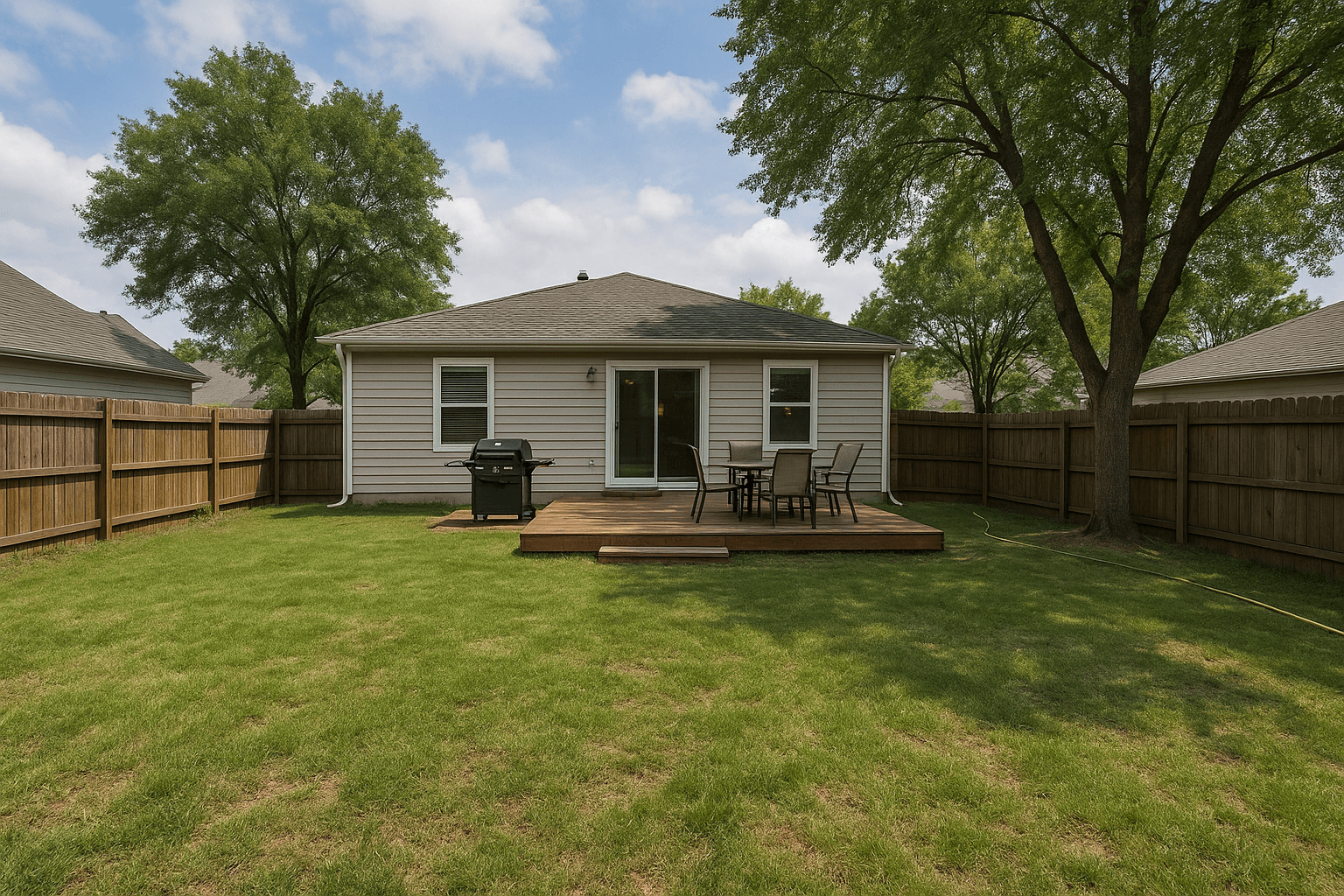 Backyard
Every room ready
Photo ready
Your photographer can focus on photography.
Property-specific
A generic prep sheet says “declutter the kitchen.” Photo-Ready reads the seller’s own phone photos and says which counter, which appliance, which lamp — because the checklist was written from this house, not for every house.
The generic PDF
The same list, whatever the listing.
This house’s list
Written from the seller’s phone photos of 412 Alder Court.
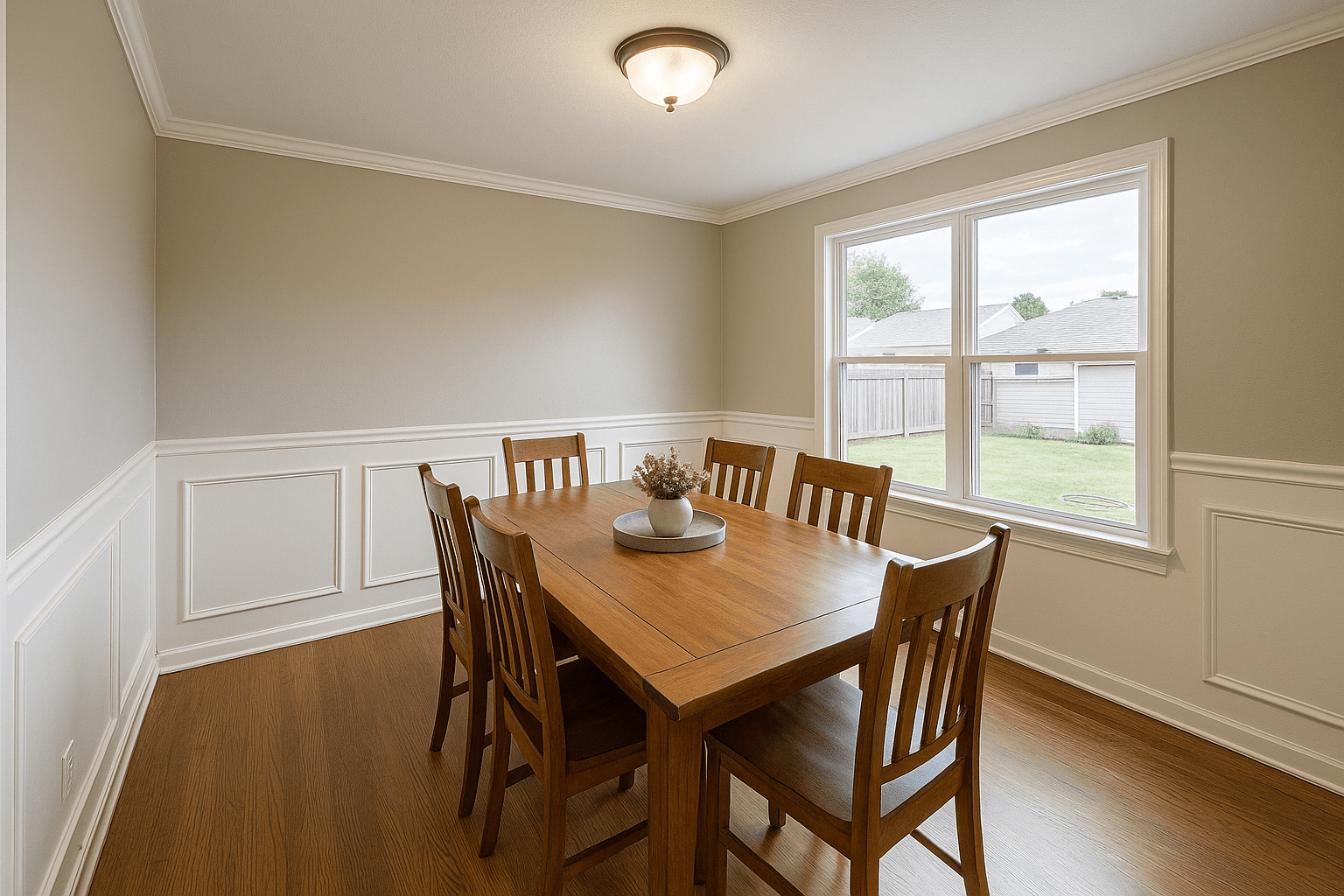 Straighten all six chairsOne centerpiece, centeredWipe the table to a low sheen
Preparation only
Photo-Ready asks one question: what should this homeowner move, clean or switch on before the photographer arrives? It works with what the home already has.
Photo-Ready Review
Create the review and hand the private link to your agent to pass to the seller. The report has the awkward prep conversation for everyone — so you arrive to a photo-ready home, not a wasted trip or a reshoot.
The prep link goes out
Photo-Ready Review
Link sent214 Birchwood Ln
Photo day Thursday · 7:15 PM
Create the review in your workspace — then send the link yourself, or hand it to your agent to pass along to the seller.
The seller walks the home
Upload a few photos
Tap a card to add photos.
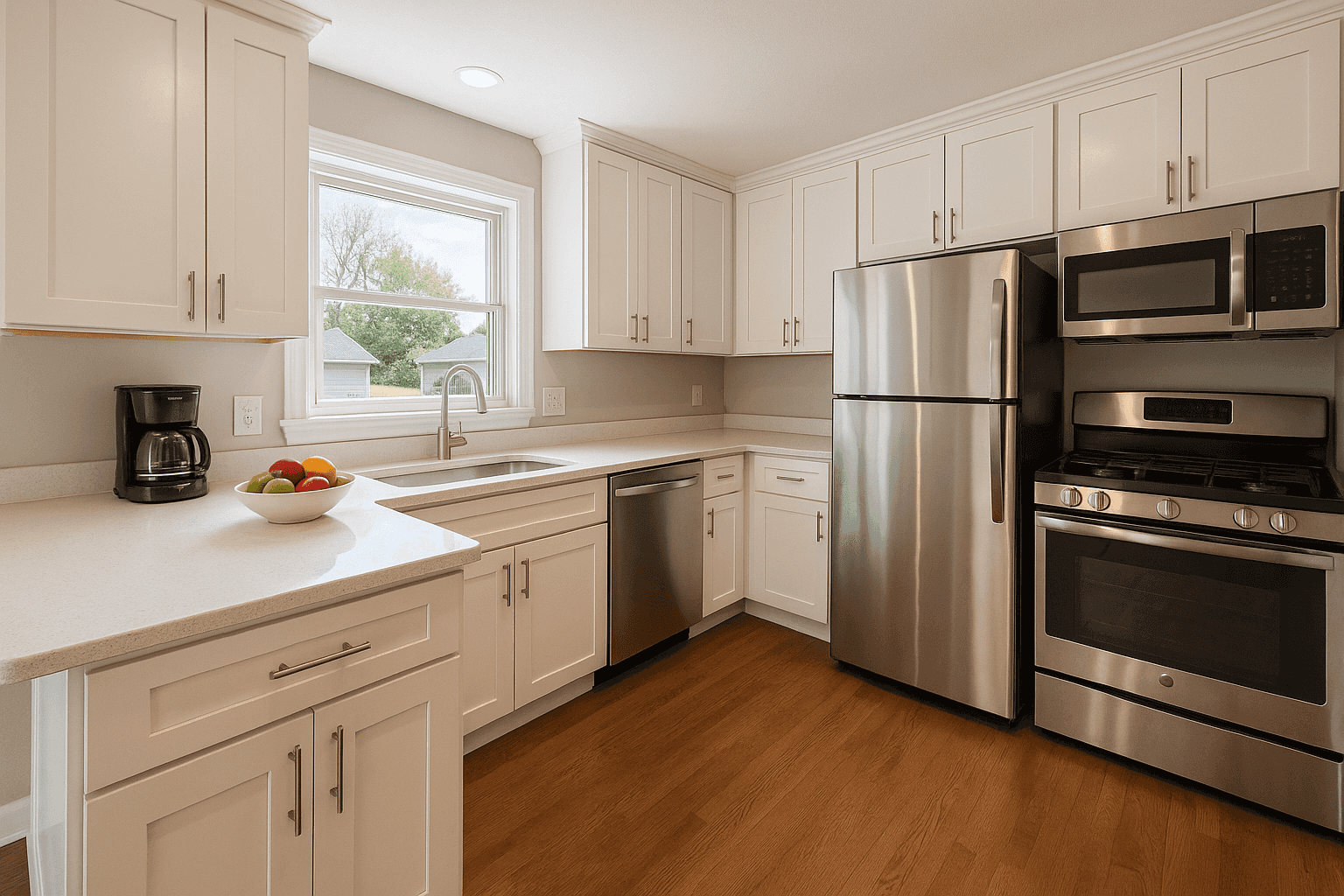
Kitchen
RecommendedStand in a corner and capture as much of the kitchen as you can.
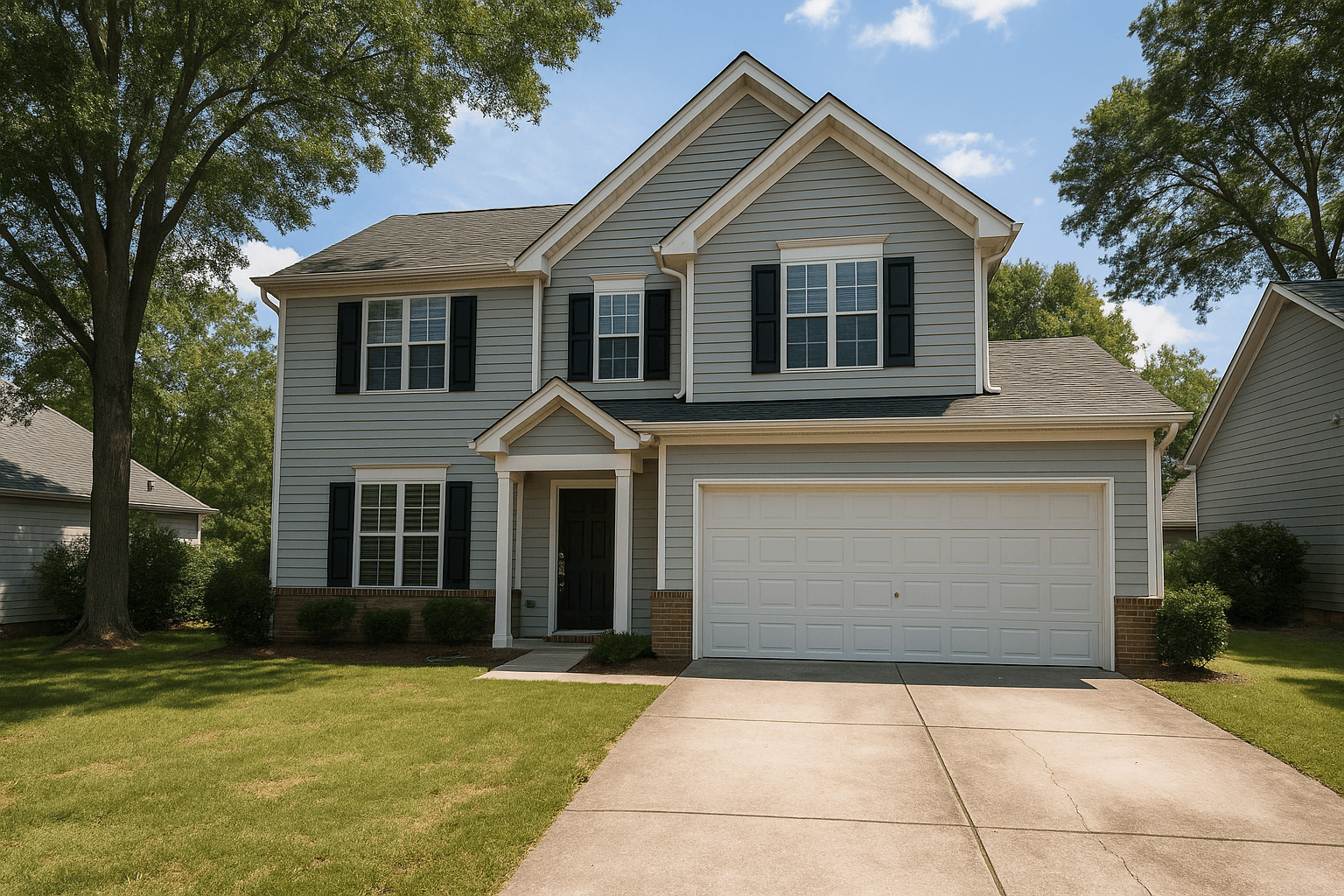
Front exterior
Stand across the street or driveway.
Room by room on their phone — quick shots and a few questions, about five minutes. No app, nothing to install.
The report flags the fixes
214 Birchwood Ln · Readiness report
Almost readyKitchen
Clear countertops down to one or two decorative items.
Living room
Bundle or hide charging cords and wires.
Front exterior
Mow and edge the lawn before photo day.
Primary bedroom
Looking great — no prep needed here.
Recommended prep services
A soft, room-by-room readiness report — what to handle before photo day, what already looks great, and local prep help only if the seller asks for it.
Shoot day
A private link, no seller account — photos stay between the seller and their agent.
The readiness score
The checklist is only the beginning. Photo-Ready scores the home room by room, rechecks it after the work is done, and carries the score through the final half hour — so you always know how close each listing is to photo day.
Every room scored, so the seller knows where the last effort goes.
New photos after the tasks are done — and a score that moves.
A day-of flow for the 30 minutes before the photographer arrives.
See how ready each listing is without asking the seller.
Everything lands in the Better Listing Media workspace — beside your bookings, your delivered photos and your listing tools.Explore the workspace
Questions
No. You send a private Photo-Ready link; the seller opens it on their phone, photographs each key area, and answers a few quick questions. Nothing to install, no login to create.
A few quick phone shots of each key area — the kitchen, the living spaces, the front of the house — about five minutes in total. If the AI can't read a photo, a deterministic rule engine still produces the checklist, so the seller is never left with a blank page.
No — that's a hard boundary. Photo-Ready is pre-photography preparation only: moving, tidying, and switching on what the home already has. It never gives renovation advice, never estimates repairs, and it is not an inspection, an appraisal or a condition report.
Yes. Your workspace tracks each Photo-Ready link live — sent, opened, photos submitted, report ready — with a readiness percentage for every listing, and the finished report is delivered to you and the seller.
Yes. Each link produces a soft, room-by-room checklist the seller works through — then a recheck takes new photos and returns an updated readiness score, so both of you watch the home move from its first pass to photo-ready.
Send the prep link when you book the shoot. By photo day the house is ready, the awkward conversation never happened, and your photographer walks into the listing at its best.