Studio

The editor built for listing photography.

Order the 3 core Services on the frames you pick, priced per image. Finish the edit with 33 tools on one rail, free to use; the AI tools are metered and show their cost before they run. Deliver under your brand, on the web and as the desktop app.

3
core Services, priced per image
33
tools on the rail, free to use
13
AI tools, metered per use
Studio
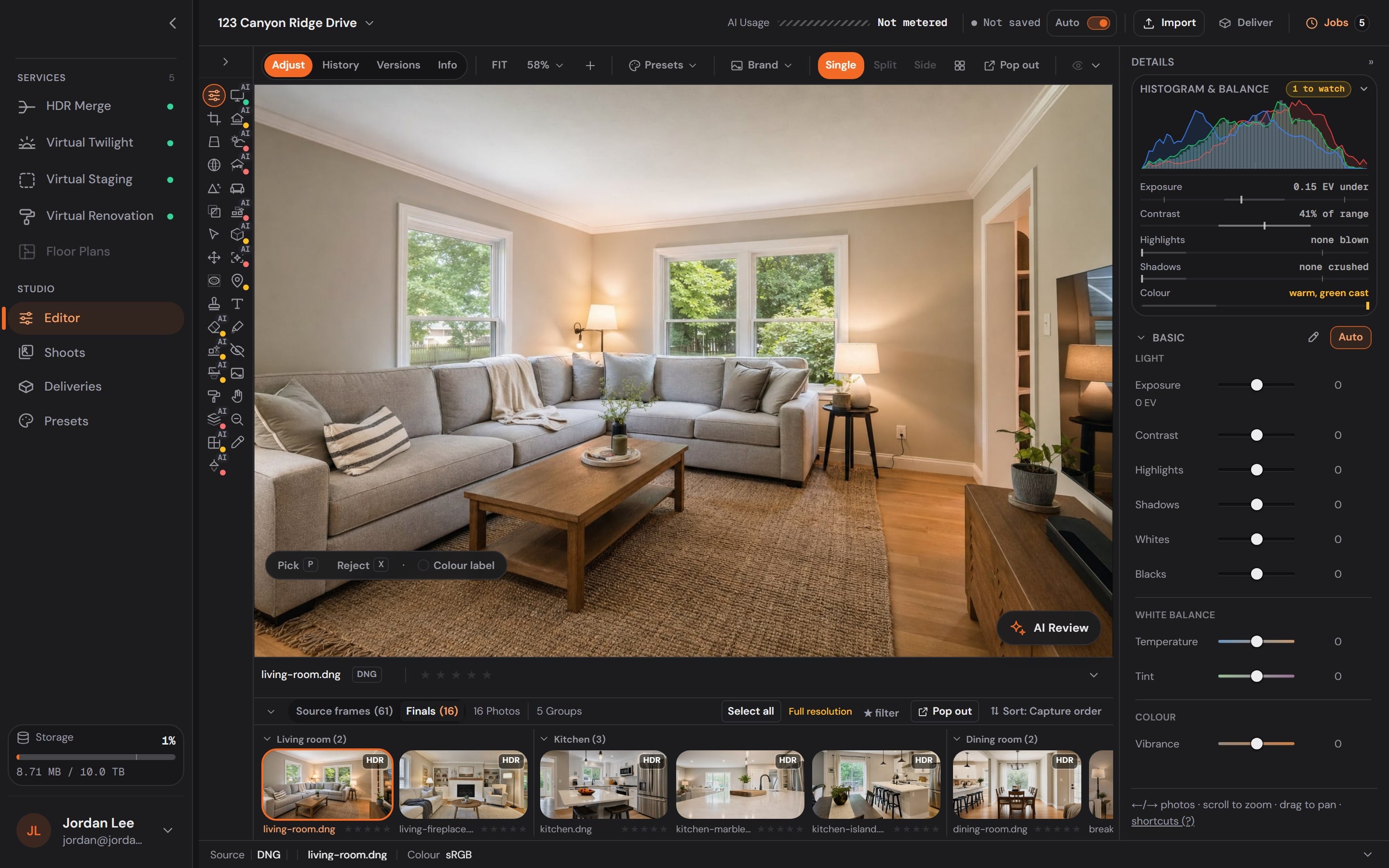
The Studio editor: the tool rail, the canvas and the adjustments panel

Studio — where every edit runs

The catalog runs inside a real editing suite. Not a form. A Studio.

Order a Service on the frames you pick, finish the edit with 33 tools, keep every version,and deliver under your own brand — on the web, and as the desktop app.

Scroll to watch it work

Services

Every Service starts from the photos you pick.

The three Services sit in the dock. Pick the frames, and the price is on the button before you run it — per image, in credits, charged only once the files are verified.

  • Bracket sets found for you
  • Priced on the button, per image
  • Failed edits refund automatically

Tools

33 tools on one rail — and this one is live.

Adjust is running in this window: Auto lifts the raw frame, then the sliders are yours. Crop, geometry, lens, detail, masks, repair, paint, staging, aerial lot lines, markup, privacy and your brand sit beside it, free to use. The AI-marked tools are metered per use and state their cost before they run.

  • Free to use; AI tools metered, cost shown first
  • Histogram and balance read live
  • Every tool, to try, on the Tools page

AI Edit

Mark the area. Describe the change.

Brush, lasso or box the part of the frame that has to go, say what should be there instead, and the cost is stated before anything runs. Removals, declutter and fills happen inside the mark — never to the rest of the photo.

  • Brush, eraser, lasso, box
  • One sentence describes the change
  • Priced before it runs

Versions

Every save is a version you can go back to.

Each editing step lands in the history as its own version. Restore any of them and the others stay put — nothing you did is ever lost, and the shoot-wide look stays consistent across every frame.

  • Restore any version
  • History per frame
  • Presets applied across a whole shoot

Deliver

Sized for the MLS, the web, print and social — under your brand.

One delivery renders every size the listing needs, stamps your logo where you put it, and lands in a gallery that carries your name, not ours.

  • MLS, web, print and social presets
  • Your logo, your gallery
  • One link to the client

Core services

The three Services that carry a listing.

Each one runs in Studio on the frames you pick. Scroll — watch each frame develop from the raw file to the finished edit, with markers naming exactly what changed along the way.

HDR Merge

Bright rooms, visible window views, true color — merged from the raw brackets you already shoot on every listing.

A camera can't expose a bright window and a dim room in one frame — so listing photographers shoot brackets: the same composition at several exposures. HDR merge blends them, taking each part of the scene from the exposure that captured it best.

  • The window view survives
  • One consistent look per shoot
  • Clean-up comes built in

Virtual Twilight

The dusk shot that stops the scroll — from any well-lit daytime exterior, no second trip, no weather risk.

Twilight exteriors stand out immediately in a search-results page full of midday photos: warm windows, deep sky, instant atmosphere. Shooting real dusk means a second trip, a twenty-minute window, and weather you can't control.

  • Earns the click
  • Five styles, one price
  • No second trip, no weather

Virtual Staging

Empty rooms read cold and small. Staged rooms give buyers a life to picture — for a few dollars per photo instead of thousands per month.

Without furniture there's no sense of scale and no purpose to a space — a 14-foot and an 18-foot living room look nearly identical in an empty photo. Traditional staging fixes that with trucks and monthly rental bills; virtual staging fixes it in pixels.

  • A fraction of physical staging
  • True-to-scale furniture
  • Restyle infinitely

Why the edit matters

Buyers judge the listing by its photos.

Online buyers rate listing photos more useful than anything else on a listing, and sellers favour agents who bring professional photography. Every service here is there to make a listing's photos hold up to that look.

81%

of recent buyers who searched online rated listing photos “very useful”, the highest of any website feature.

NAR, Home Buyers and Sellers Generational Trends (2026)
78%

of sellers are more likely to hire an agent who offers high-resolution photography.

Zillow, Consumer Housing Trends Report for Agents (2025)

The enhancement library

The clean-up reel.

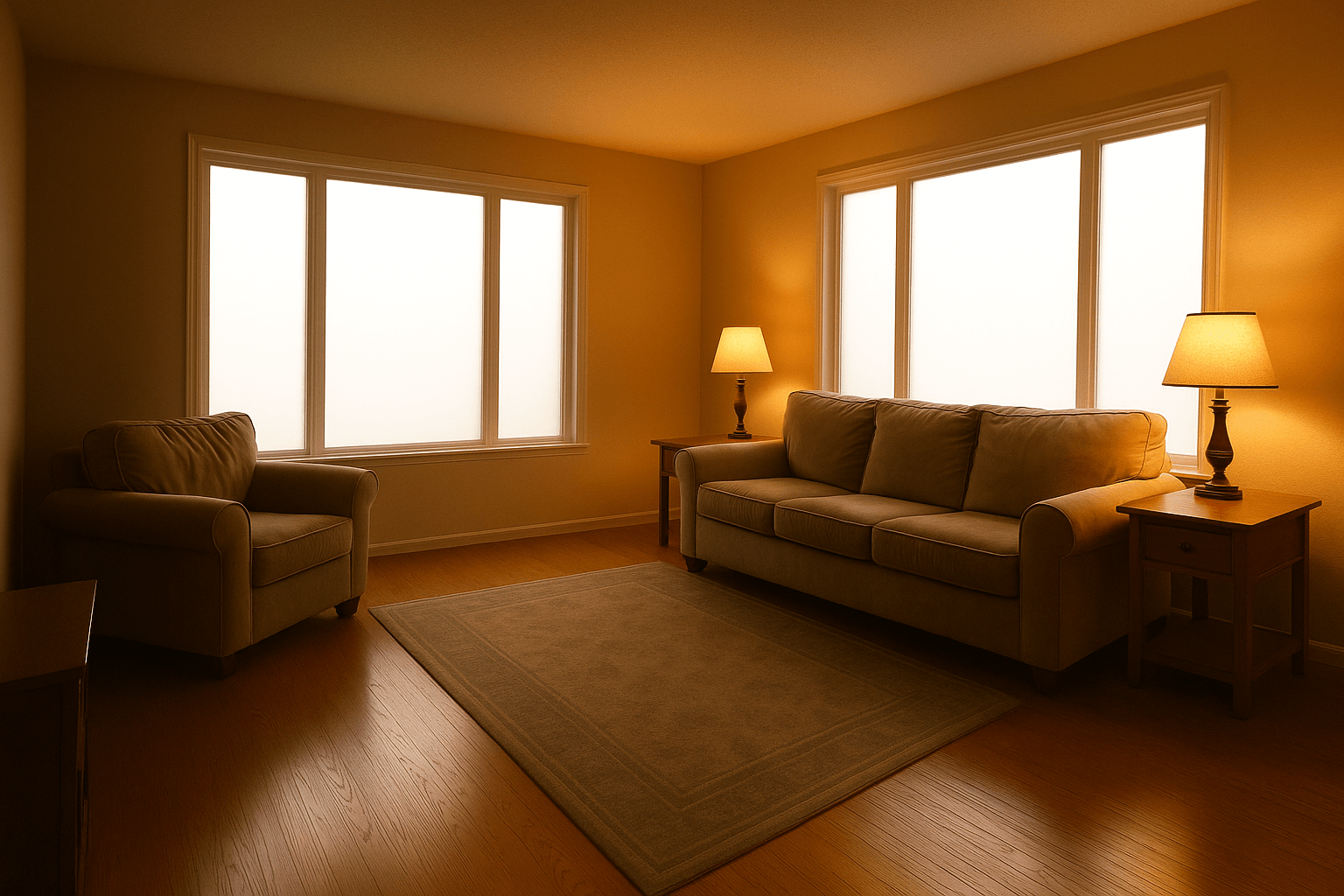
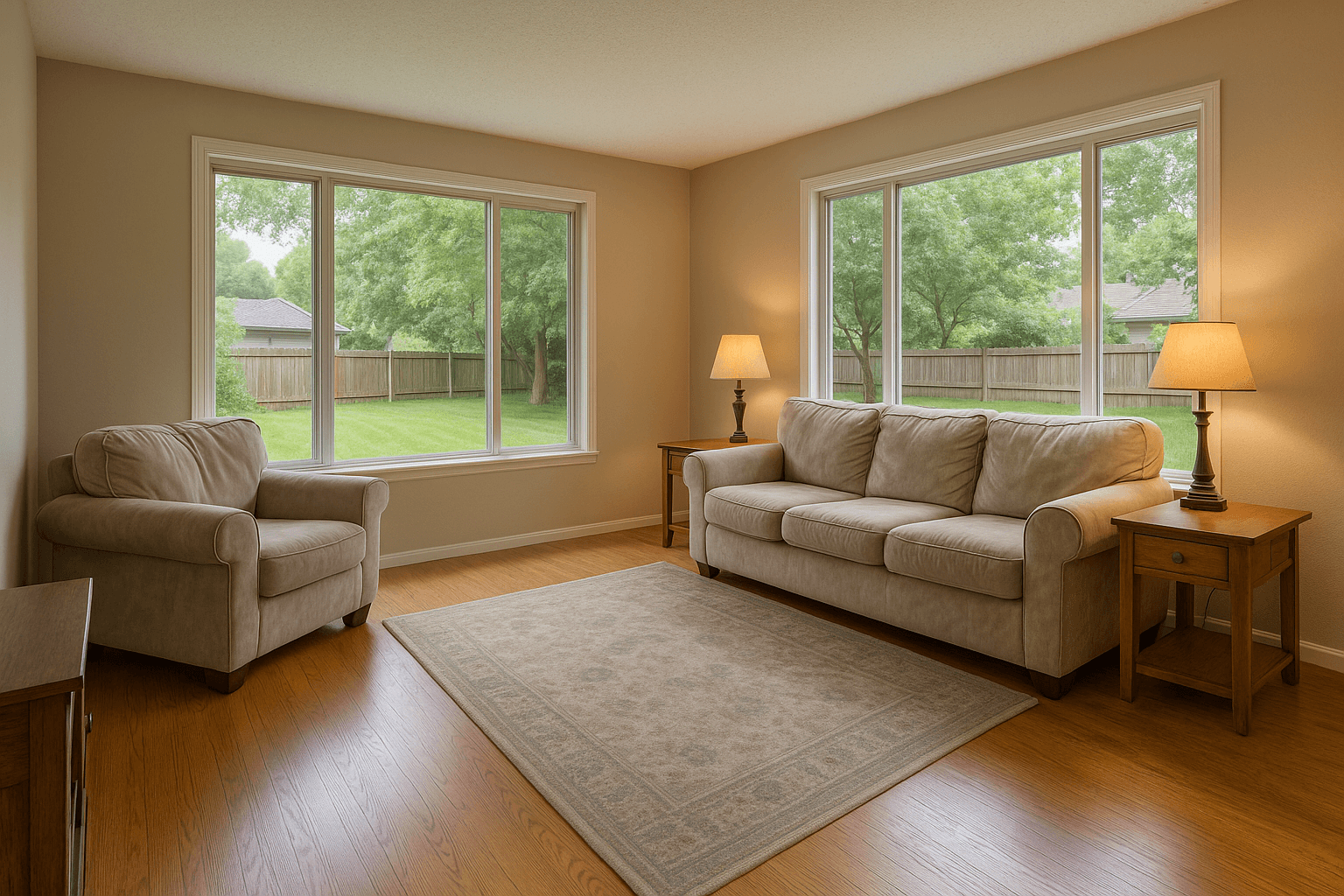
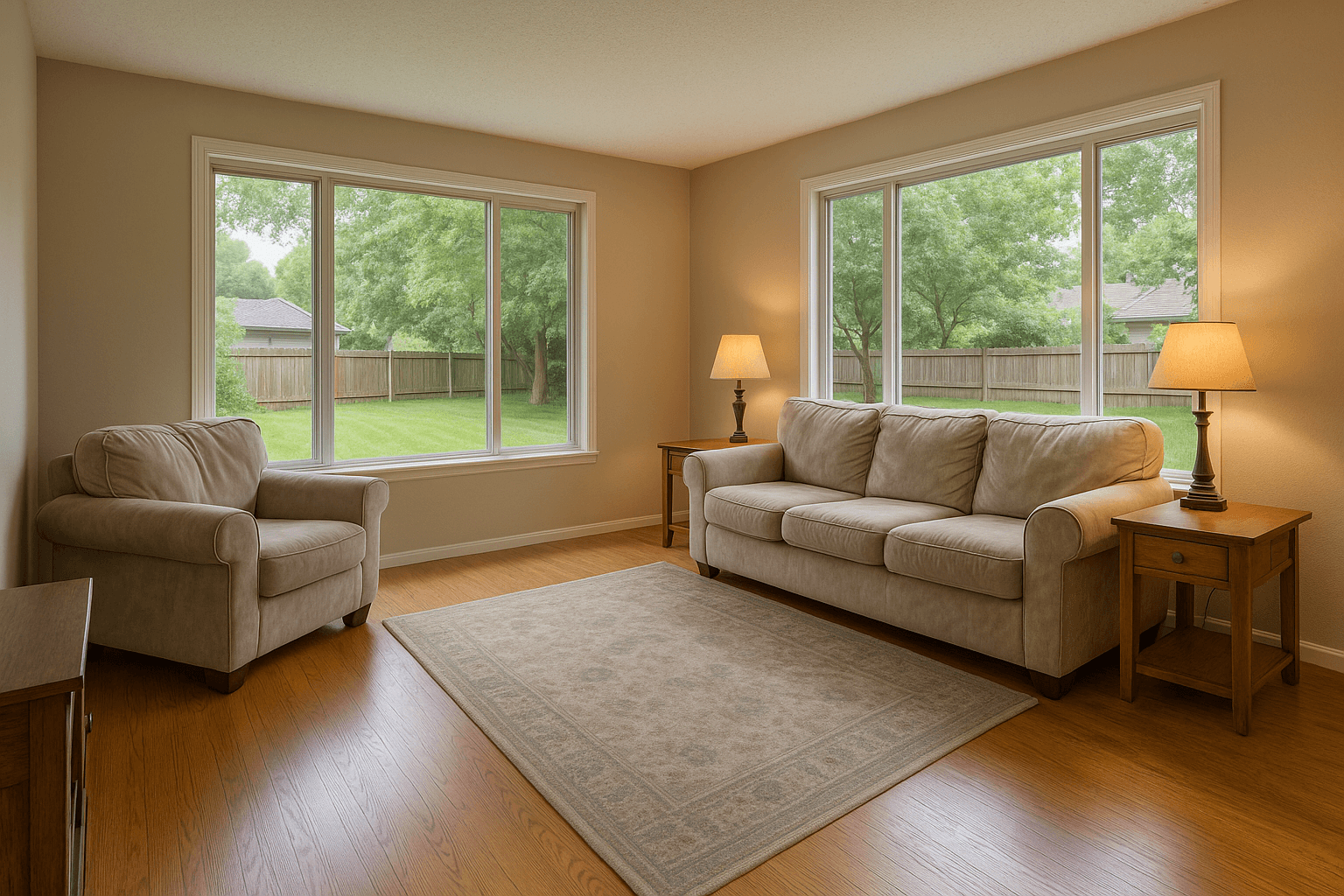
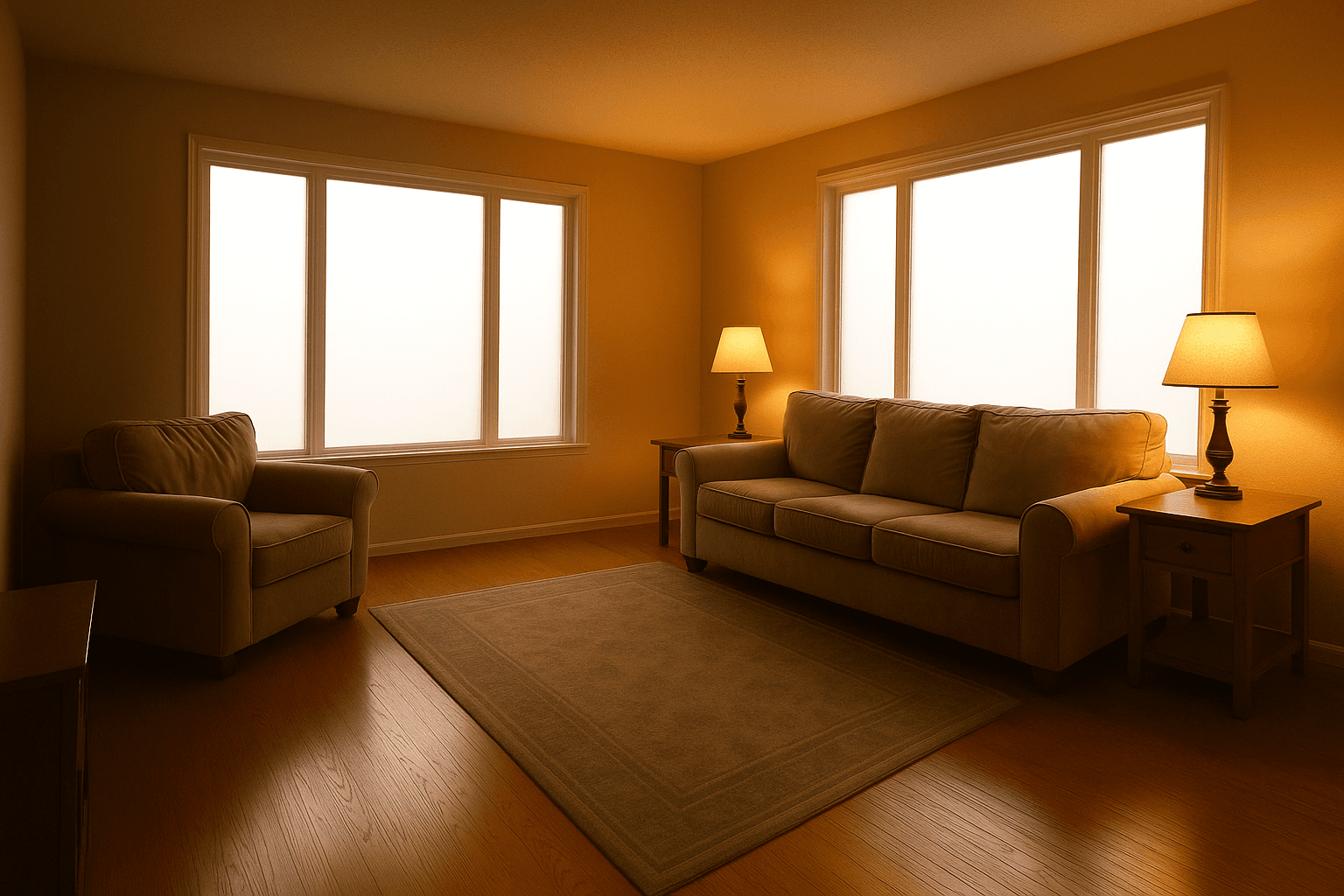
A living room resolving from a blown, tungsten-cast exposure into the delivered frame, both windows pulling through to the back yard
Lighting & Colorincluded in every order
Before
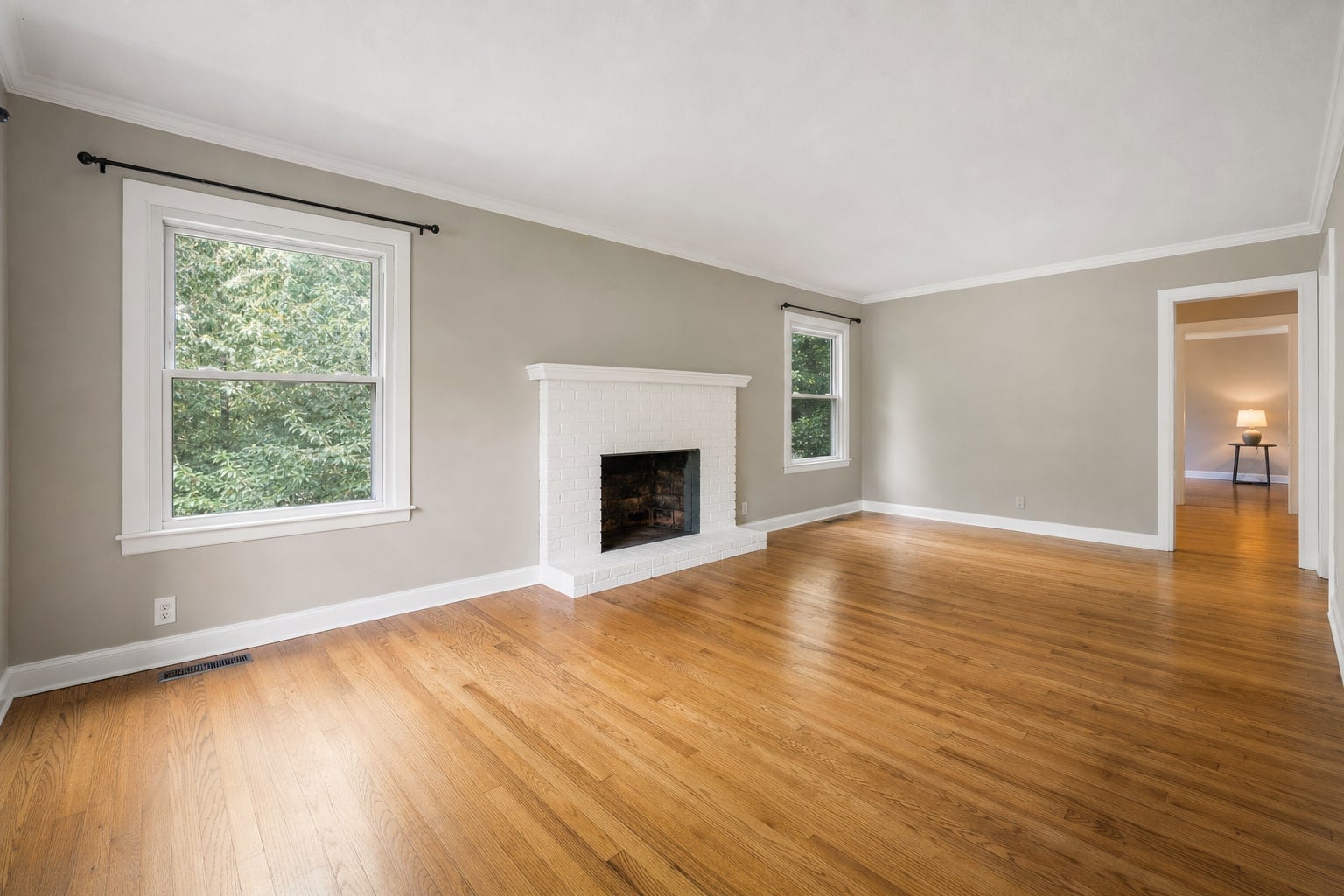
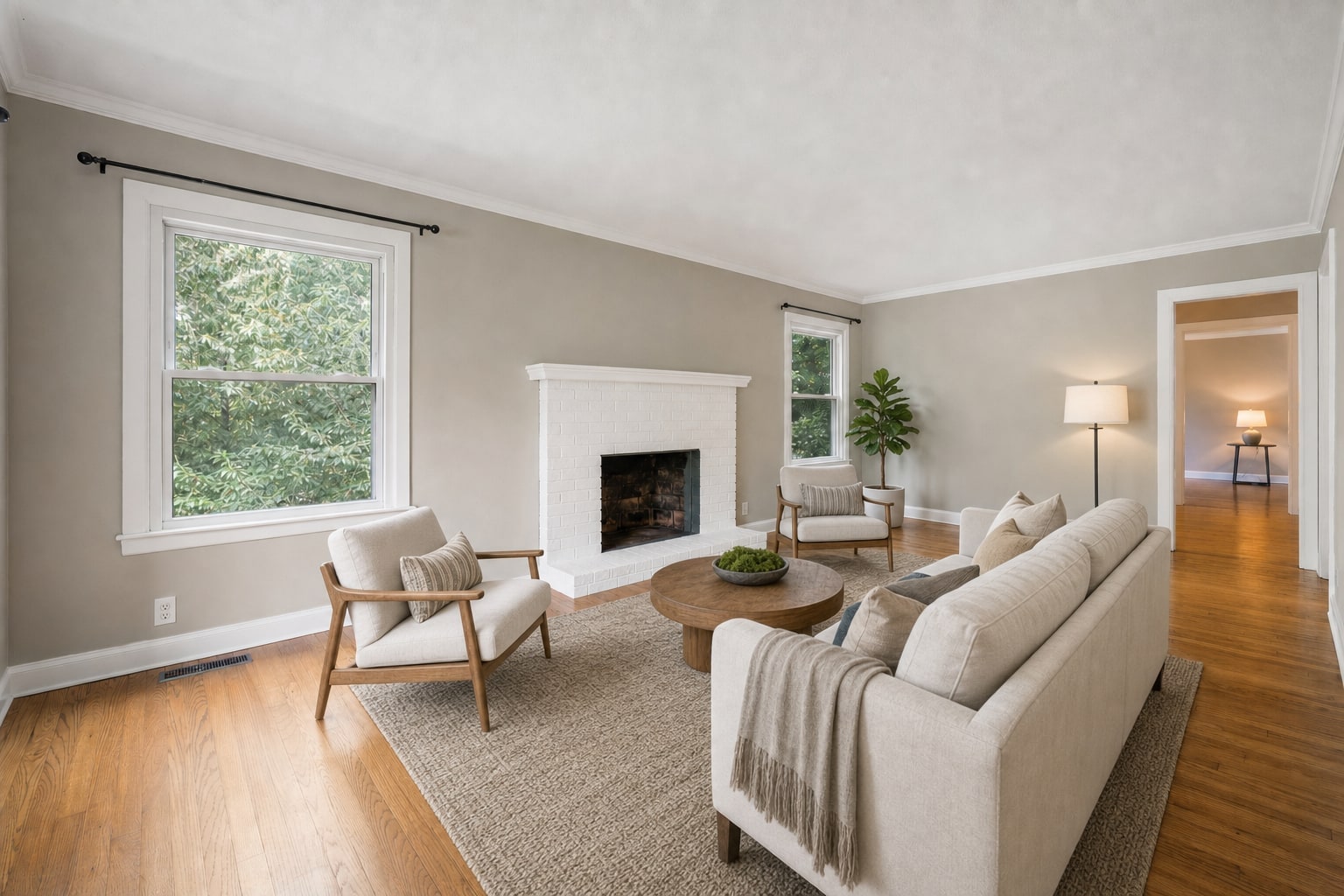
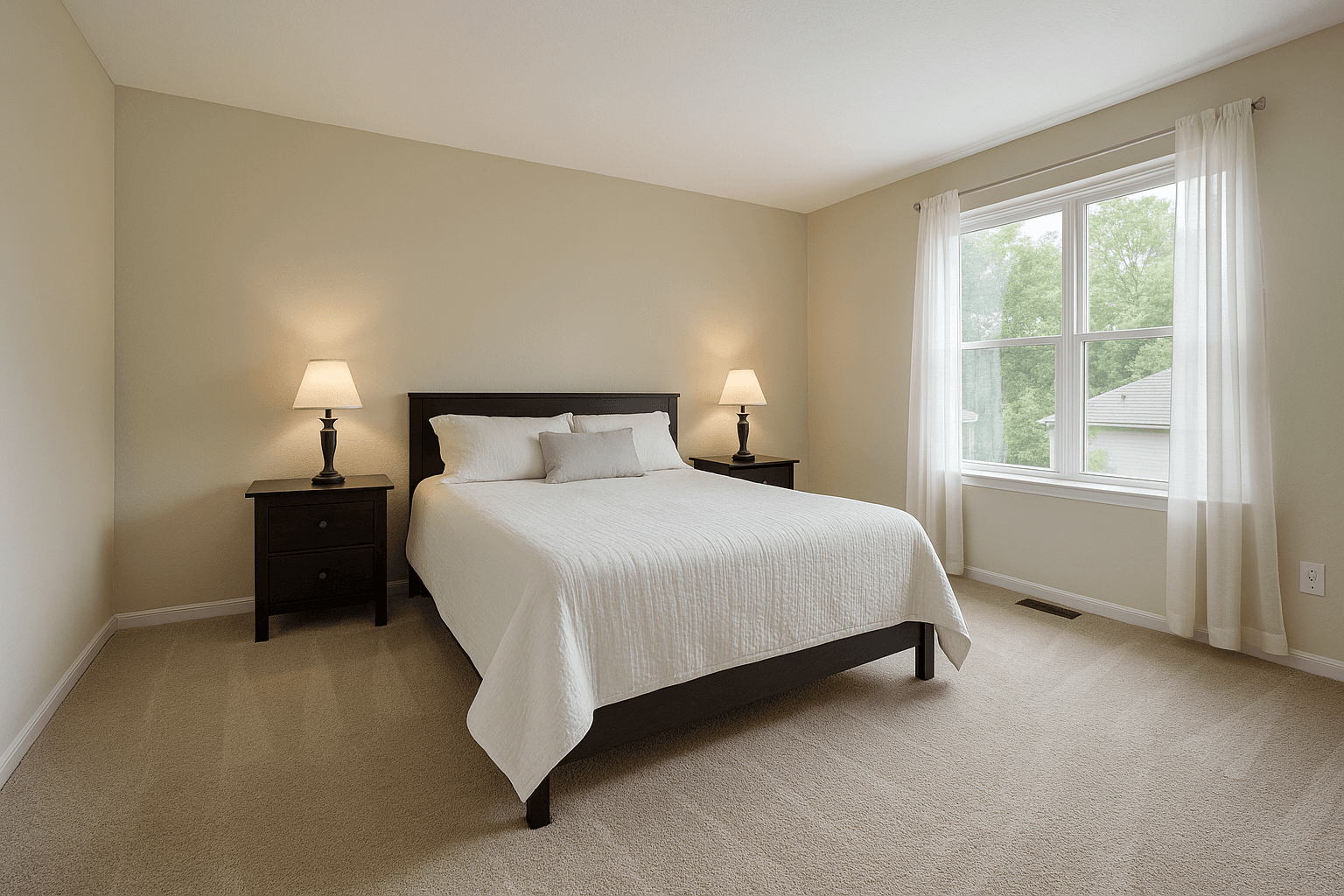
A sparsely furnished living room gaining a full staging set — sofa, rug and art — while the floors, trim and window views stay exactly as shot
Virtual Stagingfurniture only — never the room
Before
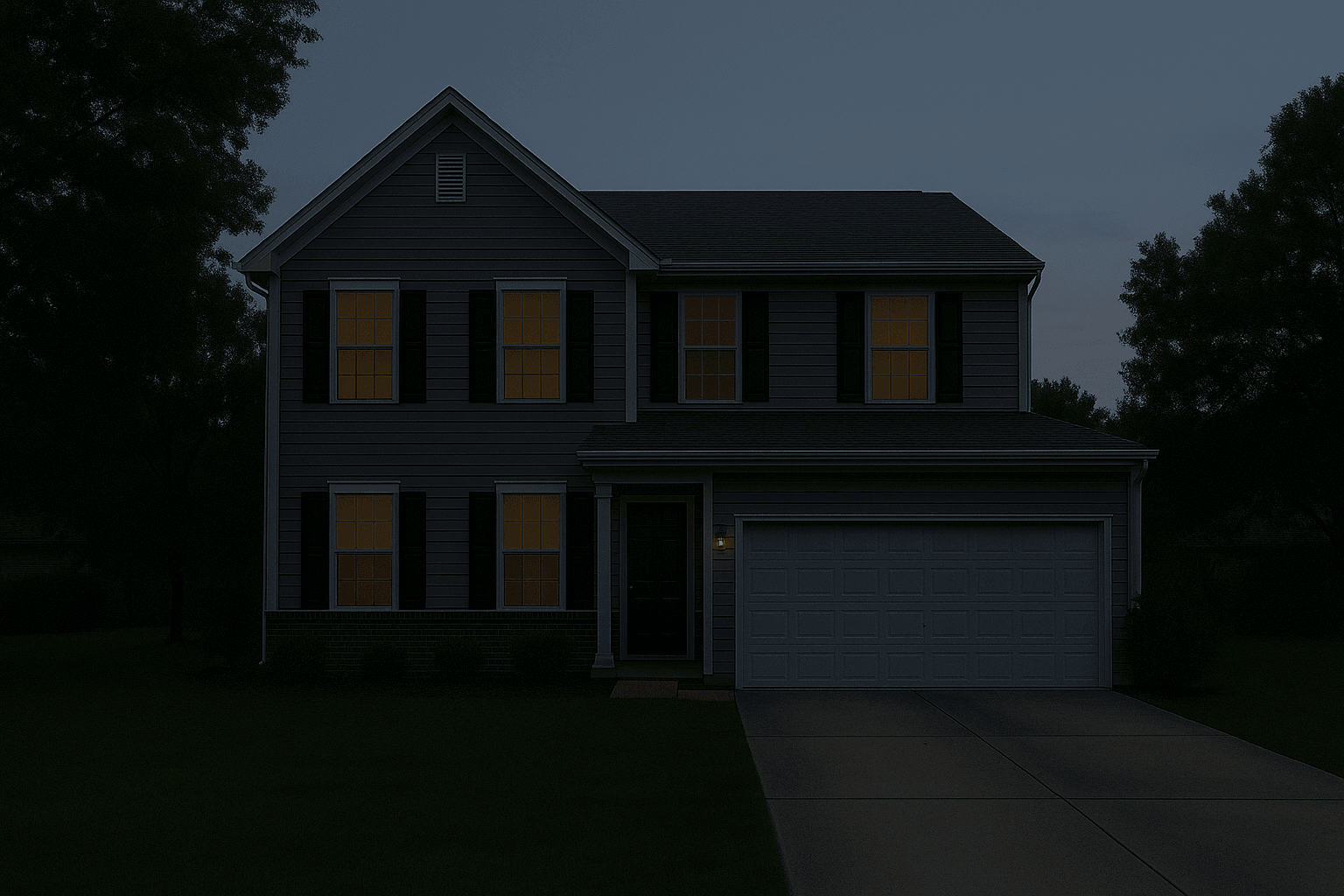
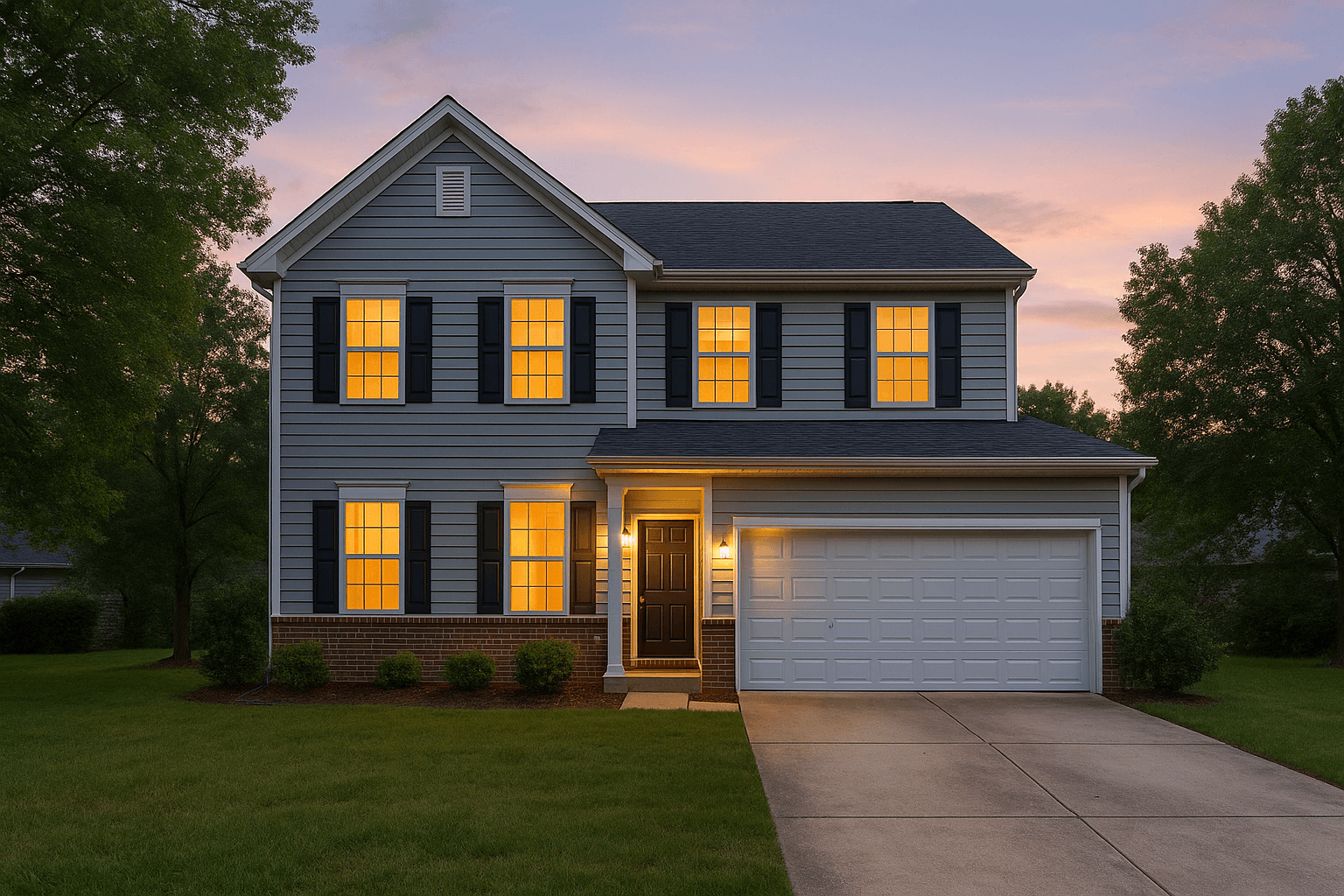
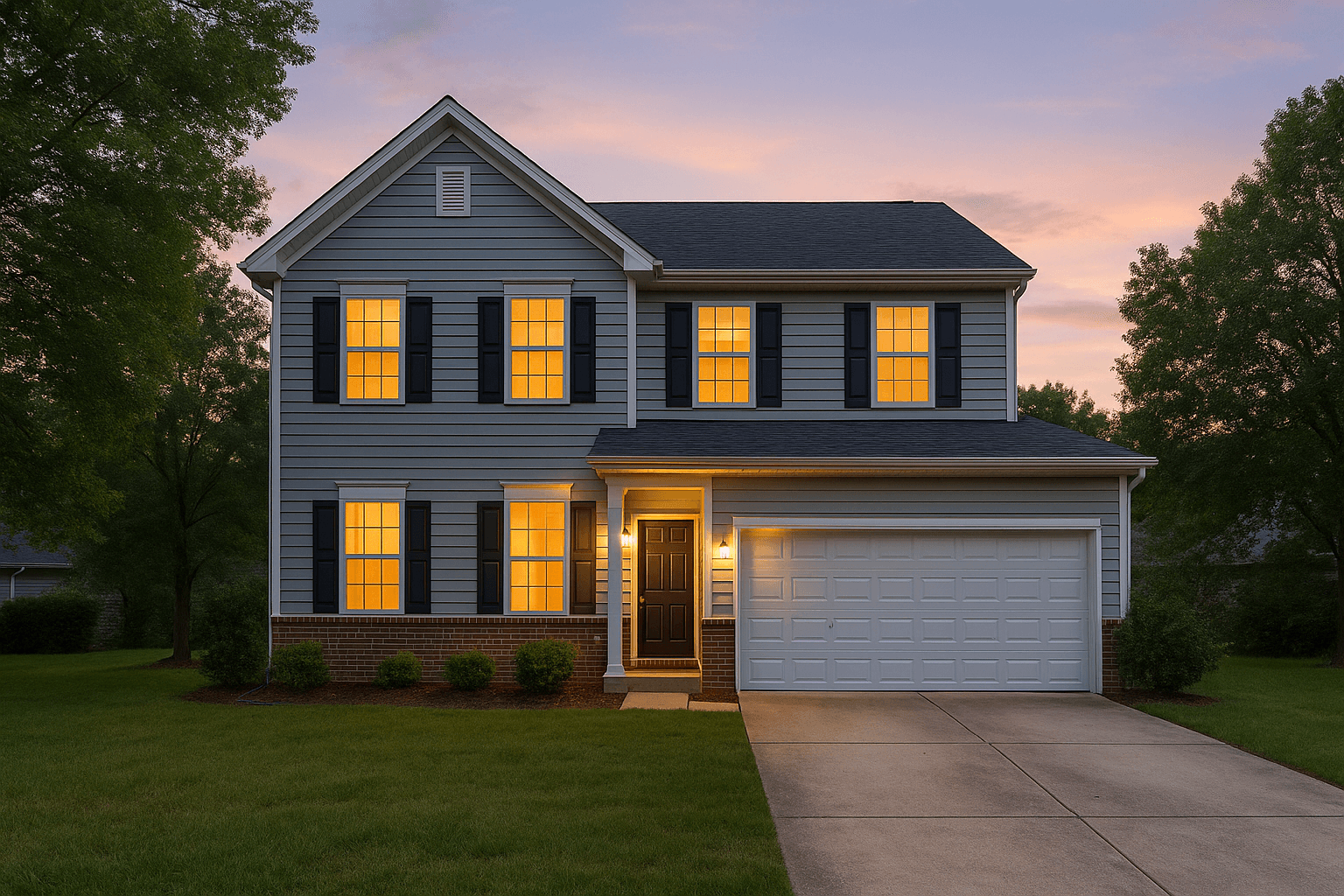
A dusk exterior resolving from a dim raw exposure into the delivered twilight frame, porch light spilling onto the drive
Virtual Twilightno second trip
Before

The clean-up reel

  • Lighting & Colorincluded in every order
  • Virtual Stagingfurniture only — never the room
  • Virtual Twilightno second trip
Browse the full library

The tools

33 tools on one rail. Free to use.

Everything you do by hand in Studio sits on one rail you can reorder. The tools are free; the 13 marked AI are metered per use and show their cost before they run.

Try the tools in your browser

Frame and light

6 tools

The develop pass: exposure, colour, crop, geometry, lens, detail.

  • Adjust
  • Crop
  • Geometry
  • Lens
  • Detail
  • Blend

Select and mask

3 tools

Choose exactly what an edit touches.

  • Select
  • Move
  • Mask

Clean-up

4 tools

What the room left in the frame, taken out.

Property

8 tools

Walls, surfaces, windows, light, screens, weather, season.

Generate

4 tools

Furniture, finishes and fills that were not in the frame.

Deliver

5 tools

Lot lines, captions, privacy and your brand, baked into the export.

  • Aerial
  • Markup
  • Privacy
  • Draw
  • Brand

Utility

3 tools

Hand, zoom and the eyedropper.

  • Hand
  • Zoom
  • Eyedropper

Studio on your phone

The shoot goes to Studio before you get home.

Plug the card into your phone in the driveway. The frames are grouped into shoots, matched to your calendar, and sent with the Services you picked — so the HDR merge is done before you are back at the desk.

Plug in the card

The frames come off the card before you leave the driveway.

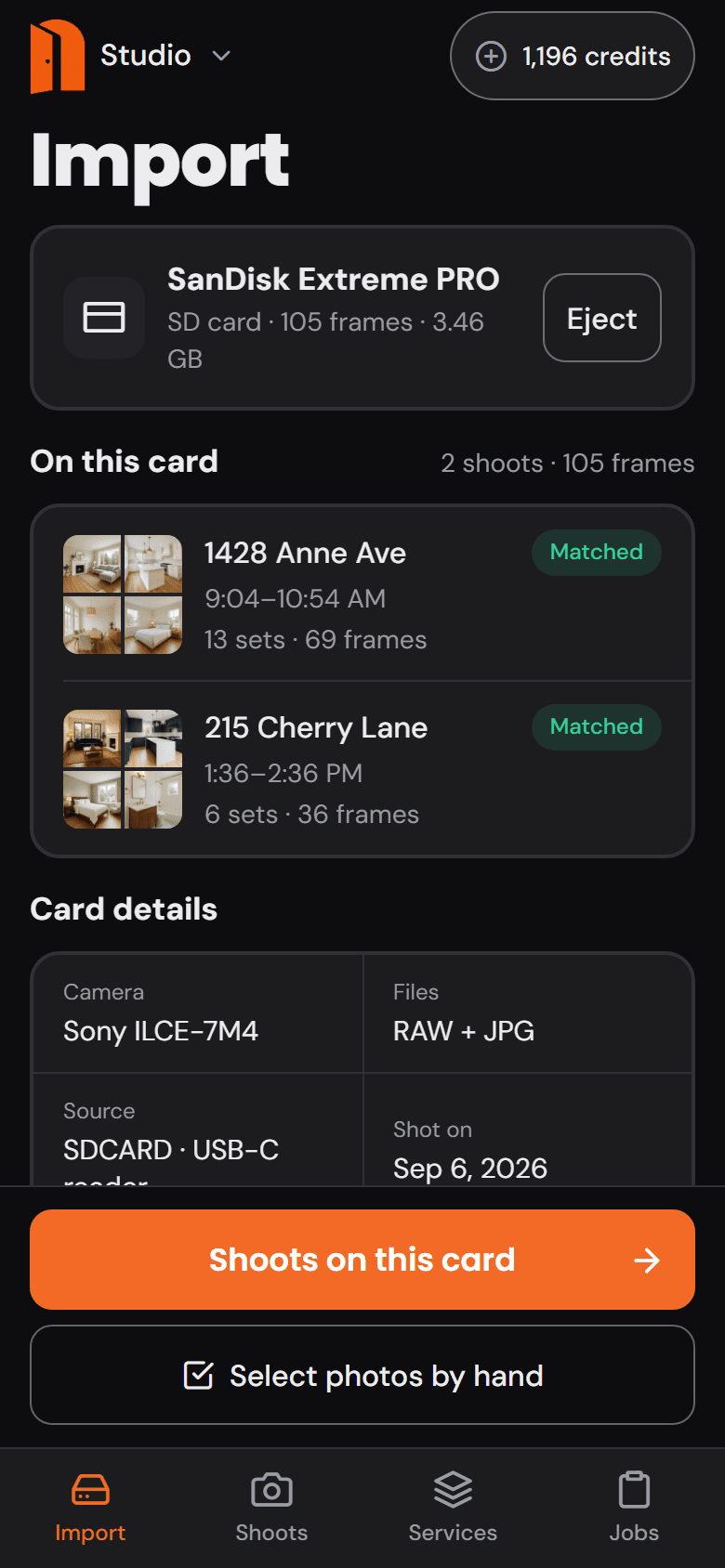
Plug the card into your phone. Studio reads every frame and its capture time, counts the bracket sets, and shows you what is on it — nothing to sort, nothing to name.

The Import screen of the Studio phone app: an SD card read, two shoots found on it, and the card's details

Grouped and matched

Two shoots on one card become two orders, matched to your calendar.

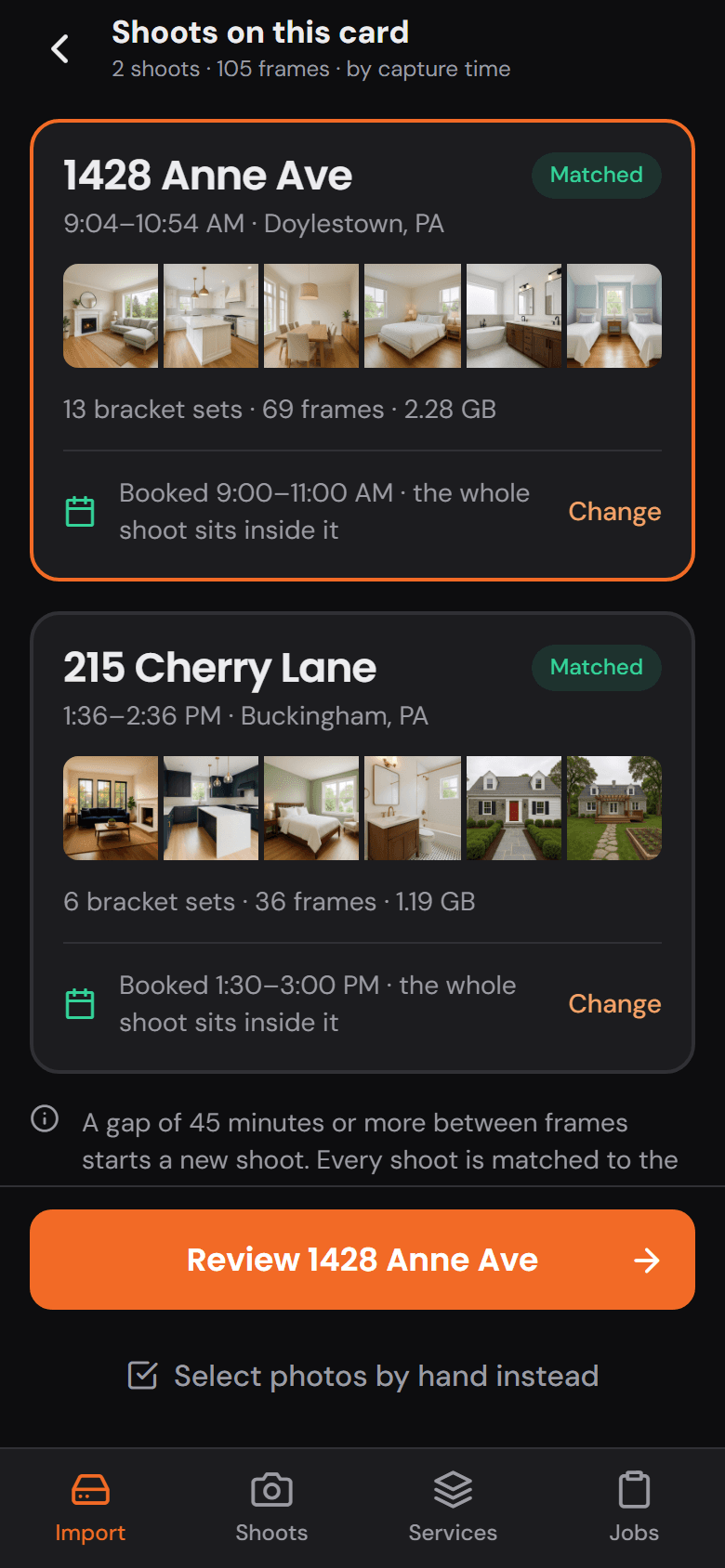
A gap in the timestamps starts a new shoot. Each one is matched to the booking whose window it falls inside — the address, the client and the time are already on it.

Shoots on this card: two shoots grouped by capture time, each matched to the booking on the calendar

Order the Services

Pick the Services on the way. The price is on the button.

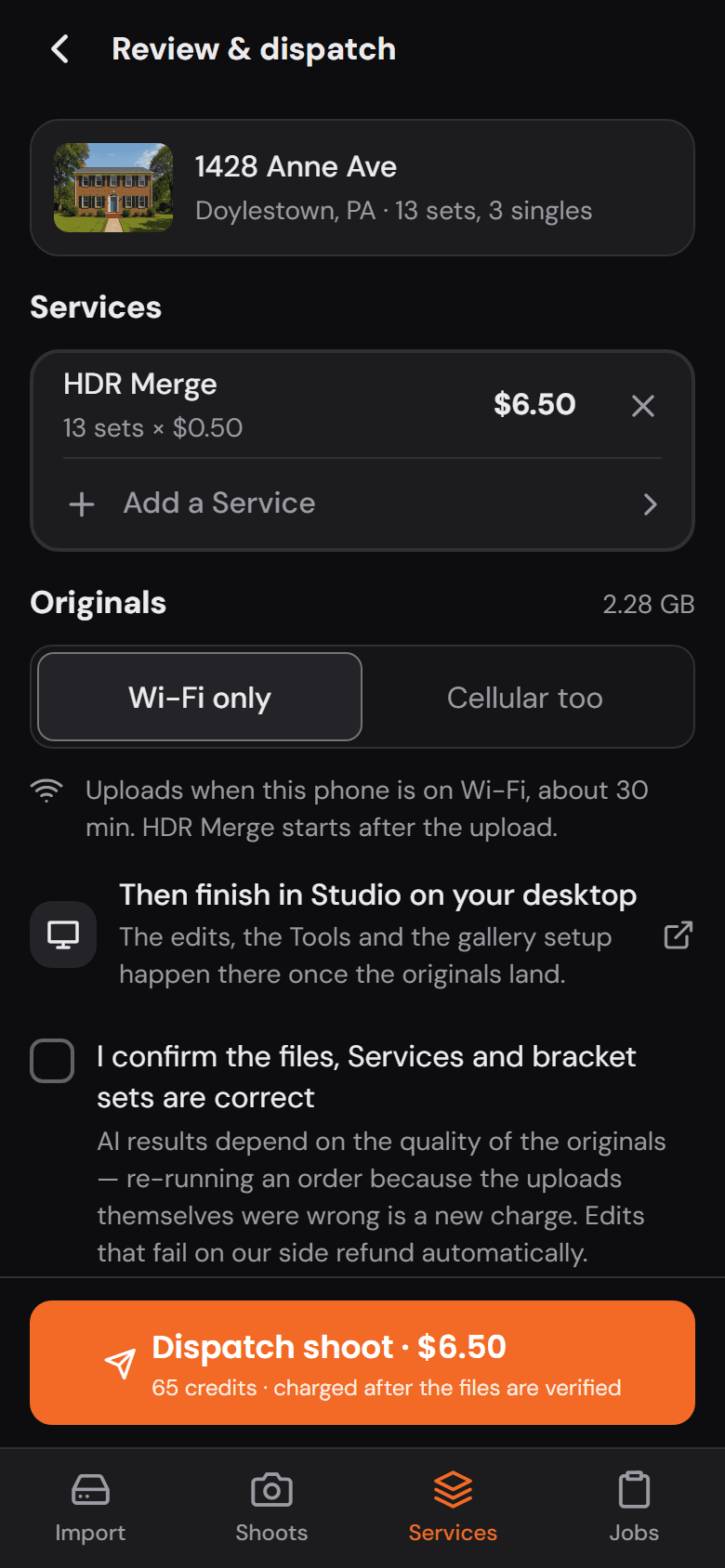
HDR Merge on every set, a preset per photo for Virtual Twilight or Virtual Staging, and the total in dollars and credits before you send it. The originals upload in the background — Wi-Fi only, or cellular too — even with the app closed.

Review and dispatch: HDR Merge on 13 sets, the originals set to upload on Wi-Fi, and the dispatch button with the price

Finish on the desktop

A notification when the merge lands. The rest is finished in Studio.

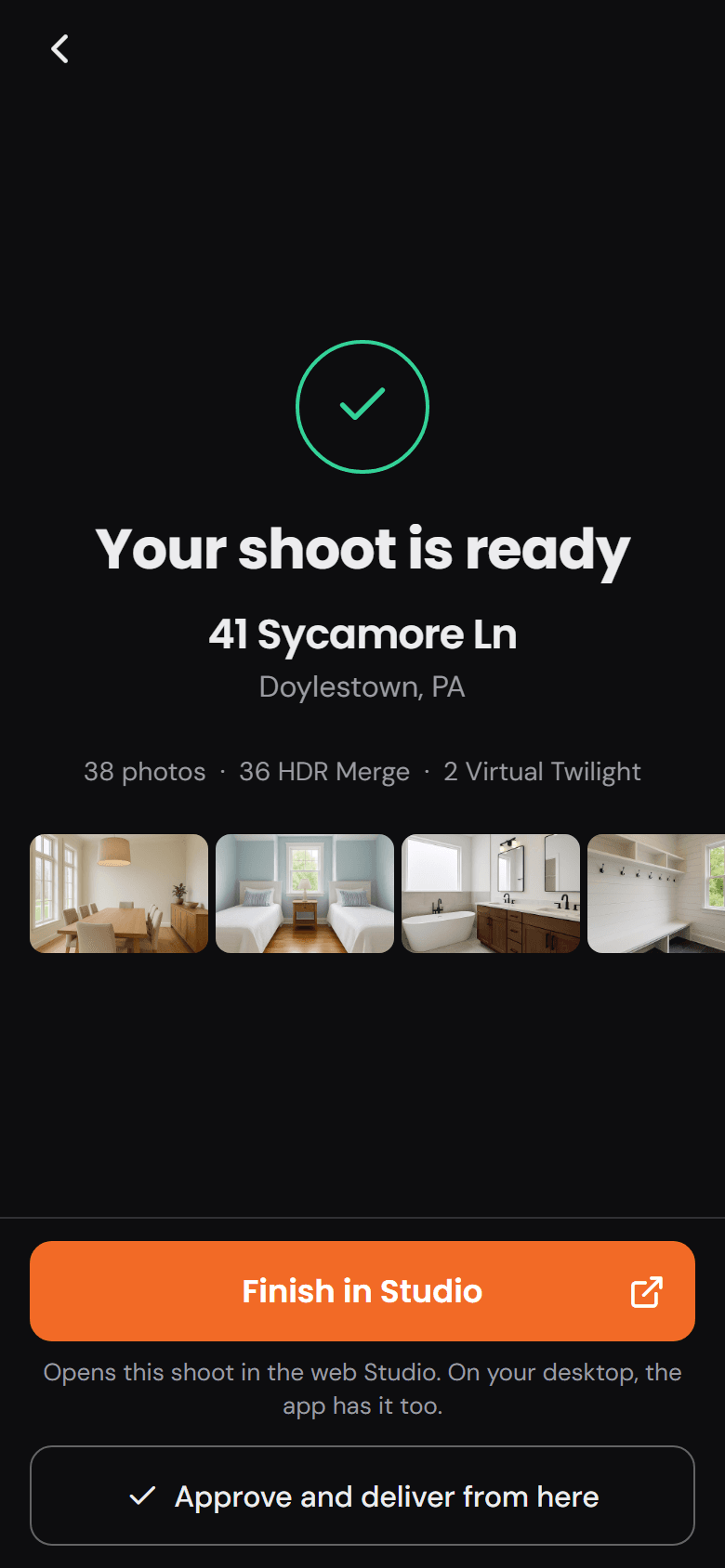
The phone tells you when the shoot is ready. Approve and deliver from there, or open it in Studio on your desktop — the tools, the presets and the gallery setup are waiting on the big screen.

Your shoot is ready: the finished photos, and a button to finish the edit in Studio on the desktop

Proof you can drag

Don’t take the gallery’s word for it.

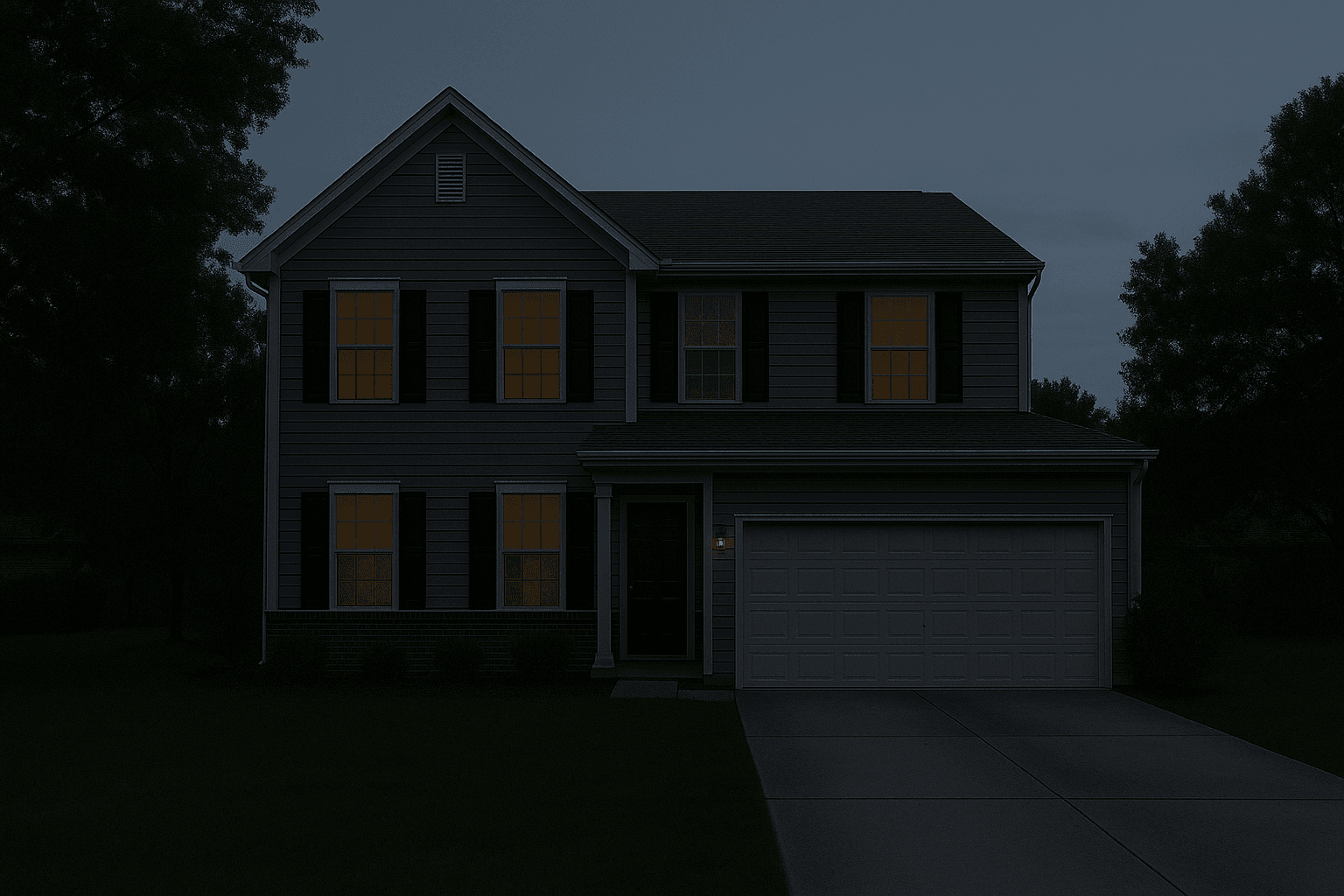
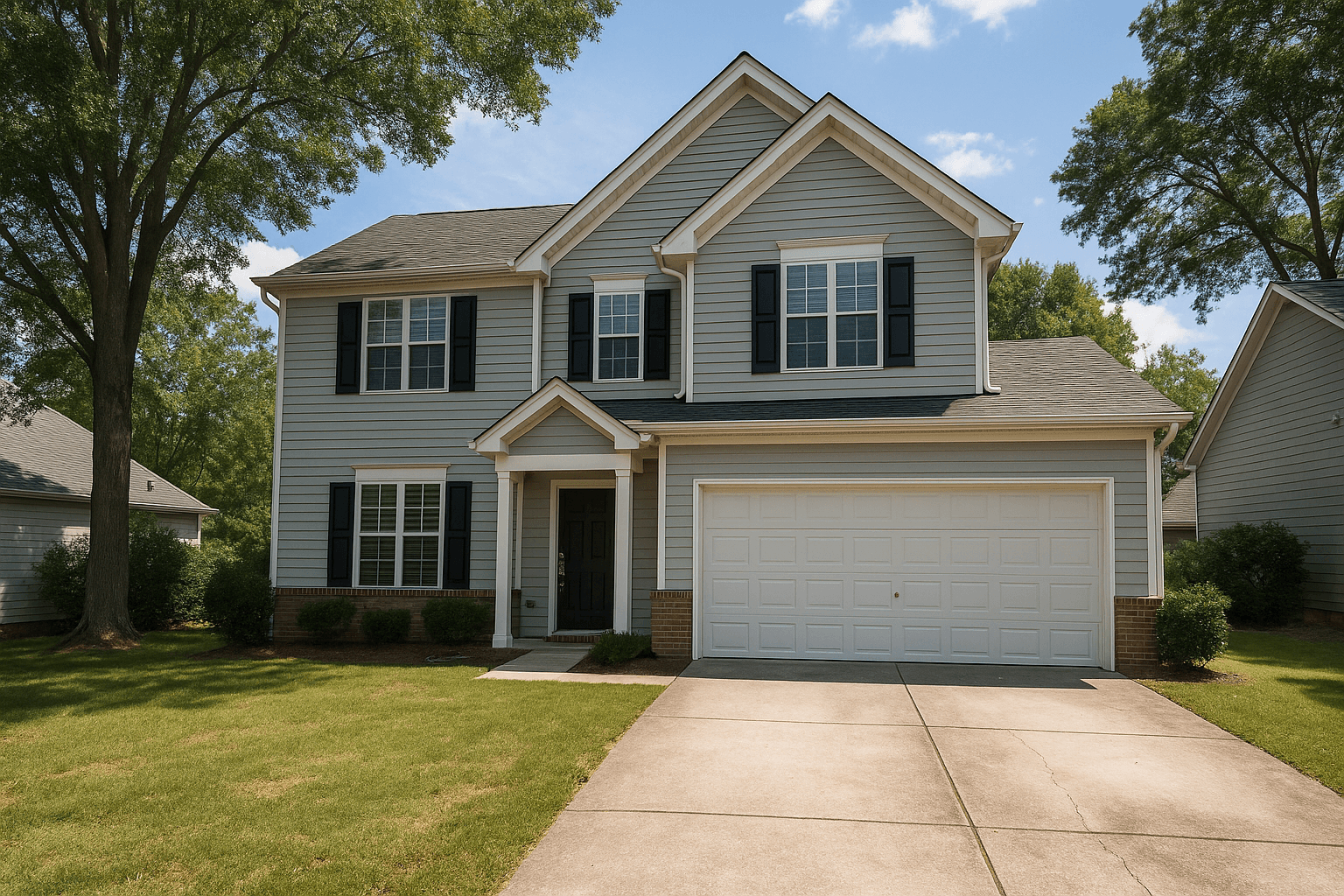
Pick an edit, grab the handle, and pull the raw frame back over the finished one — the seam is yours to move.

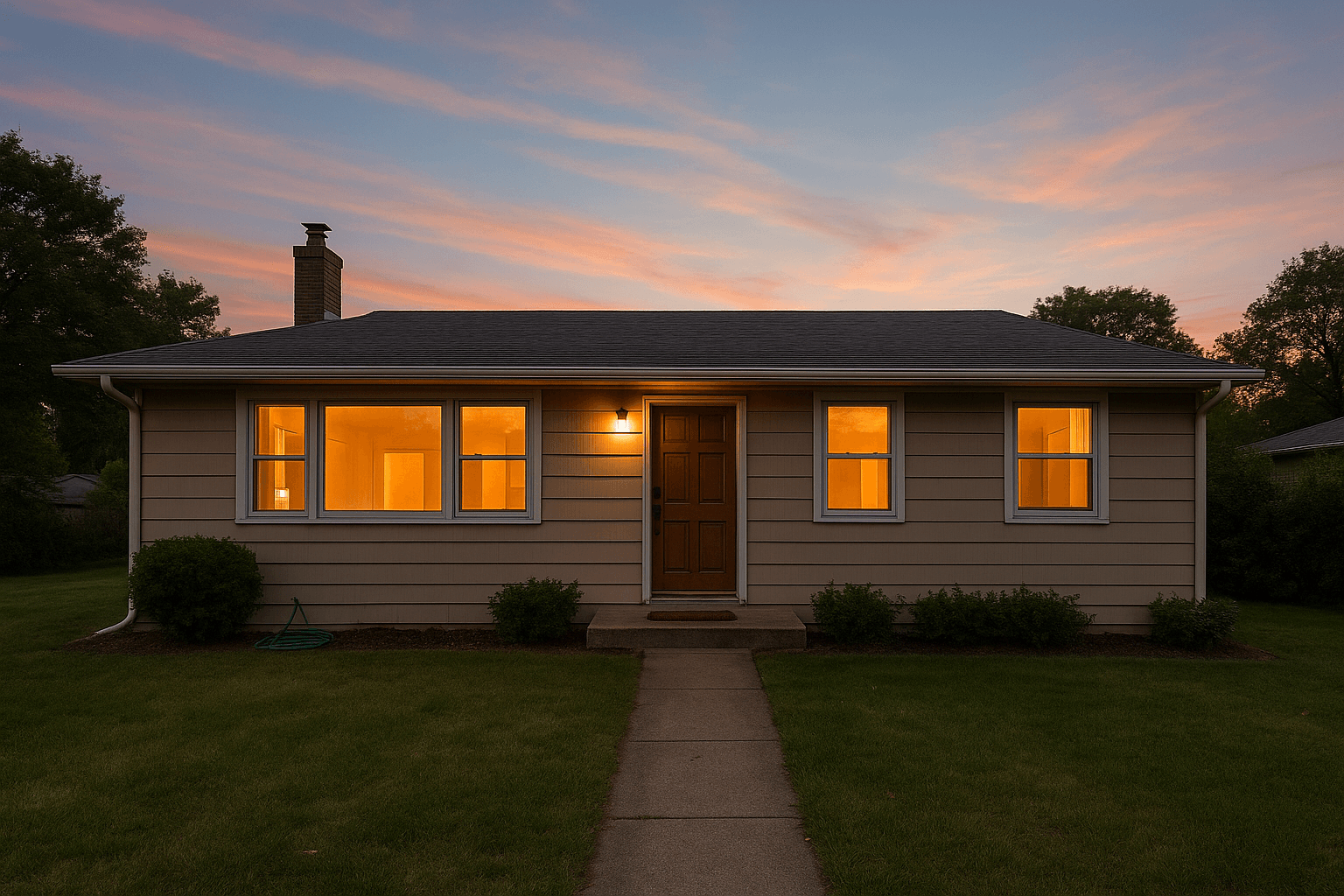
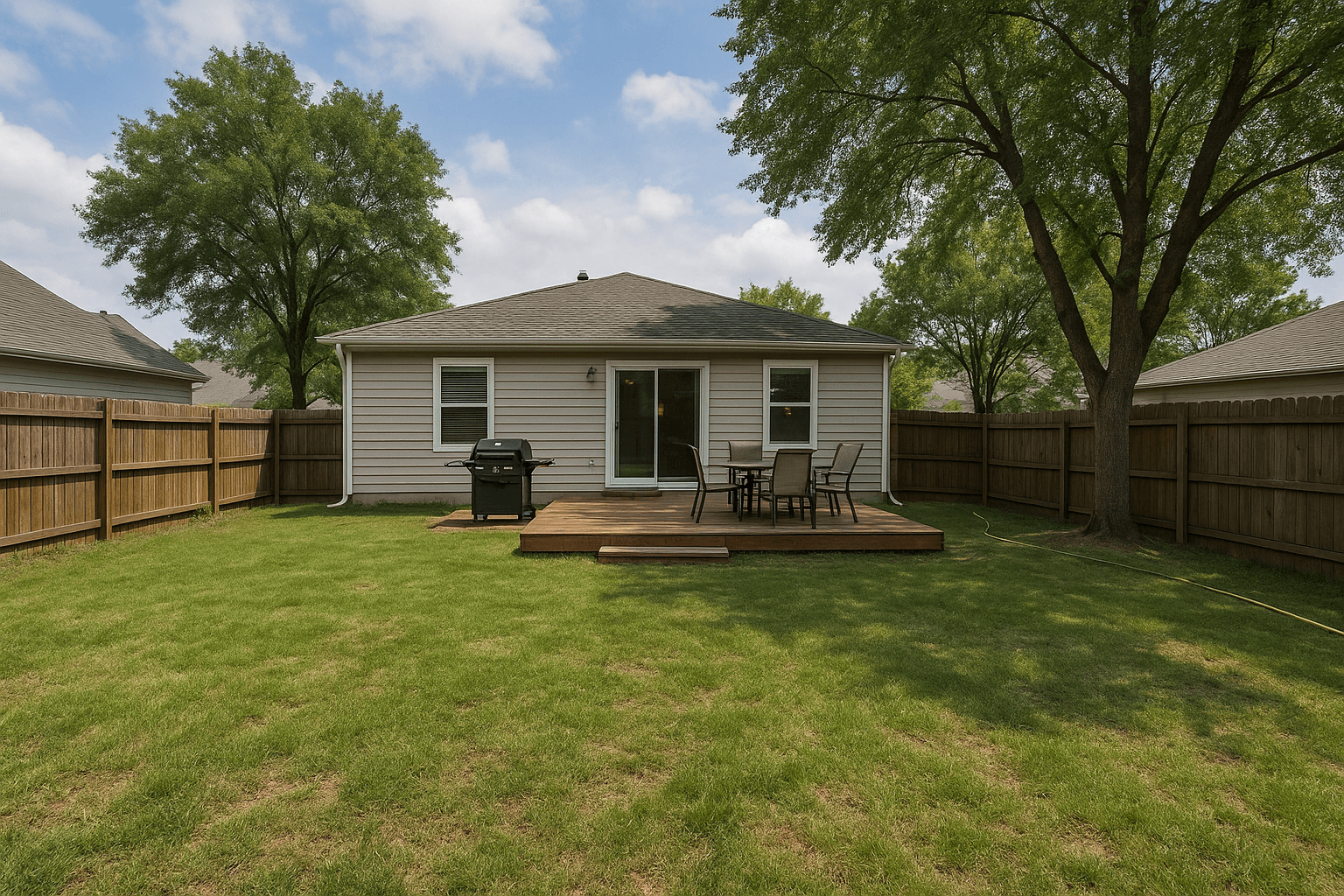
Virtual twilight conversion of a home exterior — after
Virtual twilight conversion of a home exterior — before
RawFinished

Virtual Twilight — drag to compare

Everything about Virtual Twilight

A daytime exterior converted to golden-hour dusk — windows lit from the inside.

A delivered twilight exterior at dusk

Run the catalog
on your next shoot.

Every edit above runs in Studio on your own shoots. Create an account and put the catalog to work on your next listing.