Better Listing Media for Windows and Mac
From the camera card to the paid invoice, in one app.
Studio edits with 33 tools and AI. Workspace books, delivers and bills. They live in the same window.
Free to download. Windows 10 and 11, macOS 11 and later.
- editing tools on one rail
- 33editing tools on one rail
- AI tools in the editor
- 13AI tools in the editor
- AI Services from the dock
- 3AI Services from the dock
- Workspace apps for the business
- 12Workspace apps for the business
One app runs the whole job.
Follow one listing from the booking to the payment. Workspace and Studio hand the job to each other, and you never leave the window.
Booked in Workspace
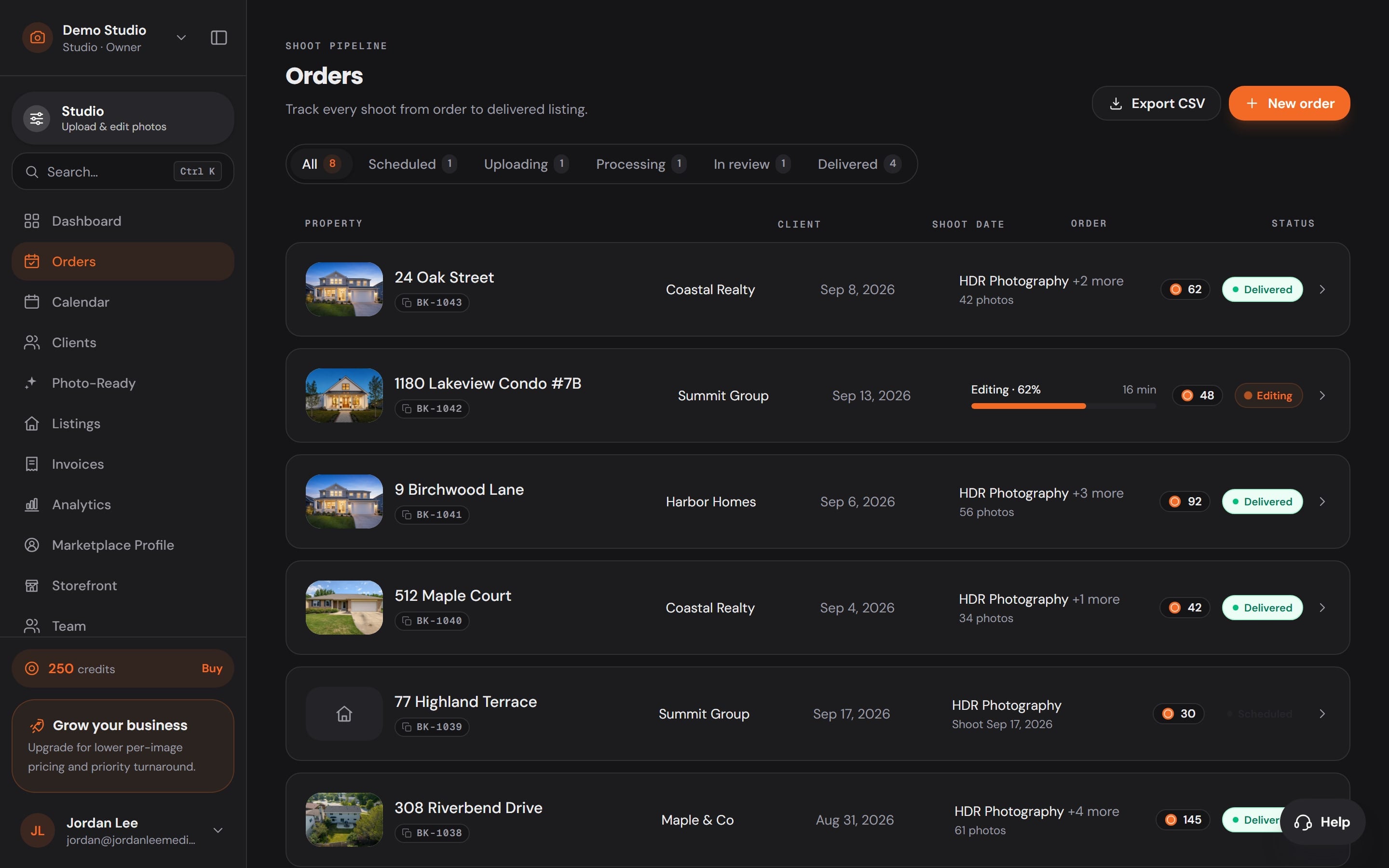
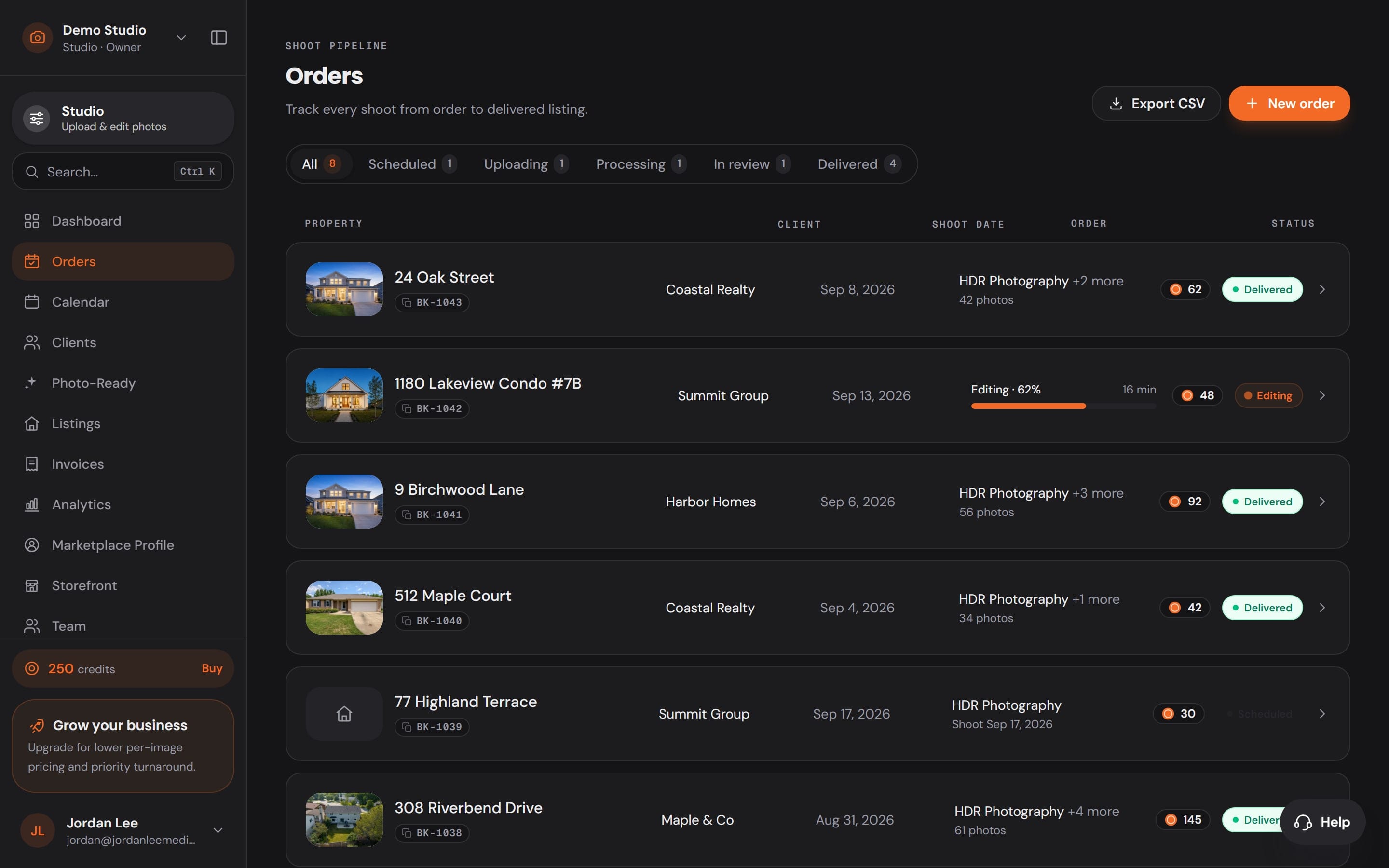
The order lands with everything on it.
The client, the address, the date and the Services they picked arrive in Orders the moment they book.
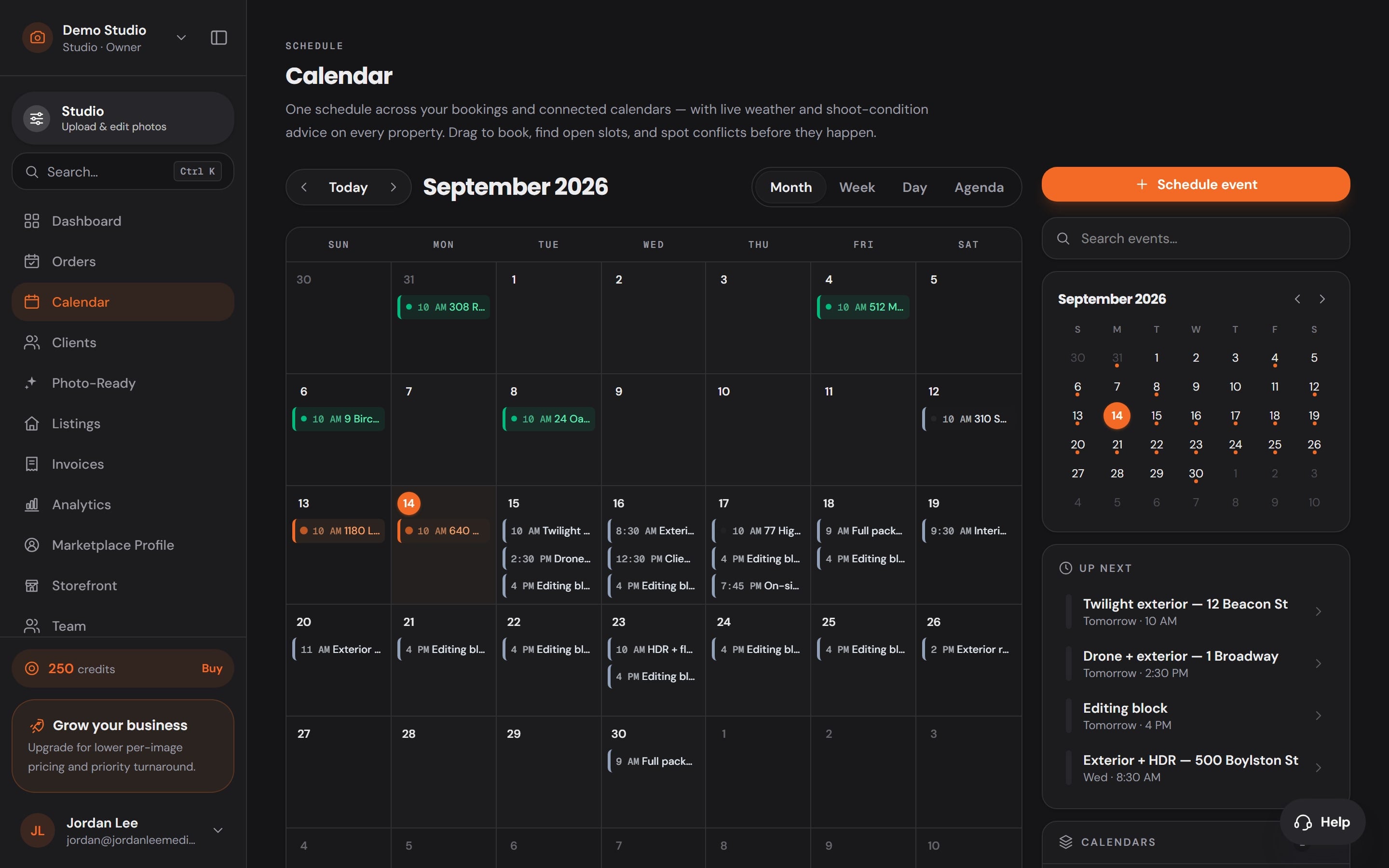
Scheduled in Workspace
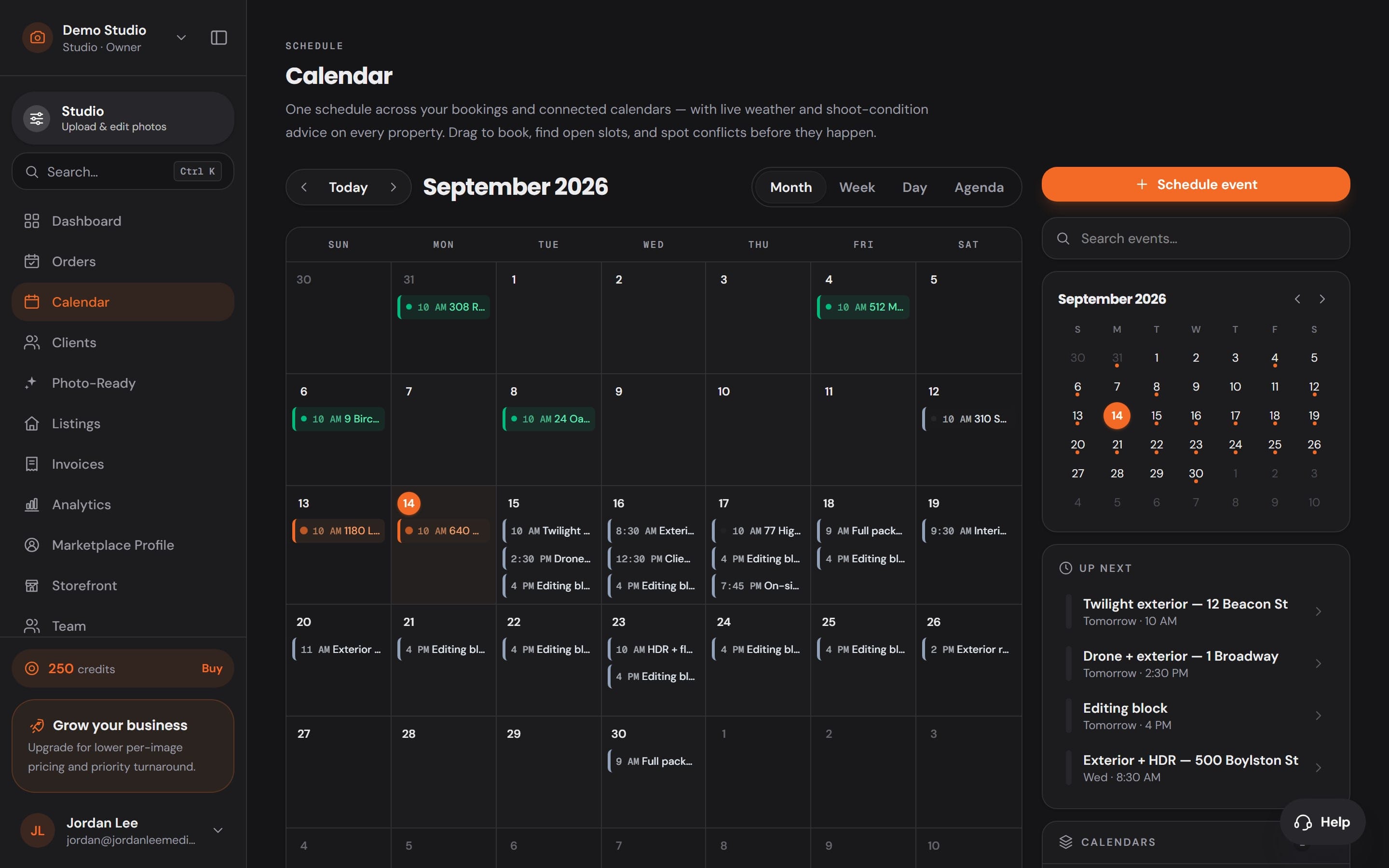
Your week, and the weather at each address.
Every shoot sits on one calendar beside the calendars you connect, with the conditions for the time you booked.
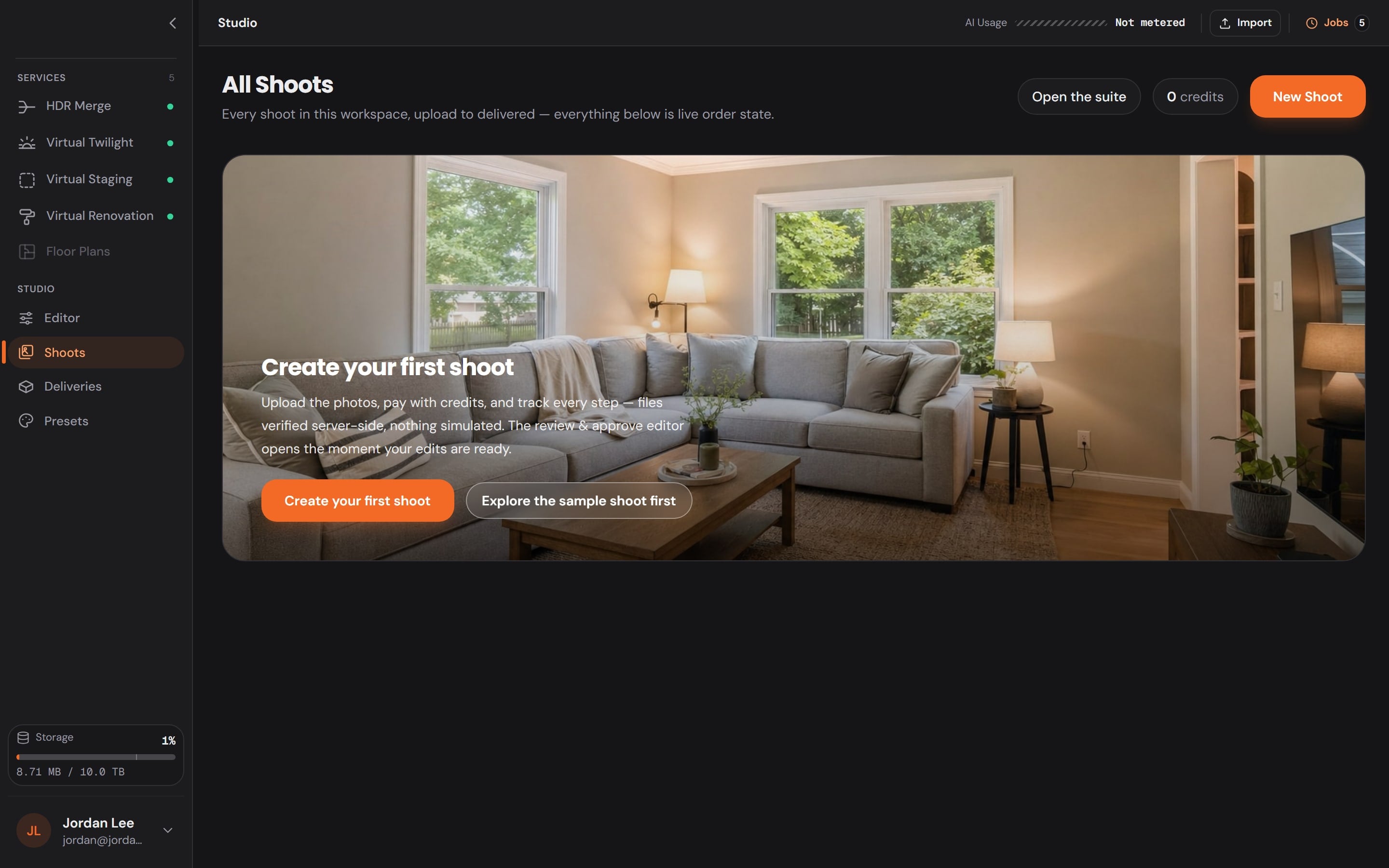
Imported in Studio
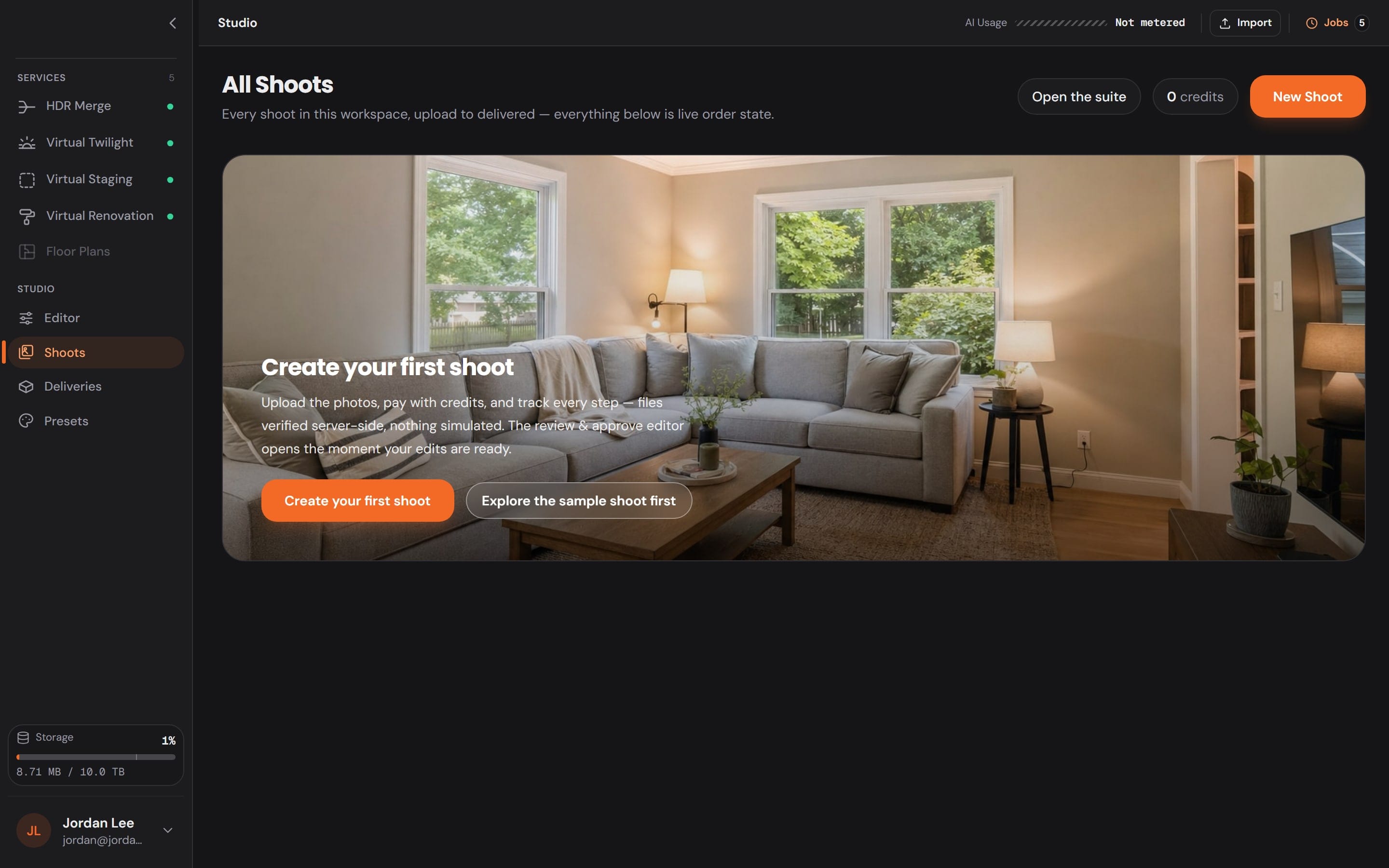
Plug in the card. The shoot is waiting.
Studio lists the frames on the card and brings them in as a shoot for the booking. No renaming, no sorting.
Edited in Studio
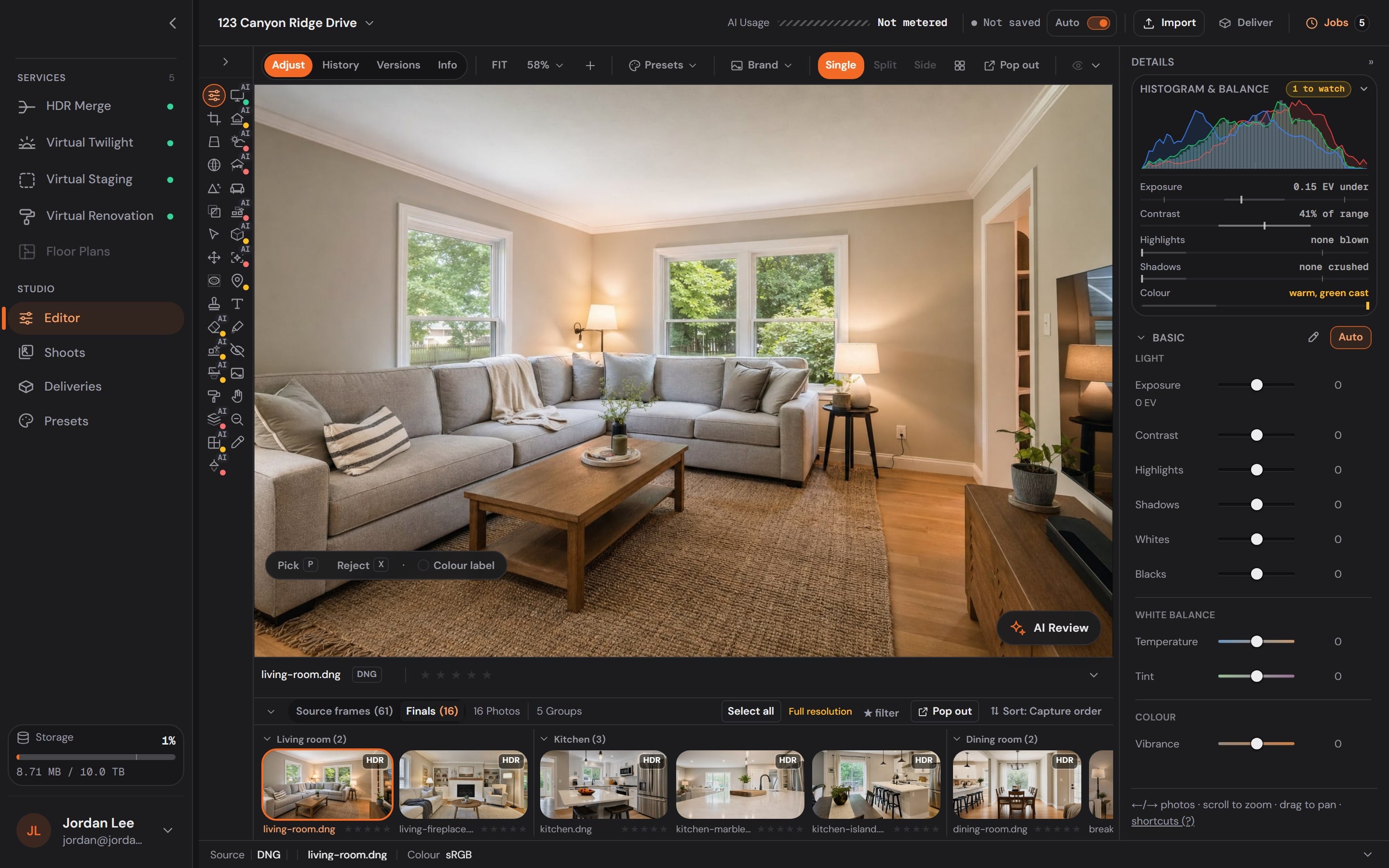
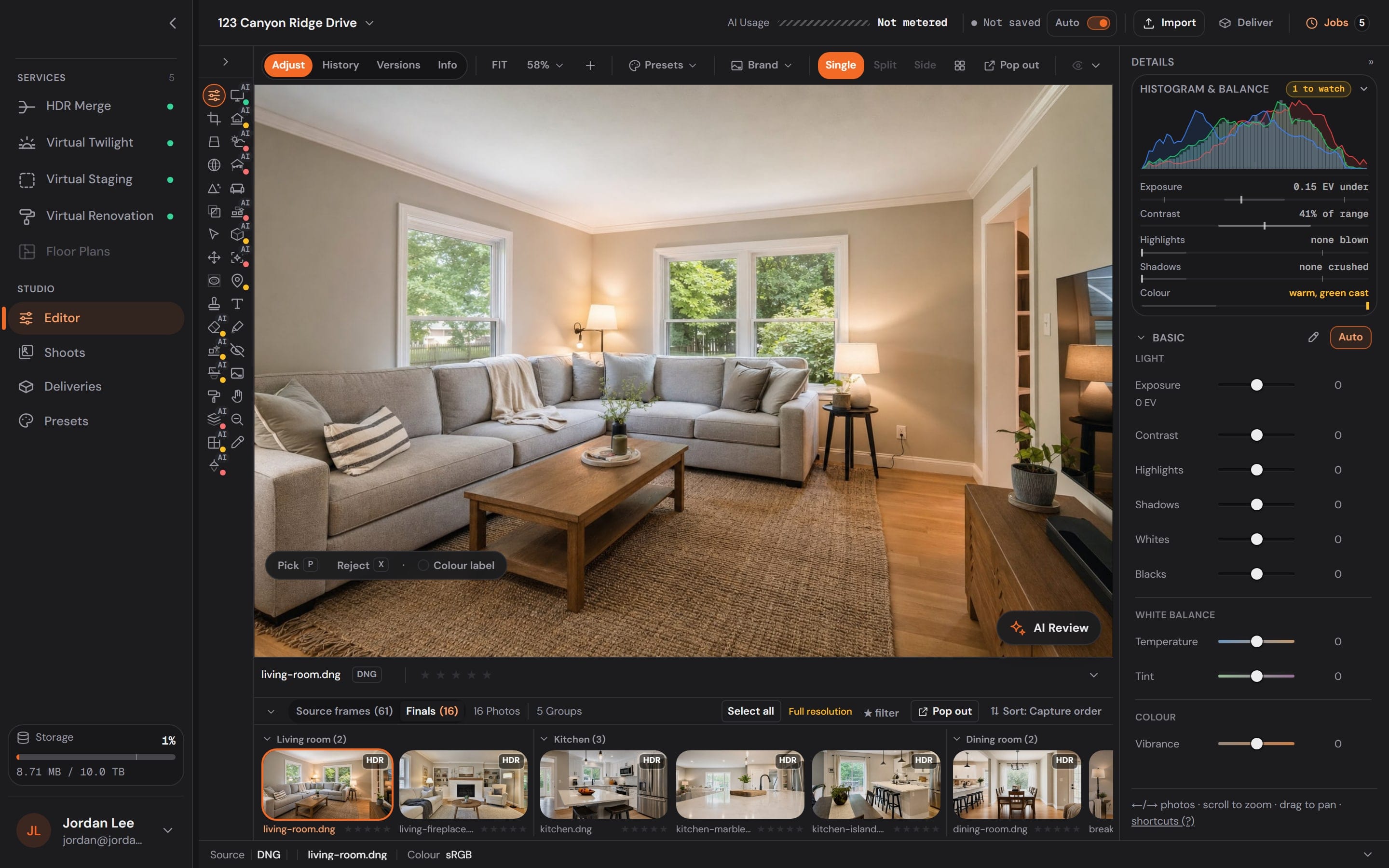
33 tools on one rail.
Adjust, crop and straighten by hand, order HDR Merge or Virtual Twilight from the dock, and watch the filmstrip fill with finals.
Delivered in Workspace
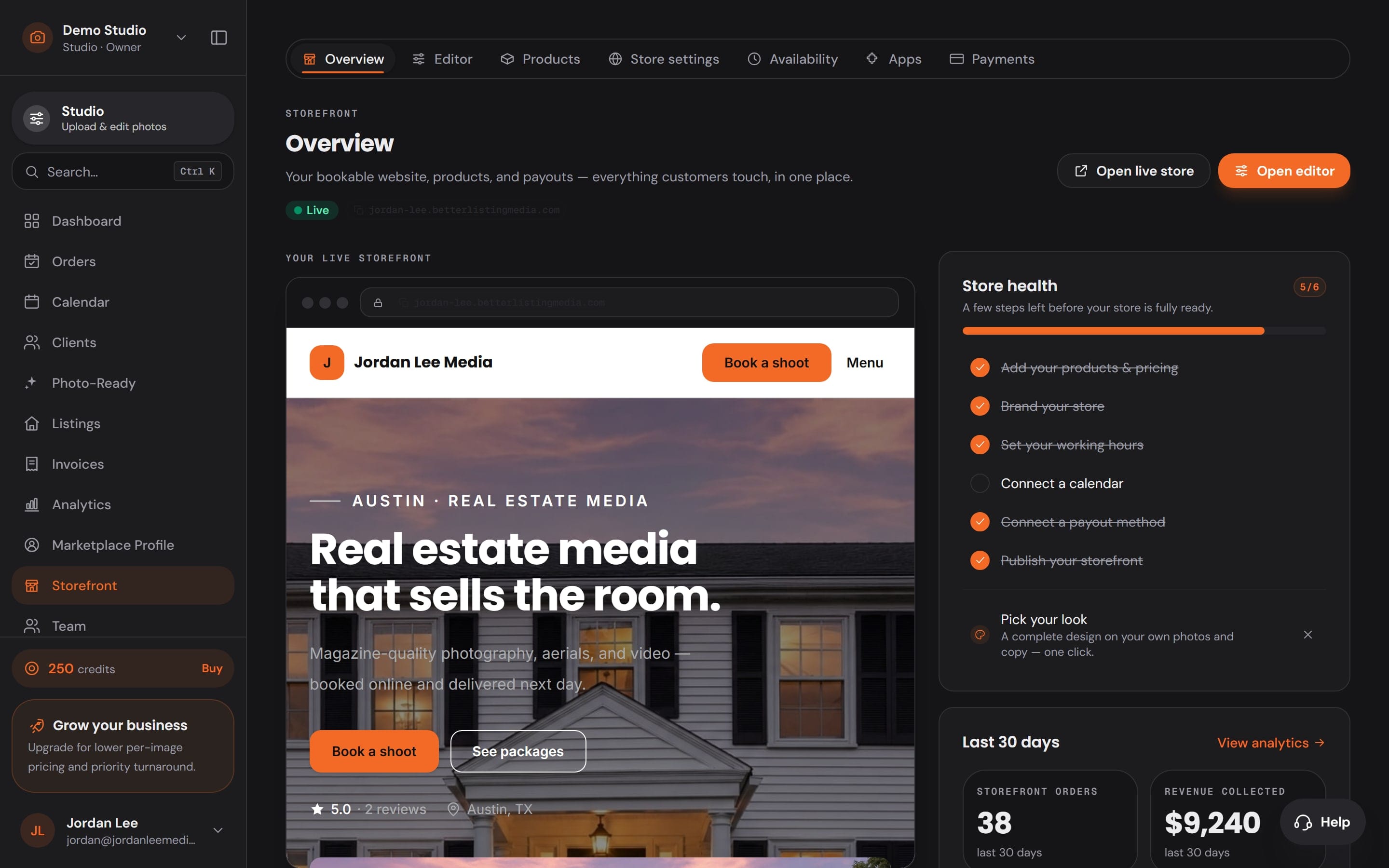
Delivered under your name, not ours.
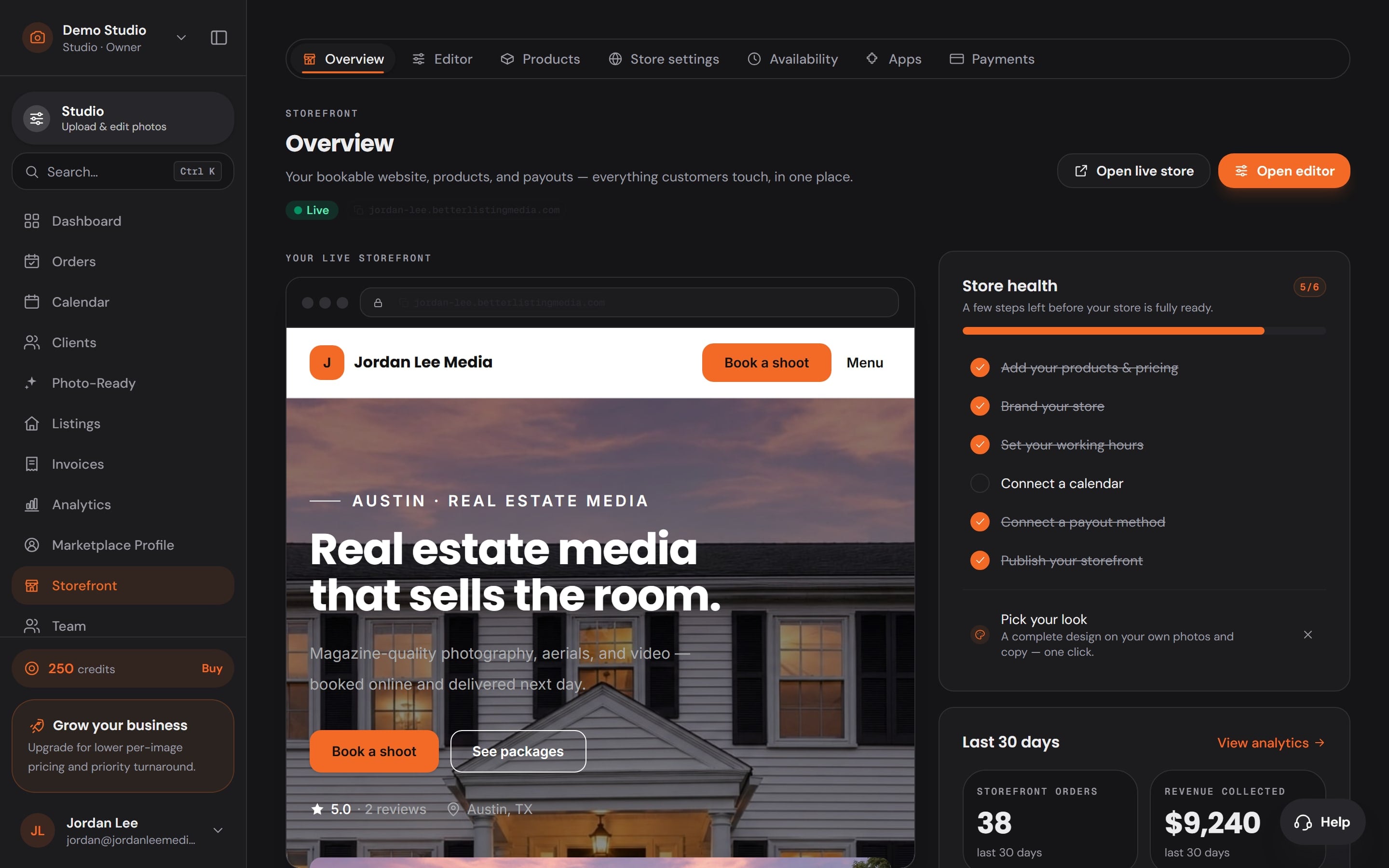
Your storefront, your booking page and your galleries carry your brand, so the agent remembers who shot the listing.
Paid in Workspace
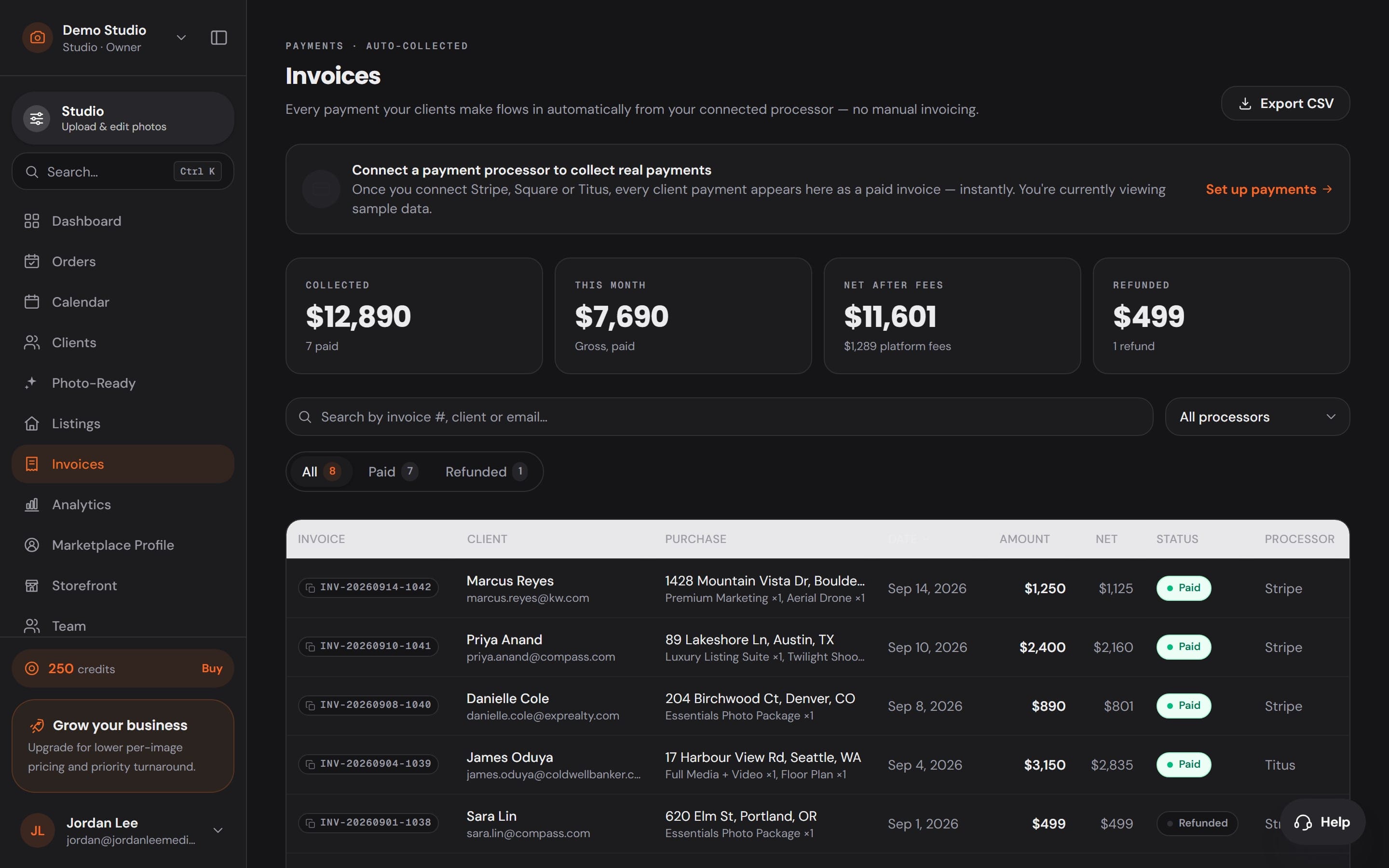
And the payment lands where the job started.
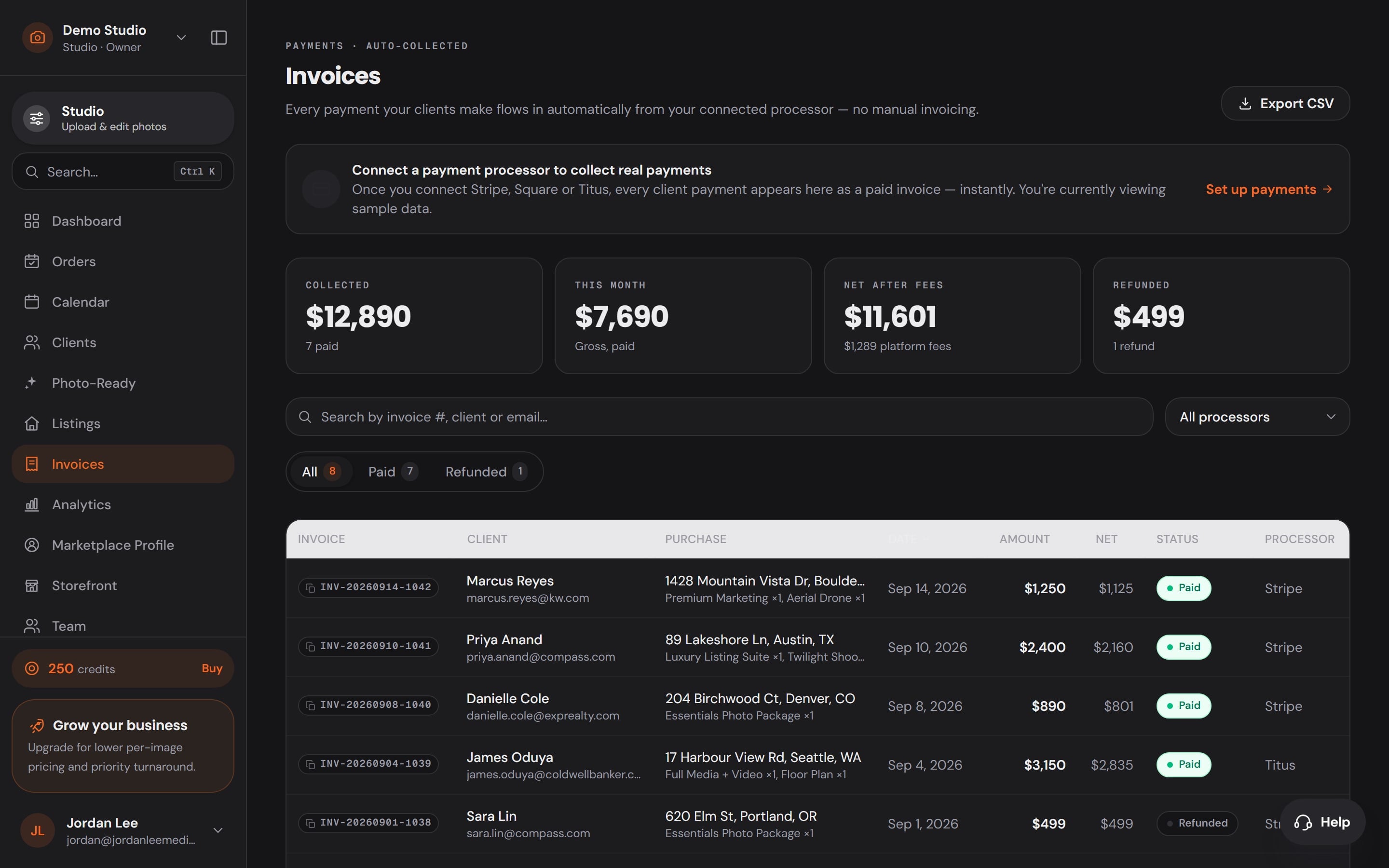
Invoices and payments from your connected processor sit beside the order, so the job closes in the app it opened in.
33 tools on one rail. 13 of them are AI.
Everything a real estate edit needs sits in one rail beside the photo, from exposure and verticals to lot lines, virtual staging and your logo.

Basic
Light and colour
The raw frame as shot. Drag a slider; Auto is the one-click start.
Try one now
This is Adjust, running on a raw frame. Drag a slider.
Frame and light
6Exposure, colour, crops, verticals and the lens.
- Adjust
- Crop
- Geometry
- Lens
- Detail
- Blend
Select and mask
3Choose exactly what an edit touches.
- Select
- Move
- Mask
Clean-up
4Clutter, reflections and anything that should not be in the frame.
- Repair
- RemoveAI
- DeclutterAI
- ReflectionAI
The property
8Walls, windows, lights, screens, the exterior, the weather and the season.
- Paint
- SurfacesAI
- WindowAI
- LightingAI
- ScreensAI
- ExteriorAI
- WeatherAI
- HolidayAI
Generate
4Stage the empty room, renovate it, add what is missing.
- Stage
- RenovateAI
- ObjectAI
- GenerativeAI
Deliver
5Lot lines, markup, privacy and your brand on every image.
- Aerial
- Markup
- Privacy
- Draw
- Brand
Utility
3Hand, zoom and the eyedropper.
- Hand
- Zoom
- Eyedropper
AI in Studio
AI does the hours. You make the call.
Order HDR Merge, Virtual Twilight and Virtual Staging from the dock, and they come back on the shoot. 13 AI tools work right in the editor, metered per use.
- The price before it runsEvery AI job shows its cost first. Nothing is charged by surprise.
- You approve every imageNothing reaches your client until you have looked at it.
- Failed edits refundIf a job fails on the server, its credits come back automatically.

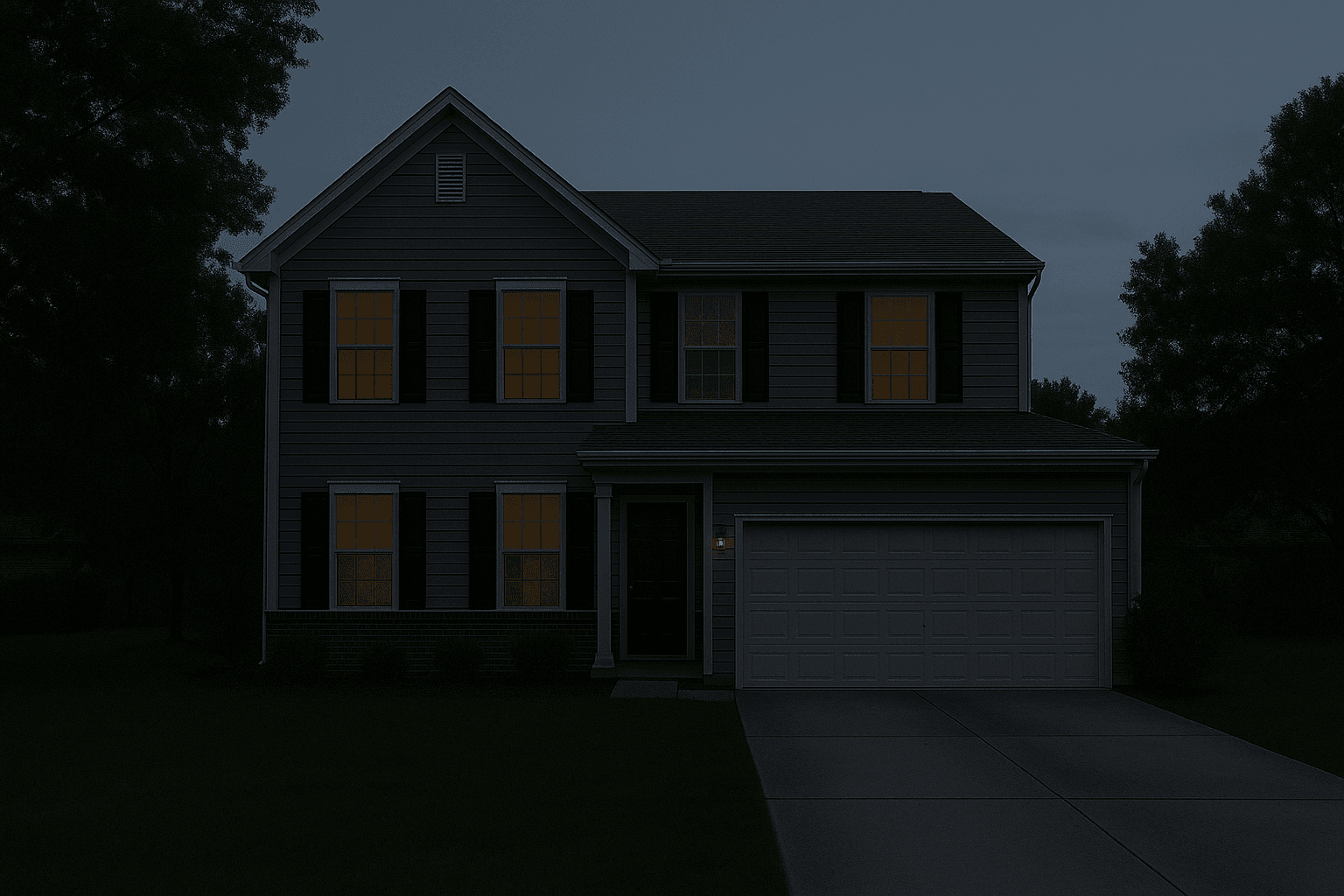
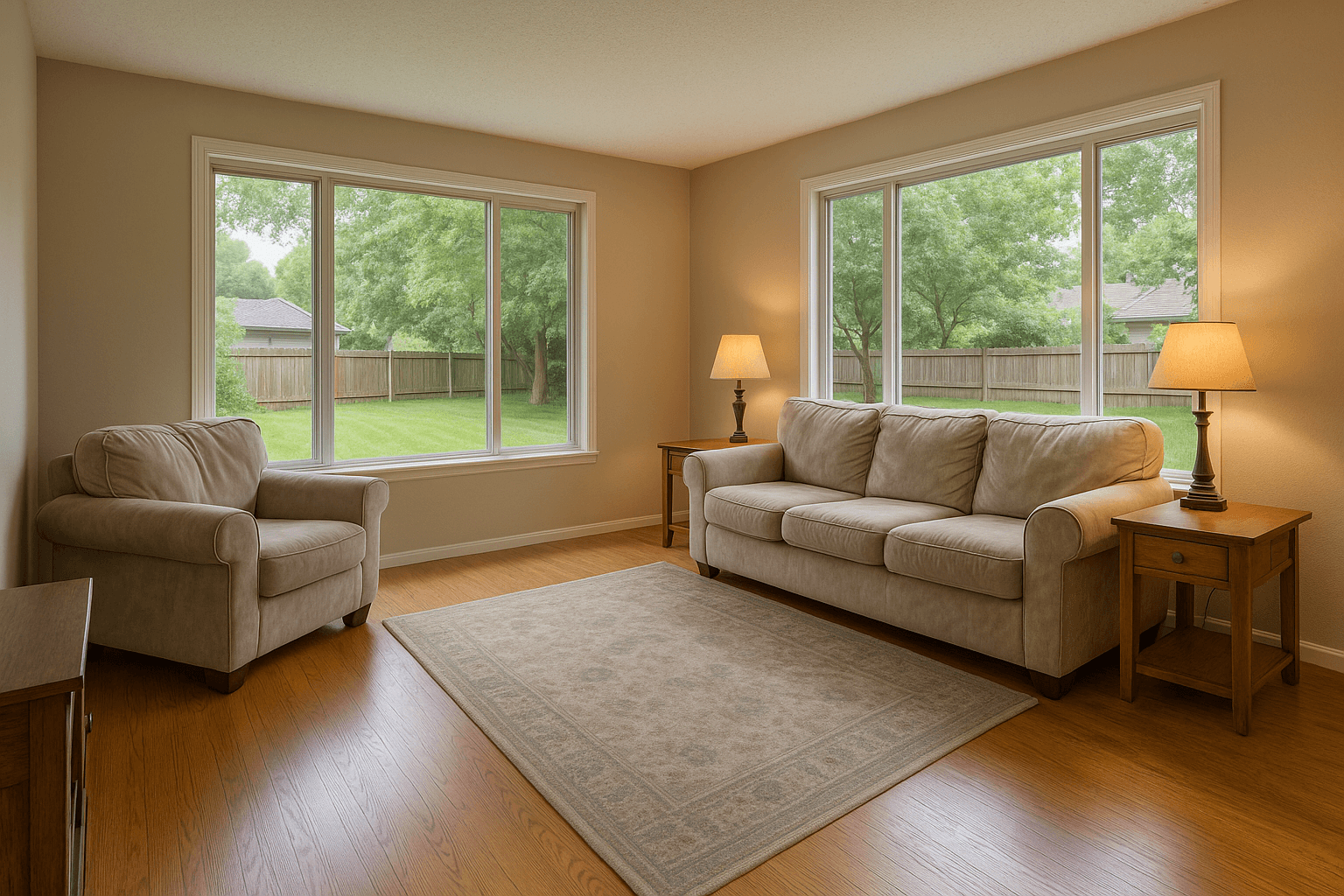

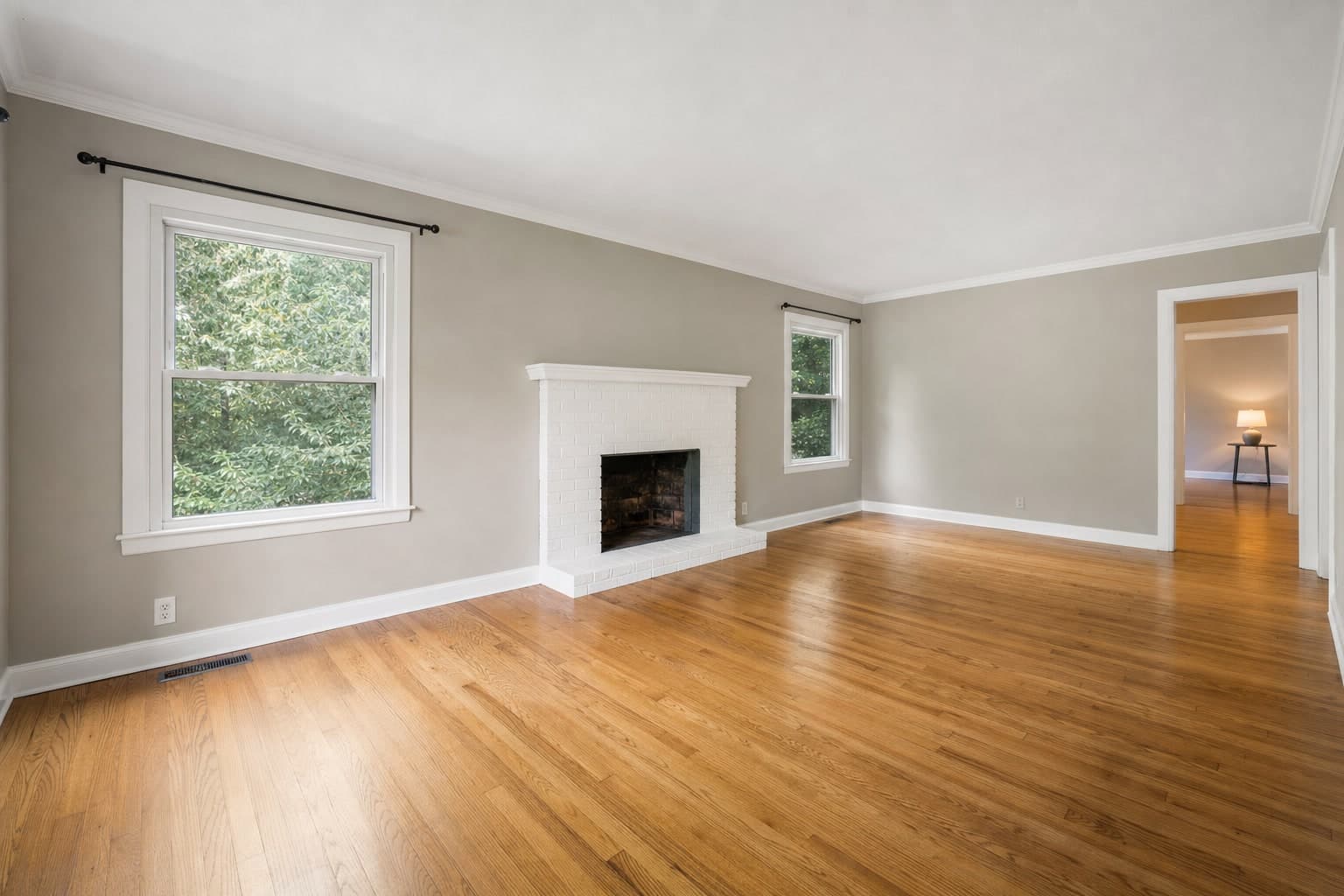
The AI tools on the rail
- Remove
- Declutter
- Reflection
- Surfaces
- Window
- Lighting
- Screens
- Exterior
- Weather
- Holiday
- Renovate
- Object
- Generative
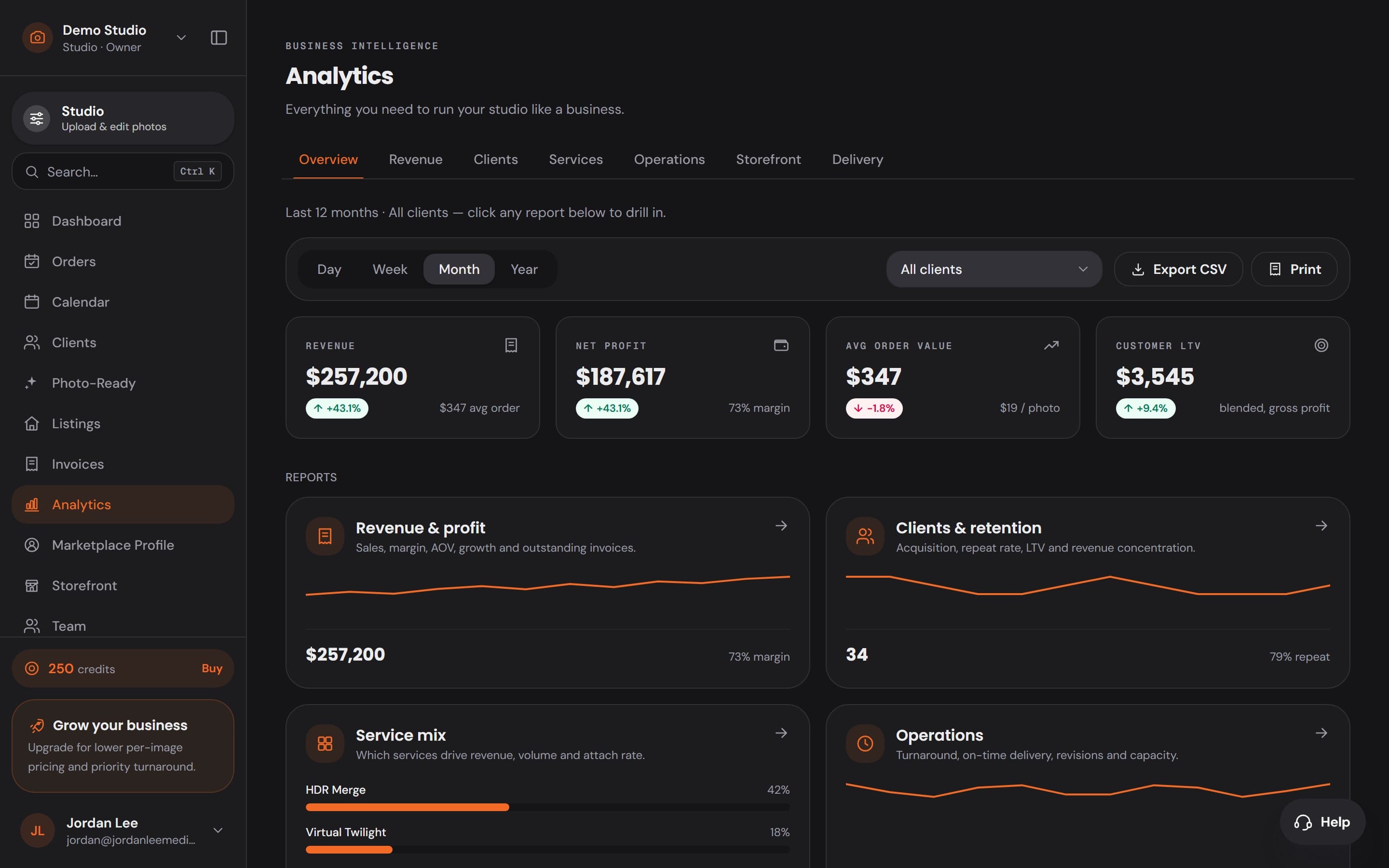
The business side is already built in.
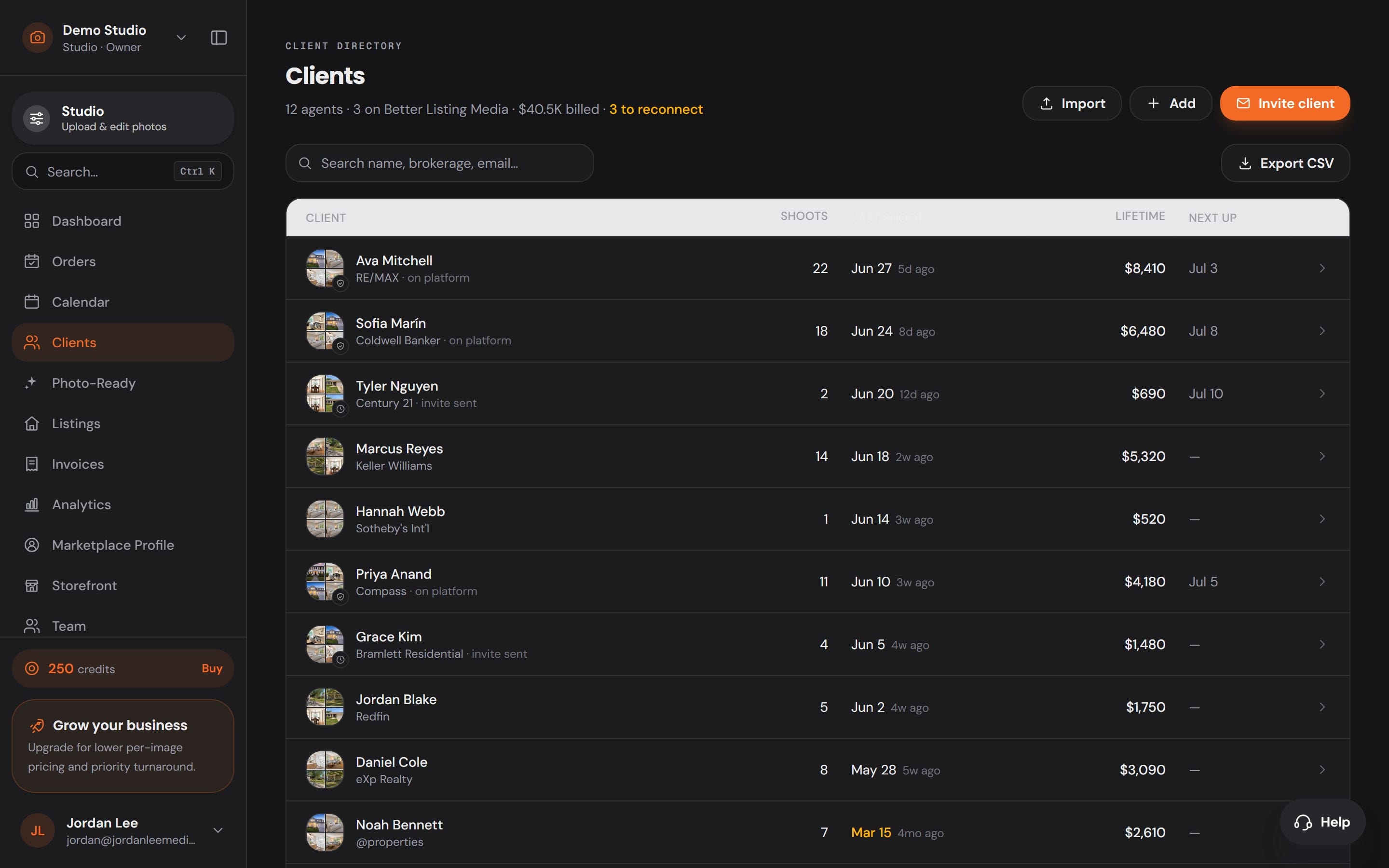
12 Workspace apps sit one click from the editor, so the client, the calendar and the money never live in another tab.
Clients who come back
Every agent, their shoots, what they have spent and when they booked last.
Numbers you can run on
Revenue, profit, repeat clients and the Service mix, from the jobs themselves.
- Dashboard
- Orders
- Calendar
- Clients
- Photo-Ready
- Listings
- Invoices
- Analytics
- Marketplace Profile
- Storefront
- Team
- Organization
A real app, not a browser tab.
It opens in its own window, remembers where you worked, and moves between Studio and Workspace in a keystroke.
Ctrl+Shift+1 and 2
Jump to Studio or Workspace from anywhere. ⌘ on a Mac.
Card import
Plug in a camera card and the shoot is listed. On Windows.
The website stays out
Pricing and help open in your browser, so the app stays the app.
Always current
New Studio and Workspace features arrive without reinstalling.
Studio on your phone
The shoot goes to Studio
before you get home.
Plug the card into your phone in the driveway. The frames are grouped into shoots, matched to your calendar, and sent with the Services you picked — so the HDR merge is done before you are back at the desk.
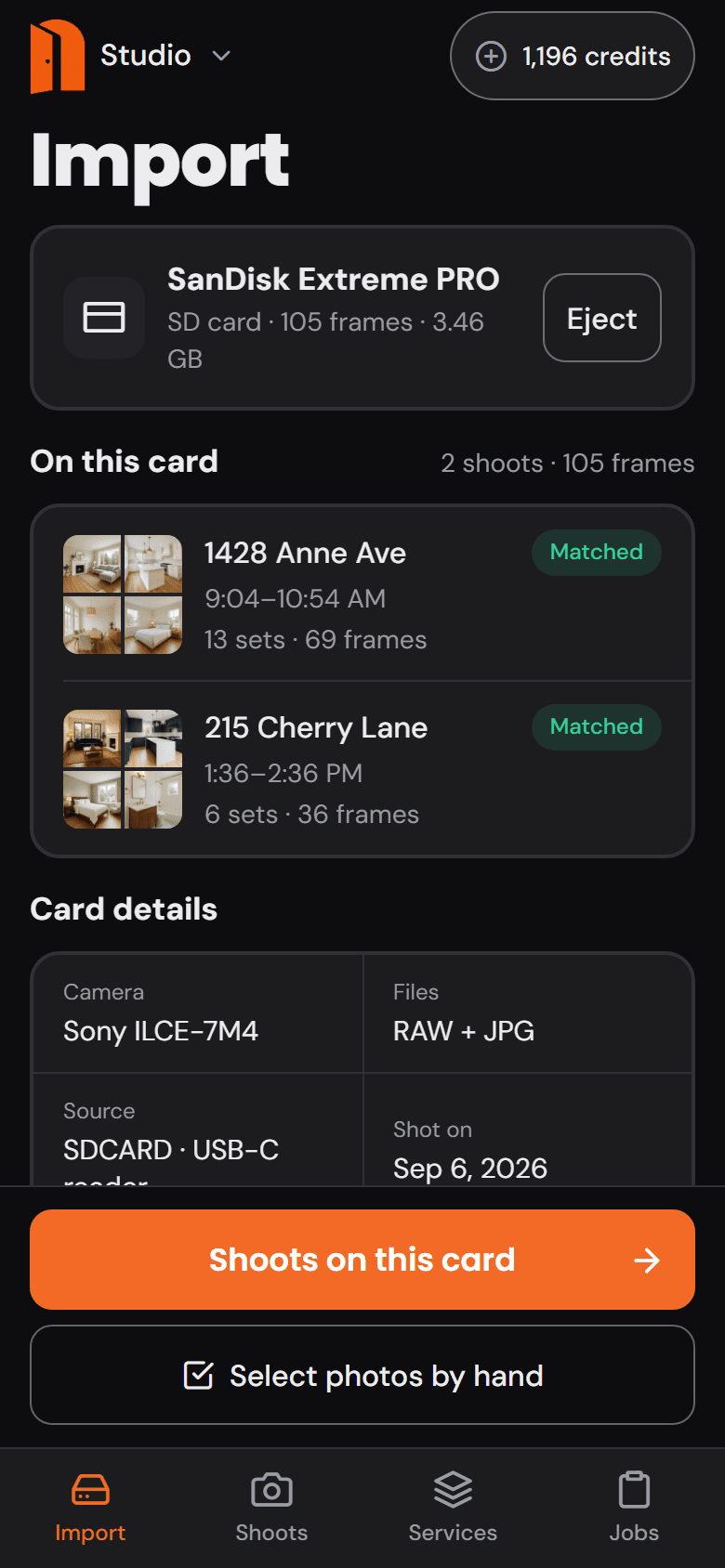
Plug in the card
The frames come off the card before you leave the driveway.
Plug the card into your phone. Studio reads every frame and its capture time, counts the bracket sets, and shows you what is on it — nothing to sort, nothing to name.
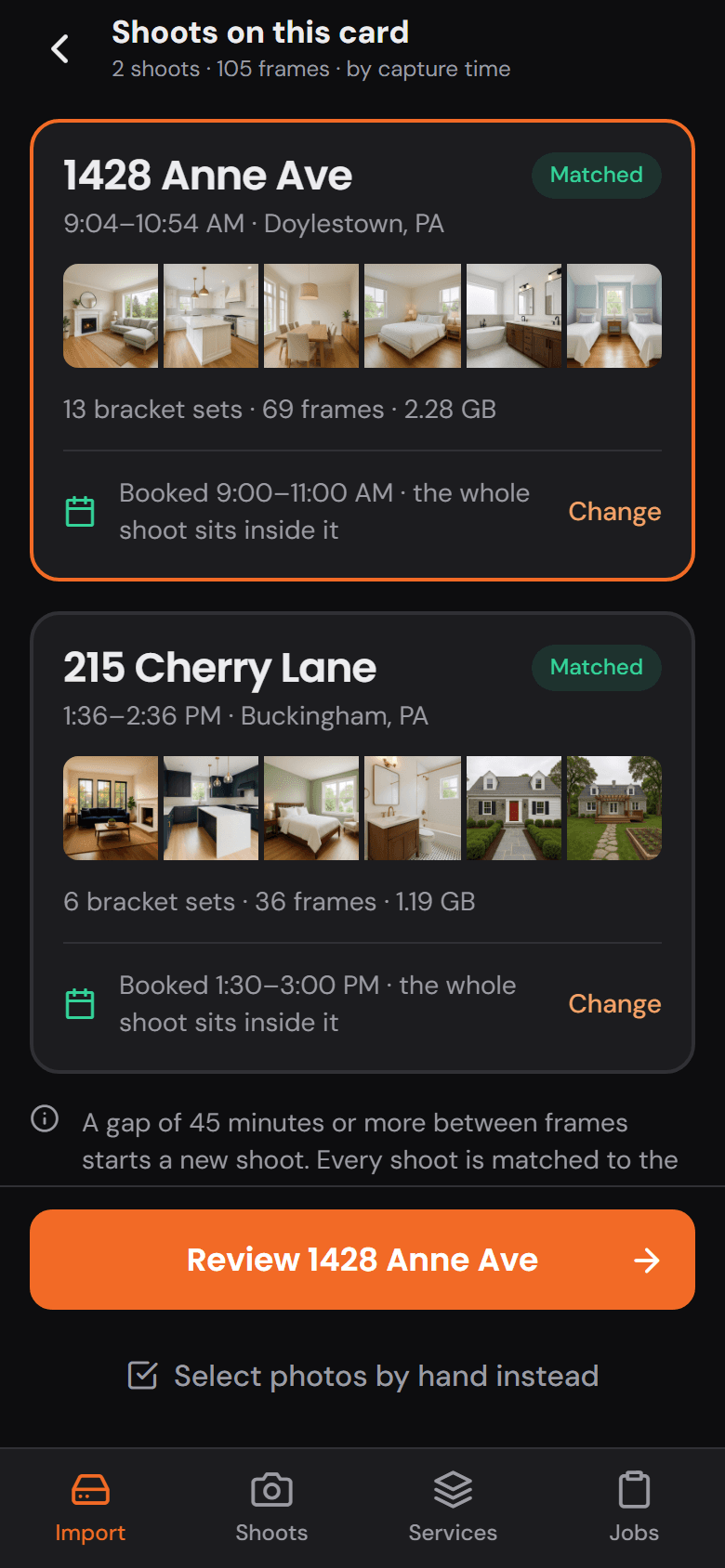
Grouped and matched
Two shoots on one card become two orders, matched to your calendar.
A gap in the timestamps starts a new shoot. Each one is matched to the booking whose window it falls inside — the address, the client and the time are already on it.
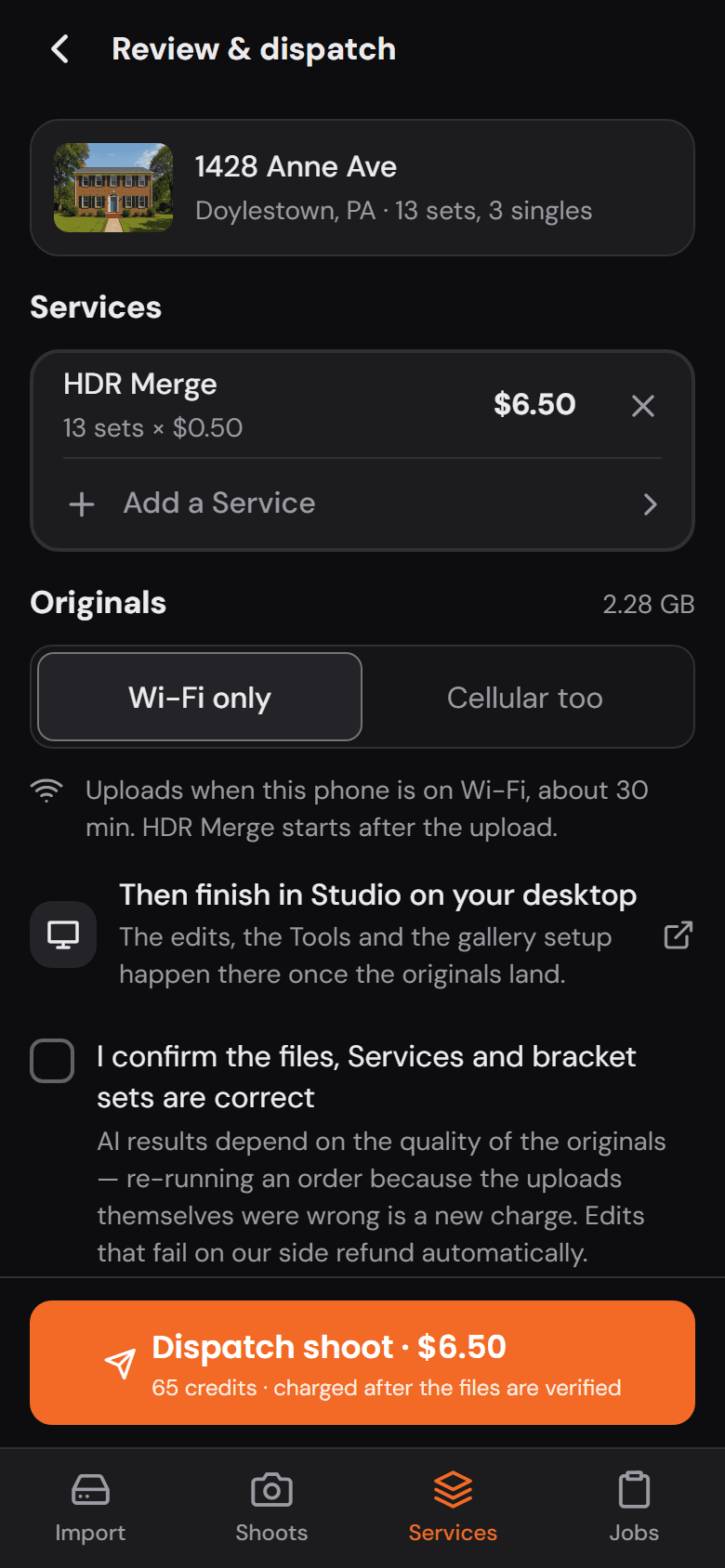
Order the Services
Pick the Services on the way. The price is on the button.
HDR Merge on every set, a preset per photo for Virtual Twilight or Virtual Staging, and the total in dollars and credits before you send it. The originals upload in the background — Wi-Fi only, or cellular too — even with the app closed.
Finish on the desktop
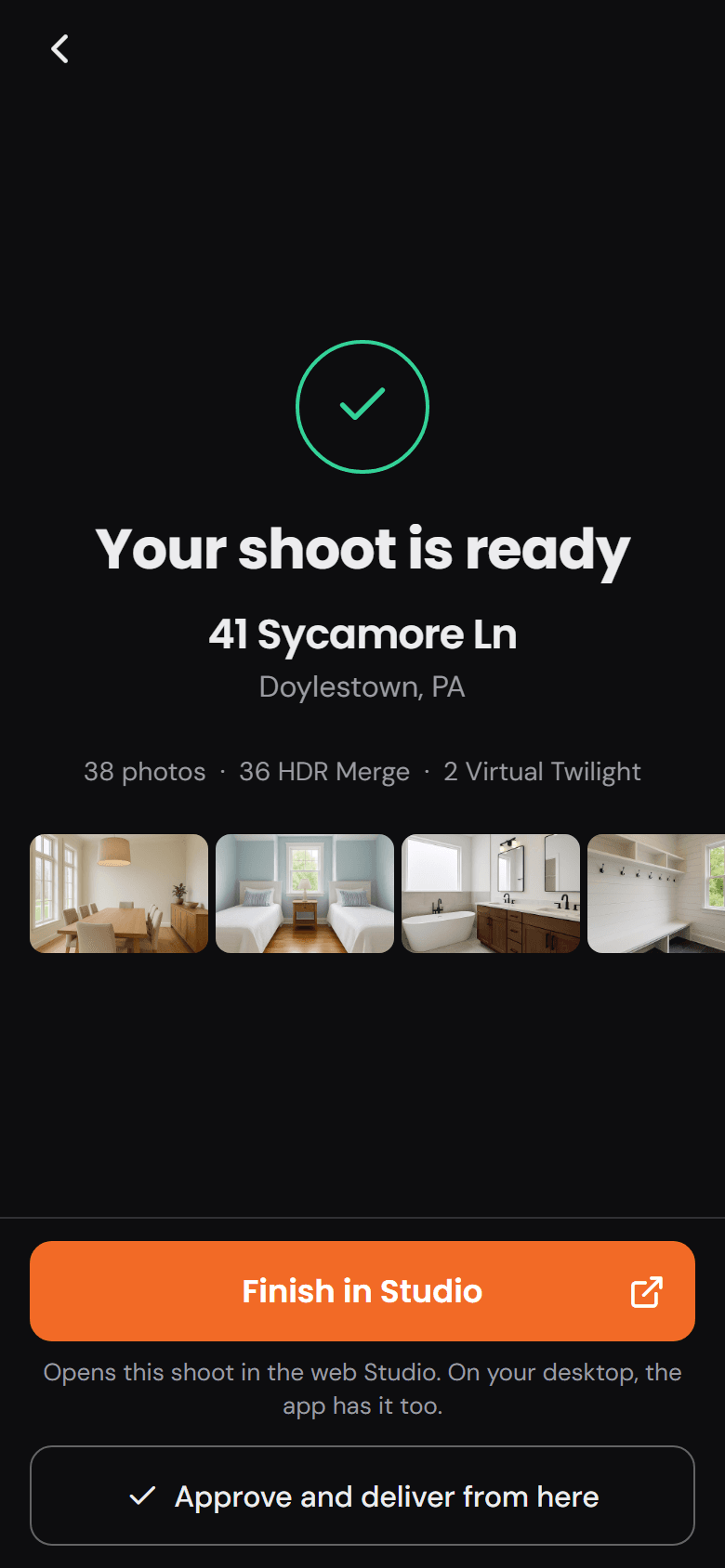
A notification when the merge lands. The rest is finished in Studio.
The phone tells you when the shoot is ready. Approve and deliver from there, or open it in Studio on your desktop — the tools, the presets and the gallery setup are waiting on the big screen.
Download the app
Install it, sign in with your Better Listing Media account, and pick up where you left off.
Desktop apps
Version 0.1.2
What changed in 0.1.2: The door mark's handle now shows at every size, and the taskbar icon is drawn at the taskbar's own size, sharp and full height.
Mobile apps
Version 0.1.0
- Free to download
- One account for web, desktop and phone
- Needs an internet connection
Questions about the app
Is the desktop app different from Studio and Workspace on the web?
It is the same Studio and Workspace, with the same account, shoots, orders and clients. The app adds its own window, card import on Windows, and keyboard shortcuts for moving between the two.
How does the AI work, and what does it cost?
Services such as HDR Merge and Virtual Twilight run on Better Listing Media's servers. The price shows before anything runs, you approve every image before it is delivered, and a failed edit refunds automatically.
Does it work offline?
No. Editing, rendering and delivery run on Better Listing Media, so the app needs an internet connection. Your work is not kept only on one computer.
Which computers does it run on?
Windows 10 or 11 (64-bit) and macOS 11 Big Sur or later. On Windows, the installer adds Microsoft Edge WebView2 if the PC does not already have it.
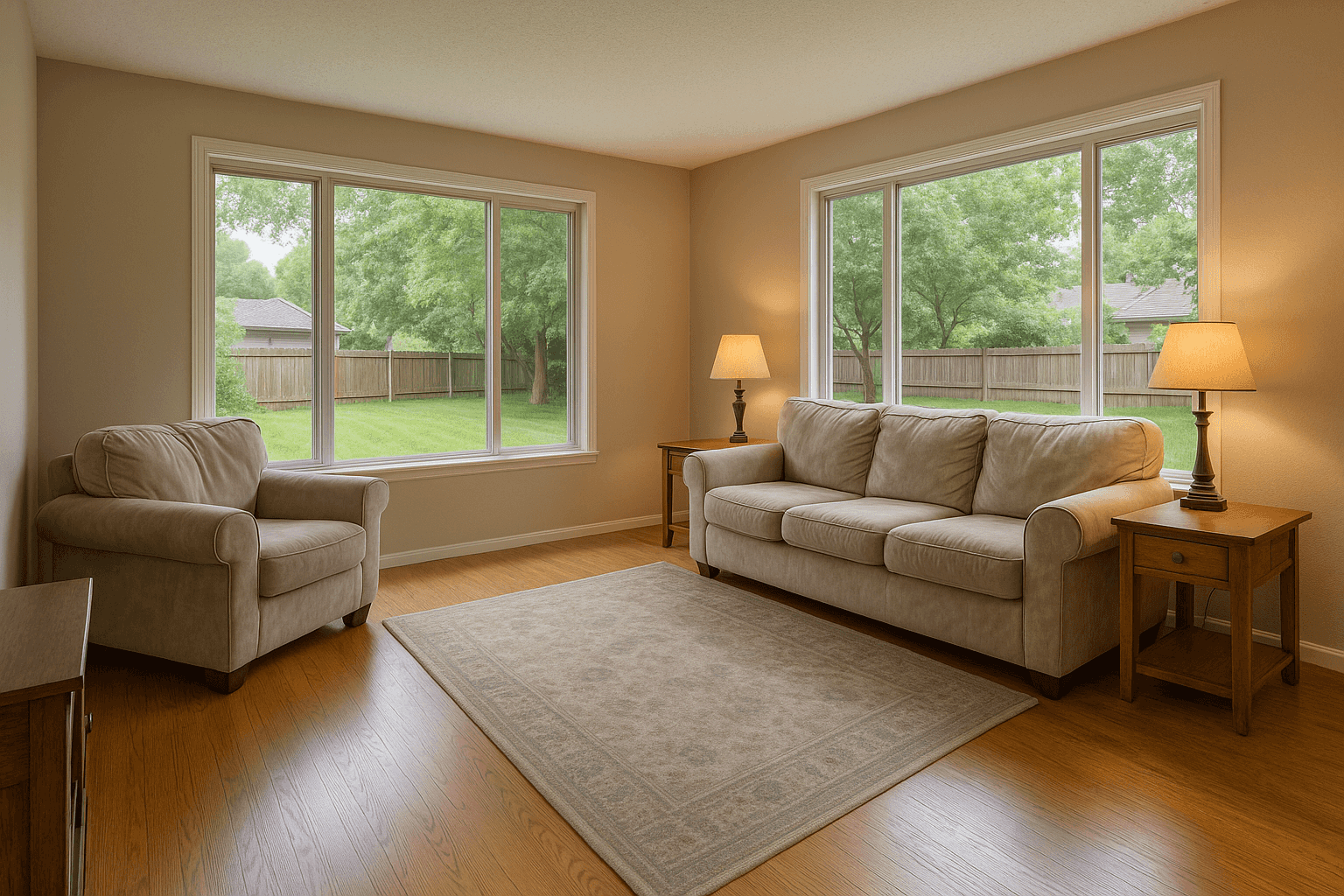
Your next listing, start to finish, in one app.
Create your free account on the web, then sign in to the app with it.