
White-label delivery
Delivery that lookslike your studio
The handoff is the moment clients judge you. Deliver every shoot through a branded portal at your own address — not a file-sharing link.
- Part of the Better Listing Media workspace
- Free plan — publish your storefront
- No credit card required

What it does
The handoff that markets you
Every shoot hands off through a portal at your own domain or gallery slug: a designed cover with the property up front, a stat band for the delivery, the full-resolution gallery, and downloads scoped the way you want them. Your name, your logo, your colors — nothing about the moment says third-party tool.
The cover
Full, split, or minimal cover layouts with a custom cover image — or the delivery's lead photo — and an overlay tint that fits the set.
The stat band
Photos, delivered date, formats, and job number at a glance. It's a toggle — show it, or hide it per portal.
The gallery
The full set in a grid, masonry, or filmstrip layout, two to four columns wide — and clients star their favorites, so you know which frames they'll actually use.
The downloads
Download rows scoped the way you want them, your welcome note up top, and an expiry on the link so old galleries don't float around forever.
1 / 42Delivered today
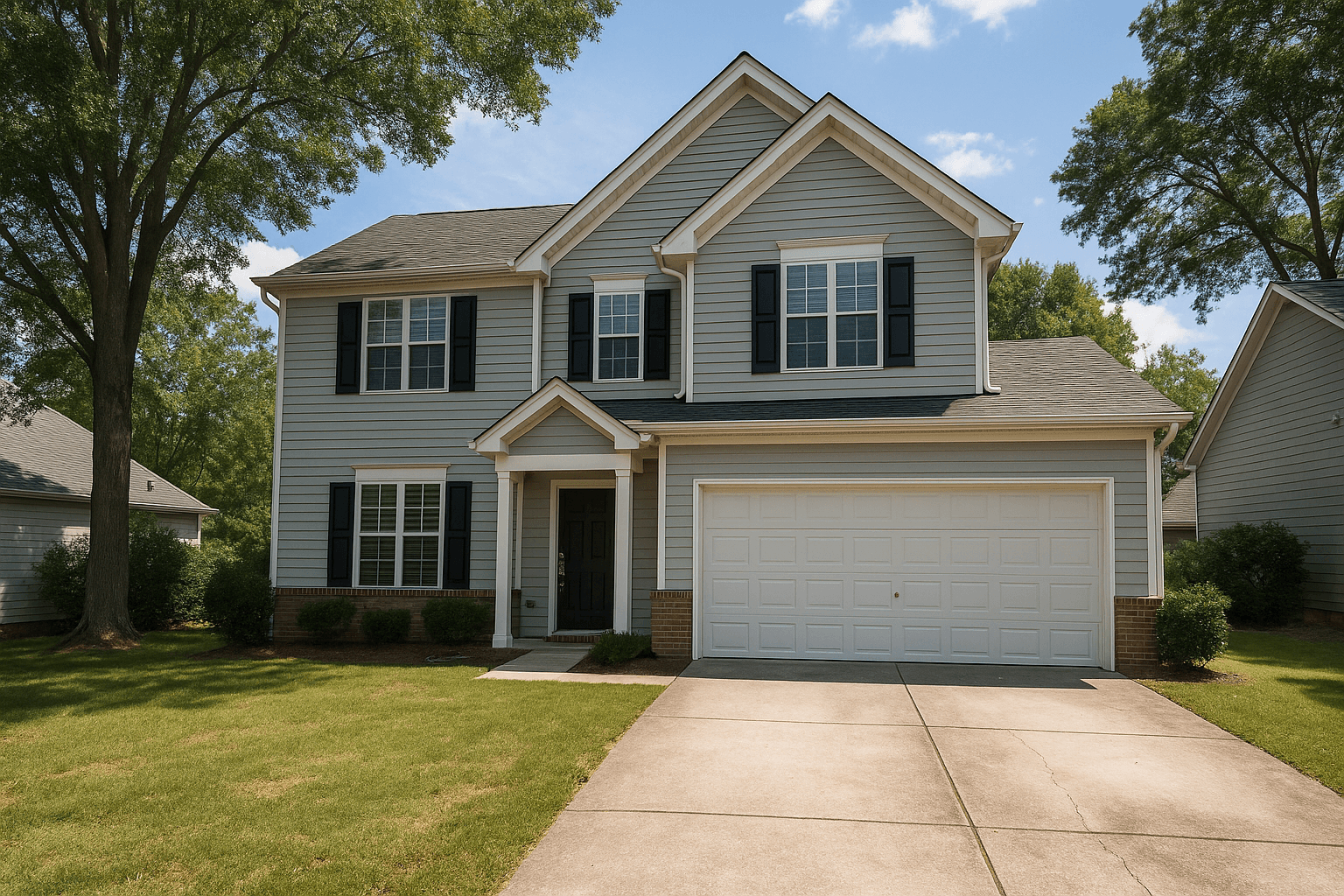
214 Birchwood Ln, Austin, TX 78704
Photos
42
Delivered
Today
Formats
MLS + web
Job
#BK-1042
Your listing is ready
Gallery · 42 photos
3 selected
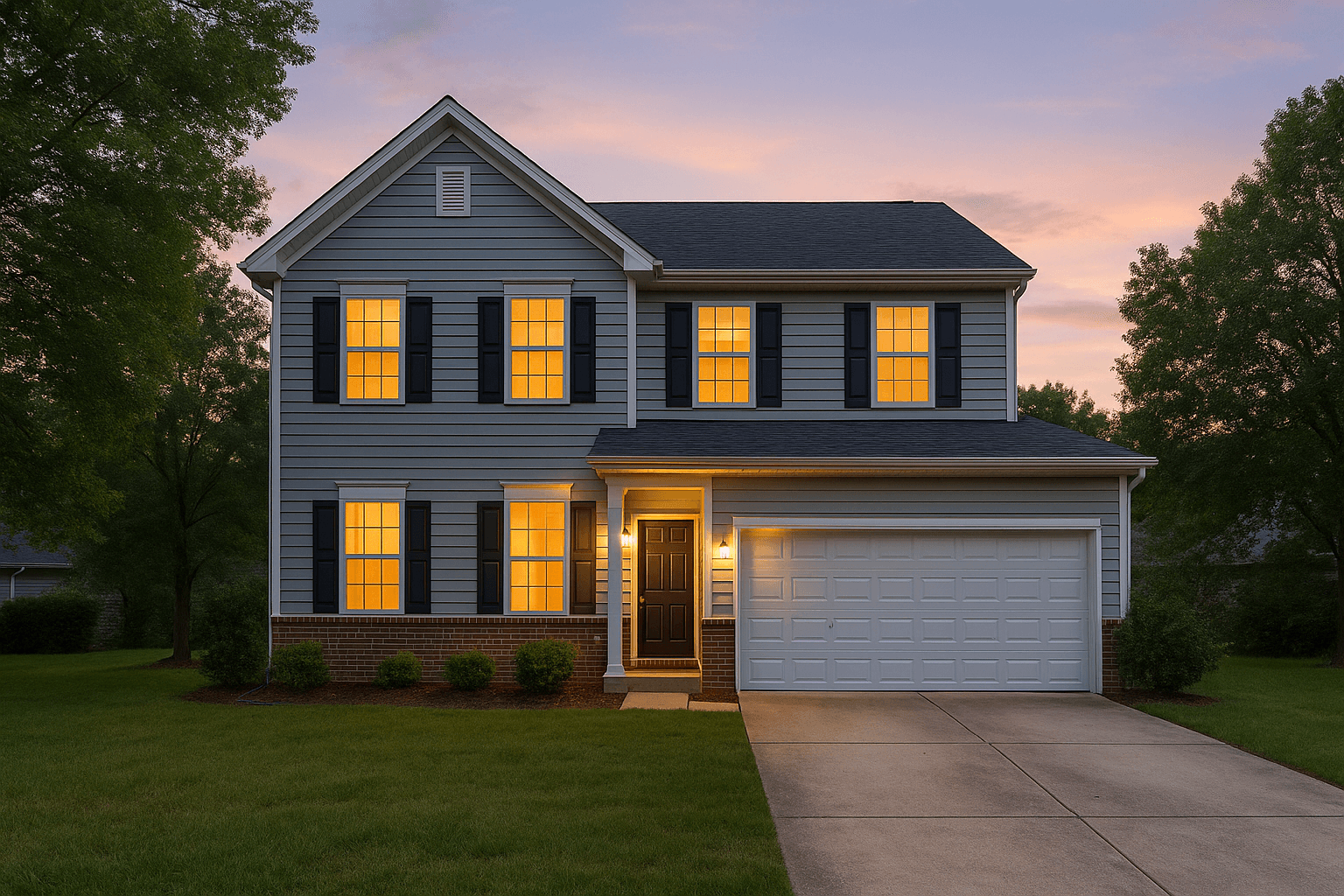
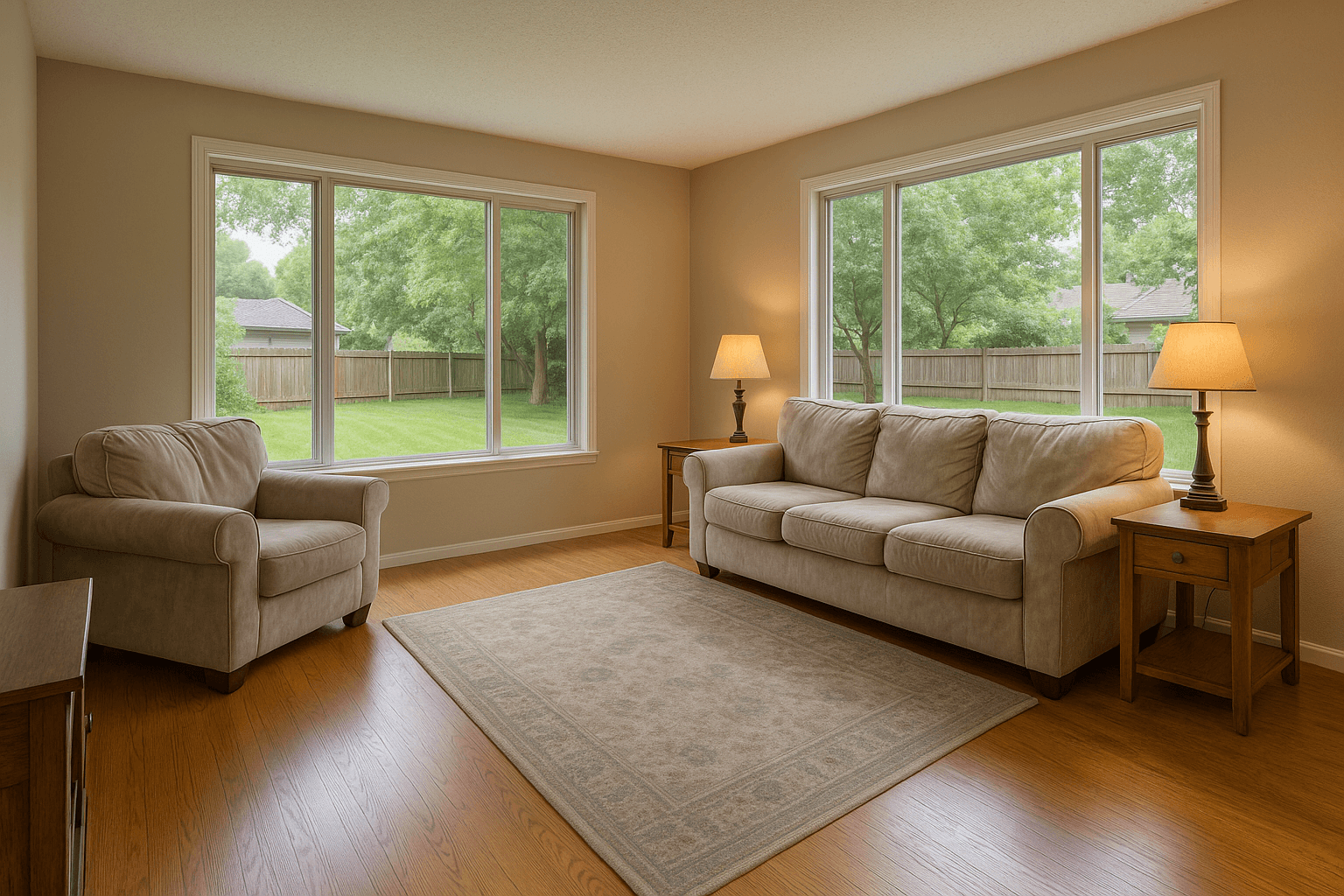
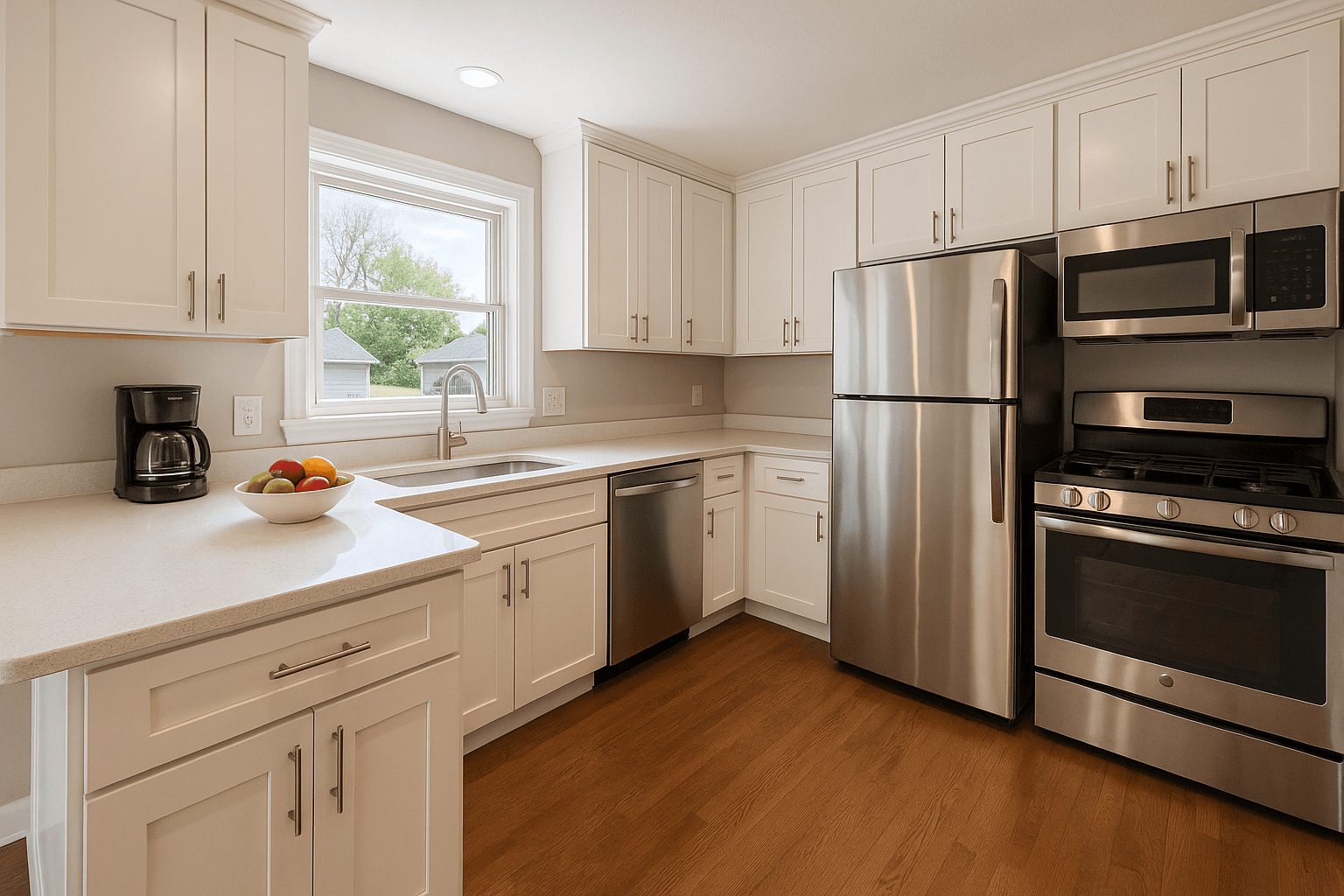
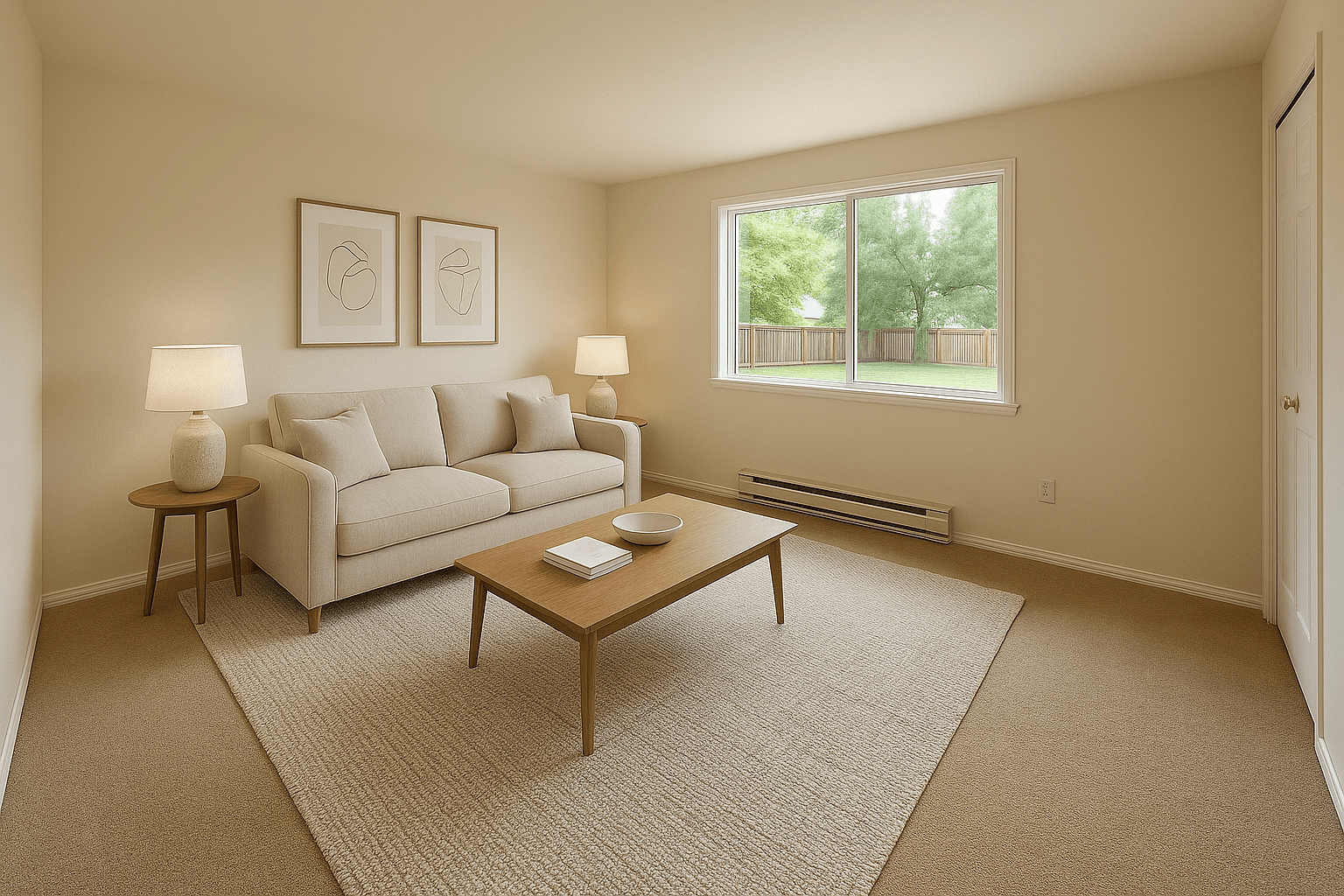
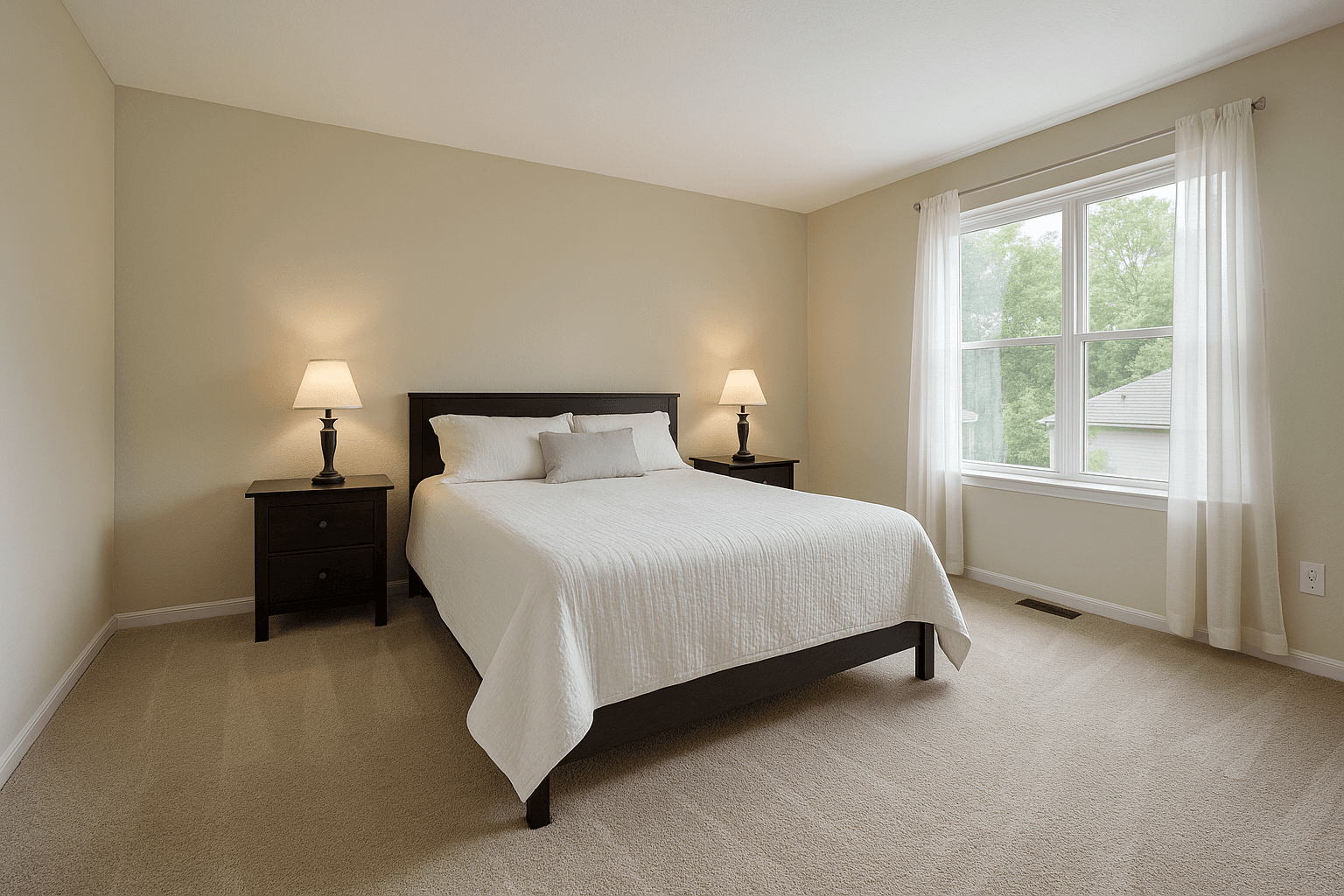
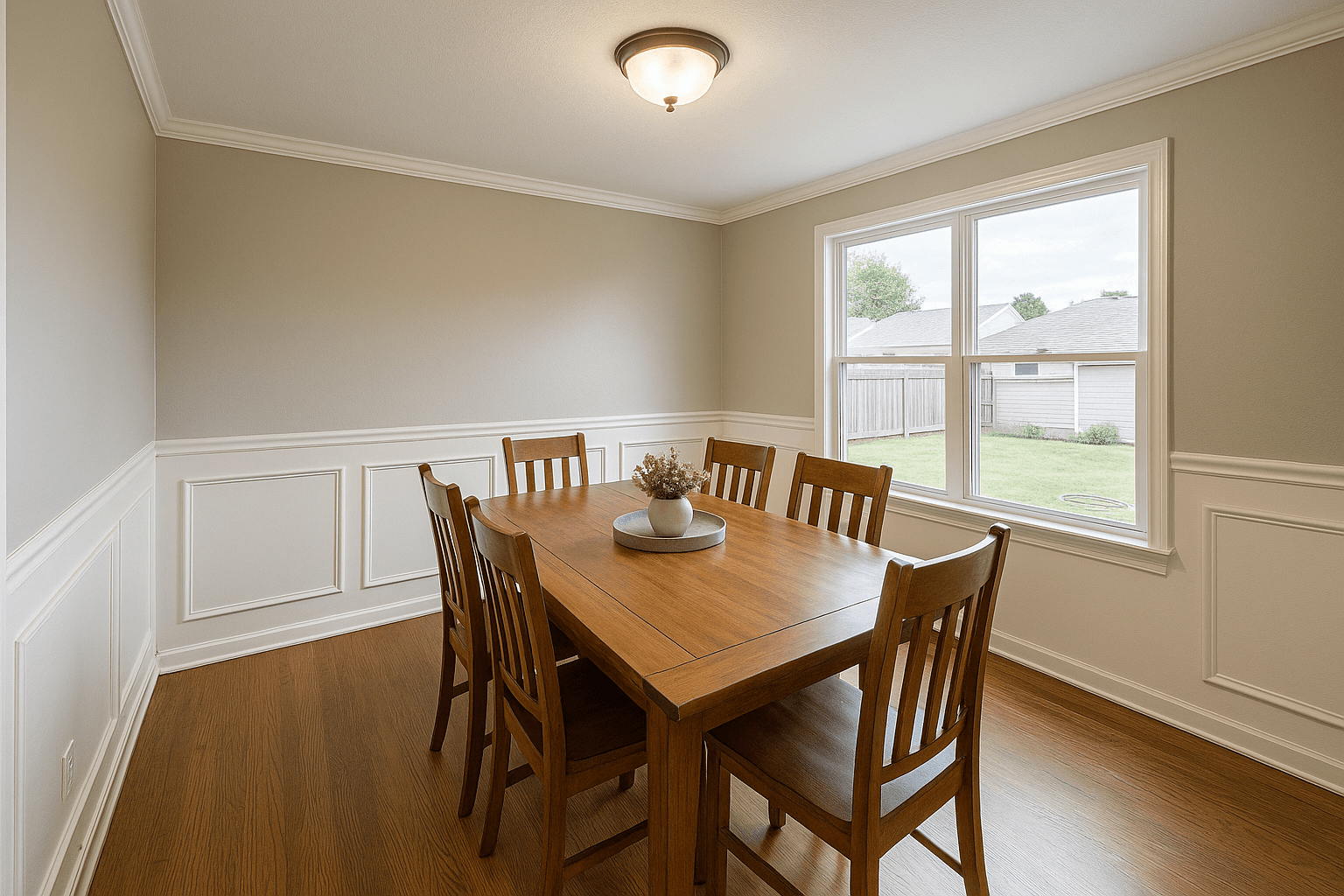
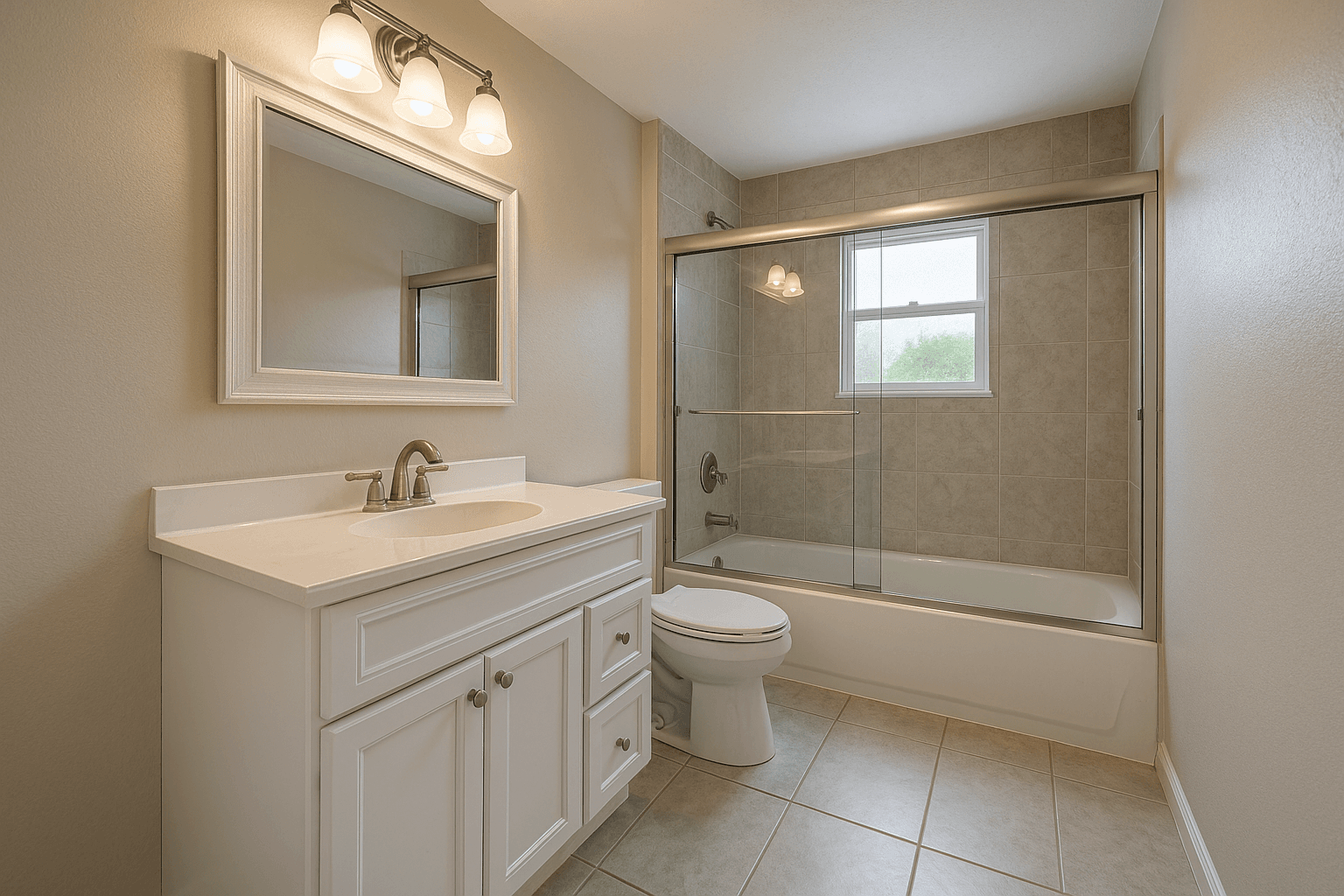
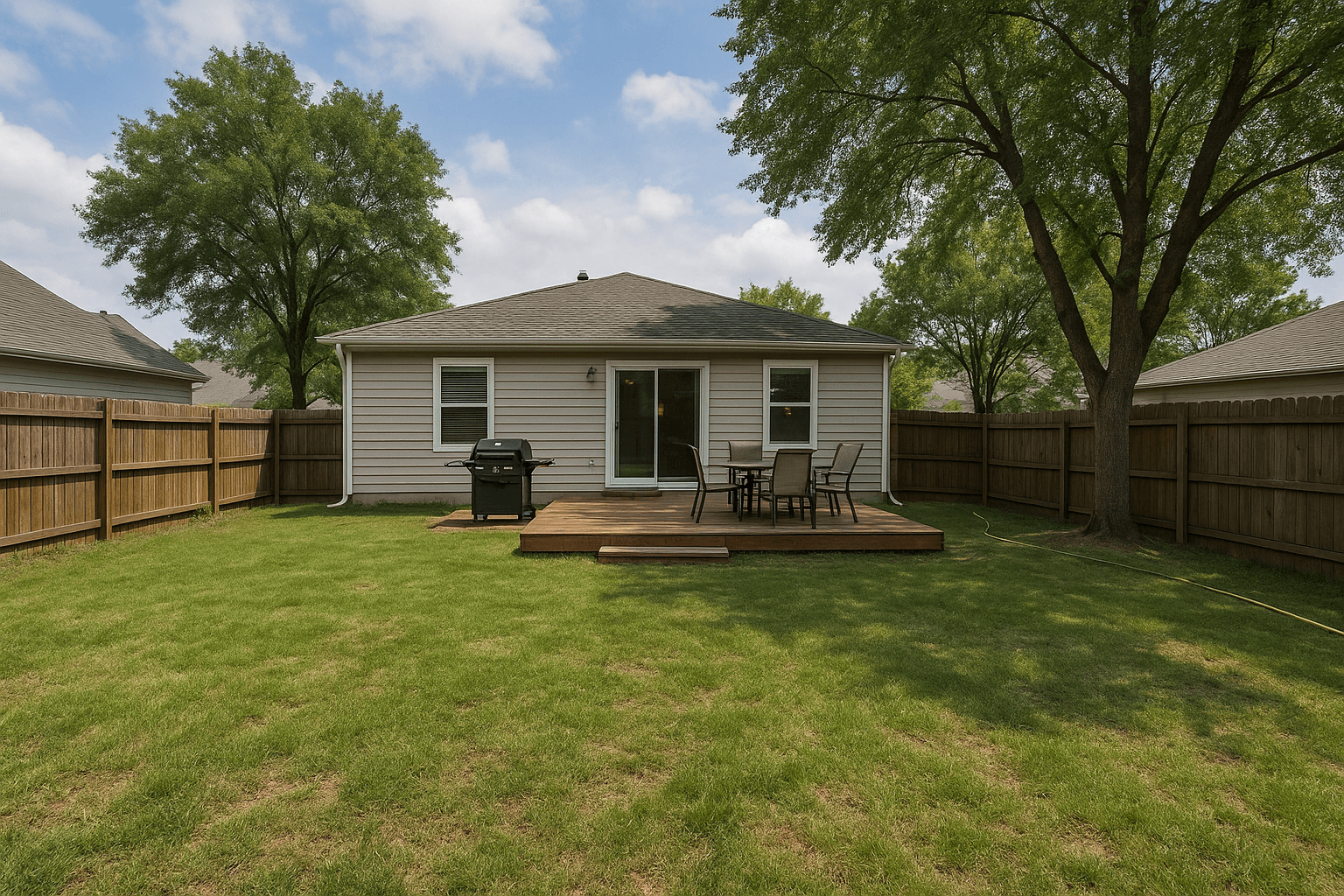
Download
This gallery is available for 30 days.
Sections — Downloads, Photo gallery, Agent card, Rebooking CTA — reorder or hide each per delivery.
Theming
Your brand by default — the portal’s own when you want it
By default the portal inherits your storefront brand, so the look a client booked through is the look that delivers. Switch inheritance off and the portal carries its own colors, corners, scheme, and type — for when the delivery should stand apart.
Brand controls are part of the builder on paid plans; every plan ships the professionally designed portal from day one.
Shared brand on — one brand, three surfaces
Delivered today
214 Birchwood Ln, Austin, TX 78704
Your listing is ready
42 photos · #BK-1042 · MLS + web
Download controls & expiry
You decide what downloads — and for how long
Choose what’s downloadable, write the portal’s welcome copy, and set an expiry on the link — in days, or zero for no expiry at all.
Downloads & welcome
Delivery & footer
Your workspace — set once per portal
Your listing is ready
Download below, or open the gallery to pick favorites.
This gallery is available for 30 days.
Their portal — old galleries don’t float around forever
Portal vs file link
A file link delivers files. A portal delivers your studio.
The client’s lasting impression is your brand — and the handoff becomes the start of the next job instead of the end of this one.
Any file-transfer link
- A folder of files under someone else's logo
- No cover, no address — the subject line does the marketing
- The link lives, or dies, on their schedule
- Ends at the download — a dead end
Your delivery portal
- A designed cover with the property up front
- Your name, your logo, your colors — on your storefront's own address
- A delivery stat band and the full-resolution gallery
- Download controls with an expiry you set
- Agent card and rebooking blocks
What you get
Built into every delivery
Your address, your name
Galleries live at your own domain or slug. The client bookmarks you, not a file-transfer service.
Covers with presence
Full, split, or minimal cover layouts with a custom cover image — or the delivery's lead photo — and an overlay tint that fits the set.
Download controls and expiry
Decide what's downloadable, set the welcome copy, and put an expiry on the link so old galleries don't float around forever.
Portal-specific theming
Inherit the storefront brand by default, or give portals their own colors, corners, scheme, and font when the delivery look should stand apart.
More than a folder of photos
Marketing kit, agent card, and rebooking sections turn the handoff into the start of the next job instead of the end of this one.
Consistent with the booking
The brand a client booked through is the brand that delivers — one look from first click to final download.
How it works
Finished shoot to sent link
- 1
Finish the shoot
Edited photos land in your workspace, grouped by delivery and ready to publish.
- 2
Shape the portal
Pick the cover, order the sections, set downloads and expiry, write the welcome note. Your brand is already applied.
- 3
Send one link
The client gets a branded gallery — view, download, grab the marketing kit, and rebook without leaving your name.
Questions
Asked before the first send
How is this different from Dropbox or WeTransfer?
A file link delivers files. A portal delivers your studio: a designed cover, your logo and colors, a delivery stat band, download controls with expiry, and marketing-kit and rebooking sections. The client's lasting impression is your brand, and the last thing they see is a way to book you again.
Can the portal look different from my storefront?
Yes. Portals inherit the shared brand by default, so everything matches without effort — but you can switch inheritance off and give the portal its own colors, corners, scheme, and typography.
What controls do I have over downloads?
You choose what's downloadable, write the portal's welcome copy, and set an expiry on the link. Full-resolution files stay available exactly as long as you decide they should.
What can my client do inside a portal?
View the full gallery, download what you've enabled, pick up the marketing kit, see the agent card, and rebook your next shoot — every one of those blocks can be shown, hidden, or reordered per your workflow.
The rest of the workspace
The handoff
The next gallery goes out under your name.
Set up the portal once in the Better Listing Media workspace — bookings, storefront, and delivery already share your brand, and your storefront can be live today.